Truck Infotainment Features Guide for OEM Upgrades
Share
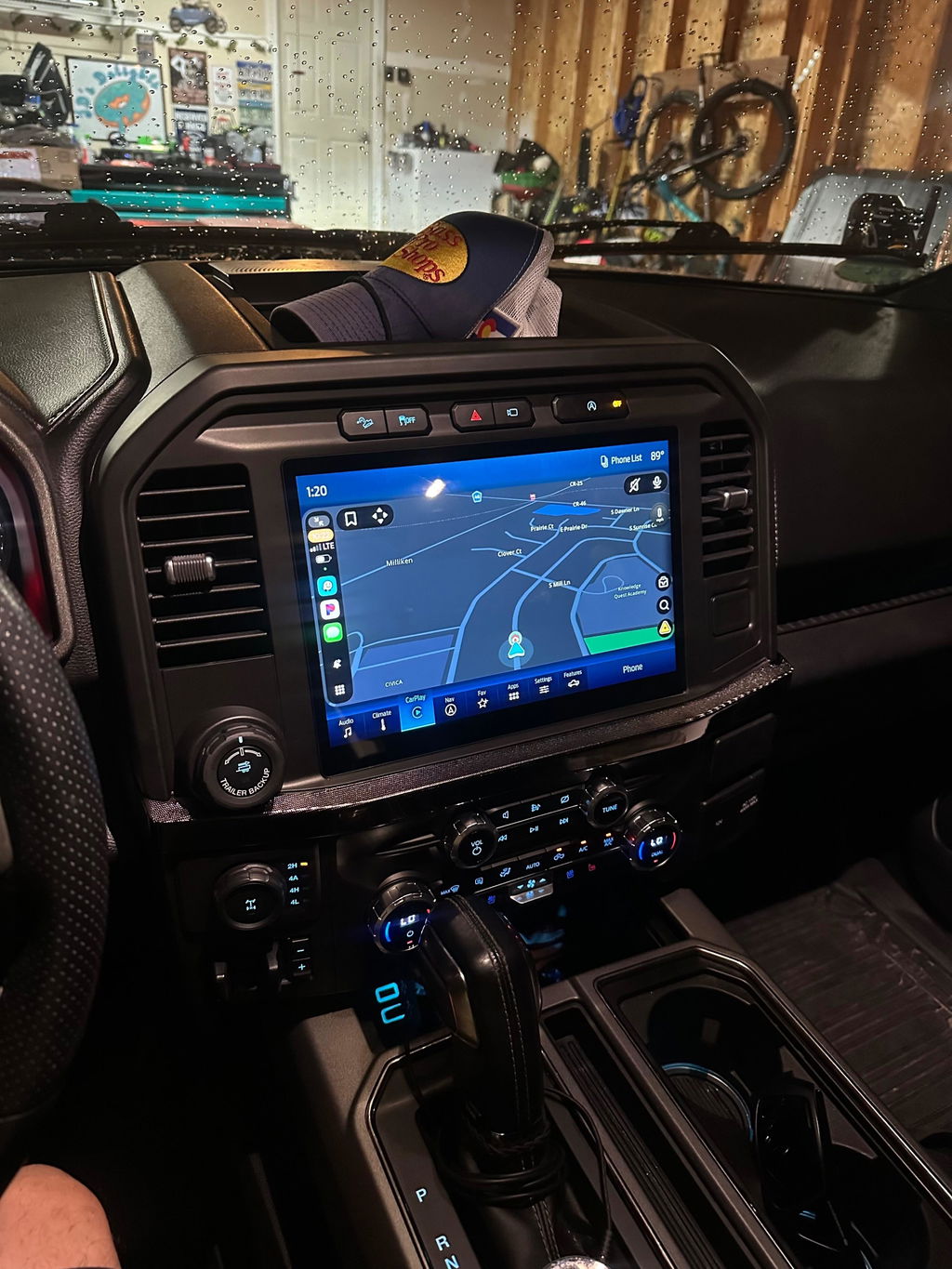
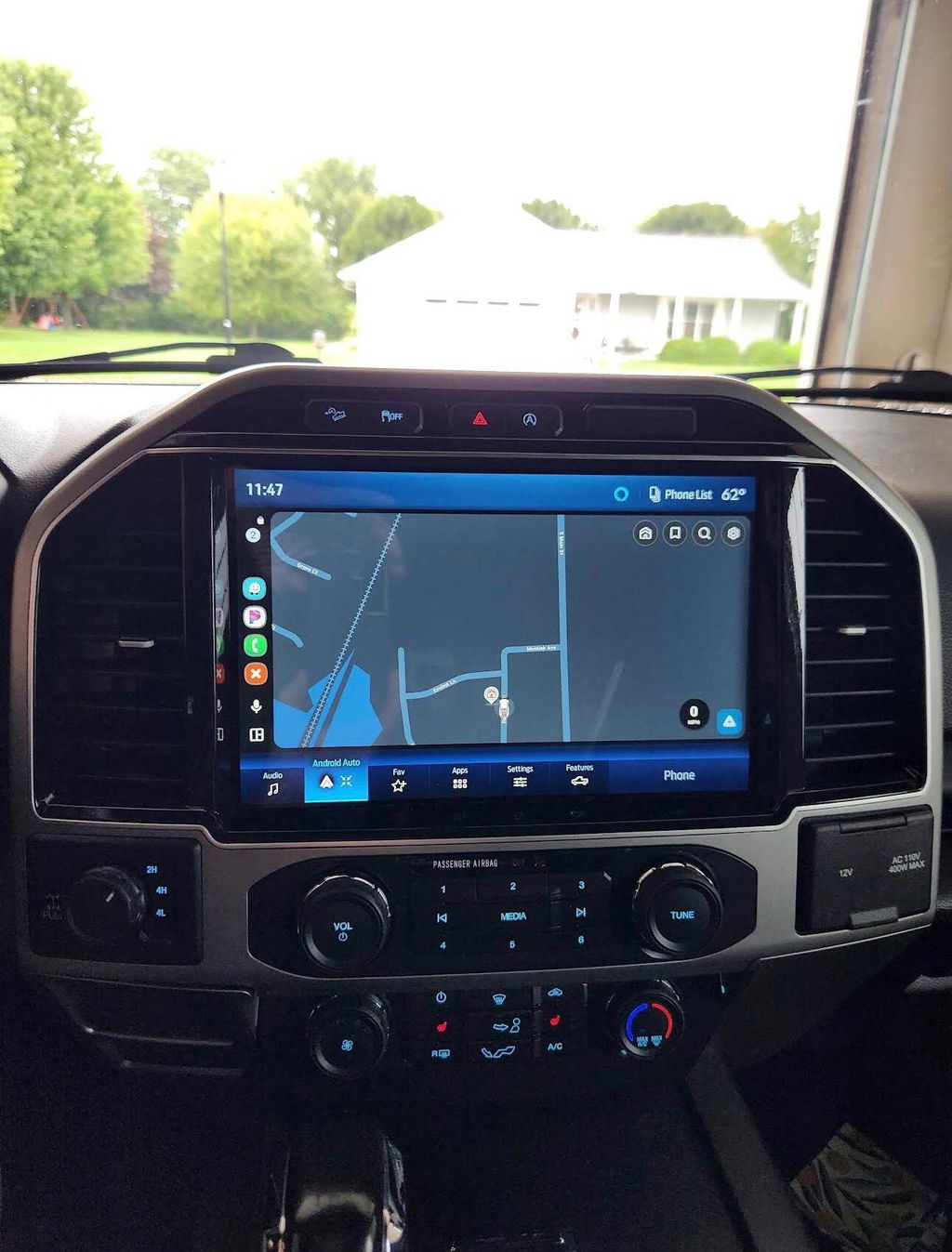
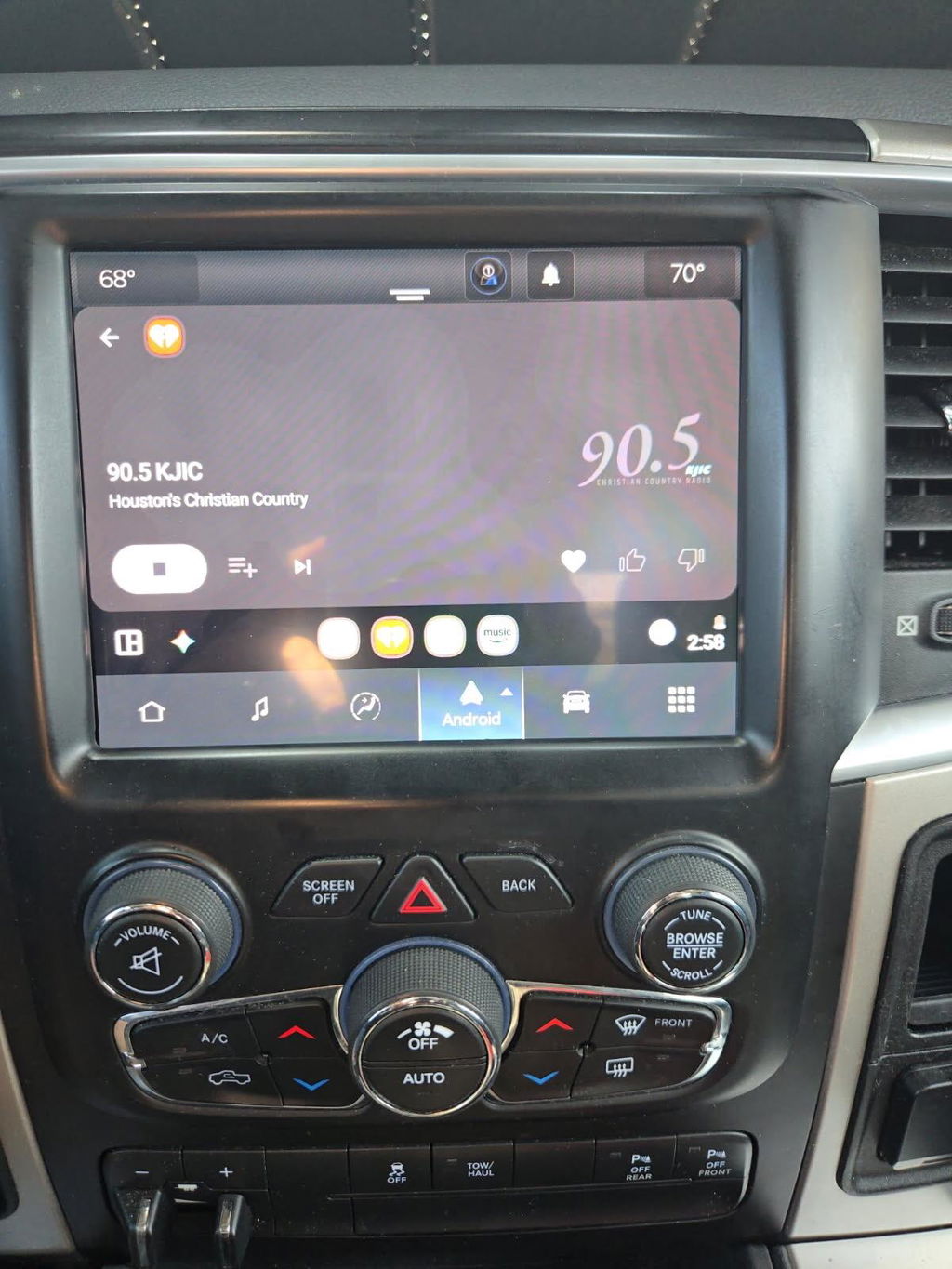
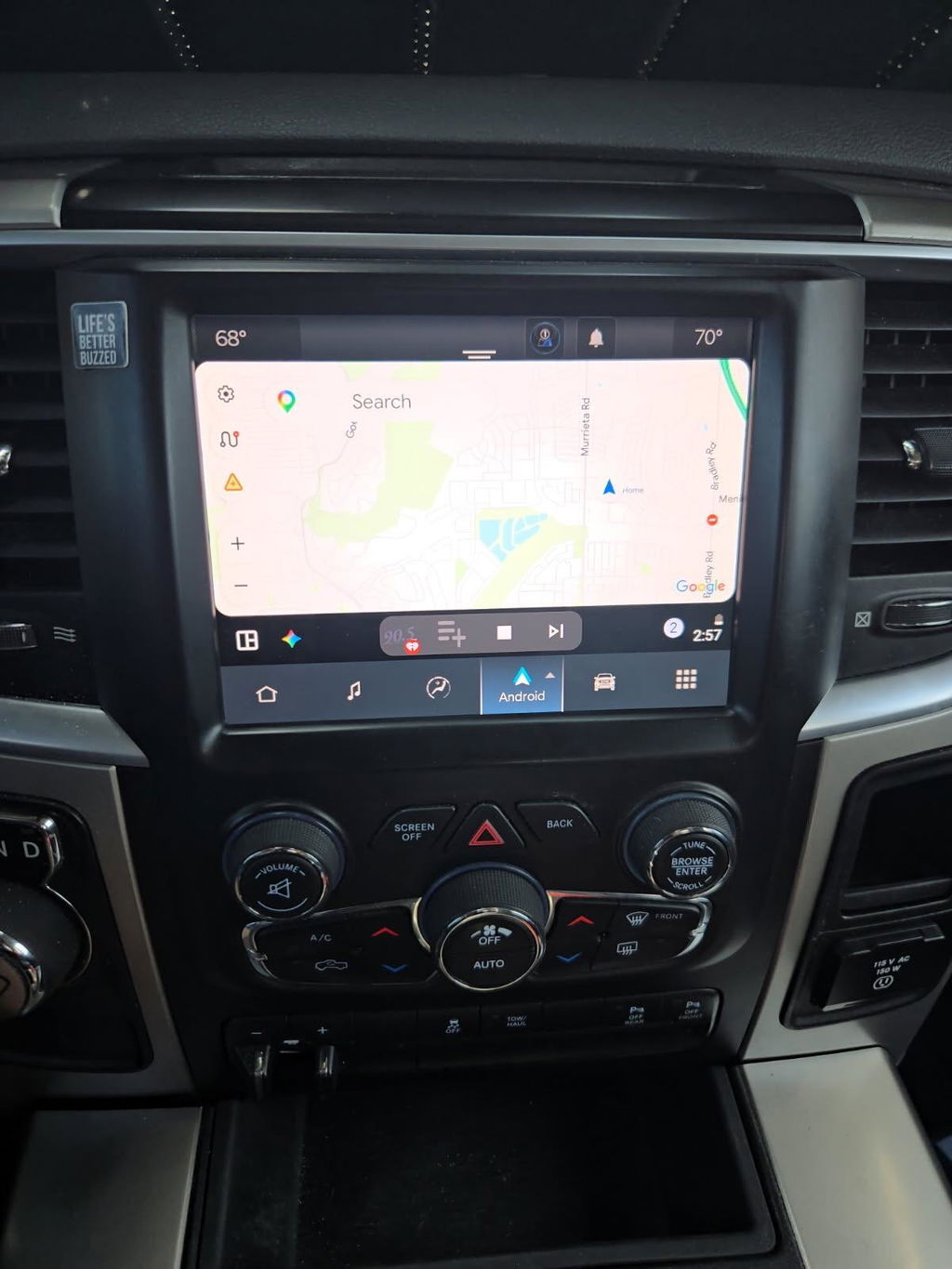
A small factory screen gets old fast when your truck is still expected to handle navigation, work calls, trail maps, camera views, and daily driving. This truck infotainment features guide focuses on the upgrades that make a real difference: OEM-sized touchscreens, wireless smartphone integration, factory camera retention, and vehicle-specific fitment that does not turn into a wiring project.
For Ram and Ford owners, the best upgrade is rarely the biggest screen with the longest feature list. It is the system that works with the truck’s existing modules, controls, cameras, and trim level. That is why an OEM-based, plug-and-play approach is usually the cleaner path than adapting a universal radio to a modern truck.
What Truck Infotainment Features Actually Matter?
Start with the features you will use every time you drive. A modern infotainment system should reduce friction in the cab, not add another device to troubleshoot. For most truck owners, smartphone integration, a responsive screen, dependable navigation access, and retained factory functions carry more value than novelty apps.
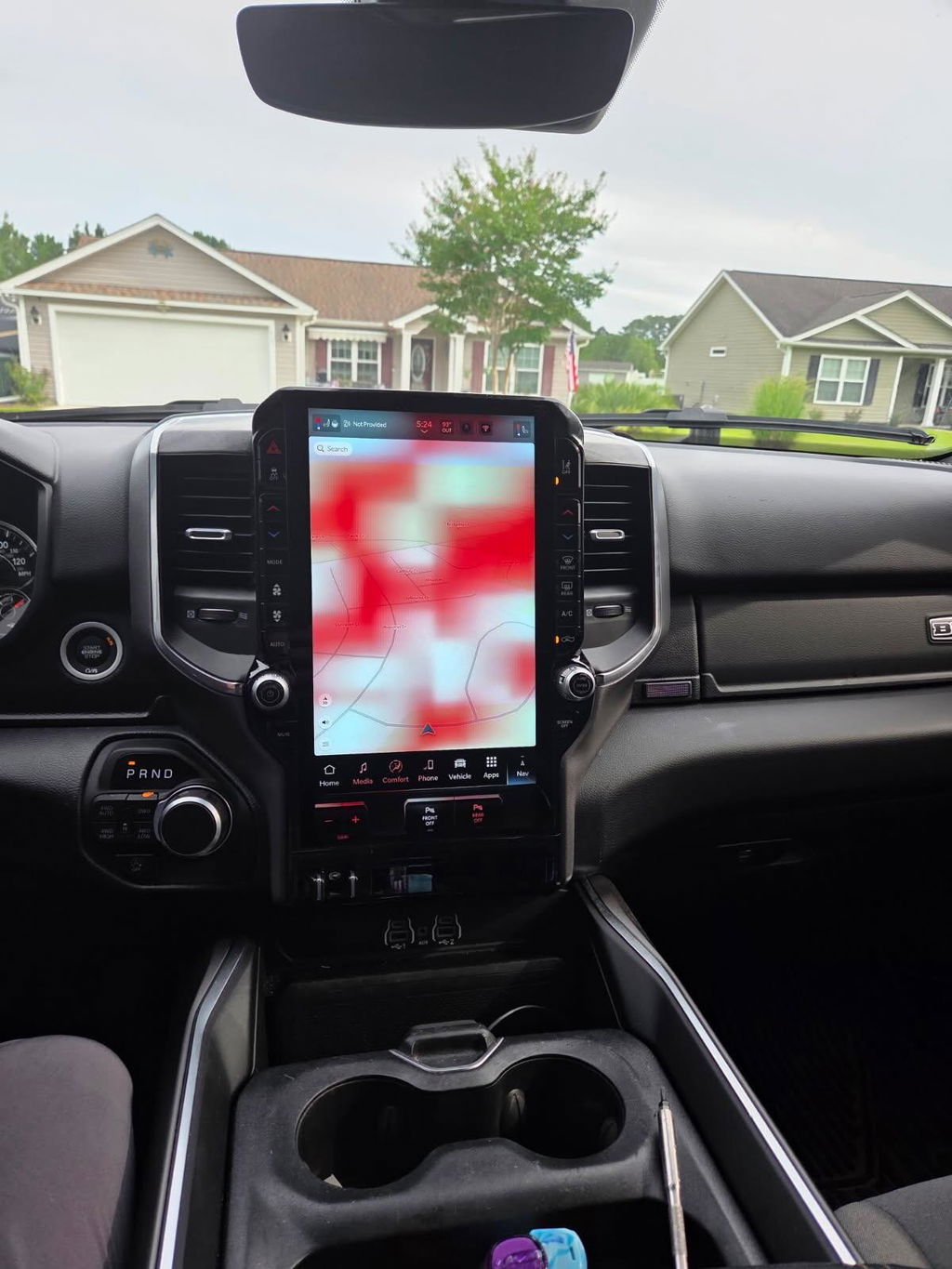
Wireless Apple CarPlay and Android Auto are often the biggest day-to-day improvement. You can run Google Maps, Apple Maps, Waze, music, messages, and calls without pulling a cable from the center console. Wireless operation is convenient for short trips, but a wired connection can still make sense on long drives when your phone needs charging. The right choice depends on your use, not just the feature sheet.
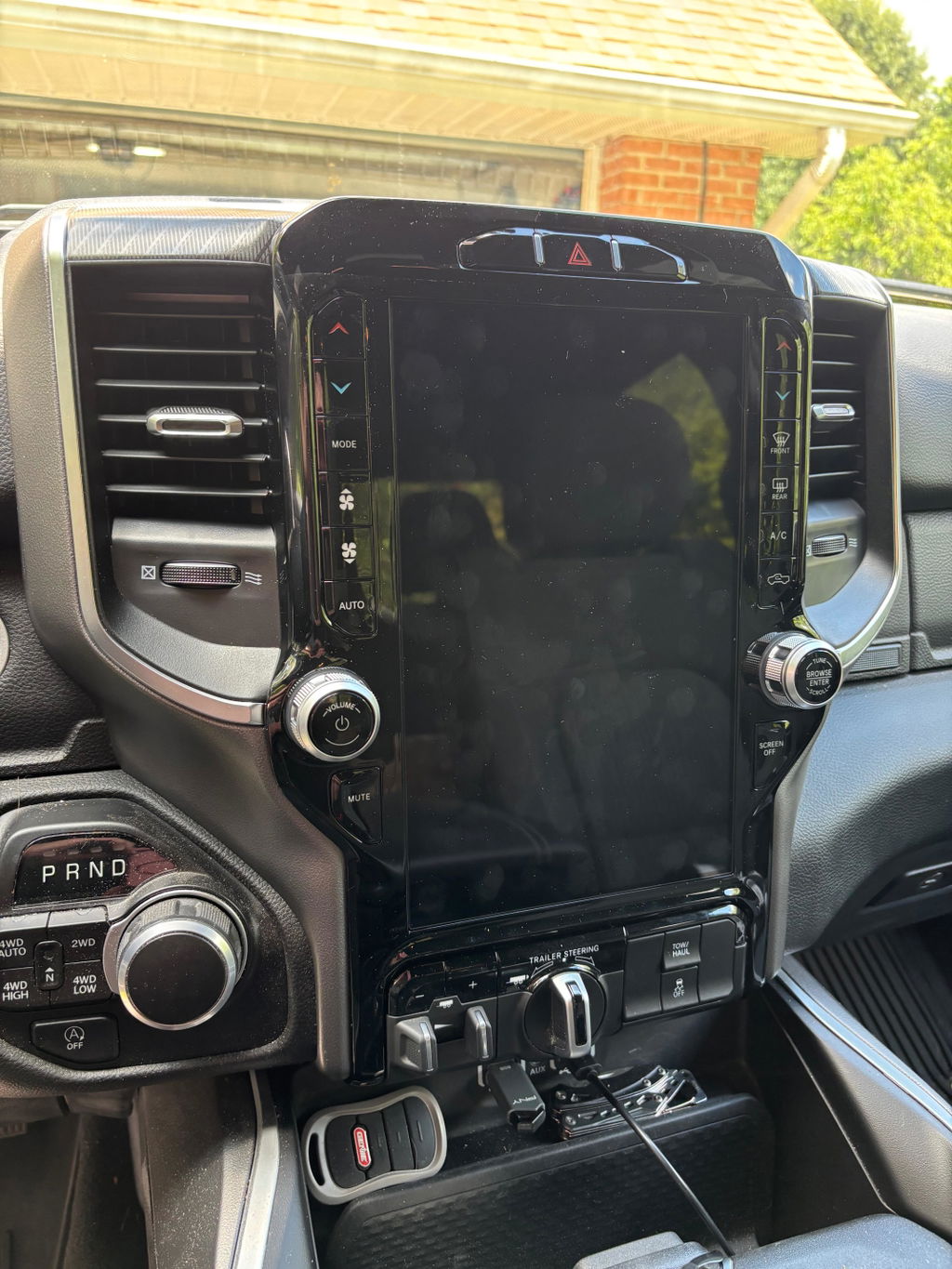
Screen size matters too, particularly in trucks that came with a smaller base display. A larger OEM-style screen gives maps, camera views, and climate information more room without making the dash look modified. On compatible Ram platforms, an upgraded Uconnect 5 touchscreen can bring a newer factory-style interface and wireless phone capability to a truck that otherwise still drives exactly the way it should.
Smartphone Integration Is More Than Music
CarPlay and Android Auto put familiar apps on the factory display, but their value goes beyond streaming audio. For owners who tow, travel, or head off pavement, clear map guidance and hands-free communication are the real advantages. A phone mount can handle the basics, but it cannot match the cleaner look and safer control of a properly integrated factory-style screen.
Before buying, confirm whether your intended upgrade supports wired, wireless, or both types of smartphone connection. Also consider how your truck is used. If multiple drivers frequently pair different phones, easy reconnecting and profile behavior may matter as much as wireless capability.
Factory Controls and Camera Retention
Modern trucks tie more functions into the infotainment screen than many owners realize. Backup camera views, steering-wheel audio buttons, parking sensors, climate controls, trailer settings, and vehicle menus may all depend on the radio or display configuration.
A low-cost universal unit may advertise a large display but require adapters to preserve those functions. Every added interface is another component that must be configured correctly. An OEM-based kit is designed around the truck’s original architecture, which helps retain the controls and information the vehicle already has.
Camera compatibility deserves special attention. If your truck has a factory backup camera, 360-degree camera system, cargo camera, or trailer camera functions, do not assume every screen upgrade supports them the same way. Verify the exact equipment on the vehicle and the features supported by the specific kit.
Truck Infotainment Features Guide: OEM vs. Universal Systems
Universal aftermarket radios can be the right fit for older trucks or highly custom builds. They offer broad brand choice, audio tuning options, and features that may not be available in a factory system. The trade-off is integration. A modern Ram or Ford can require multiple harnesses, trim pieces, data modules, camera adapters, and programming to make a universal radio behave like the original equipment.
An OEM infotainment upgrade is usually the better option when factory appearance and dependable compatibility are priorities. Genuine OEM components are built to communicate with the vehicle’s existing network. The screen, radio module, bezel, USB hub, and wiring may vary by model year and trim, which is why vehicle-specific packages matter.
That does not mean every OEM conversion is identical. Some upgrades require programming or activation, and feature availability can depend on the truck’s original options. A base-model truck may not gain every premium function simply because a larger screen is installed. Factory hardware, sales codes, camera equipment, audio configuration, and model year all affect the final result.
Check Fitment Before You Compare Screen Sizes
Fitment is the first step, not the last. Two trucks that look nearly identical can use different connectors, radio modules, dash bezels, or software configurations. This is especially common across Ram 1500 generations, Heavy Duty models, Ford F-150 trims, and Super Duty trucks.
Have these details ready before selecting an infotainment kit:
- Model year, make, model, and trim level
- Existing screen size and factory radio system
- VIN and original equipment information when requested
- Factory camera setup, including backup, cargo, and 360-degree cameras
- Amplified audio, navigation, satellite radio, and steering-wheel control equipment
Do Not Overlook USB Hubs and Media Ports
A screen conversion may involve more than the screen itself. On some vehicles, the correct USB media hub is needed for CarPlay or Android Auto to function as intended. Older ports may charge a phone but not support the data connection required by the newer system.
That is a good example of why complete kits are worth considering. The right display paired with the wrong hub, harness, or module can leave useful features unavailable. A vehicle-specific package reduces the chances of collecting parts that do not work together.
Features That Are Worth Paying For
For most owners, prioritize the features that improve visibility, communication, and daily usability. Wireless CarPlay or Android Auto, retained camera functions, a larger factory-style display, and full steering-wheel control support are practical upgrades with immediate value.
Navigation built into the vehicle can also be useful for drivers who regularly travel through areas with limited cell coverage. However, many owners prefer phone-based navigation because map data and traffic information update more often. Built-in navigation is a benefit, but it should not be the only reason to choose one system over another.
Audio upgrades require a separate decision. A better screen does not automatically improve speaker quality, amplifier output, or sound tuning. If factory audio retention is your goal, confirm compatibility with the truck’s existing amplified or premium audio package. If sound quality is the main objective, a dedicated audio build may be more appropriate than an infotainment conversion alone.
Remote start can complement an infotainment upgrade, especially for work trucks and daily drivers in extreme temperatures. OEM remote start kits preserve a factory-oriented ownership experience, but compatibility again depends on model year, existing key system, and vehicle equipment. Treat it as its own fitment decision rather than assuming it is included with a screen upgrade.
Installation Expectations for Plug-and-Play Kits
Plug and play does not mean careless installation. It means the kit is designed to use the correct connectors and components rather than requiring custom splicing or fabricated mounting solutions. Read the instructions, protect interior trim, disconnect power when directed, and keep track of screws and fasteners by location.
Some owners can complete a screen conversion with basic trim tools and patience. Others may prefer an experienced installer, particularly when programming, camera systems, or premium audio are involved. There is no downside to using a professional if it protects the truck and gets the configuration right the first time.
After installation, test every function before reinstalling all trim panels. Check phone pairing, USB operation, audio from every source, steering-wheel buttons, cameras, climate controls, vehicle settings, and warning messages. A five-minute test at this stage is easier than reopening the dash later.
DD Offroad focuses on OEM Genuine Components and vehicle-specific upgrade kits because the details behind the screen matter. Correct fitment, compatible modules, and factory-style integration are what turn a newer display into an upgrade you can rely on.
Choose the infotainment features that solve the problem you have now, then verify the kit against your exact truck. The best result is not a dashboard full of extras. It is a factory-looking system that works every time you start the truck.