Do OEM Upgrades Need Coding? What to Expect
Share
A larger factory touchscreen or digital cluster can physically plug into the same connectors as the original unit and still need a final configuration step before every feature works. That is why the honest answer to “do OEM upgrades need coding” is: sometimes. It depends on the upgrade, the vehicle’s original equipment, and whether the kit is prepared for your specific VIN.
For Ram, Ford, Dodge, Jeep, and Chrysler owners, the goal is not simply getting a new component to power on. The goal is factory-level operation: steering-wheel controls, backup camera, HVAC pages, audio, vehicle settings, satellite radio where equipped, and warning messages all working as intended. OEM components give you the best starting point, but many vehicles must be told that the new equipment is installed.
What “coding” means on an OEM vehicle
Truck owners often use coding, programming, flashing, calibration, and configuration as if they mean the same thing. They are related, but they are not always identical.
Coding or configuration changes the vehicle’s stored settings so its modules recognize an added feature or different factory component. A common example is enabling the correct screen size, audio configuration, or remote-start option in the truck’s body-control settings. Programming may also refer to loading vehicle-specific information into a module, pairing it to the vehicle, or performing a setup routine after installation.
Flashing is usually more specific. It means installing software or firmware onto a module. A module can be properly configured yet still require a software update in certain cases. Calibration generally applies to functions that need a learned position or reference point, such as camera systems, sensors, or certain driver-assistance features.
The key point: a plug-and-play OEM upgrade does not always mean “zero programming.” It means the kit is designed to avoid cutting wires, custom fabrication, universal adapters, and trial-and-error parts matching. Any required setup should be clear, controlled, and appropriate for the vehicle.
Do OEM upgrades need coding on Ram and Ford trucks?
Some do, and some do not. The best answer comes from the exact model year, trim level, original options, and the type of upgrade being installed.
A direct replacement part with the same factory part number and feature set may need little more than normal installation. For example, replacing a failed factory radio with an equivalent unit can be straightforward if the vehicle configuration already matches the replacement. Even then, security pairing or VIN-related setup can apply depending on the platform.
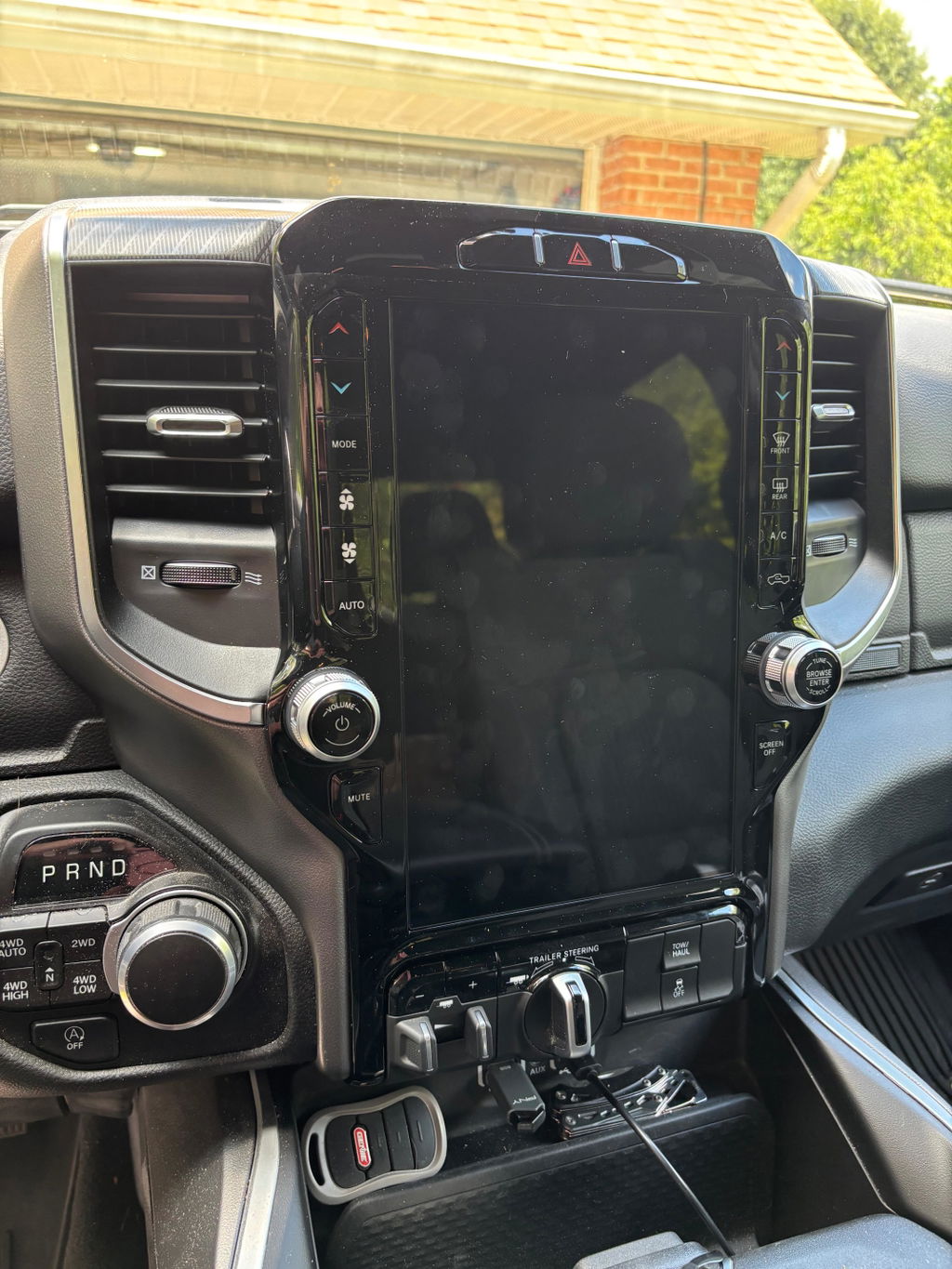
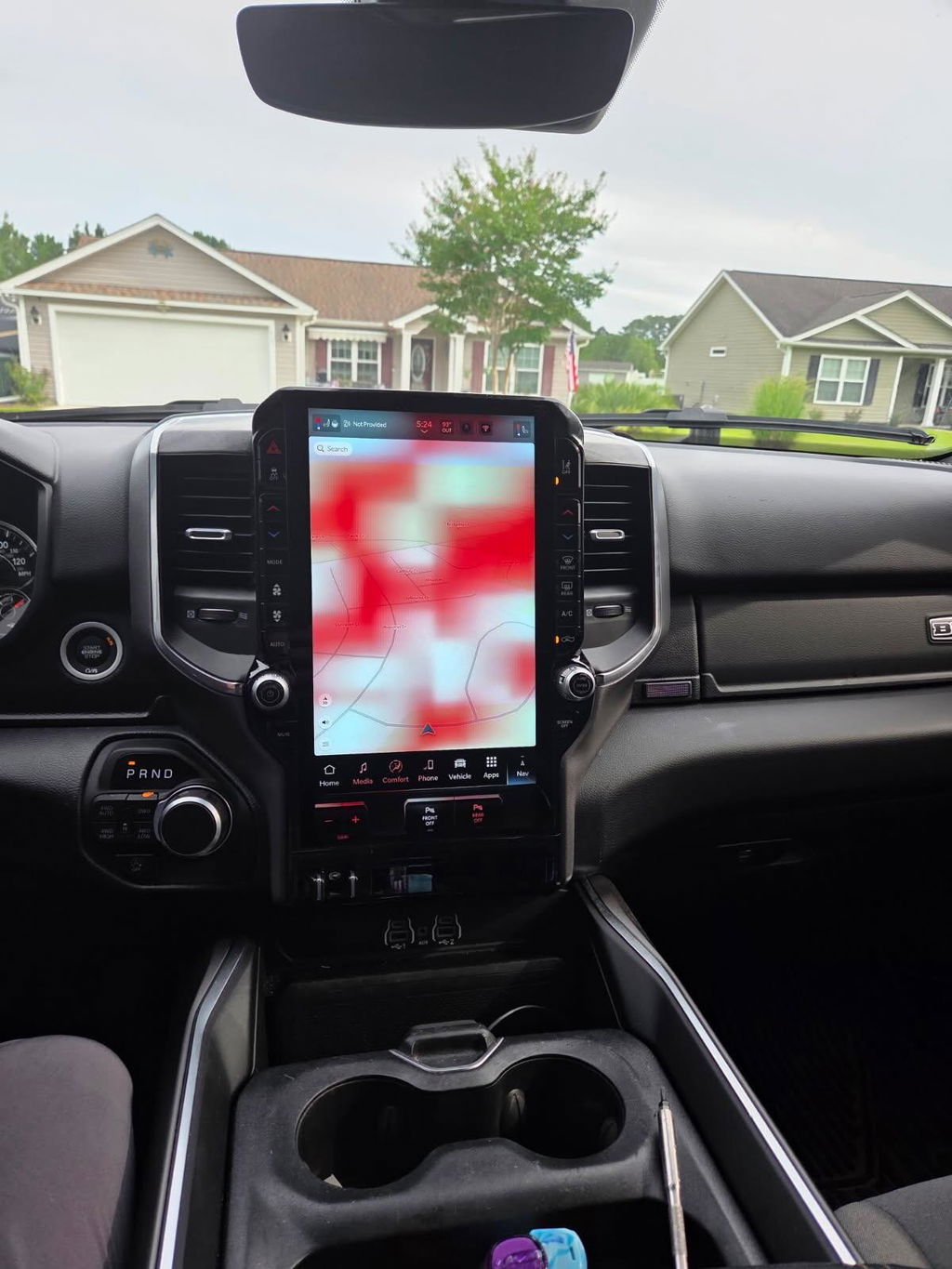
A feature upgrade is more likely to need configuration. Moving from a smaller factory screen to a larger Uconnect display, adding a digital cluster, enabling factory remote start, or changing to a premium audio-equipped radio setup may require the truck to recognize equipment it did not leave the factory with. The hardware may fit perfectly, but the truck’s modules can still be looking for the old configuration.
On many Ram, Dodge, Jeep, and Chrysler platforms, the relevant changes may involve the radio, body control module, and vehicle configuration settings. On Ford platforms, module configuration can play a similar role when equipment levels or screen systems change. The exact process varies by generation, which is why model-year-specific fitment matters more than a generic claim that a part “fits Ram” or “fits F-150.”
Infotainment upgrades
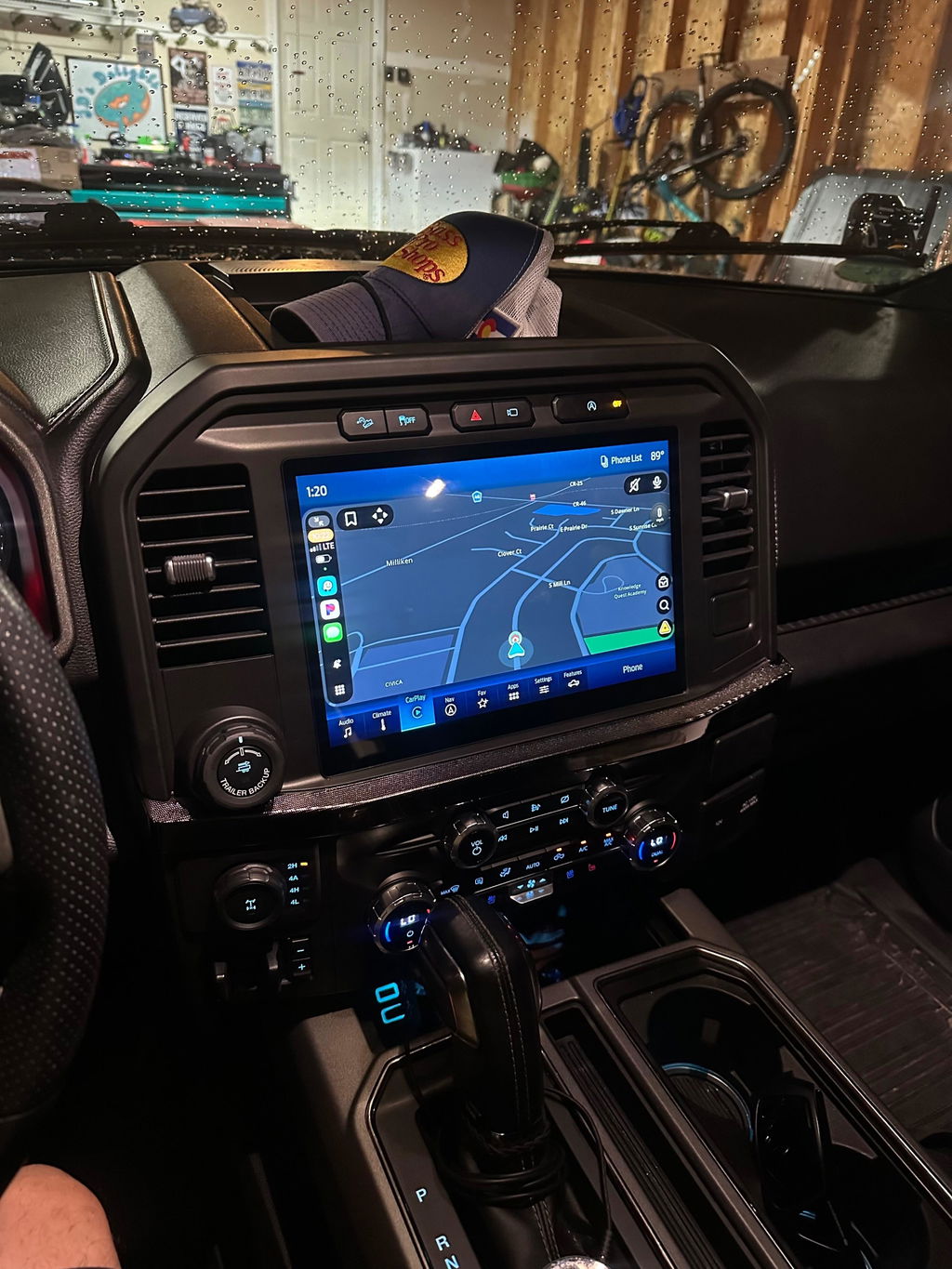
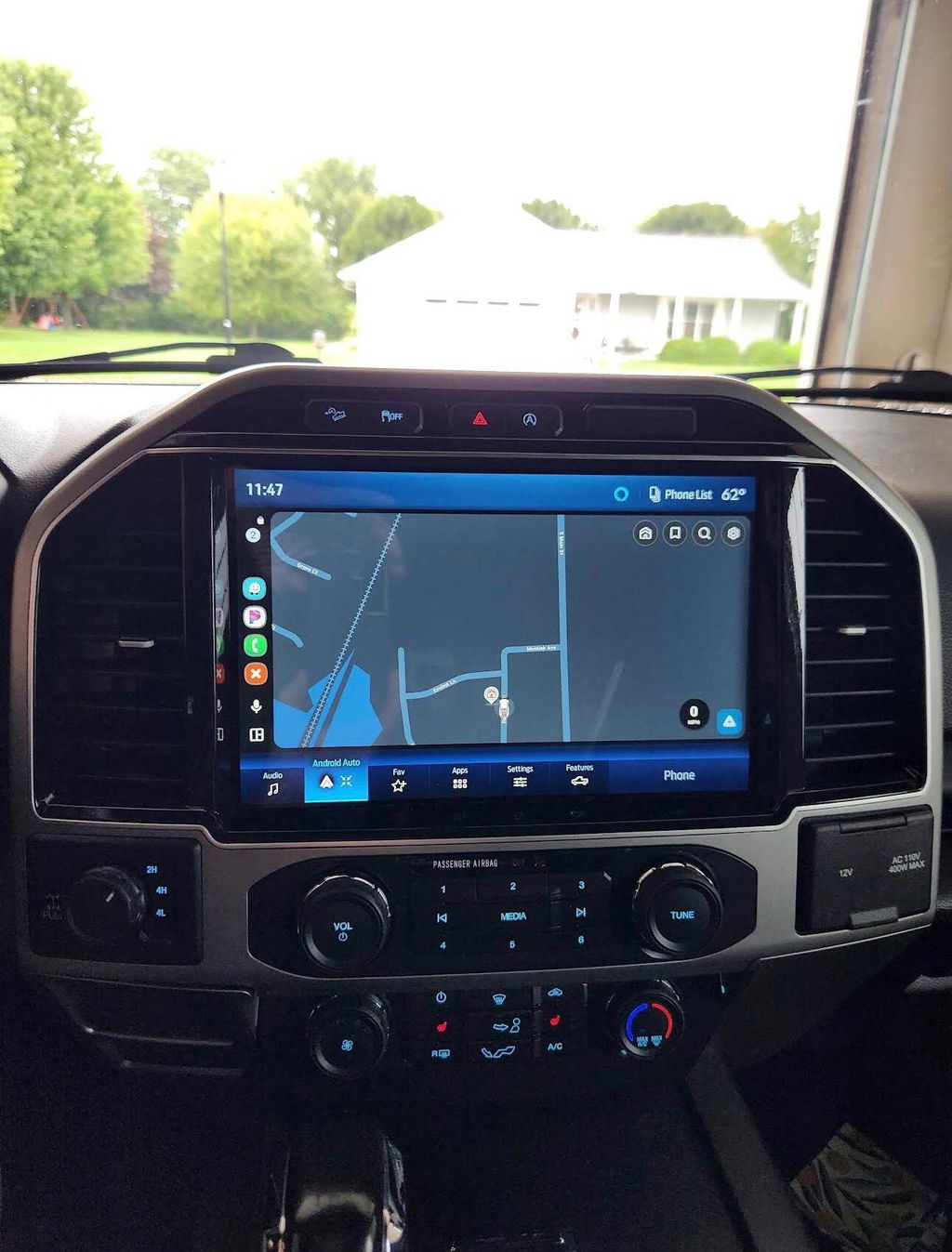
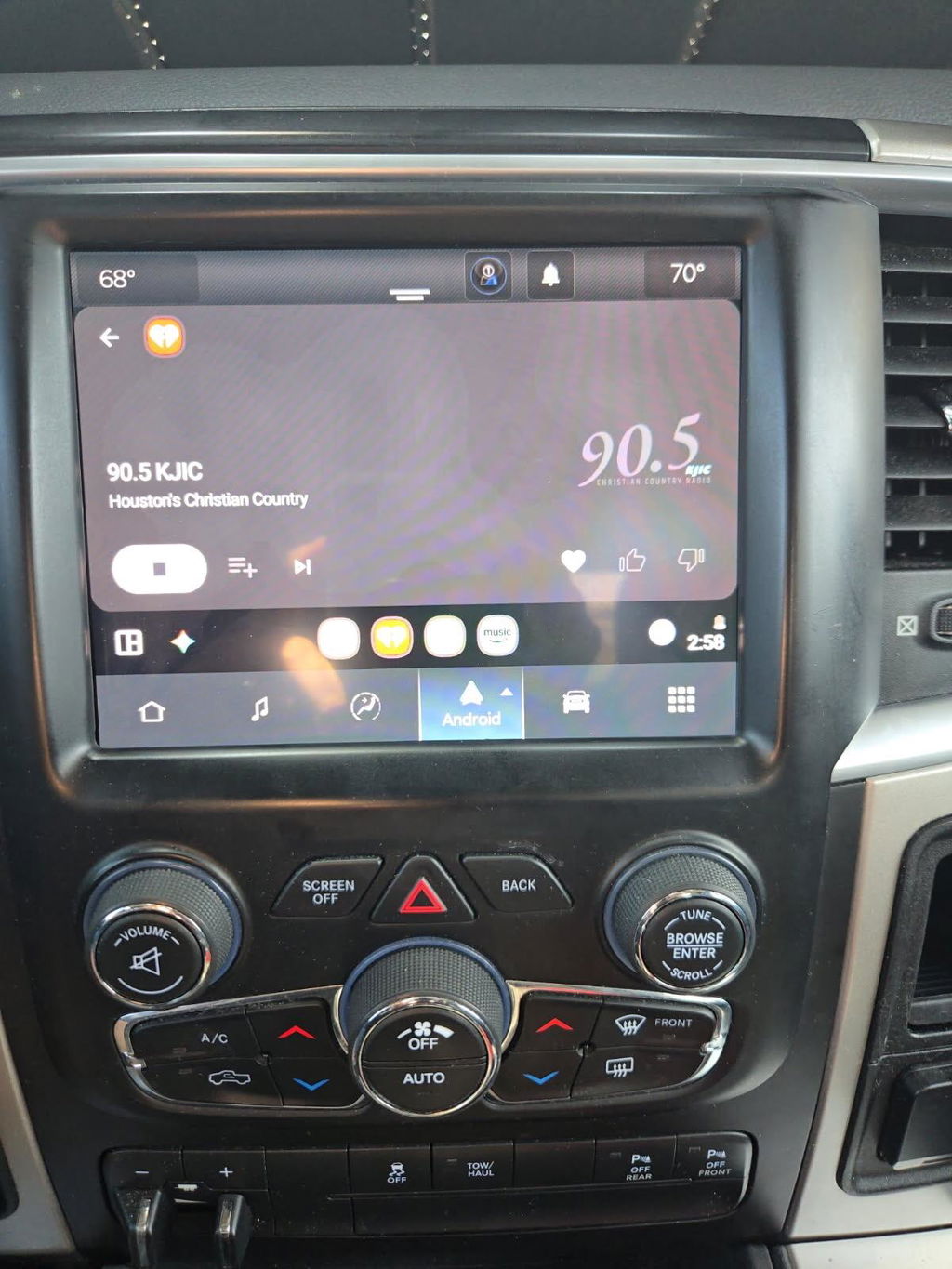
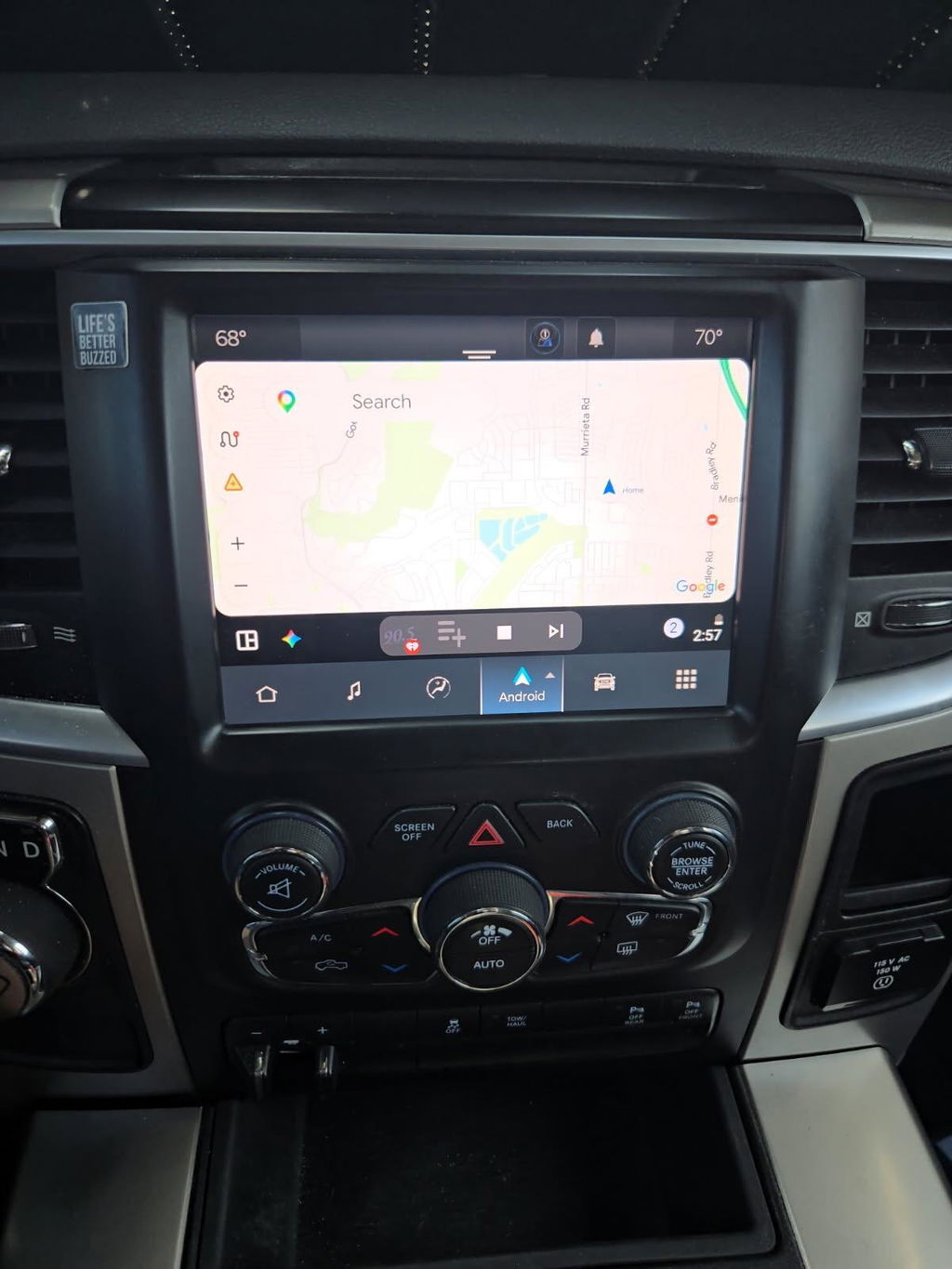
Factory infotainment conversions are one of the most common situations where preparation matters. A genuine OEM touchscreen may be compatible with the dashboard, wiring, and vehicle network, but its behavior depends on the vehicle’s original equipment.
A properly matched kit can account for screen size, bezel, radio module, USB media hub, camera compatibility, amplifier presence, and the software level required for features such as wireless Apple CarPlay and Android Auto. In some cases, the replacement radio or screen requires VIN programming, anti-theft pairing, or a configuration update. In others, the required programming is handled before shipment or completed with an included programming solution.
Do not assume that a powered-on screen means the job is complete. Test the backup camera, microphone, phone calls, USB ports, steering-wheel buttons, climate controls, parking sensors, audio balance, and vehicle settings before buttoning up the dash.
Digital cluster upgrades
Digital cluster conversions can require more setup than a simple screen replacement because the cluster is a major communication point on the vehicle network. It may display mileage, warning indicators, drive information, and trim-specific pages while communicating with multiple modules.
The cluster must be compatible with the truck’s generation and option set. Depending on the application, setup may include VIN matching, mileage handling according to applicable laws and procedures, module configuration, or feature activation. A mismatched cluster can cause warning lights, missing menu items, incorrect messages, or functions that do not communicate correctly.
This is not a place to buy a random used unit based only on appearance. A vehicle-specific OEM kit reduces the chance of receiving a cluster that looks right but is wrong for your network, engine, trim, or equipment package.
OEM remote start upgrades
Factory remote start is another upgrade where hardware alone may not finish the job. The vehicle may need the correct hood switch or sensor input, compatible key fobs, an antenna or receiver depending on the platform, and a configuration change to enable remote-start operation.
Some vehicles are already wired or equipped for much of the system, making the upgrade relatively simple. Others need additional components and programming. Climate behavior during remote start can also depend on the factory HVAC configuration. The right kit should match the vehicle rather than promise the same installation process for every trim.
When coding is usually not required
Coding is less likely when you are replacing a component with an identical OEM equivalent, adding an accessory that is truly self-contained, or installing a kit that has already been programmed for the vehicle. It may also be unnecessary when the factory configuration already supports the feature and the replacement component is recognized automatically.
That said, “usually” matters. Module revisions, software versions, prior owner modifications, salvage parts, and dealer-installed accessories can all affect the result. A truck with an aftermarket amplifier, non-factory camera, or previous radio work deserves extra attention before ordering an OEM conversion.
Why pre-programmed kits save time
The cleanest OEM upgrade path is one where compatibility is addressed before the box arrives. That is the value of a vehicle-specific kit and, when needed, an automatic programmer or prepared module.
Pre-programming can reduce the need to schedule a dealer visit or locate a specialty shop after installation. It also lowers the risk of an installer making broad configuration changes without understanding the truck’s option set. The objective is not to avoid programming at all costs. It is to use the correct programming once, with the correct parts, so the truck operates like it was built with the upgrade.
For owners who prefer to perform the work themselves, this makes the installation more predictable. For shops and resellers, it reduces bay time and prevents avoidable comebacks caused by mismatched modules or incomplete setup.
What to confirm before ordering
Before buying an OEM upgrade, verify the vehicle year, model, trim, existing screen size or radio system, camera setup, premium audio equipment, and whether the truck already has related factory options. A VIN is often the fastest way to confirm original equipment, but clear photos of the current dash and connectors can also prevent mistakes.
Ask whether the kit requires any programming after installation, whether the module is VIN-specific, and what functions are retained. If remote start is involved, confirm the required hood switch, fobs, and activation method. If a screen upgrade is involved, verify USB hub compatibility and whether your current camera and amplifier are supported.
Avoid mixing parts from different model years because the connectors happen to match. Modern OEM electronics are networked systems. A component can fit the opening and still be incompatible with the software, security requirements, or feature configuration in your truck.
The practical answer
OEM upgrades need coding when the vehicle must recognize a new factory feature, pair a module, or change its stored configuration. They do not always need it, particularly with like-for-like replacements or properly prepared plug-and-play kits. The difference is in the details: vehicle generation, original options, and the exact components in the box.
A factory-style upgrade should make your truck better without turning it into a wiring project. Choose genuine, vehicle-specific components, confirm what programming is included, and treat correct fitment as part of the upgrade - not an afterthought.