Ram Truck Build Sheet Guide: Find Your Factory Options
Share
A Ram truck build sheet guide is one of the most useful tools to check before ordering an infotainment conversion, digital cluster, remote start kit, or other OEM-based upgrade. Your truck may look like another Ram from the same year, but its factory radio, amplifier, camera system, HVAC controls, and option codes can make the difference between a clean plug-and-play install and a compatibility problem.
The build sheet tells you how your Ram left the factory. It does not just confirm trim level. It identifies the equipment and sales codes that determine which OEM components your truck was built to support.
What a Ram Truck Build Sheet Tells You
A build sheet is a factory equipment record tied to your truck's VIN. It lists standard and optional equipment, usually by descriptions and sales codes. Think of it as the original configuration file for your truck.
For upgrade planning, the most valuable information is not always the obvious stuff like paint color, axle ratio, or wheel package. You want to find the equipment that affects the dash, electrical architecture, and vehicle settings.
On many Ram trucks, that includes the original Uconnect radio family, screen size, premium audio equipment, backup camera provisions, steering-wheel audio controls, remote start, and the style of HVAC control panel. These details help establish what parts may be required for an OEM-style conversion.
A build sheet also helps separate what was factory-installed from what a previous owner added later. A truck can have an aftermarket radio, an accessory camera, or a replacement bezel that does not reflect its original equipment. The VIN-based build information is still the better starting point.
Where to Find Your Ram Build Sheet
Start with the 17-character VIN. You can find it at the lower corner of the driver's-side windshield, on the driver's door-jamb label, and on registration or insurance documents. Confirm every character before using it. A single wrong digit can return the wrong vehicle or no result at all.
Factory build information may be available through Ram or Mopar VIN lookup tools, a franchised dealer parts department, or vehicle-history documentation supplied at purchase. Availability can vary by model year, and some systems provide a full equipment list while others return a shorter option summary.
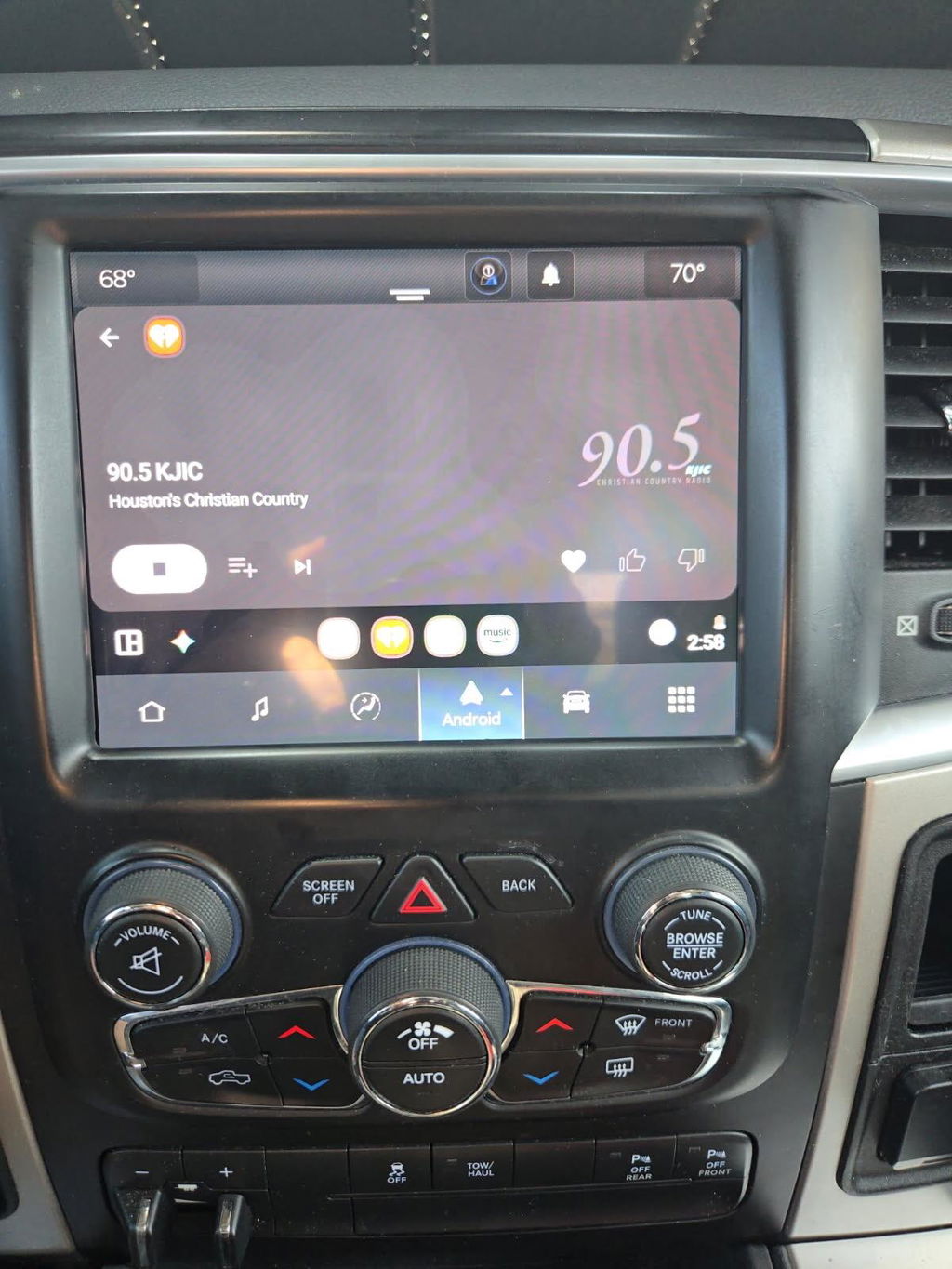
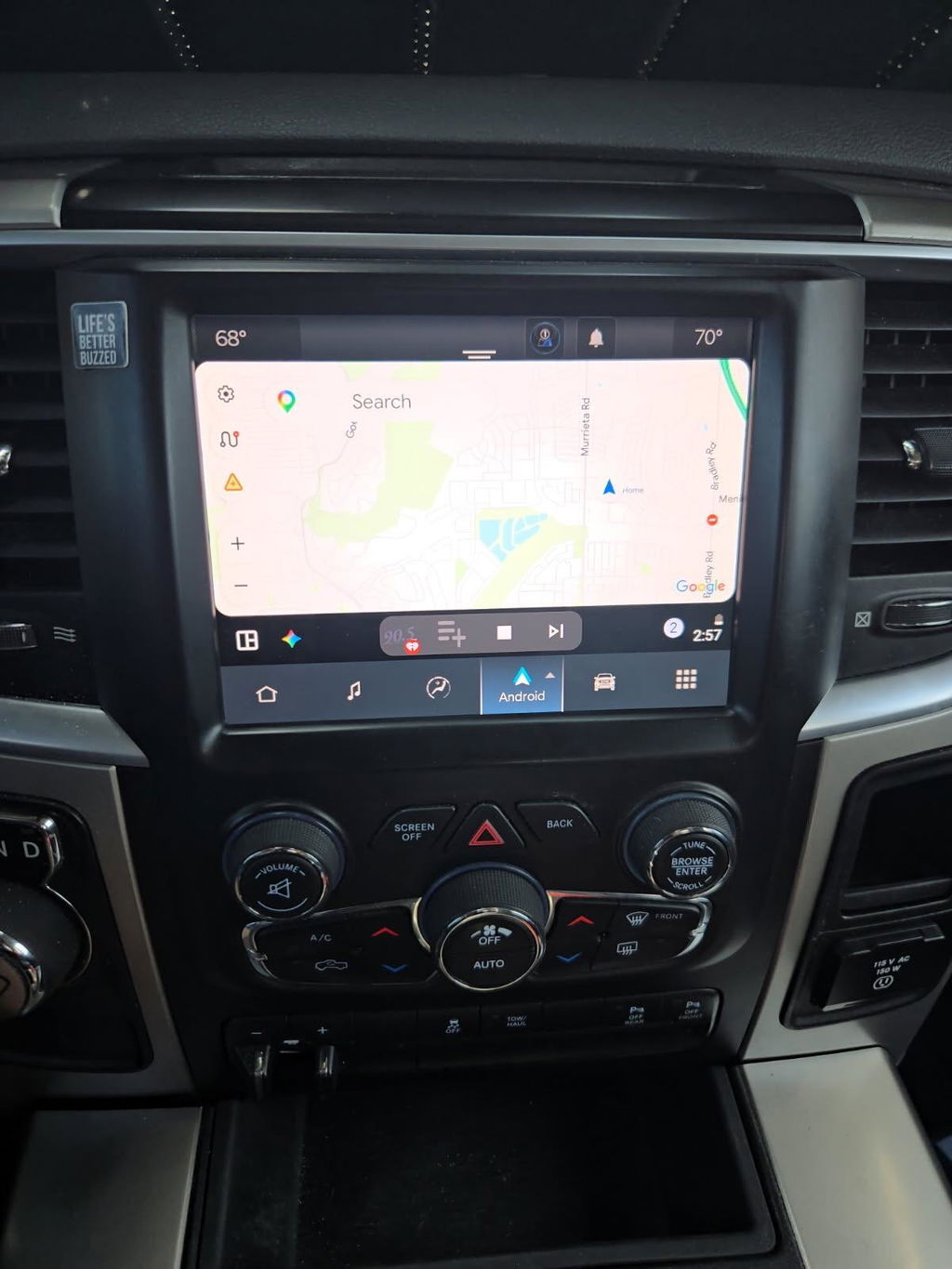
If you cannot get a full build sheet, take clear photos of the existing radio, bezel, center stack, gauge cluster, and any amplifier or speaker labels you can access. Those photos, along with the VIN, provide a much more accurate fitment picture than selecting a product based only on year and trim.
How to Read Ram Sales Codes
Ram build sheets can appear technical because they use short sales codes alongside equipment descriptions. The code itself matters, but the description beside it is what usually helps you make an upgrade decision.
Do not assume every similarly named feature is electrically identical. For example, "Uconnect" describes a broad family of systems across several generations. A 2013 Ram with an 8.4-inch Uconnect system is not automatically configured like a 2018 or 2022 Ram with a similarly sized screen. Screen size is only one piece of the fitment equation.
When reviewing the sheet, focus on four areas:
- Radio and infotainment equipment: Look for the original radio designation, navigation, satellite radio, phone connectivity, and screen-related options.
- Audio system: Identify whether the truck has a premium factory amplifier, branded speaker package, or standard non-amplified audio.
- Camera and parking features: Confirm a factory backup camera, surround-view equipment, parking sensors, or trailer camera provisions.
- Convenience and control features: Check for remote start, steering-wheel controls, automatic climate control, heated seats, heated wheel, and configurable vehicle settings.
Why the Factory Amplifier Matters
A premium audio option is one of the biggest reasons a generic radio swap can become complicated. Factory amplified systems may use different signal paths, connectors, speaker loads, and programming expectations than standard audio systems.
That does not mean your truck cannot be upgraded. It means the kit needs to be designed for the amplified configuration. A proper OEM-based solution should account for factory audio retention rather than asking you to cut wiring, bypass modules, or accept lost speakers and warning chimes.
Why HVAC Controls Need a Second Look
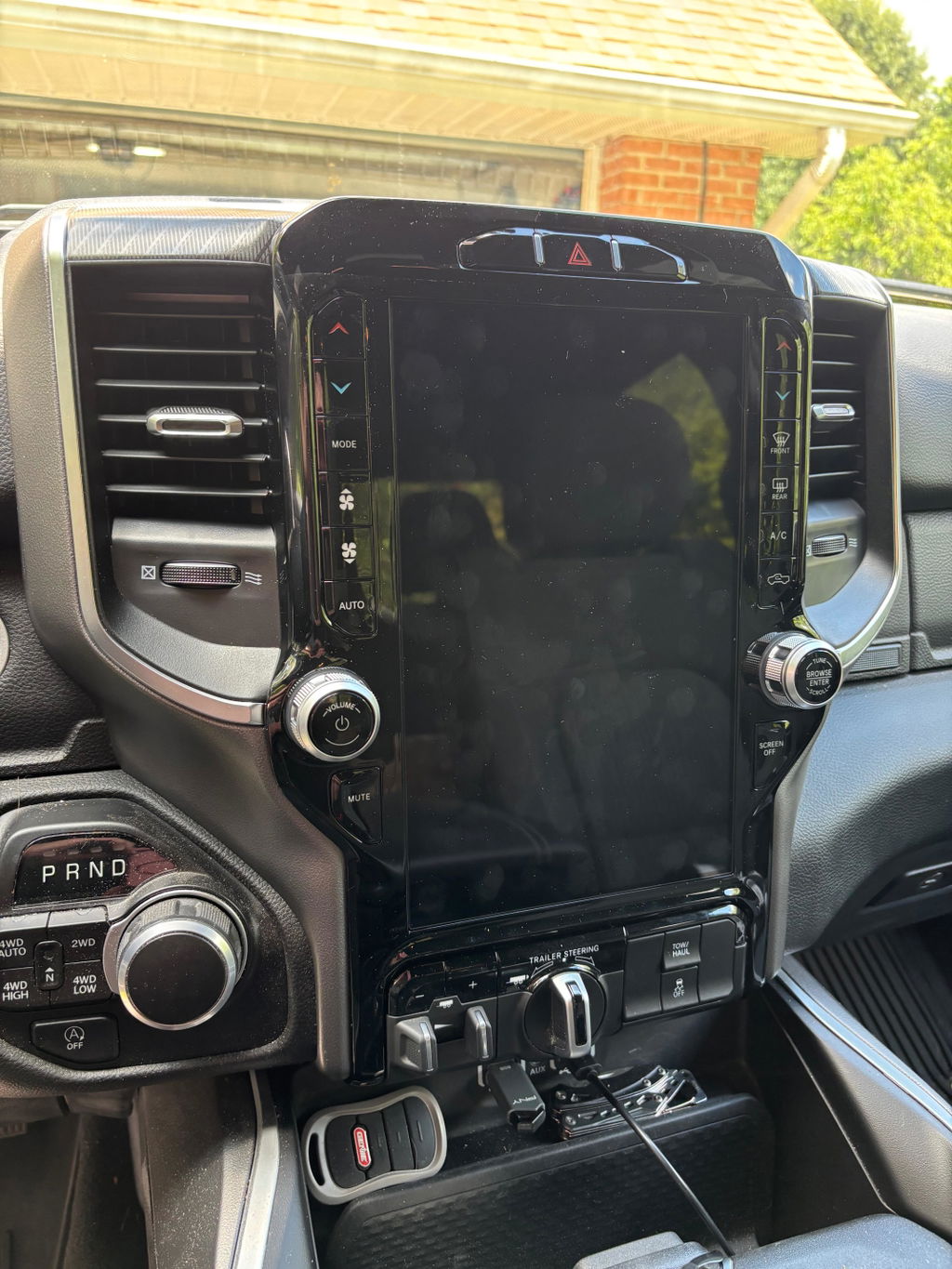
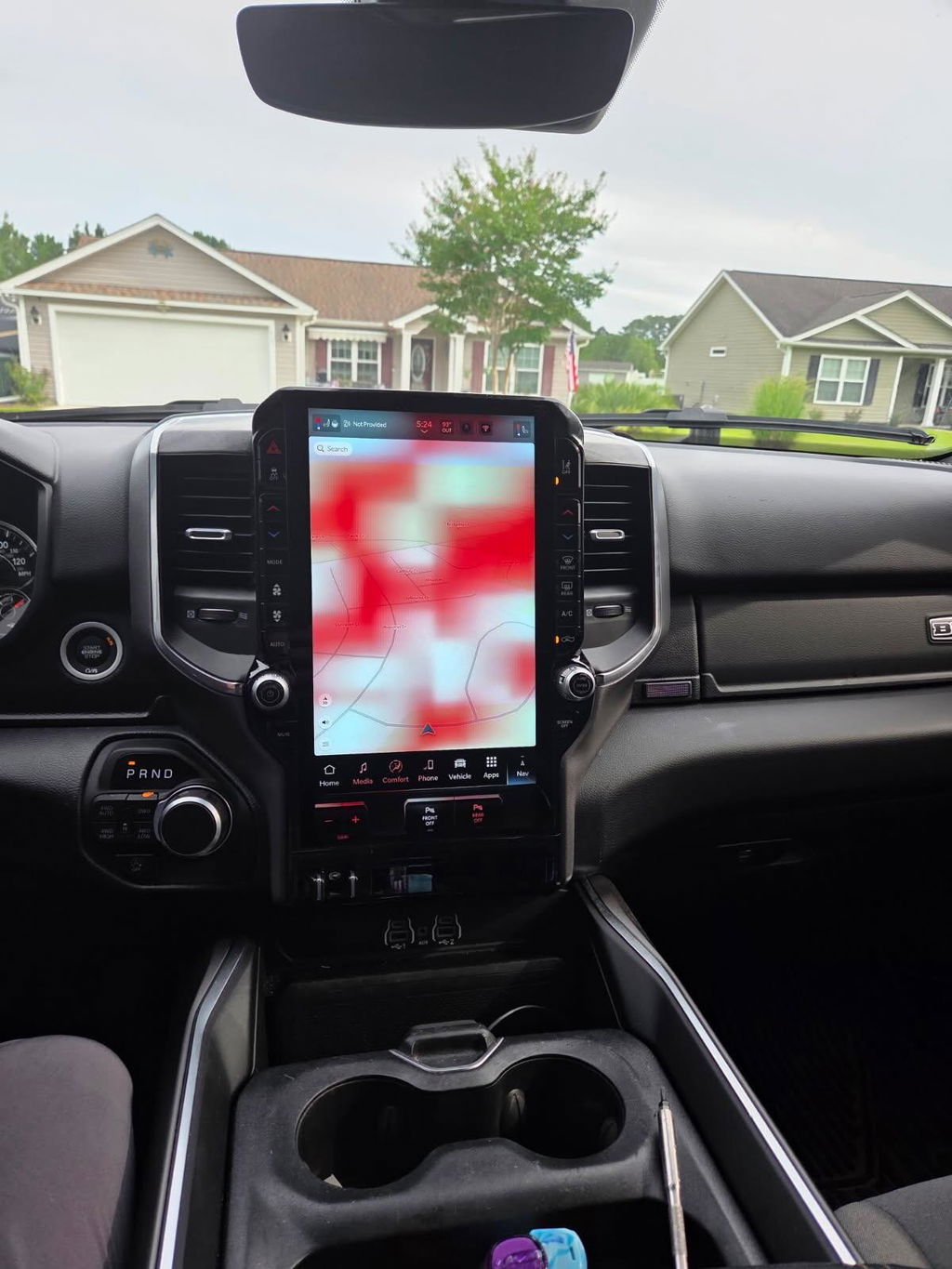
On many Ram generations, the center stack does more than hold the radio. It can house physical buttons for climate controls, heated and ventilated seats, tow/haul functions, traction control, parking sensors, and more.
When moving to a larger factory-style screen, the correct bezel and control layout are just as important as the radio itself. A screen may physically fit while still leaving you with missing buttons, incompatible connectors, or climate functions that are not fully supported. Build-sheet information helps identify which factory controls your truck started with, but a current photo of the dash is still worth providing before purchase.
Using the Build Sheet for Infotainment Upgrades
The build sheet is especially valuable when moving from a smaller radio to a factory-style Uconnect upgrade or a newer Uconnect 5 conversion. These upgrades can add a larger touchscreen, wireless Apple CarPlay, wireless Android Auto, improved camera integration, and a more modern interface while keeping the truck's cabin close to factory appearance.
Before choosing a kit, match the build sheet against the parts required for your specific truck. That usually means confirming model year, body style, original radio configuration, screen size, audio system, camera equipment, and climate-control arrangement.
There is a trade-off to consider with newer-generation conversions. The feature gain can be substantial, but late-model OEM systems may require vehicle-specific harnessing, compatible USB media hubs, antenna components, modules, or programming. A lower-priced screen by itself is not always a lower-cost upgrade once the missing pieces are added.
This is where vehicle-specific kits are a better fit than piecing together random used parts. DD Offroad focuses on OEM Genuine Components and plug-and-play packages built around the platform, reducing the guesswork around connectors, modules, and factory feature retention.
Remote Start, Digital Clusters, and Other Factory Features
A build sheet can also clarify whether your Ram already has equipment related to a planned upgrade. If remote start is listed, you may be dealing with a key fob, programming, or operational issue rather than a truck that lacks the feature entirely. If it is not listed, an OEM remote start retrofit may require the correct fobs, hood-switch status, compatible vehicle electronics, and programming.
Digital cluster upgrades deserve the same level of verification. Ram clusters can vary by model year, engine, transmission, trim, warning-light configuration, and feature set. The build sheet helps establish the original truck configuration, but it should not be treated as the only compatibility check. Mileage handling, programming requirements, and module communication must be addressed correctly.
The same logic applies to cameras, trailer features, and advanced driver-assistance equipment. Factory options are interconnected. A part that works on a lower-trim truck may not be the right answer for a truck with surround-view cameras, a premium audio package, or additional towing technology.
Build Sheet Details That Do Not Guarantee Fitment
A build sheet is a strong starting point, not a substitute for full verification. There are several reasons.
First, Ram made running changes within certain model years. Second, trucks may have received dealer-installed accessories, accident repairs, radio replacements, or previous-owner modifications. Third, an option code can confirm a feature without revealing every connector or module revision needed for a specific retrofit.
For that reason, use the build sheet together with your VIN, current dash photos, and an honest description of what is installed now. Mention if the radio has been replaced, if the truck has aftermarket amplifiers, or if any factory controls do not work. Those details are not minor. They directly affect the right kit and installation path.
A Better Way to Order the Right Ram Upgrade
Before ordering, collect the VIN, build sheet, a photo of the radio screen powered on, a photo of the entire center stack, and details on factory audio and camera equipment. If you are upgrading a 2019+ Ram, include whether it is a Classic or new-body-style truck. Those platforms are not interchangeable simply because they share a model year badge.
The goal is straightforward: choose an upgrade that matches how your truck is actually equipped, not how a listing says a similar truck might be equipped. A few minutes spent verifying the build sheet can protect factory features, avoid return delays, and put the right OEM-style technology in your Ram the first time.