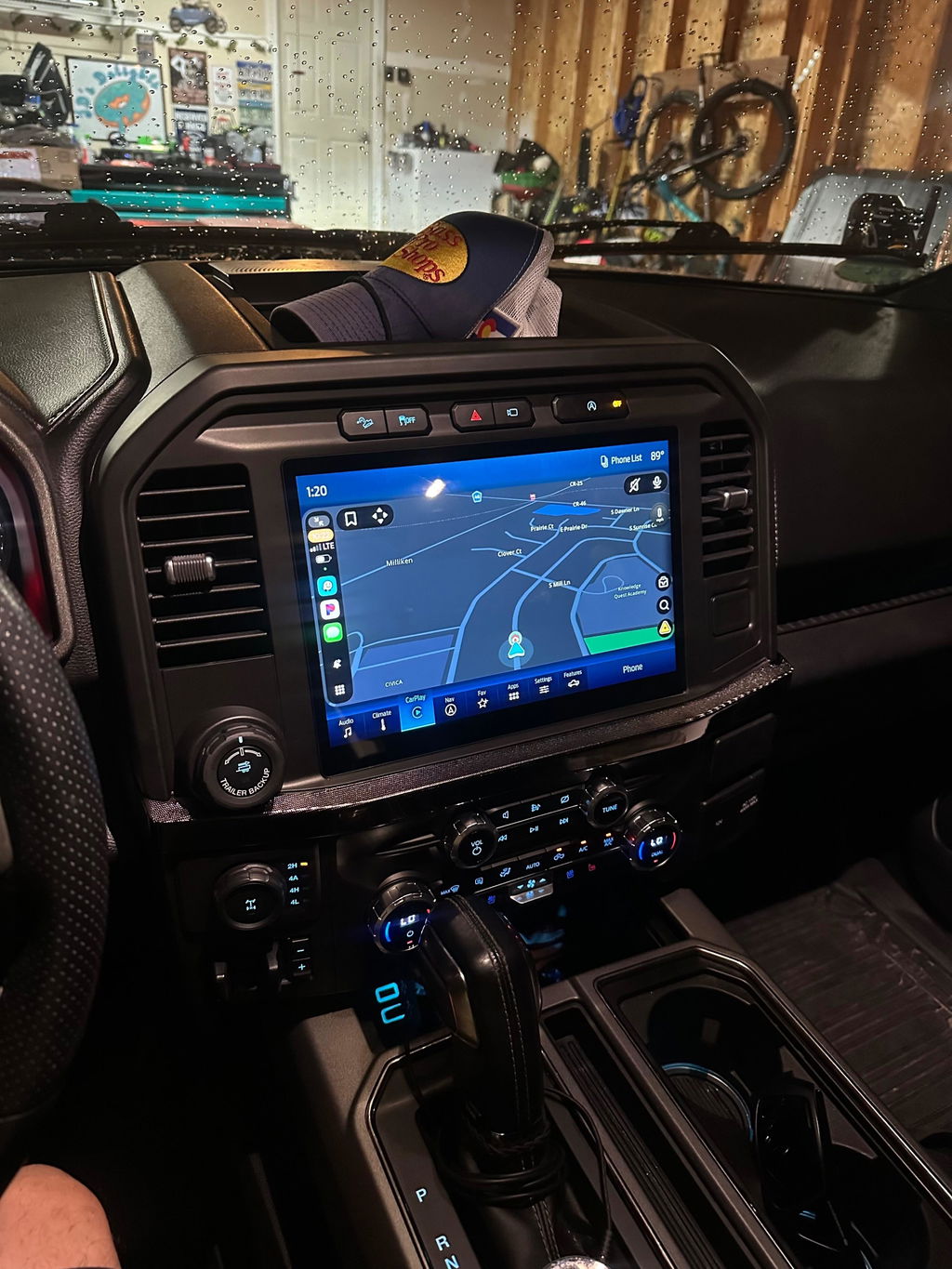
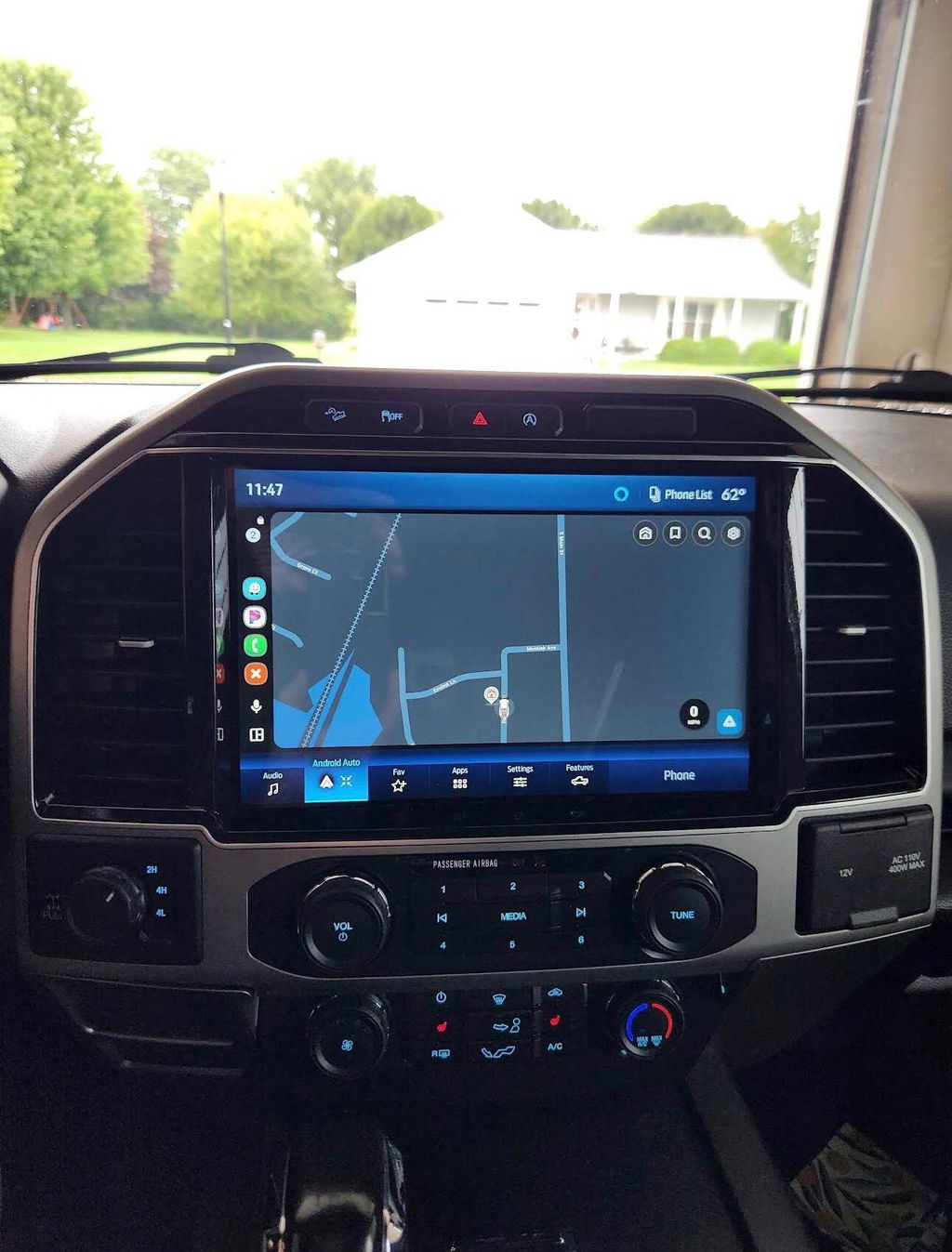
Maverick Factory CarPlay Upgrade Guide
Share
A lot of Ford Maverick owners hit the same wall fast. The truck does the job, the cabin is practical, but the infotainment setup can feel one step behind the rest of the vehicle. A Maverick factory CarPlay upgrade fixes that gap without turning the dash into an aftermarket experiment.
If your goal is simple - better phone integration, a more current screen experience, and factory-style operation - the right path is usually not the cheapest universal head unit online. On the Maverick, fitment, wiring, software behavior, and retained factory functions matter more than marketing claims. That is why OEM-based upgrade paths make more sense for buyers who want the truck to work like it should when the install is done.
What a Maverick factory CarPlay upgrade actually means
Not every CarPlay upgrade is the same. Some setups replace the screen with a generic tablet-style unit. Others add an interface module that tries to piggyback on the stock system. A true factory-style approach is different. It focuses on vehicle-specific components, correct connectors, and hardware that looks and behaves like it belongs in the truck.
For Maverick owners, that usually means choosing a kit built around OEM integration instead of adapting a universal product. The goal is not just to make Apple CarPlay appear on the screen. The goal is to keep the vehicle experience clean - factory controls, proper fit, predictable startup behavior, and fewer compatibility issues down the road.
That matters because the Maverick is not a blank canvas. It is a modern Ford platform with factory electronics that already manage audio, camera inputs, steering wheel controls, and system settings. The more an upgrade ignores that, the more likely you are to run into small but annoying problems that never really go away.
Why Maverick owners look for this upgrade
Most buyers are not chasing a flashy audio build. They want the truck to feel current. If you rely on your phone for navigation, calls, texts, music, and podcasts, CarPlay becomes one of those features you miss every time you drive a vehicle without it.
The factory-style upgrade route also appeals to owners who use their Maverick like a truck. Daily commuters, weekend DIY users, and light off-road drivers usually want dependable function more than novelty. They want to plug in or connect wirelessly, pull up maps, answer a call, and move on. They do not want to troubleshoot a laggy operating system or a screen that looks out of place in the dash.
There is also resale value to think about. A clean OEM-style upgrade generally ages better than a generic aftermarket radio install. It looks more intentional, and future buyers tend to trust a factory-integrated solution more than a custom setup with mixed parts.
OEM-style kits vs generic aftermarket screens
This is where the buying decision usually gets clearer. Generic aftermarket screens often win on price and feature lists. On paper, they can look hard to beat. Bigger display, app downloads, flashy interface, lower upfront cost.
The trade-off is usually integration. A universal unit may need extra adapters, custom trim, cut wiring, or workarounds for factory features. Sometimes you keep steering wheel controls but lose menu access. Sometimes the backup camera works, but image quality or response time is off. Sometimes Bluetooth, microphone quality, or startup speed is inconsistent.
An OEM-based plug-and-play kit costs more for a reason. You are paying for exact-fit hardware, vehicle-specific harnessing, and a setup designed around the Maverick platform instead of around a broad list of possible vehicles. That usually means less guesswork during install and fewer surprises after.
For buyers who care about factory appearance and retained functionality, the cheaper route can get expensive fast if it creates problems you end up chasing later.
What to look for in a Maverick factory CarPlay upgrade kit
The first thing is exact model-year compatibility. That sounds obvious, but it is where a lot of bad purchases start. Even within the same generation, trim level, factory screen size, and original option package can affect what works.
The second thing is whether the kit uses OEM genuine components or OEM-style components designed specifically for the platform. That distinction matters. If you are expecting factory behavior, the parts need to support it.
The third thing is installation design. A real plug-and-play setup should not ask you to cut into the main harness, invent your own mounting solution, or chase down extra modules after the fact. The cleaner the install path, the better the ownership experience tends to be.
You also want clarity on retained features. Ask the practical questions. Will the backup camera still work correctly? What about steering wheel controls, USB connectivity, factory microphone function, and vehicle settings? CarPlay itself is only part of the equation.
Wireless vs wired operation is another factor. Some owners are fine plugging in every time. Others want wireless CarPlay because it fits how they use the truck. Neither choice is wrong, but it is better to know exactly what you are buying instead of assuming every upgrade includes both.
Installation: simple does not mean careless
A Maverick factory CarPlay upgrade is often sold as plug and play, and that is a real advantage. Still, plug and play does not mean rush the install. Vehicle-specific kits reduce complexity, but clean installation still matters.
You want correct trim removal, proper connector seating, and enough patience to verify every function before final reassembly. That means checking audio, phone connection, camera operation, steering wheel controls, and any factory menu behavior before the dash goes back together.
If you are comfortable with interior disassembly and connector-based installs, this is the kind of project many truck owners can handle. If not, a competent installer is still a good option. The point of a quality kit is not to prove something in the garage. It is to end up with a system that works right.
The common mistakes that cause buyer regret
The biggest mistake is shopping by screen size alone. A larger display can look appealing, but if the system does not integrate well with the truck, the novelty wears off quickly.
The next mistake is treating all CarPlay products as equal. They are not. Some are built around proper vehicle integration. Some are built around broad compatibility and aggressive pricing. Those are two very different product categories.
Another common issue is overlooking support and documentation. Even a good kit can become frustrating if fitment details are vague or the package is missing key components. That is why specialist retailers matter. A seller focused on truck-specific OEM upgrades is more likely to understand what your Maverick needs than a general electronics seller moving hundreds of unrelated products.
Finally, some buyers chase the lowest initial price and ignore long-term reliability. If the install ends with warning lights, missing features, or inconsistent performance, the bargain usually stops looking like one.
Is the upgrade worth it?
For most Maverick owners who use their phone every day in the truck, yes. A properly selected Maverick factory CarPlay upgrade improves how you interact with the vehicle every time you drive. Navigation is easier. Calls and messages are cleaner to manage. Music and apps feel current instead of patched together.
The real value is not just the feature itself. It is how naturally the upgrade fits the truck when done right. That is why OEM-based kits make sense for this category. They cost more than random universal alternatives, but they usually deliver what truck owners actually want - compatibility, factory-style appearance, and dependable use.
At DD Offroad, that is the difference the right upgrade path is built around. Not more parts than you need, not more complexity than necessary, just a clean solution that matches the vehicle.
If you are considering this upgrade, the best move is to start with fitment and finish with function. Pick a kit designed for your Maverick, verify what features it retains, and do not let a flashy generic screen talk you out of the factory-style result you actually want. The right system should feel like Ford should have built it that way from day one.