How to Choose Vehicle-Specific Modules for Your Truck
Share
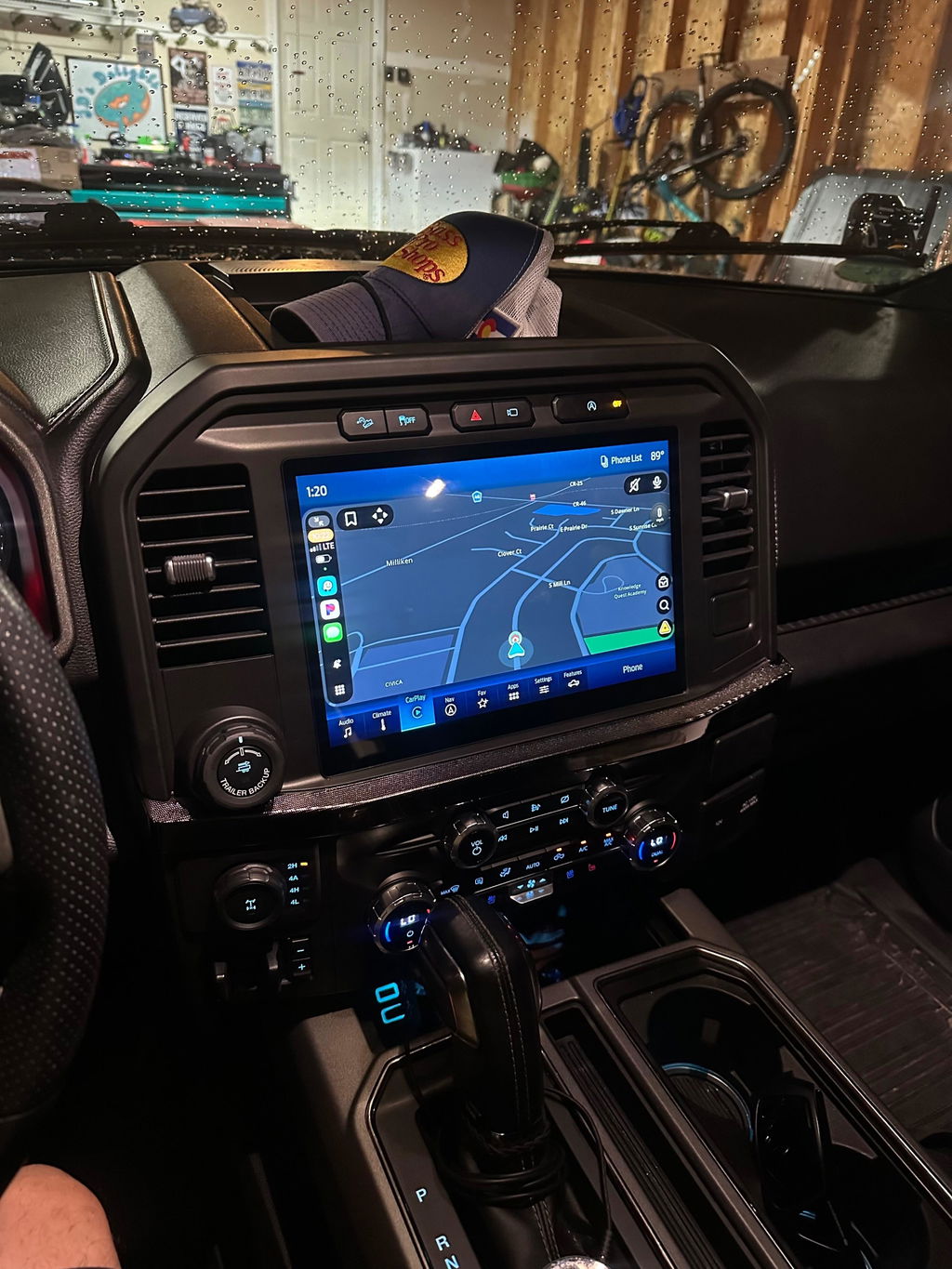
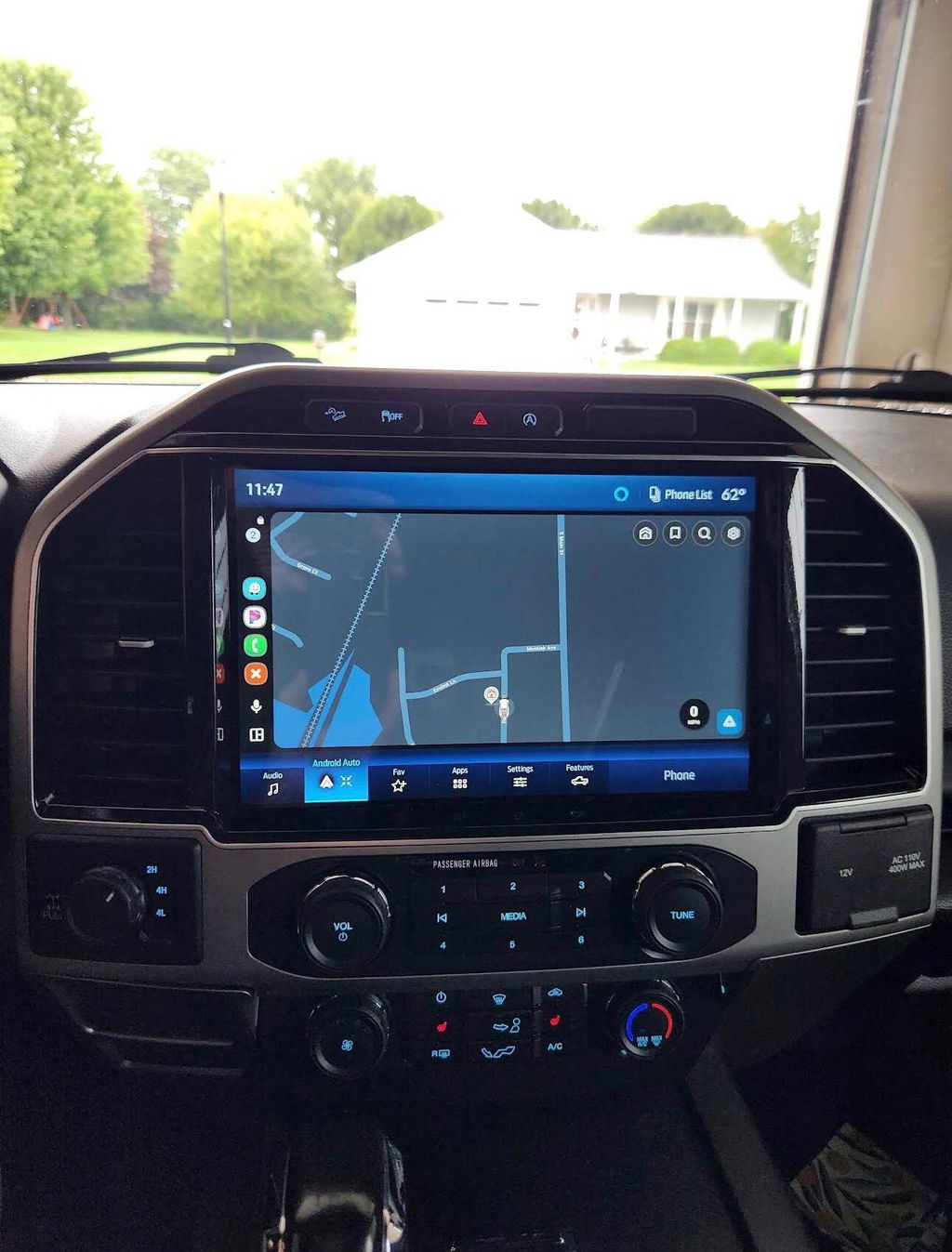
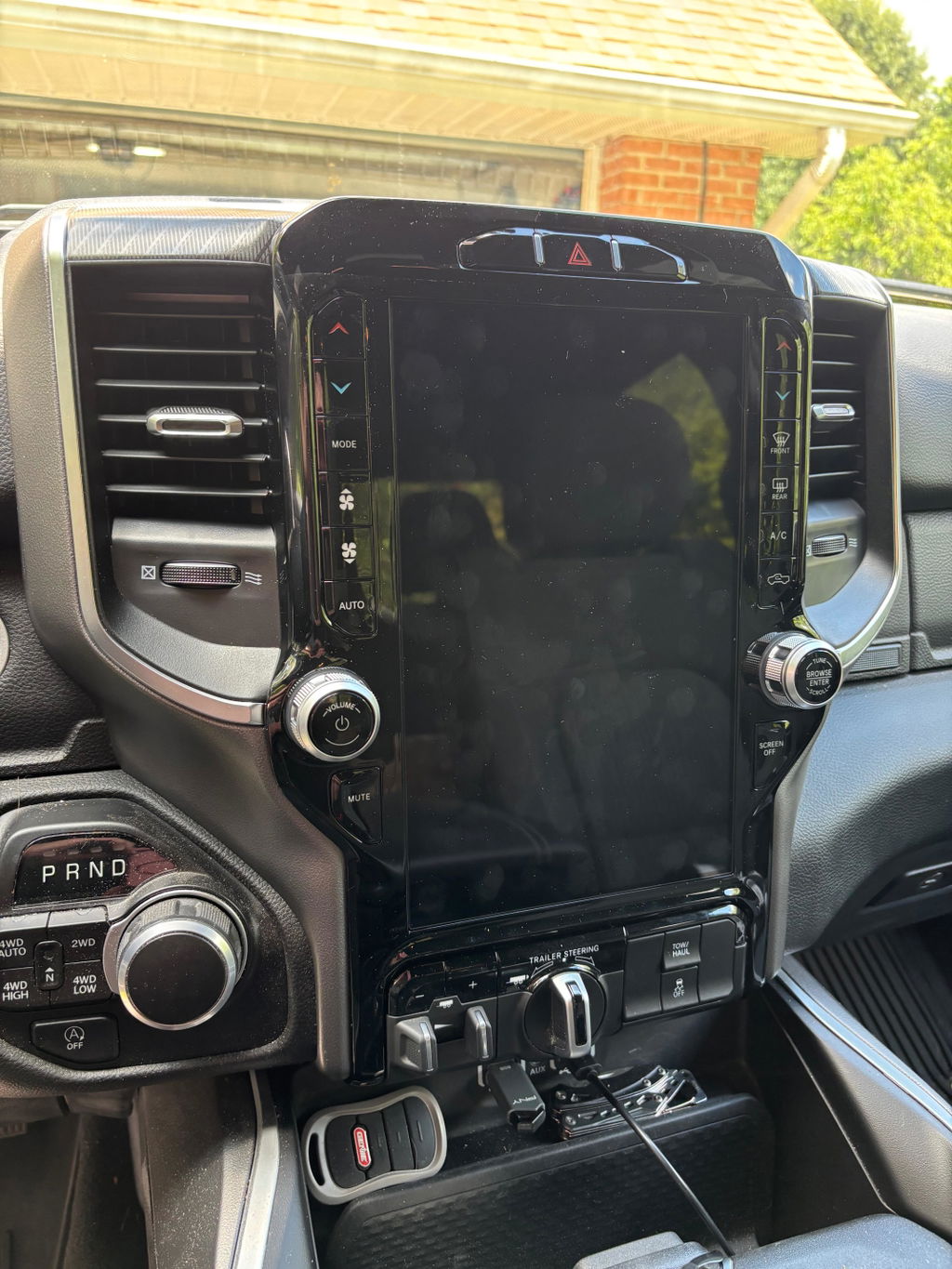
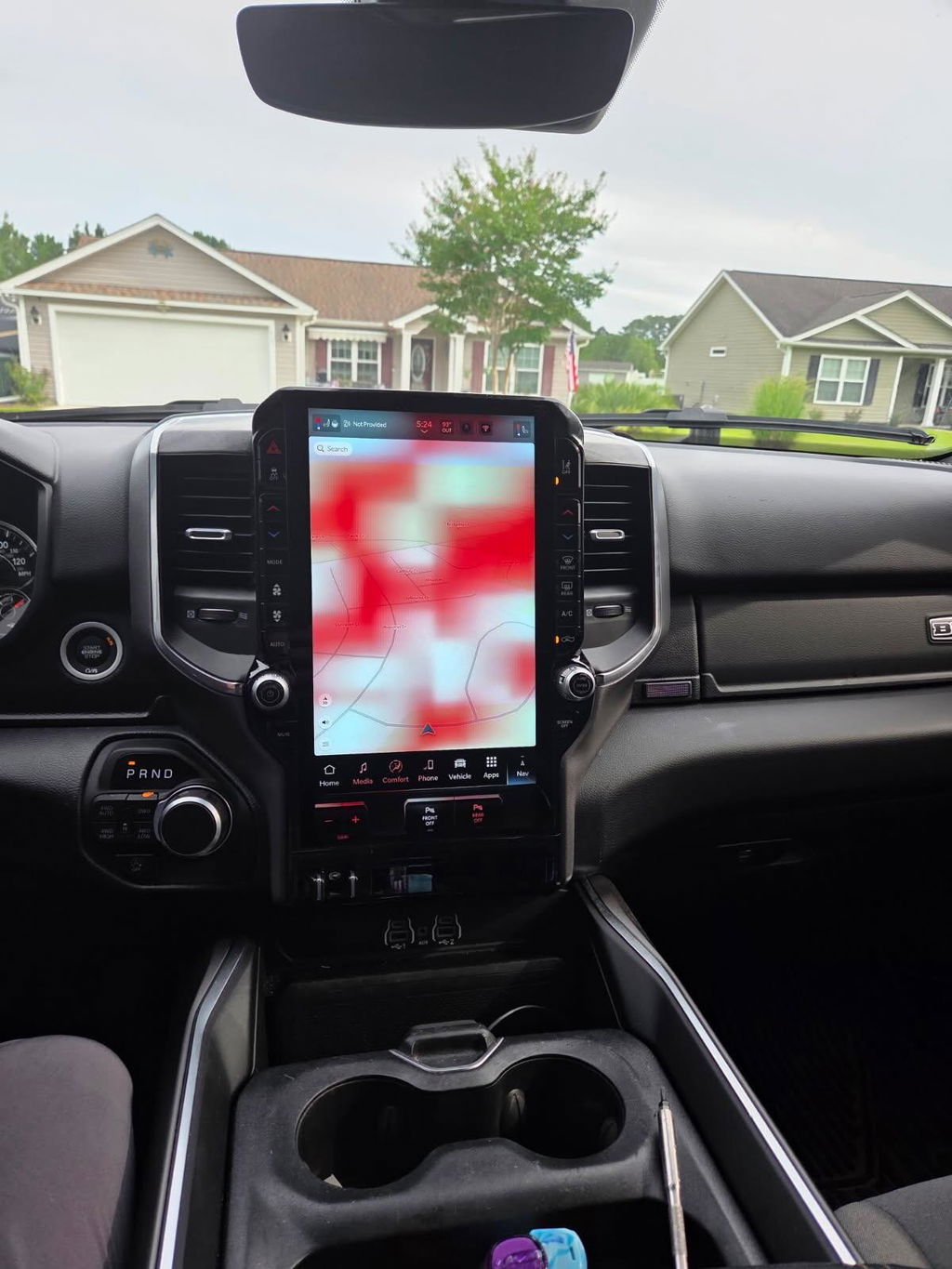
A 12-inch screen that looks factory-installed is only a good upgrade if it communicates with the truck like factory equipment. That is the real standard when learning how to choose vehicle specific modules. A module may physically fit the dash and still be wrong for the vehicle's radio architecture, trim level, camera system, amplifier, or model year.
For Ram, Ford, Dodge, Jeep, and Chrysler owners, the best path is usually an OEM-based, vehicle-specific kit built around the exact platform. It removes the guesswork that comes with universal electronics, adapter stacks, spliced wiring, and features that work only part of the time. The goal is simple: get the modern capability you want while retaining the systems your truck already relies on.
Start With Exact Vehicle Identification
“Fits Ram 1500” is not enough information to select an infotainment conversion, digital cluster, remote start kit, or programmer. Trucks can change electrical architecture, connector layout, security requirements, and option availability within the same model generation. A 2019 Ram 1500 Classic, for example, is not the same platform as a 2019 all-new body Ram 1500, even though both may carry the same name on the tailgate.
Begin with the year, make, model, trim, cab configuration, and engine. Then confirm the platform or body generation. For Ford owners, that means distinguishing an F-150 from a Super Duty and identifying the correct production generation. For Ram owners, it means confirming whether the vehicle is a Classic or DT-platform truck where applicable.
Your VIN is the strongest fitment tool available. It helps identify factory equipment and protects you from ordering a module based only on a dashboard photo or an online forum recommendation. If a retailer requests a VIN, current radio information, or photos of connectors, that is a positive sign. Proper fitment is being verified instead of assumed.
How to Choose Vehicle-Specific Modules by Function
The right module depends on the problem you want to solve. Buying based on the largest screen, longest feature list, or lowest advertised price can lead to an upgrade that is overbuilt for your needs or missing a critical factory function.
Infotainment and Uconnect Screen Upgrades
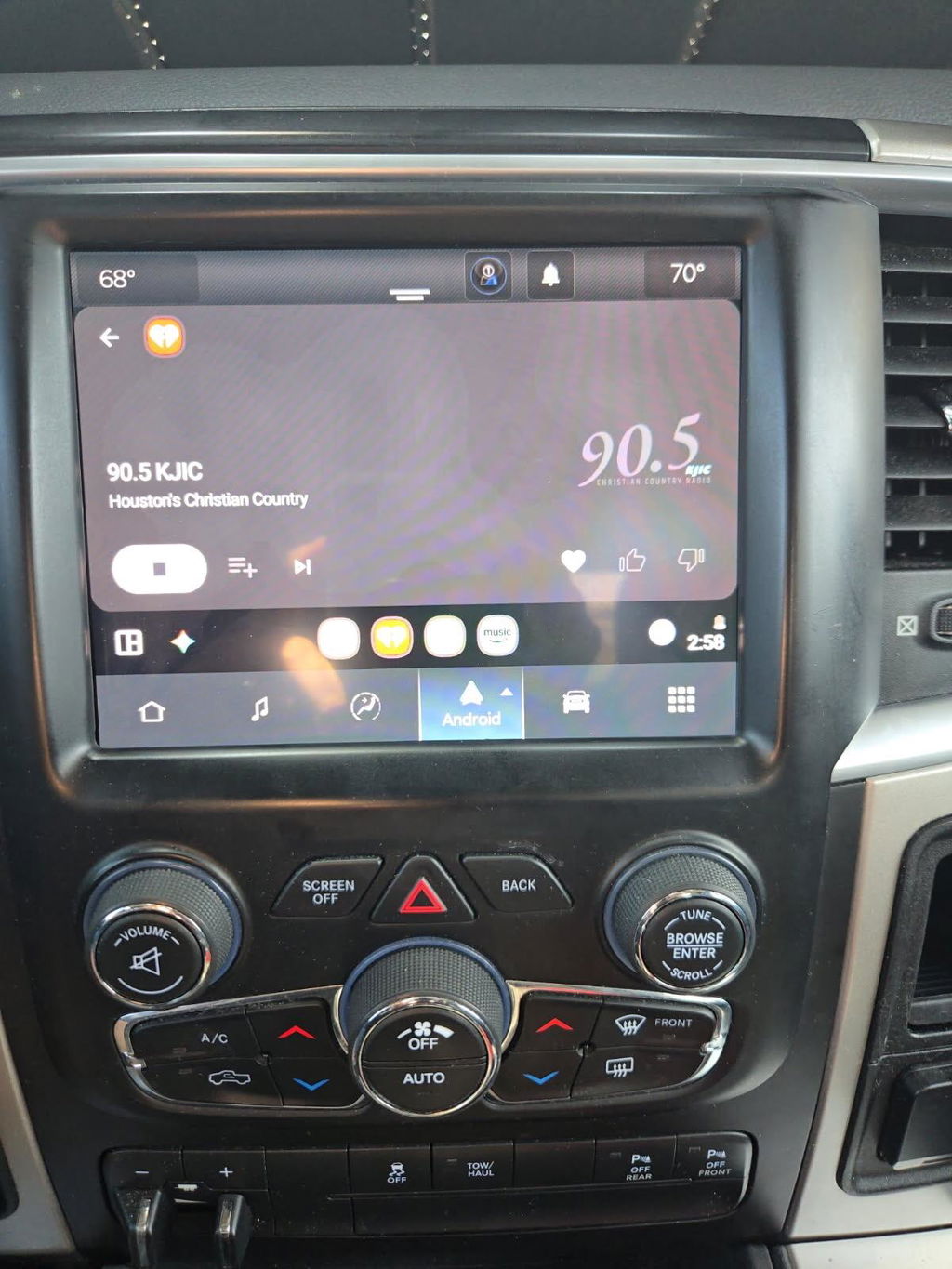
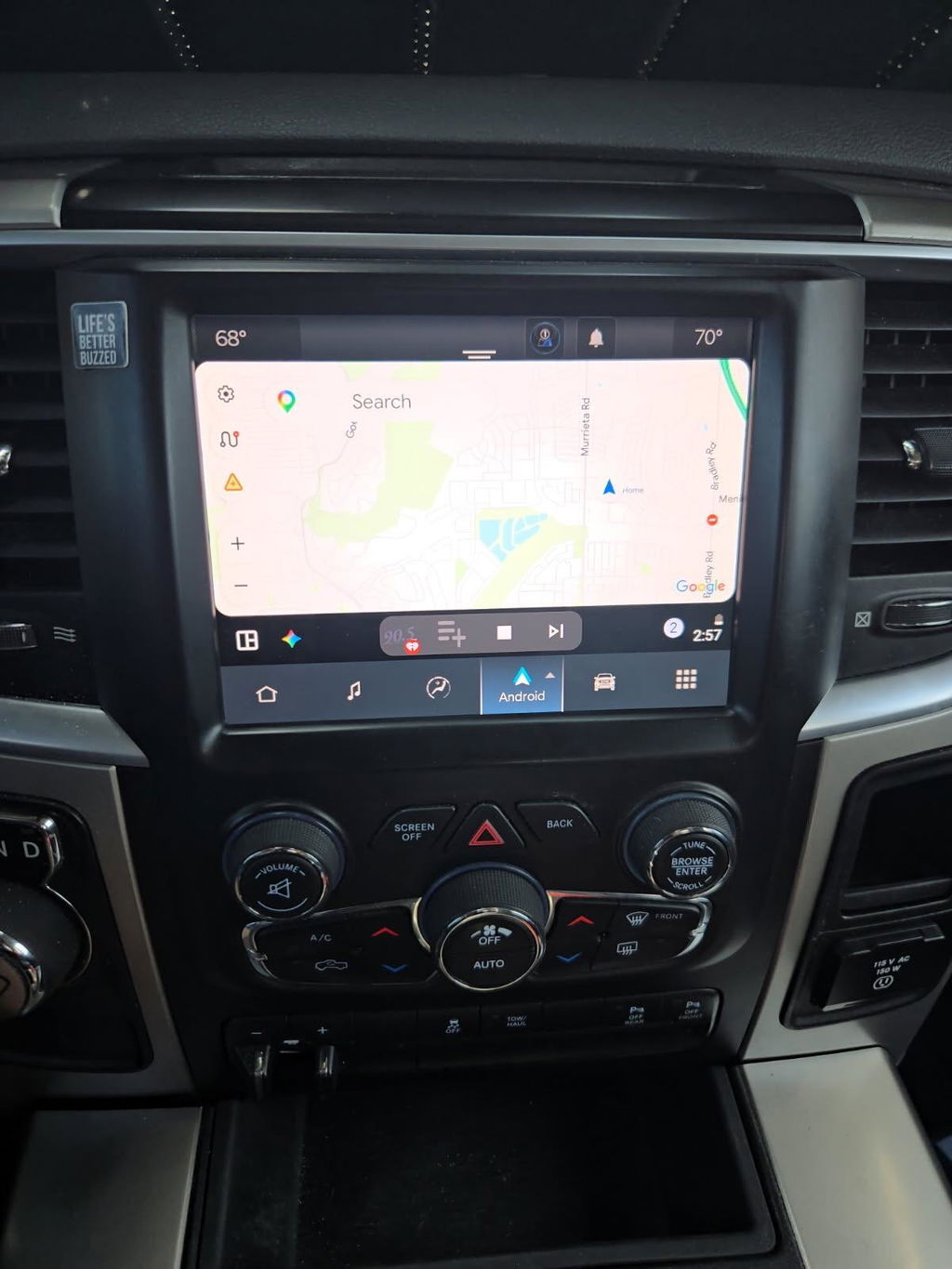
If your truck has an outdated small screen or lacks Apple CarPlay and Android Auto, an OEM infotainment conversion can be the cleanest upgrade. A correct kit should be matched to the existing dash layout, radio family, display size, and model-year electronics. It should also account for factory options such as navigation, a premium audio system, satellite radio, backup camera, and steering-wheel controls.
Wireless Apple CarPlay and Android Auto are high-value features, but they should not be the only deciding factor. Confirm whether the system preserves the backup camera, climate controls displayed through the screen, factory microphones, USB ports, and vehicle settings. Those details separate a complete OEM-style conversion from a screen that merely turns on.
Digital Cluster Kits
A digital cluster upgrade changes one of the most visible parts of the cabin, but it is also one of the most vehicle-dependent electronics upgrades. The correct cluster must communicate with the truck's body control module and receive accurate data for mileage, fuel level, warning messages, drive modes, tire-pressure monitoring, and other functions.
Do not assume every digital cluster with the same screen size is interchangeable. Verify the specific model year, platform, trim compatibility, and whether programming is included or required. Mileage handling also deserves direct attention. A cluster should be configured correctly and installed in a manner consistent with applicable laws and accurate vehicle records.
OEM Remote Start Kits
Remote start is often treated like a basic add-on, but factory-style remote start depends on the truck's key system, security architecture, hood switch requirements, antenna setup, and existing remote controls. Some vehicles can gain remote start with a programmed OEM kit, while others need additional components to operate as intended.
Check the activation method before you buy. You may start the truck using the factory key fob, a compatible app-based service, or both, depending on the vehicle and equipment. Also confirm that the kit supports your desired behavior, such as climate preconditioning, heated seats, heated steering wheel, and rear defrost. Those features often depend on the truck's original trim and automatic comfort settings.
Programmers and Feature Activation Tools
An automatic programmer can be the right choice when you are activating approved factory features or configuring a compatible OEM module after installation. The tool must be designed for the vehicle family and intended programming task. A generic scan tool may read codes but not have the access, functions, or guided process needed to configure factory hardware properly.
Be clear about what the programmer actually does. Some tools perform a specific configuration task and are not a replacement for full diagnostic equipment. Others may be intended only for a certain range of Ram, Dodge, Jeep, or Chrysler vehicles. Match the tool to the module and the vehicle, not just the brand badge.
Confirm What Your Truck Has Now
Before comparing kits, identify the components currently installed. Factory equipment determines what can be retained, what needs to be replaced, and whether an adapter or additional part is necessary.
A practical pre-purchase check should include:
- The current radio or screen size and its factory part number, if available
- Whether the truck has a factory backup camera, 360-degree camera, or trailer camera system
- The presence of a premium amplifier, subwoofer, or active noise cancellation system
- Factory steering-wheel controls, USB media hub, satellite radio, and navigation
- Any recent electrical modifications, including aftermarket alarms, lighting, audio, or remote start
Look for OEM Integration, Not Just Plug Compatibility
A plug-and-play claim should mean more than avoiding wire cutting. The best vehicle-specific modules are designed to work with factory connectors, factory communication networks, and the functions already built into the truck. That is how you keep the cabin clean and reduce the risk of warning lights, lost controls, poor audio quality, or intermittent camera operation.
OEM Genuine Components are especially valuable for infotainment and cluster upgrades because they are engineered around the vehicle's electrical environment. They typically provide better screen fitment, menu integration, boot behavior, and control response than a universal replacement unit. The trade-off is that OEM-based kits can cost more than a generic screen, and fitment requirements are more specific. For a truck you plan to keep, use daily, tow with, or take off-road, that precision is usually worth it.
Still, OEM hardware alone does not guarantee a complete solution. Ask whether the kit includes the required screen, radio module, bezel, harnesses, USB hub, antenna components, programming, and instructions. A low initial price can become expensive if key pieces are sold separately or if installation requires an unexpected dealer visit.
Account for Programming and Installation Reality
Some vehicle-specific upgrades are genuinely straightforward for a capable do-it-yourself owner. Others are plug-and-play physically but still need configuration after the hardware is installed. That is normal with modern OEM electronics, particularly when a new module must be recognized by the vehicle or configured to the truck's options.
Read the installation expectations before ordering. Find out whether programming is completed before shipment, handled through an included programmer, or requires an installer. Also consider your comfort level with trim removal, battery disconnection, connector handling, and post-install testing. A clean installation matters as much as the part number.
After installation, test every related function before reassembling the dash completely. Check audio from all speakers, steering-wheel buttons, cameras, microphone quality, USB connectivity, climate controls, warning messages, and phone pairing. If the module supports wireless smartphone integration, test it with your own phone rather than assuming the feature is operating correctly from a boot screen.
Choose the Seller as Carefully as the Module
A vehicle-specific module is a technical purchase, not a commodity accessory. The seller should provide clear model-year fitment, identify included components, and explain any programming requirements without vague promises. Competitive pricing matters, but support and accurate kit configuration matter more when the part controls the radio, cameras, gauges, or vehicle security features.
Look for a catalog organized by vehicle platform and upgrade category instead of one that groups every truck under a broad universal-fit label. DD Offroad focuses on OEM-based, model-specific upgrade paths because a correct kit should reduce installation variables, not create them.
The best choice is rarely the module with the most features on paper. It is the one verified for your exact truck, equipped for the features you use, and supplied as a complete path from factory hardware to factory-style operation. Start with the VIN, confirm the original equipment, and choose compatibility before convenience. Your truck will show the difference every time you start it.