Ford Expedition SYNC Retrofit: What Fits?
Share
A Ford Expedition SYNC retrofit is not a universal-screen project. The right upgrade depends on the infotainment generation already in your SUV, the factory options tied to its VIN, and whether you want newer phone integration, a larger display, or a complete OEM-style conversion. Get those details right first, and the finished setup can look and operate like it belongs in the truck. Get them wrong, and even good components can turn into a frustrating fitment problem.
For Expedition owners, the appeal is straightforward. The vehicle still has the room, towing capability, and road-trip comfort that made it a strong choice, but an older SYNC system can feel dated every time you use navigation, stream music, or try to connect a current phone. A properly matched retrofit brings the cabin forward without filling the dash with generic electronics, exposed adapters, or features that only work part of the time.
What a Ford Expedition SYNC Retrofit Actually Includes
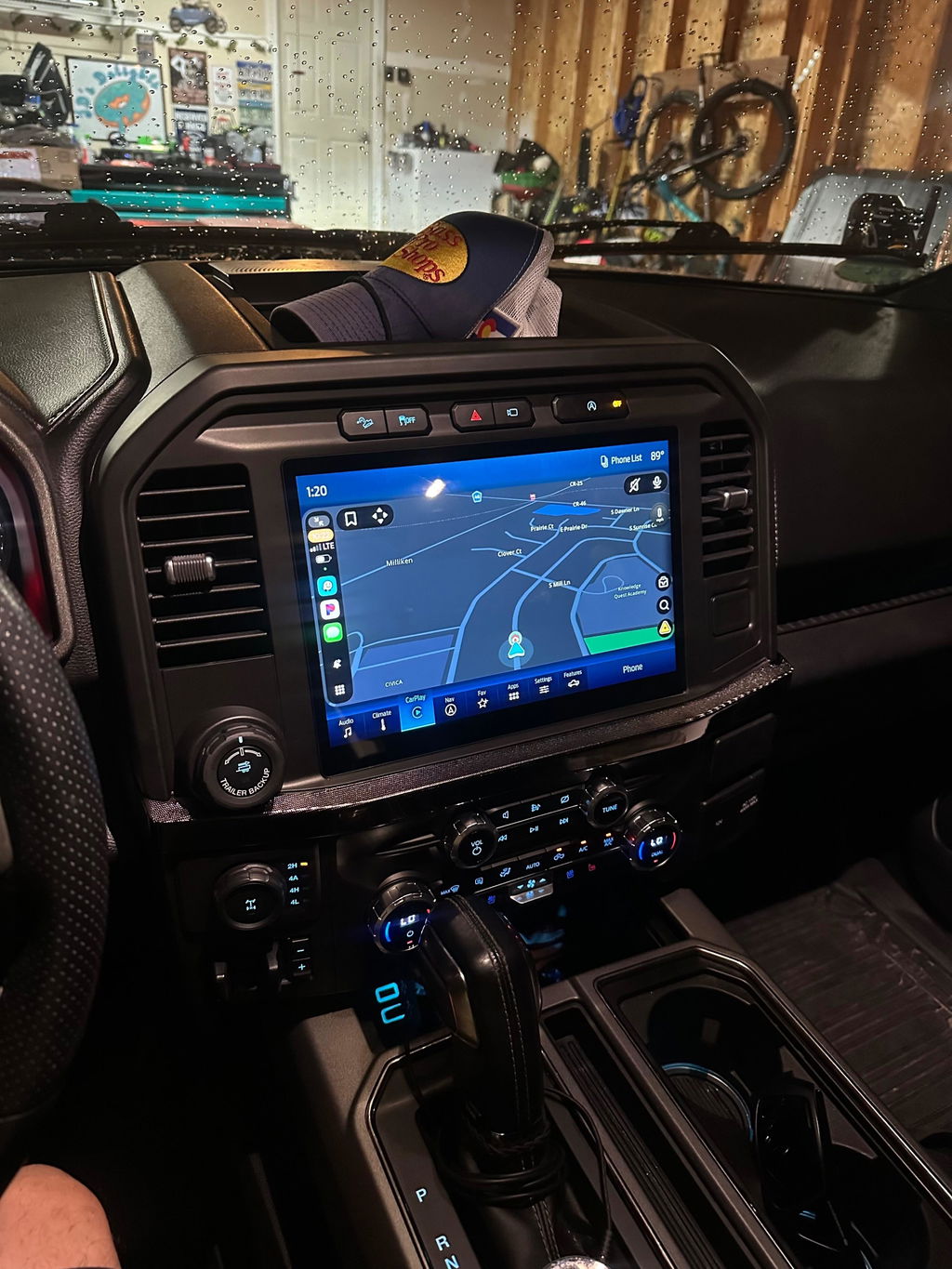
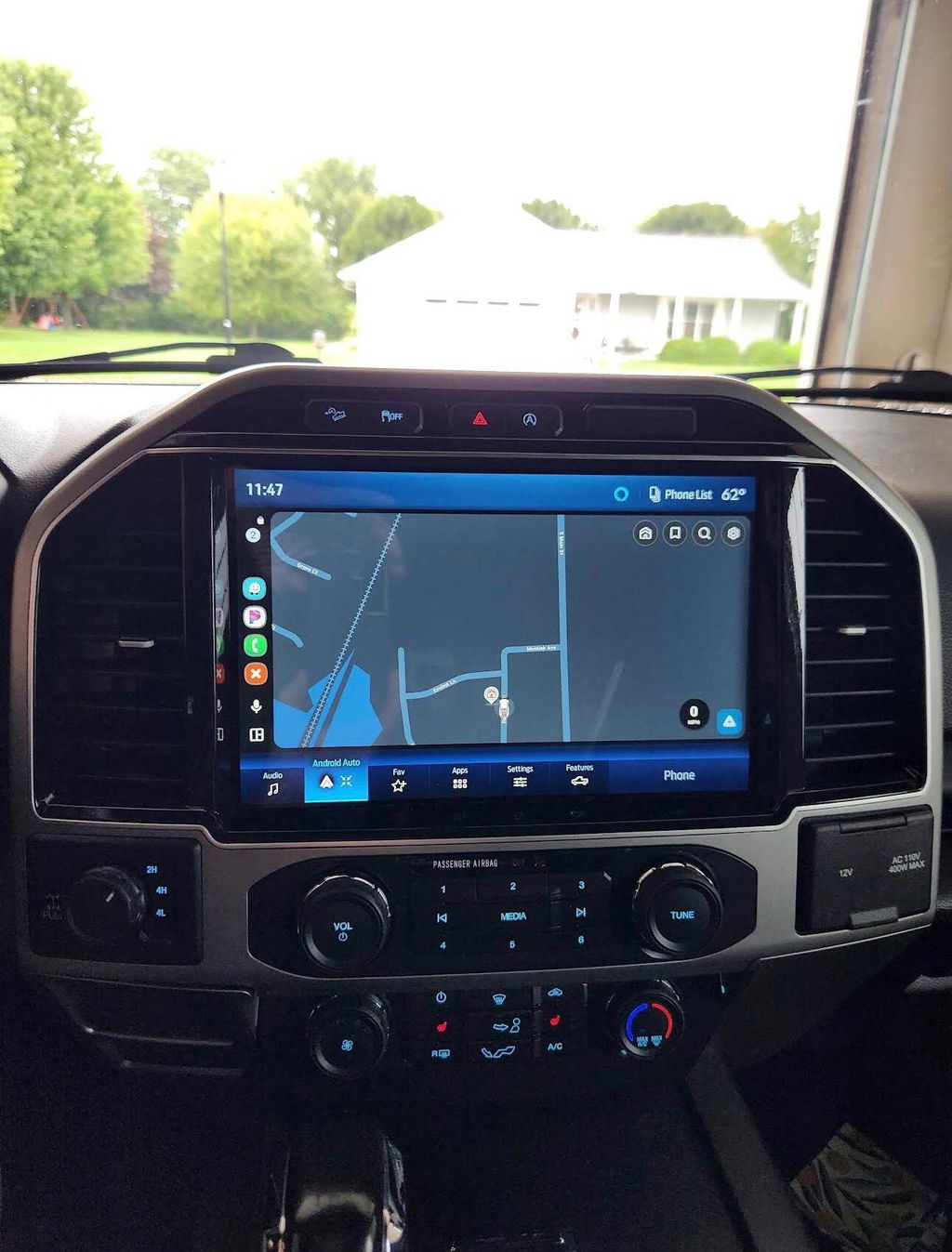
A retrofit can mean different things depending on the model year and starting system. Sometimes it is a focused upgrade to add Apple CarPlay and Android Auto support. Other times, it is a broader OEM-style conversion involving the display, accessory protocol interface module, USB media hub, bezel, harnessing, antenna connections, and vehicle-specific programming.
The screen is only one piece of the system. In Ford terminology, the APIM is the module that handles much of the SYNC infotainment operation. A display, APIM, and media hub must communicate correctly with one another and with the Expedition's existing modules. Steering-wheel buttons, backup camera operation, climate controls shown on screen, factory audio, satellite radio, and vehicle settings may all be part of that conversation.
That is why an OEM-based, vehicle-specific kit is usually the better route than assembling parts from salvage listings and hoping they share the same configuration. Genuine components are only useful when the hardware, software level, connectors, and programming match the vehicle.
Start With Your Expedition Generation
The most useful first step is identifying the model year, current screen size, and factory SYNC version. Do not rely only on the appearance of the display. Similar-looking Ford screens can use different modules, connectors, and software configurations.
2015-2017 Expedition models
These Expeditions may be equipped with earlier SYNC or SYNC 2/MyFord Touch-era equipment, depending on year and original options. Owners often pursue an OEM-style SYNC 3 conversion because it can add a cleaner interface and modern smartphone integration when paired with compatible hardware and programming.
This is also where fitment matters most. A conversion may require more than a replacement screen. The required parts can include a compatible APIM, display, USB hub, hub-to-module cable, correct trim components, and an adapter harness designed for the vehicle. Camera retention and factory amplified audio should be verified before ordering.
2018-2021 Expedition models
Many fourth-generation Expeditions came with SYNC 3. For these vehicles, the decision is often less about replacing an obsolete system and more about improving the factory setup, replacing failed equipment, or moving to a different OEM screen configuration where supported.
SYNC 3 is still a capable platform when it is updated and configured correctly. Before planning a major retrofit, check whether the missing feature is simply a software, USB hub, or phone-connection issue. A clean OEM repair or compatible media hub update may solve the problem at a lower cost than a full conversion.
2022 and newer Expedition models
Later Expeditions use newer Ford infotainment architecture, including SYNC 4 on many configurations. These systems are not automatically interchangeable with SYNC 3-era components. Screen shape, module design, data connections, and programming requirements can all change between generations.
The 2025 Expedition also moved toward Ford Digital Experience architecture, which should be treated as its own platform rather than assumed to be compatible with earlier SYNC hardware. For newer trucks, match the kit to the exact model year and factory configuration. An upgrade path that works on a 2021 Expedition should never be assumed to work on a 2025.
OEM-Style Retrofit vs. Generic Aftermarket Screen
A generic aftermarket radio can advertise a large display and a long feature list, but those claims do not automatically translate into factory-level integration. The trade-off is usually behind the screen: extra interfaces, added wiring, inconsistent boot-up behavior, reduced audio quality, or unreliable communication with factory controls.
An OEM-style Ford Expedition SYNC retrofit is built around keeping the truck's original operating logic where possible. That means the dash appearance remains factory-correct, steering-wheel controls are more likely to function as intended, and the system is designed around Ford-specific connections instead of universal workarounds.
That does not mean every owner needs the most extensive conversion. If the factory screen, audio system, and camera already work well, a targeted upgrade can be the smarter value. If the current system has a small screen, failed module, missing smartphone support, and an outdated interface, a full matched kit makes more sense.
Features Worth Paying For
Wireless Apple CarPlay and Android Auto are usually the main reason owners consider a retrofit. They make current navigation, calls, podcasts, and music easier to use without relying on the older factory app ecosystem. For a family SUV or tow vehicle, that everyday convenience adds up quickly.
A larger factory-style display can also be worthwhile, particularly if the Expedition is used for long trips. Better map visibility and a more current interface improve the experience, but screen size alone should not drive the purchase. Confirm that the setup retains the features you already use, including the backup camera, parking sensors, factory microphone, SiriusXM where equipped, and the correct audio configuration.
If your truck has a premium factory audio system, make that part of the fitment conversation. Amplified systems can require a different hardware or programming approach than standard audio. The same applies to rear-seat entertainment, 360-degree cameras, trailer camera functions, and other high-option equipment.
Check These Details Before You Buy
Before selecting a kit, verify the basics against the vehicle itself, not just an online parts photo:
- Model year and trim level
- Current screen size and SYNC version
- VIN-specific factory options
- Standard or amplified factory audio
- Backup camera, 360-camera, and parking-assist equipment
- Whether you need programmed hardware or will handle configuration separately
Installation: Plug and Play Still Requires Care
Plug and play does not mean careless installation. It means the components and harnesses are designed to connect without custom cutting, soldering, or fabricating a dash solution. That is a major advantage, especially for owners who want a clean installation that can be serviced later.
Plan for basic trim removal, battery-disconnect procedures, and enough time to route and secure wiring correctly. Use non-marring trim tools, protect the dashboard surfaces, and avoid forcing connectors. Ford connectors are keyed for a reason. If one does not seat naturally, stop and confirm the part number and orientation.
Programming is the part most often underestimated. A system can power on and still be incorrectly configured for the Expedition. Symptoms may include missing camera display, non-working steering-wheel controls, incorrect climate information, no sound, or features that do not appear in the menu. Pre-programmed, vehicle-specific components reduce that risk, but they do not eliminate the need to confirm every feature after installation.
Once the system is installed, test it before reinstalling every trim panel. Check audio from each source, Bluetooth calls, USB phone connection, wireless phone connection if equipped, camera view, steering-wheel controls, GPS operation, factory settings, and both day and night screen behavior.
Choose the Upgrade Around the Truck You Have
The best retrofit is not always the largest screen or newest-looking component. It is the setup that fits your exact Expedition, retains the factory functions you depend on, and delivers features you will use every time you drive. DD Offroad focuses on that OEM Genuine Components approach because compatibility is what separates a clean upgrade from an expensive experiment.
Treat your Expedition's VIN, current system, and option list as part of the upgrade itself. When the hardware and programming match the vehicle, a SYNC retrofit feels less like an aftermarket add-on and more like the cabin technology Ford should have included from the start.