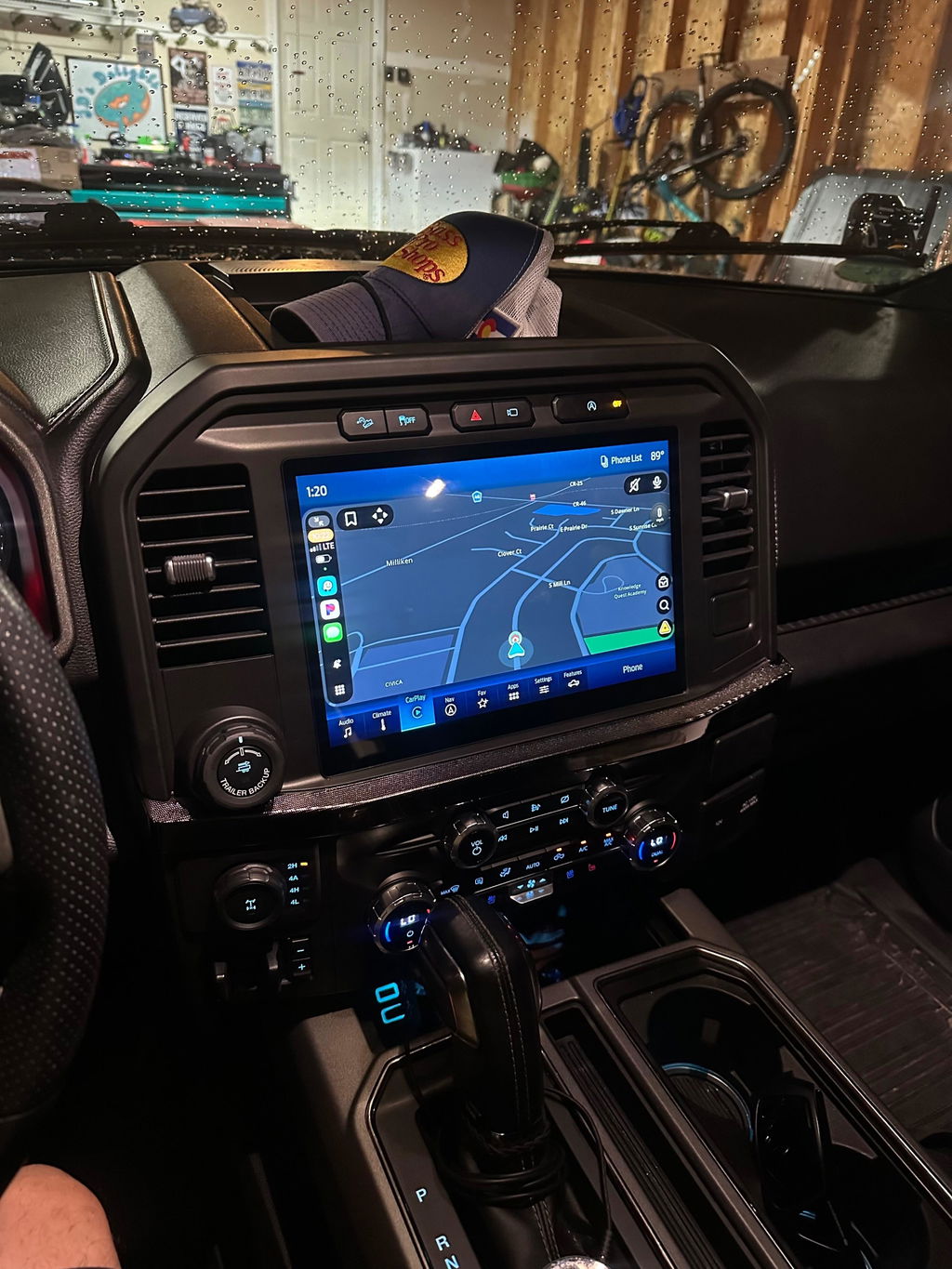
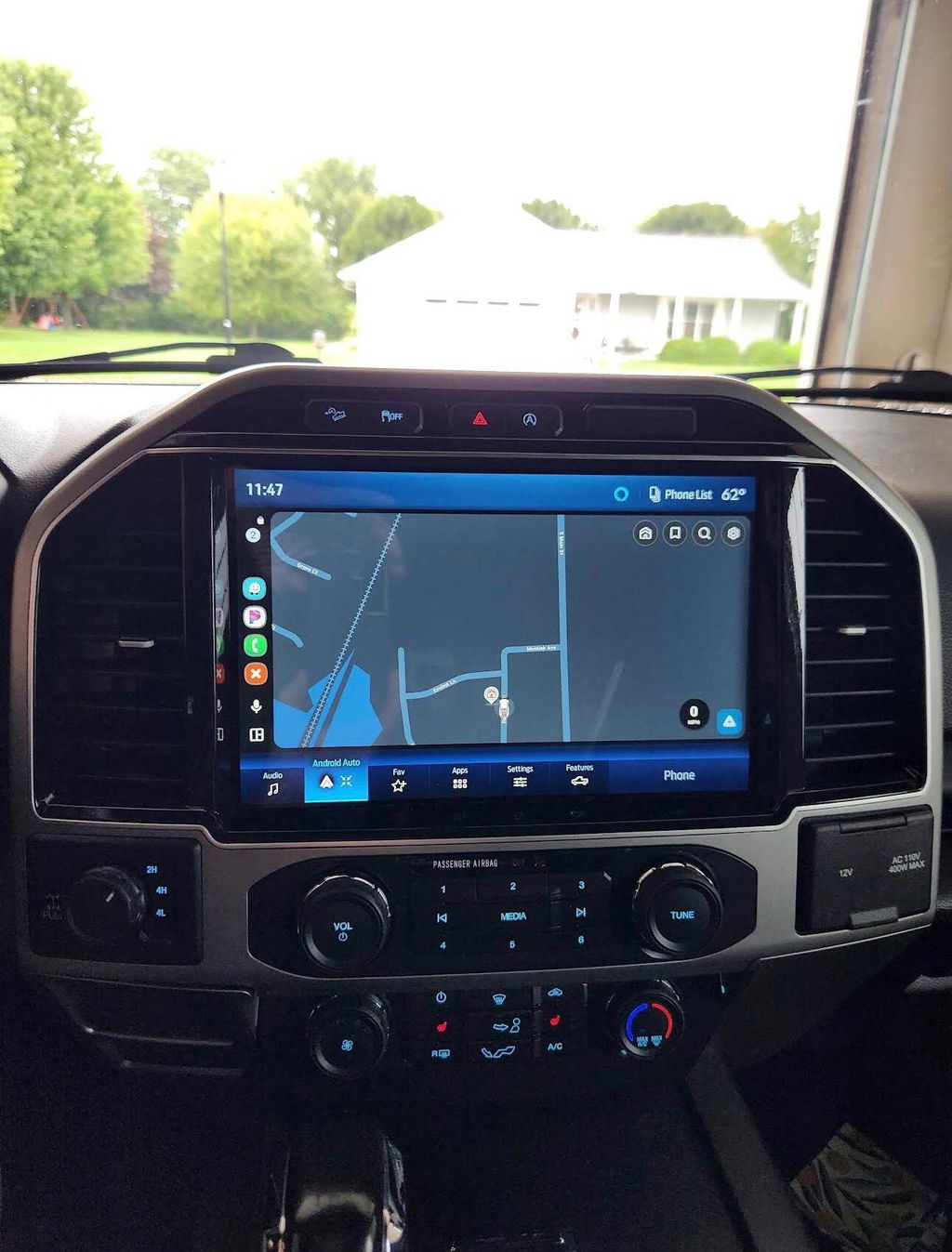
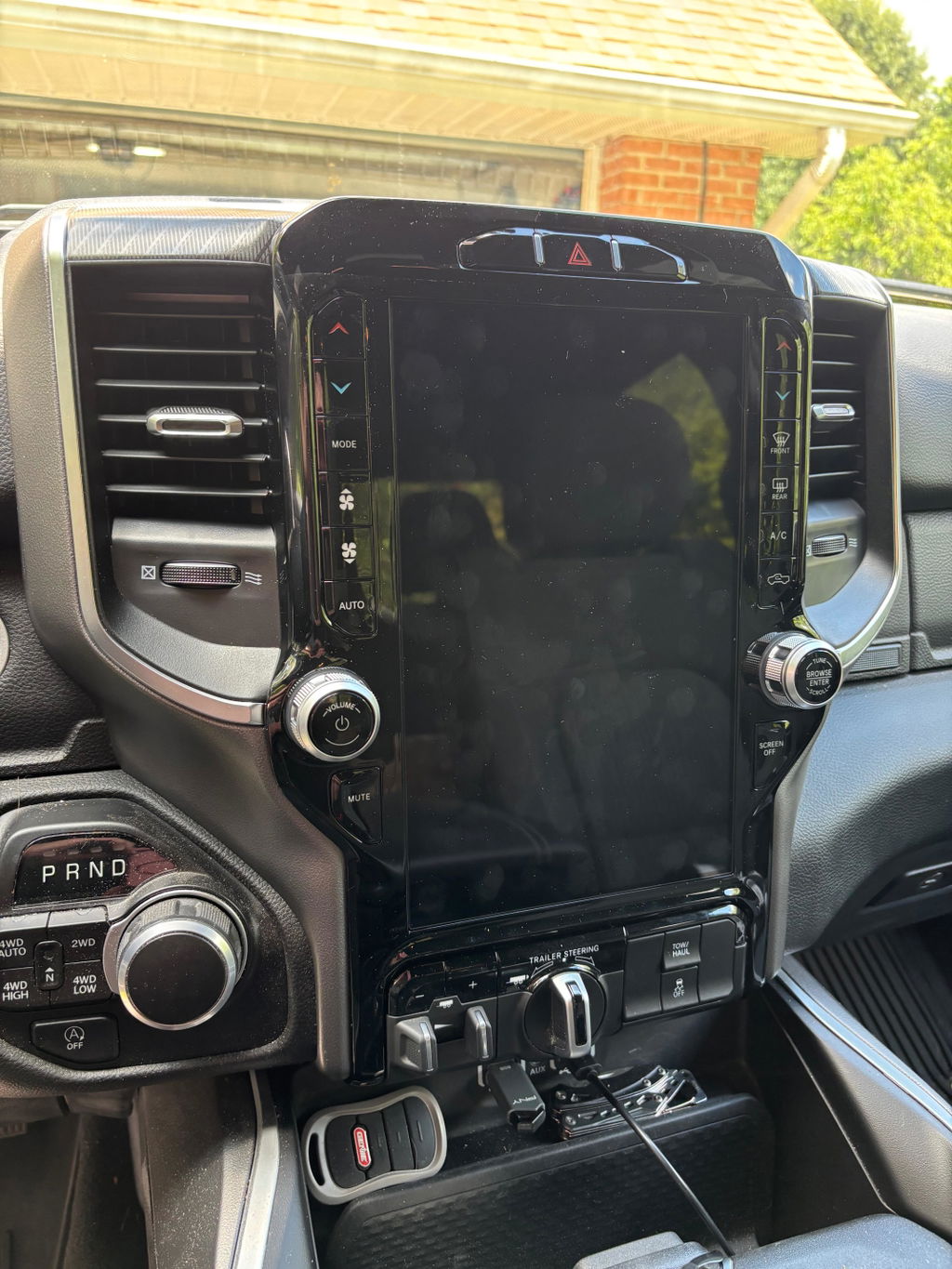
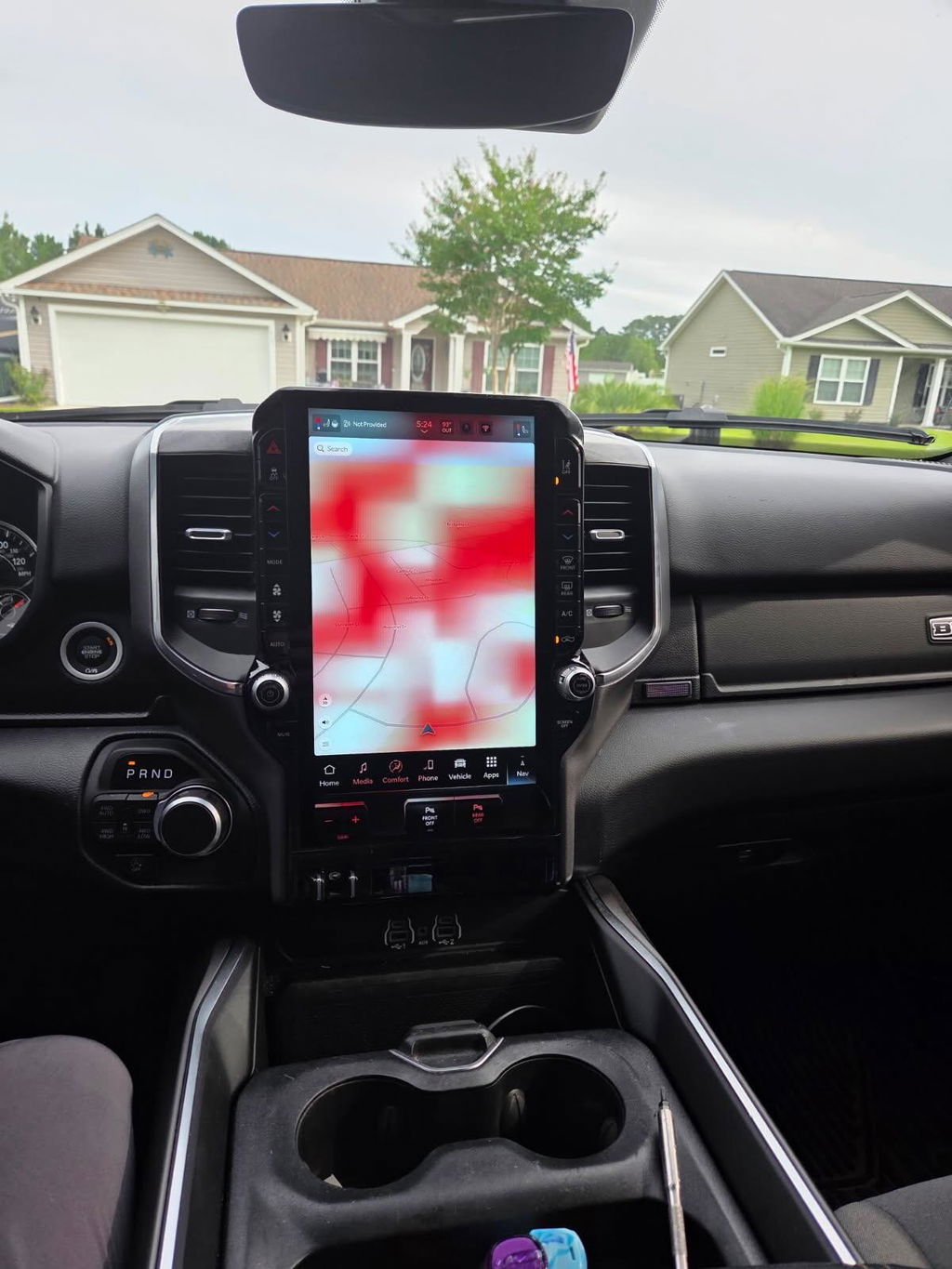
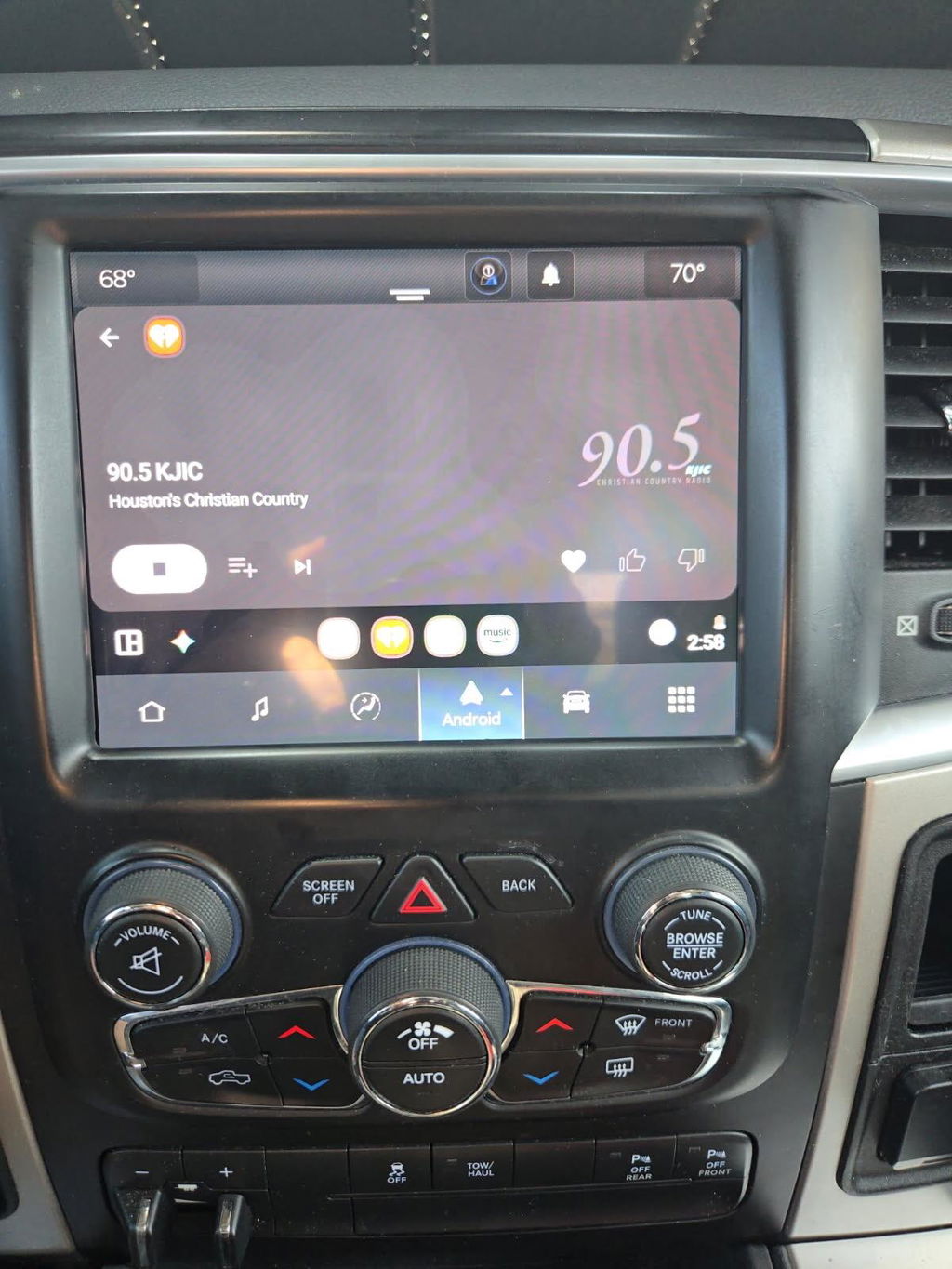
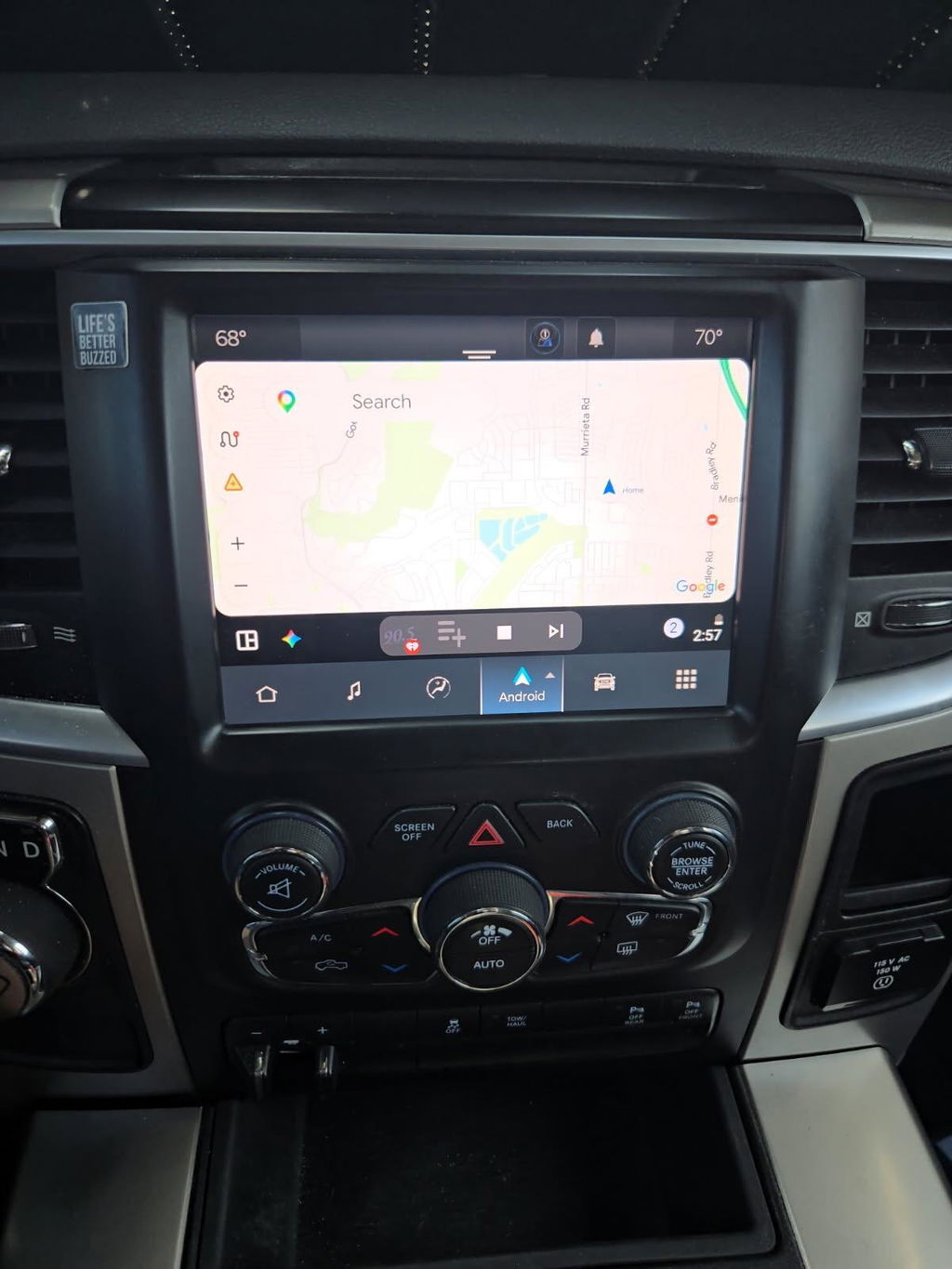
Android Auto Ford Truck Upgrade Guide
Share
If your truck still has a small factory screen, slow menu response, or no smartphone integration at all, an android auto ford truck upgrade fixes a problem you notice every time you drive. Maps on a phone mount work, but they are not the same as having navigation, calls, messages, and music integrated into the dash the way they should have been from the factory.
For most Ford truck owners, the real question is not whether Android Auto is worth having. It is which upgrade path makes sense for your model, your factory equipment, and how clean you want the final result to look. That matters because there is a big difference between a true vehicle-specific solution and a universal screen that technically works but leaves you dealing with wiring issues, trim problems, or lost factory functions.
What an Android Auto Ford Truck Upgrade Should Actually Improve
A good upgrade is not just about adding an app icon to the screen. It should make the truck easier to use every day. That usually means faster access to Google Maps or Waze, hands-free calling that does not sound like an afterthought, better media control, and a screen size that fits the cabin instead of looking outdated.
In a Ford truck, the best result also keeps the factory feel intact. Climate controls, backup camera display, steering wheel buttons, USB behavior, and vehicle settings all need to work as expected. If the upgrade adds Android Auto but creates new problems elsewhere, it is not much of an upgrade.
That is why truck owners who care about fitment usually end up comparing OEM-based kits against generic aftermarket head units. Price matters, but so does integration.
OEM-Based vs Aftermarket for Ford Trucks
An OEM-based android auto ford truck upgrade is usually the cleaner option when it is available for your truck. You are working with factory-style hardware, vehicle-specific harnessing, and a setup designed around your existing platform. The big advantage is predictability. Screen fitment is better, factory menus are easier to retain, and the final install tends to look like it belongs in the truck.
Aftermarket systems can still make sense in some situations, especially on older trucks where factory-based upgrade paths are limited or where the owner wants features the OEM layout does not offer. The trade-off is that universal-fit electronics often require more compromise. You may get more flashy features on paper, but it is common to lose some factory integration or spend more time sorting out adapters, programming, and trim alignment.
For a work truck or daily driver, most owners care more about reliability than novelty. They want the screen to boot properly, the audio to work right, and the backup camera to display without lag. That is where OEM-style, plug-and-play solutions usually justify their higher upfront cost.
Why factory integration matters more in trucks
Trucks are not just commuter cars with a bigger cab. Many owners use them for towing, off-road travel, jobsite use, or long highway runs. That changes what matters. You need voice commands that work with cabin noise, a screen that stays readable, and controls that do not become a distraction when you are hauling or backing into a tight spot.
An upgrade that preserves steering wheel controls, factory camera behavior, and vehicle menus is usually the better long-term choice. It feels less like an add-on and more like the truck finally caught up to modern expectations.
Fitment Comes First
Before you compare screen sizes or wireless features, verify what your truck already has. Ford trucks can vary a lot by model year, trim level, cab configuration, and original infotainment package. Two F-150s from the same generation may not have the same wiring, APIM setup, or screen hardware.
That is why fitment should drive the buying decision. Start with the exact year and model, then confirm the factory radio type, screen size, and whether your truck already has a version of SYNC that can be updated rather than replaced. Some trucks only need a module change or screen conversion. Others need a more complete kit.
If you skip that step and buy based on appearance alone, you risk ending up with missing features, programming headaches, or a system that technically powers on but does not fully communicate with the truck.
Common Ford truck scenarios
Older F-150 and Super Duty models often fall into one of two camps. Either they have an outdated factory interface that can be upgraded with OEM-style components, or they have a basic setup that makes owners consider aftermarket replacements. Newer trucks may already support smartphone integration with a software or module update, but not always with the screen size or responsiveness owners want.
Maverick and newer Ford platforms tend to be more electronics-dependent, so compatibility becomes even more important. The more factory features your truck already manages through the screen, the more careful you need to be about choosing a system that preserves those functions.
Wired vs Wireless Android Auto
Most buyers ask for wireless Android Auto first, and that makes sense. No cable to plug in, less clutter in the cab, and easier short-trip use. But wireless is not automatically the right answer for every truck.
Wired Android Auto is often more stable, especially in work vehicles where the phone may already be charging all day and the truck sees constant in-and-out use. Wireless adds convenience, but it can introduce pairing issues depending on the phone, software version, or USB hub setup. If your priority is absolute consistency, wired may still be the better fit.
The right answer depends on how you use the truck. Daily commuting and quick errands favor wireless. Long towing days, rough jobsite use, and multiple drivers can make wired operation simpler.
Installation: Plug and Play Still Needs a Plan
A plug-and-play kit removes a lot of the guesswork, but it does not mean every installation is identical. Trucks with factory amplifiers, cameras, steering wheel controls, or higher trim electronics may require extra steps during setup. Programming can also be part of the process depending on the platform.
The biggest advantage of a vehicle-specific kit is that you are not inventing the install as you go. You are following a known path built around your truck. That cuts down on the usual aftermarket problems like splicing factory wiring, chasing audio issues, or modifying trim to make a screen fit.
If you are comfortable removing dash panels and following model-specific instructions, many of these upgrades are manageable. If you are not, there is no shame in having a shop handle the installation. The point is to get a clean result, not to turn a weekend project into an electrical troubleshooting job.
What to Look for in an Upgrade Kit
The best kits are specific, not vague. If a product does not clearly call out model years, supported trims, factory screen compatibility, and retained features, treat that as a warning sign. Ford trucks are too platform-specific for guesswork.
Look for OEM genuine components or OEM-style hardware, vehicle-specific harnessing, and clear information on whether programming is included or required. Also check what happens with factory cameras, USB ports, Bluetooth functions, and steering wheel controls. Those details matter more than marketing claims.
This is where a specialist retailer has an advantage. Companies focused on truck platforms, including OEM-based options from sellers like DD Offroad, tend to build around fitment and retained functionality instead of pushing one universal radio into every application.
Cost vs Value in an Android Auto Ford Truck Upgrade
The cheapest path is rarely the best value. A low-cost head unit can look attractive until you add dash kits, adapters, camera modules, labor, and the time spent sorting out issues that should not exist in the first place. At that point, the gap between a bargain setup and a proper vehicle-specific kit often gets smaller.
A higher-quality upgrade costs more because it solves more. Better integration, cleaner fitment, fewer install variables, and better retention of factory features all have value. That is especially true in a truck you plan to keep.
There is still an it-depends factor here. If the truck is older, basic, and used hard, a budget-friendly aftermarket solution may be enough. If it is a newer F-150, Super Duty, or a well-kept truck where factory appearance matters, spending more for the right kit usually makes more sense.
The Best Upgrade Is the One That Fits the Truck
The smartest way to approach an android auto ford truck upgrade is to stop thinking about screens first and start thinking about compatibility. What factory system is in the truck now, what functions need to stay, and how OEM you want the final result to feel should guide the decision.
When the fitment is right, Android Auto feels less like an accessory and more like a missing factory feature finally added the correct way. That is usually the difference between an upgrade you tolerate and one you actually enjoy every time you start the truck.