Is a Factory CarPlay Retrofit Worth the Cost?
Share
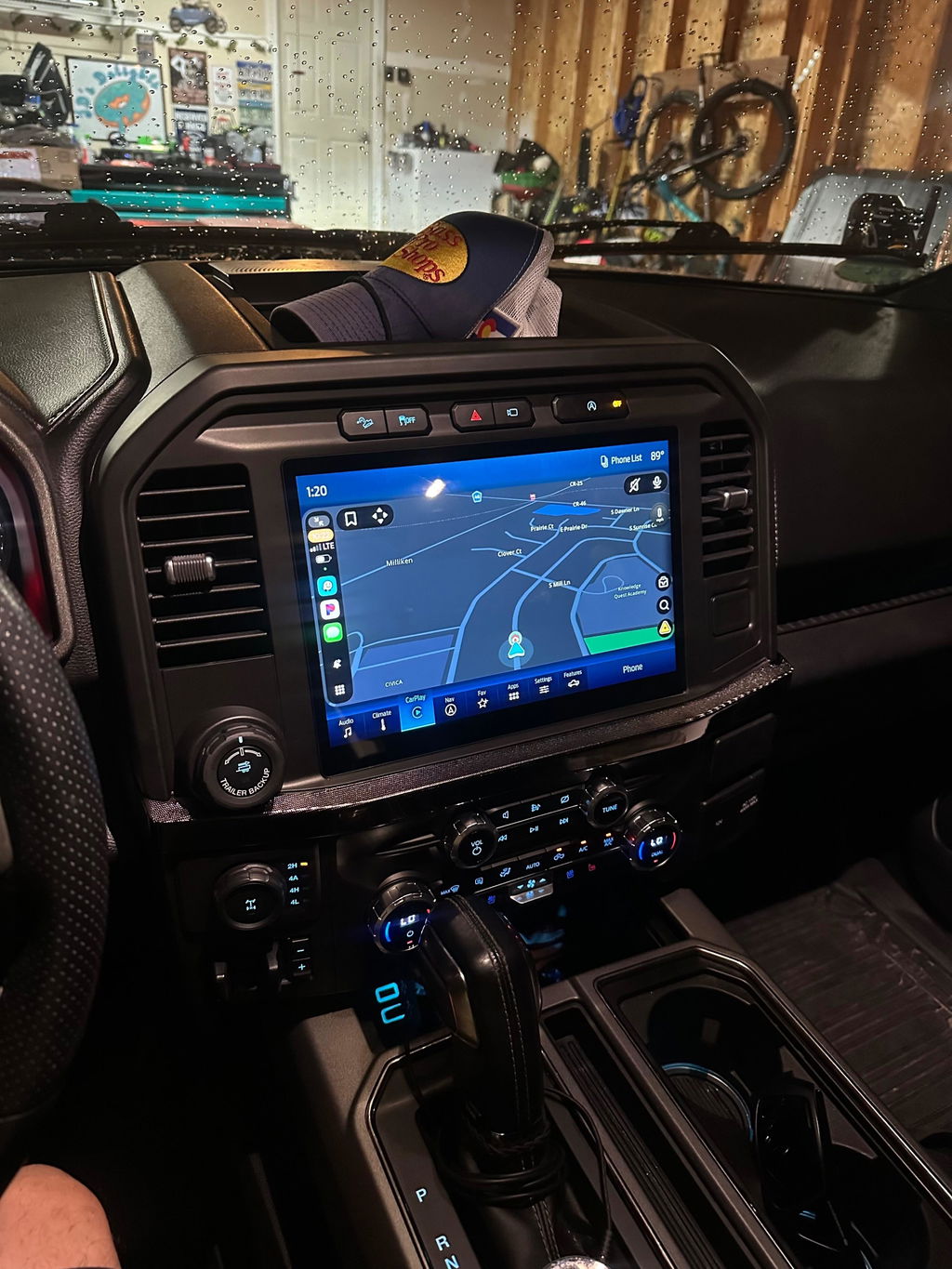
Your truck may still run strong, tow confidently, and handle the trail without complaint. But if the factory screen is small, slow, or missing Apple CarPlay altogether, the cabin can feel years behind the rest of the vehicle. A factory CarPlay retrofit is the practical way to add modern smartphone integration while preserving the fit, controls, and appearance that made you buy the truck in the first place.
For Ram, Ford, Dodge, Jeep, and Chrysler owners, the key is not simply adding a screen that displays CarPlay. The real goal is a vehicle-specific upgrade that communicates correctly with factory modules, works with steering-wheel controls, and looks like it belongs in the dash. That is where OEM-based retrofit kits separate themselves from generic touchscreen replacements.
What a Factory CarPlay Retrofit Actually Means
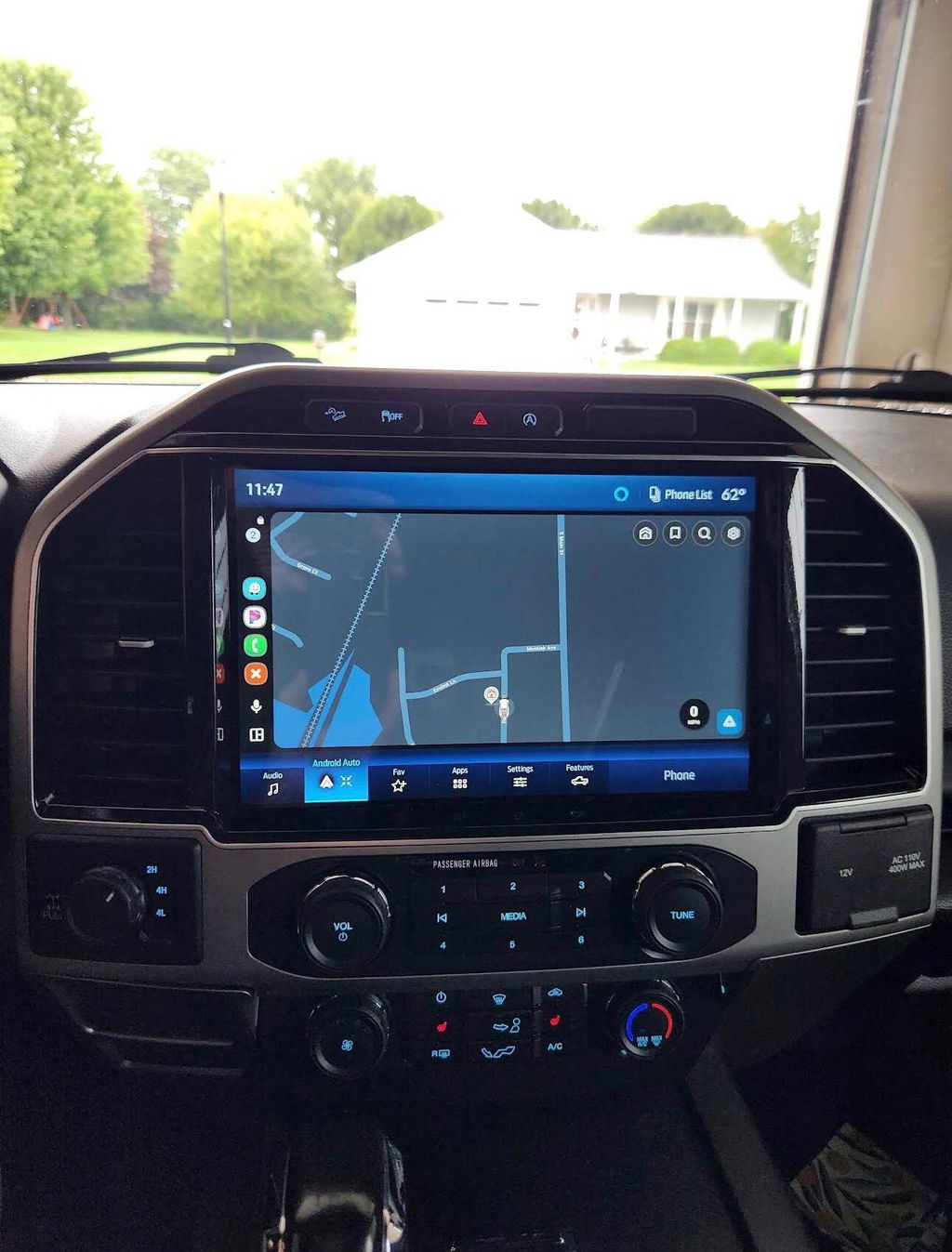
A factory CarPlay retrofit upgrades your vehicle with OEM or OEM-style infotainment hardware capable of running Apple CarPlay, often with Android Auto included as well. Depending on the platform and model year, that may mean replacing the radio module, touchscreen, media hub, USB ports, trim bezel, wiring, or a combination of those components.
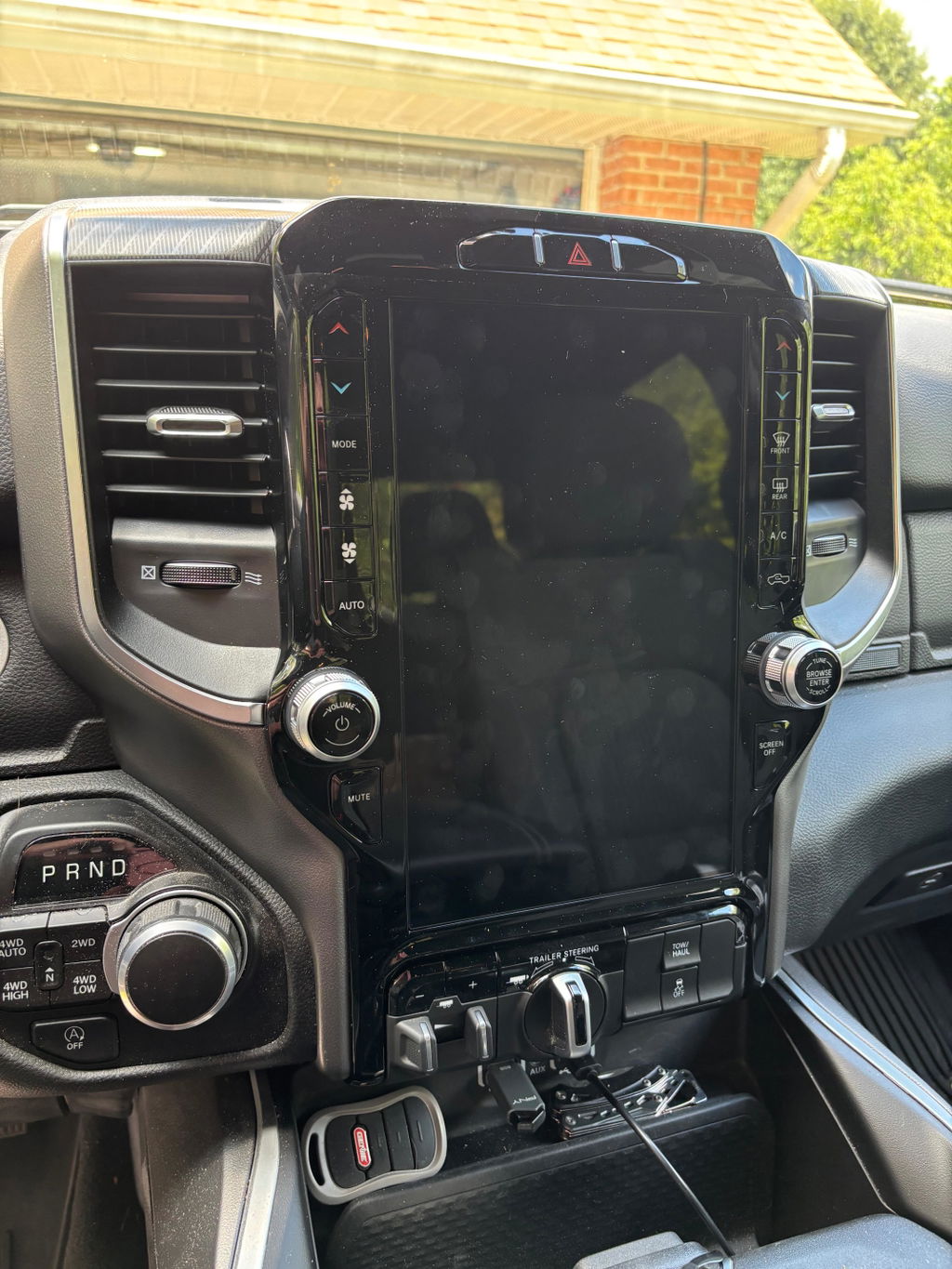
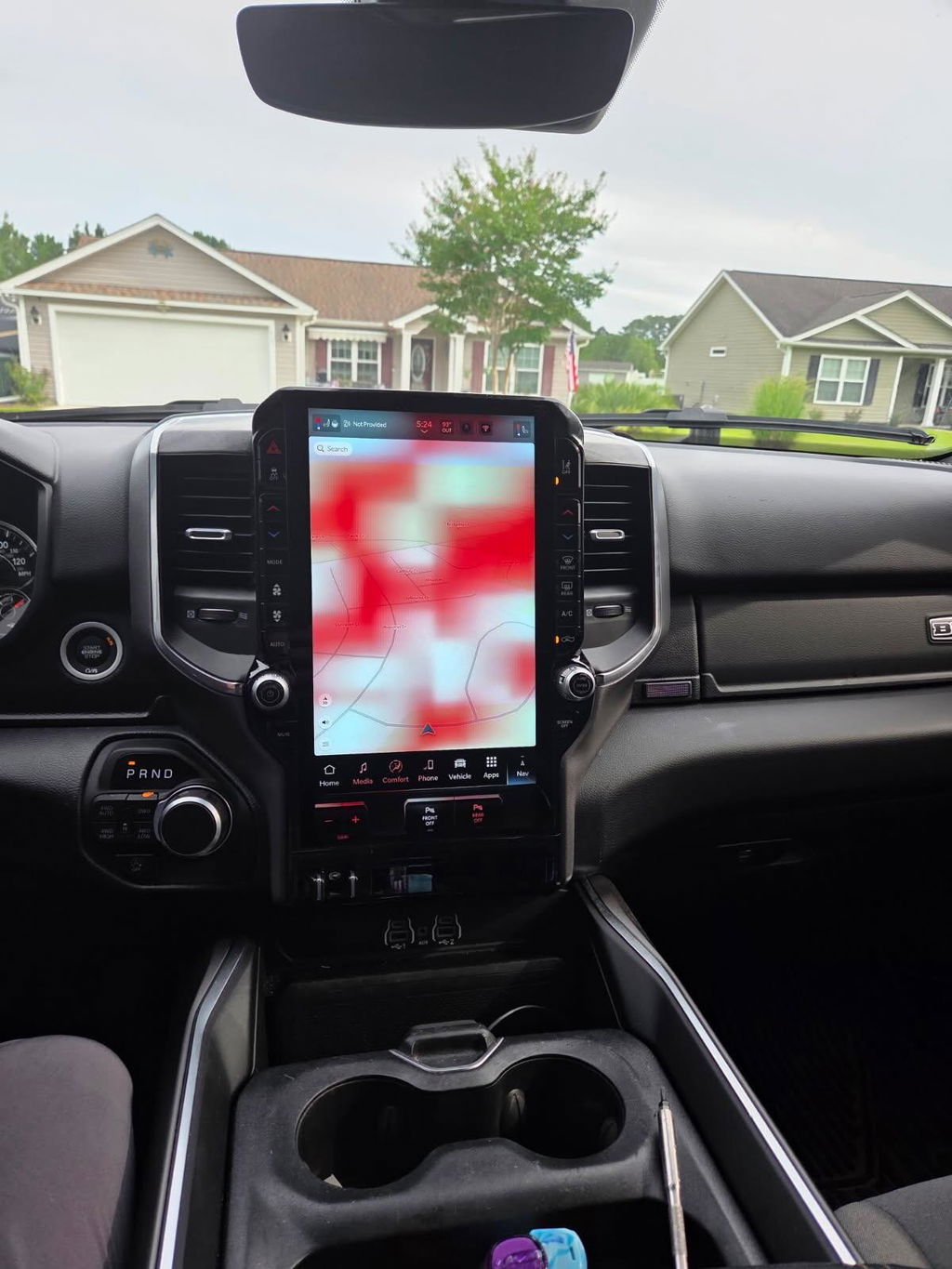
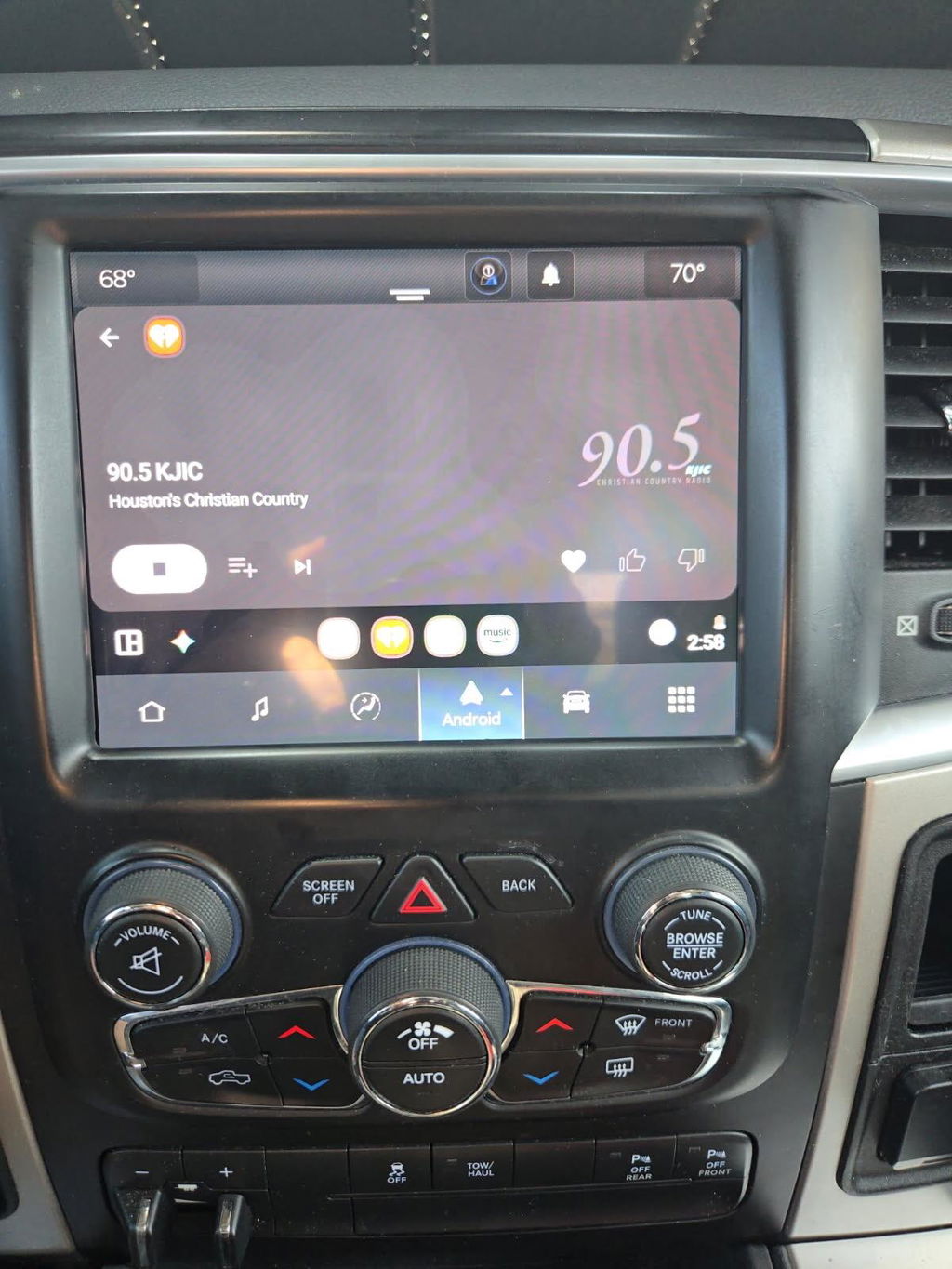
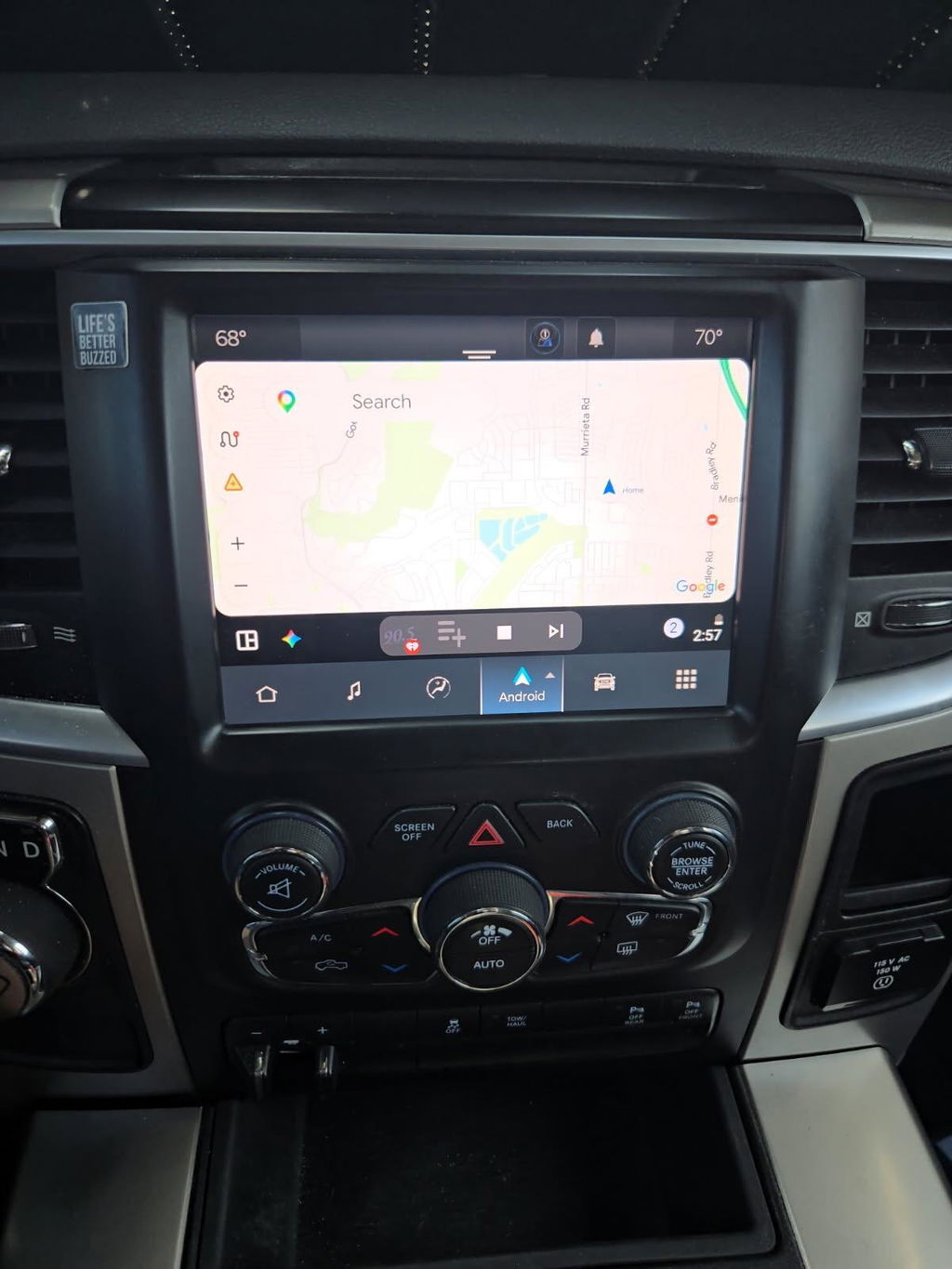
On many late-model Ram trucks, for example, the upgrade path can involve moving from an older Uconnect system to a larger Uconnect 5 touchscreen conversion. The result is a factory-style screen, current interface, wireless Apple CarPlay and Android Auto capability on supported systems, and better integration than a universal radio can typically provide.
The word “factory” matters, but it should be understood correctly. Not every retrofit is a simple dealer software update, and not every truck can receive CarPlay through programming alone. If the original hardware does not support the feature, it needs compatible hardware. A proper kit is built around the vehicle generation, existing options, and required components rather than a one-size-fits-all promise.
Why OEM-Based CarPlay Makes Sense for Truck Owners
Truck interiors are more connected than they used to be. The infotainment system may control HVAC settings, camera views, trailer-related functions, drive modes, vehicle settings, and phone calls. Replacing that center screen with a generic unit can create compromises even when the new radio technically works.
An OEM-based factory CarPlay retrofit is designed to keep the cabin feeling complete. The screen fits the factory opening, the trim matches, and the controls remain where you expect them. When the kit is properly matched, steering-wheel buttons, factory microphones, backup camera functions, USB connections, and vehicle menus can continue to operate as intended.
That integration is especially valuable on work trucks and off-road builds. You should not have to choose between using navigation through CarPlay and accessing the factory camera system before backing up to a trailer. You also should not need a stack of adapter modules hidden behind the dash just to retain basic functions.
OEM components also have a familiar advantage: they were engineered for the vehicle environment. Heat, vibration, cold starts, touchscreen response, and factory electrical communication all matter. A low-cost universal screen may look appealing until it introduces startup delays, intermittent audio, poor microphone performance, or warning messages that require extra troubleshooting.
Fitment Comes Before Features
The biggest mistake buyers make is shopping by screen size alone. A 12-inch display may be the upgrade you want, but it is not automatically compatible with every trim, model year, or original radio configuration. The same is true for wireless CarPlay, navigation, and camera support.
Before choosing a retrofit, confirm the truck’s exact year, make, model, trim, and existing infotainment setup. For Ram owners, identify the current screen size and Uconnect generation. For Ford owners, determine whether the truck uses the applicable SYNC system and whether the dash layout supports the selected hardware. A vehicle identification number can also help verify original equipment when there is uncertainty.
You also need to account for factory options. A truck with a 360-degree camera, premium audio, active parking features, or trailer camera connections may require a different configuration than a base model with a standard backup camera. These are not minor details. They affect the parts required, the programming process, and whether every factory feature remains available after installation.
A vehicle-specific kit removes much of the guesswork. Instead of sourcing a used screen, module, bezel, harness, and USB hub from separate sellers, you are working from a package designed for the application. That means fewer compatibility gaps and a clearer installation path.
Plug and Play Does Not Mean Skip the Details
Plug-and-play upgrades are built to avoid custom cutting, splicing, and fabrication. That is a major advantage over universal aftermarket electronics. In many cases, installation involves removing the existing screen and radio components, transferring or installing the required hardware, connecting vehicle-specific harnesses, and completing any needed setup or programming.
Still, plug and play should not be confused with careless installation. Modern dashboards contain sensitive clips, trim panels, connectors, and electronics. Use the correct trim tools, disconnect the battery when the instructions call for it, and avoid forcing connectors that do not line up. If the vehicle needs programming or configuration, follow the prescribed process exactly.
Professional installation can be the right choice for owners who are comfortable with mechanical work but do not regularly disassemble dashboards. It can also make sense when the truck has premium audio, multiple camera systems, or a complex option package. The upgrade itself may be straightforward, but protecting factory trim and verifying every retained function is worth the extra care.
What You Gain Beyond Apple CarPlay
CarPlay is usually the reason an owner starts looking, but the better factory infotainment upgrades often improve the entire driving experience. Wireless phone connection means less cable clutter in the cab. Larger displays make maps easier to read at a glance. Updated interfaces can improve access to media, calls, messages, and supported navigation apps.
For daily drivers, that means a more useful truck without replacing a vehicle that is otherwise exactly what you need. For travel and towing, it means current navigation, hands-free communication, and easier access to podcasts or music during long highway runs. For work trucks, it can make the cab more functional without adding equipment that looks out of place.
There is also a resale consideration. A clean, factory-style infotainment upgrade is generally easier for the next owner to understand than an aftermarket installation with added screens, exposed wiring, or mismatched trim. It does not guarantee a specific resale value, but it can make an older truck feel more current and better equipped.
When a Retrofit May Not Be the Best Move
A factory upgrade is not automatically the right answer for every vehicle. If the truck already supports wired CarPlay, adding a quality wireless adapter may be enough for your needs. It is less expensive and avoids replacing working factory hardware, although it will not deliver a larger screen or newer OEM interface.
Budget also matters. Genuine OEM components and model-specific hardware cost more than a basic universal head unit. The price reflects the hardware, fitment, retained-function considerations, and the reduced risk of piecing together incompatible parts. If the vehicle is near the end of its service life or has larger mechanical needs waiting, the money may be better spent elsewhere.
Likewise, do not buy an upgrade based only on an online photo. A screen that looks correct can still be wrong for your model year, radio configuration, or option package. Confirm compatibility before ordering, especially when shopping used components or attempting to build a kit part by part.
Choosing the Right OEM CarPlay Upgrade
Start with the vehicle, not the feature list. Identify your truck’s current system and decide what problem you are solving: no CarPlay, a small screen, outdated software, lack of wireless connection, or a combination of all four. Then select a kit built specifically for that application.
Look for OEM Genuine Components, clear model-year fitment, included hardware details, and an explanation of what functions are retained. Know whether programming is included or required, whether your existing camera system is supported, and whether the upgrade requires a new USB media hub. Competitive pricing matters, but correct fitment matters more than saving money on a component that will not work in your truck.
DD Offroad focuses on this exact approach: factory-style upgrade paths for owners who want modern functionality without turning their dash into an aftermarket experiment. The right kit gives you a cleaner install, fewer unknowns, and a result that belongs in the vehicle.
A good retrofit should make your truck feel newer the first time you connect your phone, not remind you that something was added later. Choose the hardware around your exact truck, verify the retained features before installation, and let the factory design do the rest.