Do Programmer Updates Affect Warranty Coverage?
Share
A programmer can add a factory feature, correct module configuration, or change how a vehicle performs. Those are very different jobs, and they do not carry the same warranty risk. So, do programmer updates affect warranty coverage? Sometimes - but a programming change does not automatically cancel the warranty on your Ram, Ford, Jeep, Dodge, or Chrysler.
The real question is whether the update contributed to the problem being repaired. A properly configured OEM-style infotainment upgrade is a different situation than an engine tune that changes boost, fueling, transmission pressure, or torque limits. Knowing the difference helps you choose the right product and avoid surprises at the dealership.
Do Programmer Updates Affect Warranty Coverage? It Depends on the Update
Vehicle warranties cover defects in materials and workmanship under the terms set by the manufacturer. They are not a blanket guarantee against every repair needed after a modification. If a dealer believes an aftermarket part or programming change caused a failure, it may deny coverage for that specific repair.
That does not normally mean the dealer can erase coverage for the entire truck. For example, a remote-start configuration should not have anything to do with a leaking rear axle seal. Likewise, an upgraded radio should not by itself affect coverage for an engine mechanical issue. The dispute comes down to the connection between the modification and the failed component.
This distinction matters because “programmer” can describe several products. Some tools write factory-style settings to body-control modules. Others update radio or cluster configuration after an OEM retrofit. Performance programmers can alter powertrain calibration. Dealer software updates may overwrite one of those changes or identify that a control module has been modified.
The more directly programming affects engine, transmission, emissions, steering, braking, or safety-system operation, the more warranty exposure it can create. The closer it stays to supported factory equipment and vehicle-specific configuration, the lower the risk generally becomes.
Factory Software Updates Are Not the Same as Aftermarket Tuning
A dealership software update is normally part of routine service. Manufacturers release updates to address driveability concerns, infotainment bugs, module communication faults, recalls, and feature improvements. When the dealer installs an authorized update, that update itself is not a warranty problem.
However, dealer updates can change the behavior of a vehicle that has been modified. A factory reflash may overwrite an aftermarket engine or transmission calibration. It may reset module settings used for a retrofit. In some cases, a dealer scan can show non-factory calibration history or module configuration that requires additional diagnosis.
This is especially relevant for trucks that receive powertrain programming. A tune that increases output can affect components that were designed around stock torque management, such as the transmission, turbocharger, driveline, cooling system, and engine internals. Even if the vehicle runs well, a later powertrain claim may receive closer scrutiny.
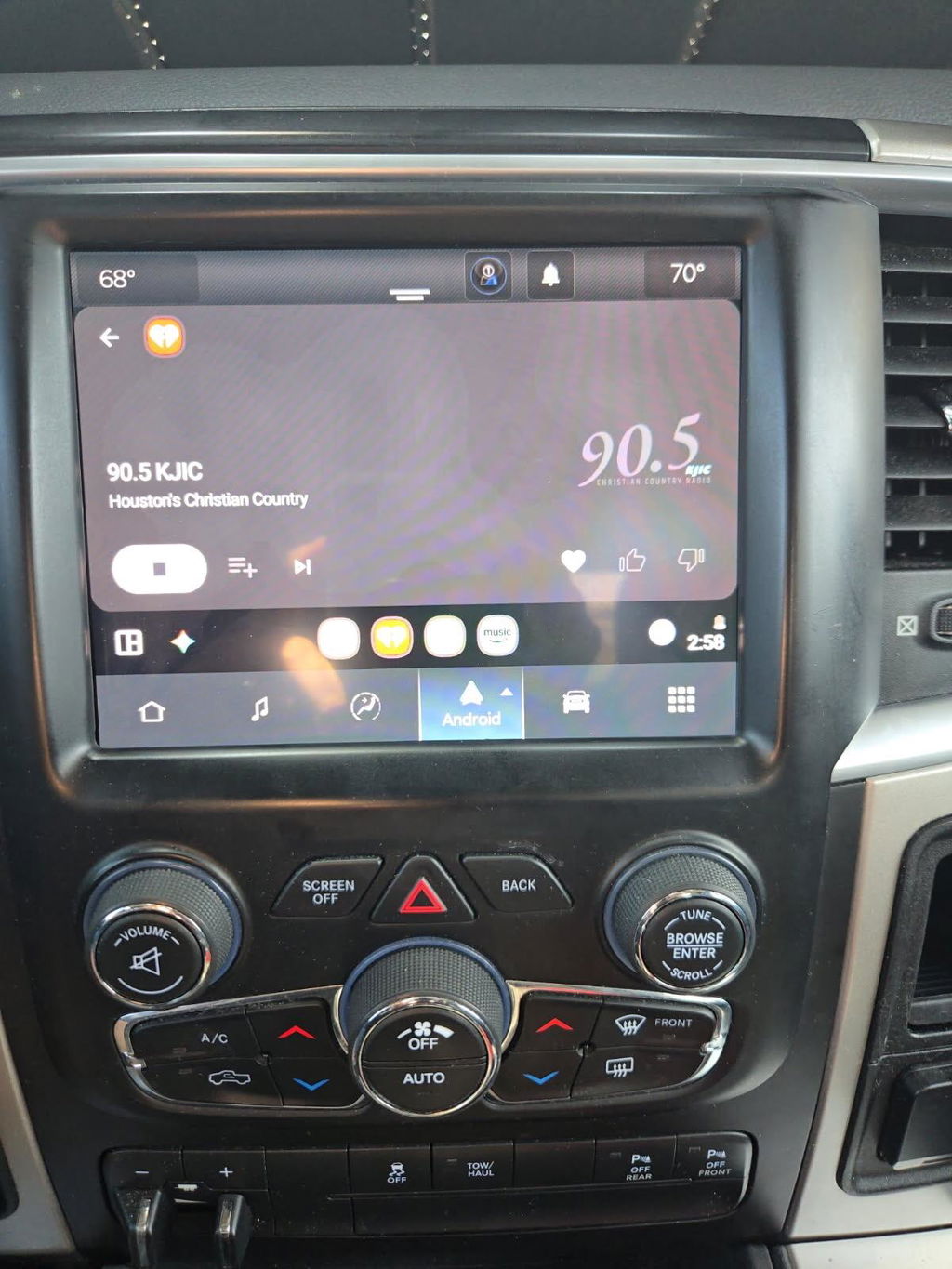
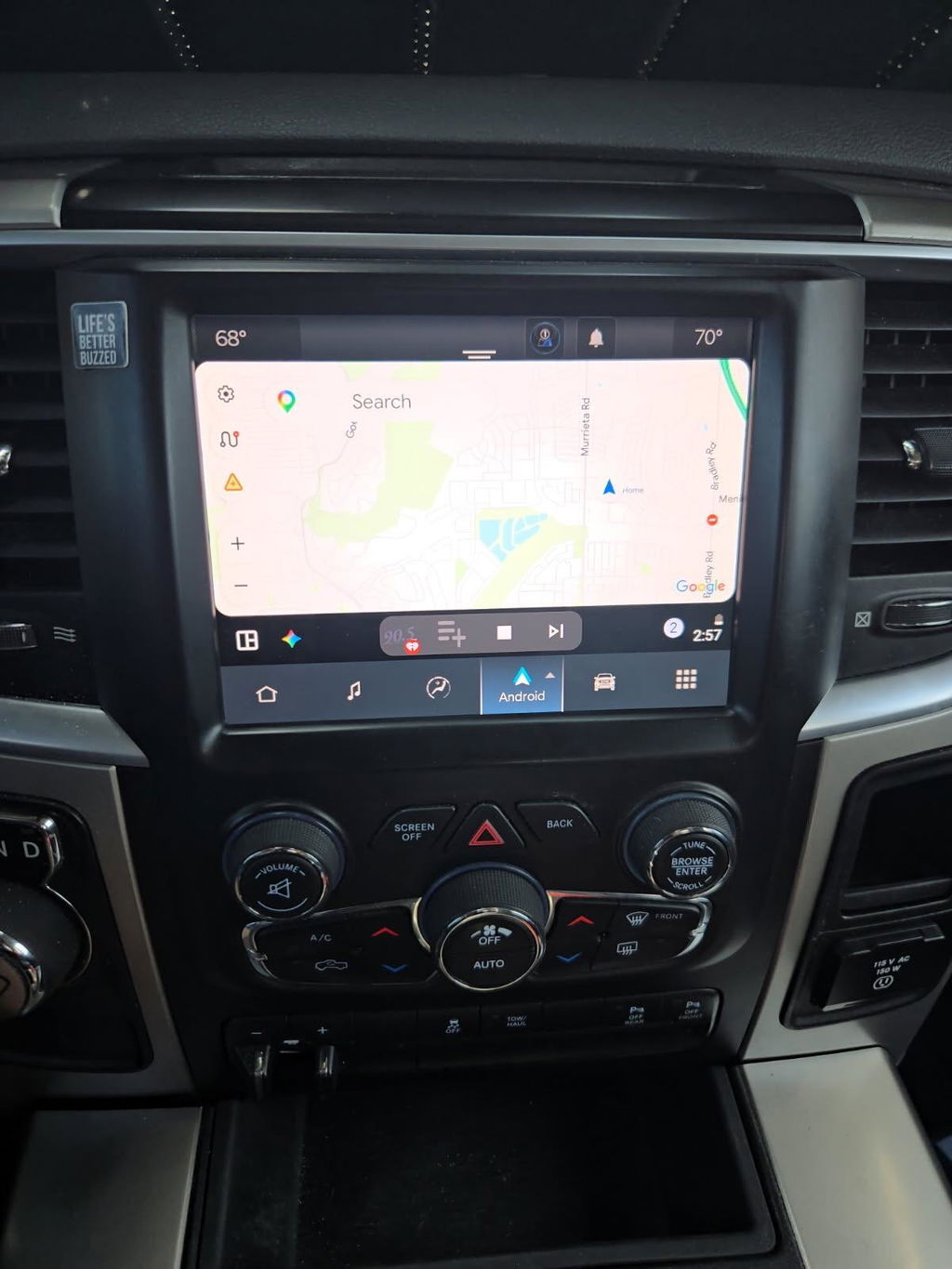
OEM-based accessory upgrades are usually a cleaner path. A vehicle-specific Uconnect conversion, digital cluster retrofit, or OEM remote-start kit is designed to work within the vehicle’s existing architecture. That does not make every installation warranty-proof, but it avoids many problems associated with universal modules, cut harnesses, poorly sourced electronics, and improvised wiring.
When a Claim May Be Denied
A dealer or manufacturer may question warranty coverage when there is a clear technical path between programming and the failure. That could include a powertrain calibration that raises output before a transmission failure, or an incorrectly programmed body module that causes electrical faults.
Common situations that can create a warranty discussion include:
- Engine or transmission tuning that changes torque, fueling, boost, shift behavior, or rev limits
- Emissions-related calibration changes or disabled diagnostic functions
- Incorrect VIN, module, tire-size, axle-ratio, or configuration data written into a control module
- Non-OEM electrical accessories tied into CAN bus wiring, power distribution, or critical circuits
- A programming process interrupted by low battery voltage, an incompatible tool, or the wrong vehicle file
OEM-Style Retrofits Reduce Avoidable Risk
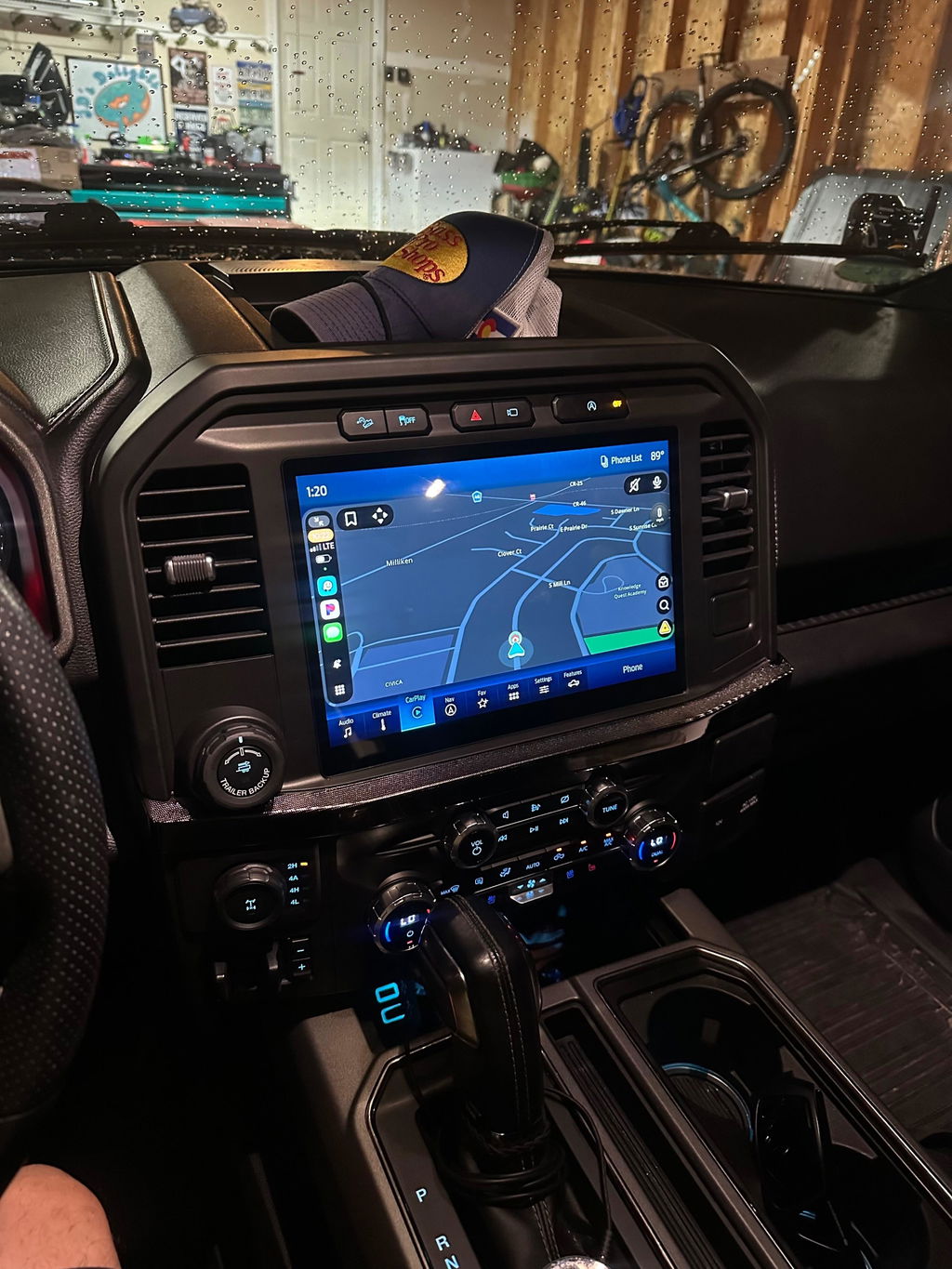
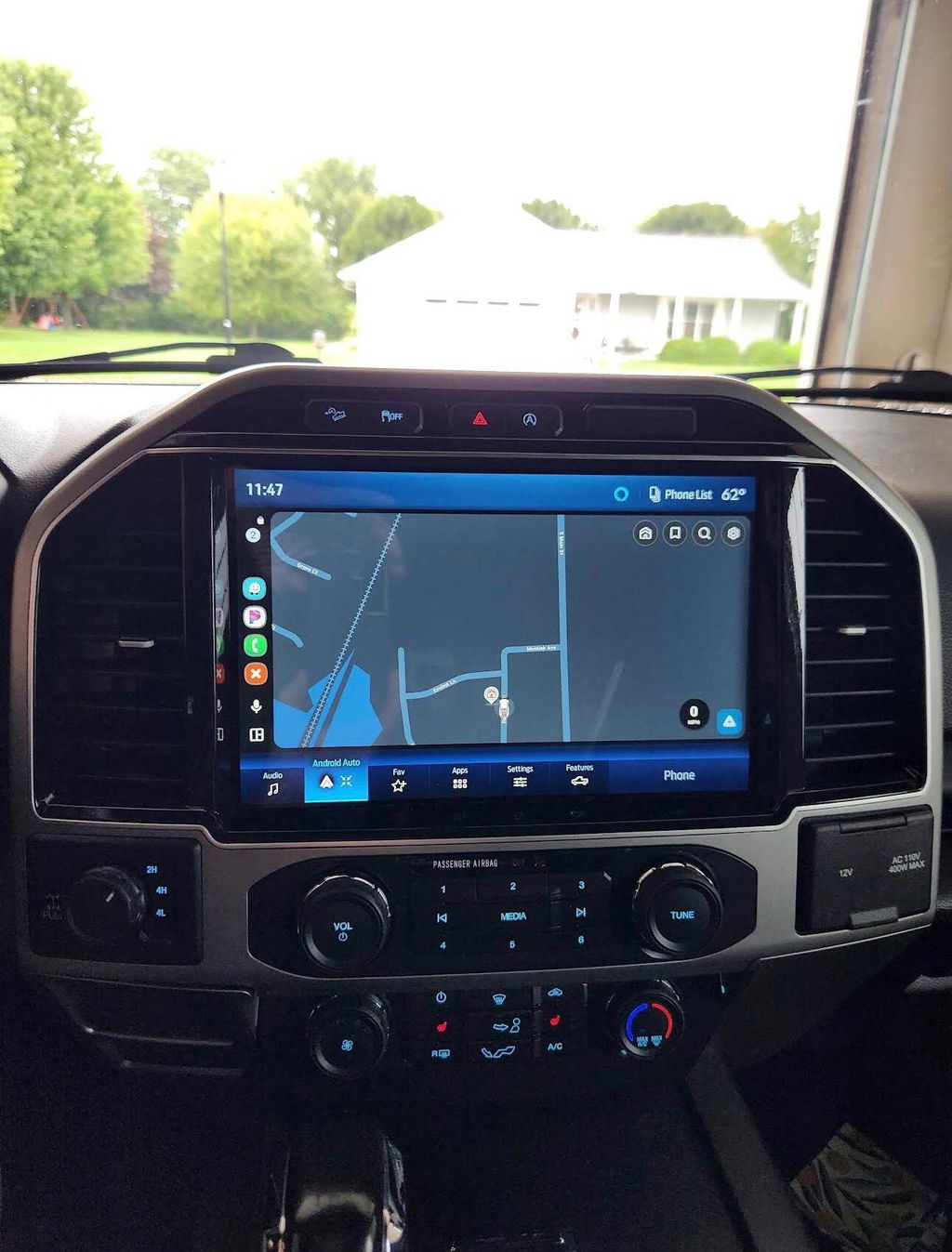
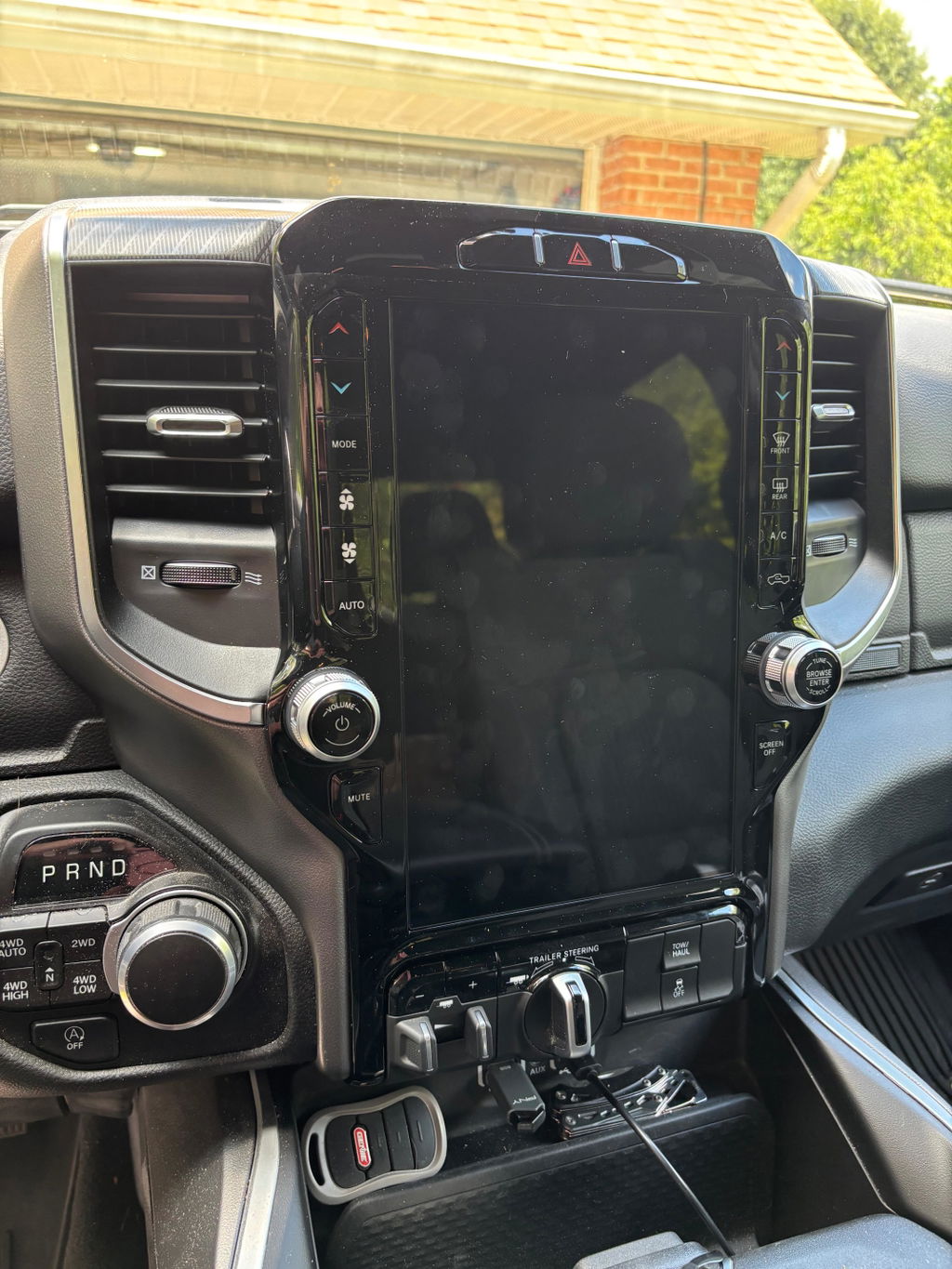
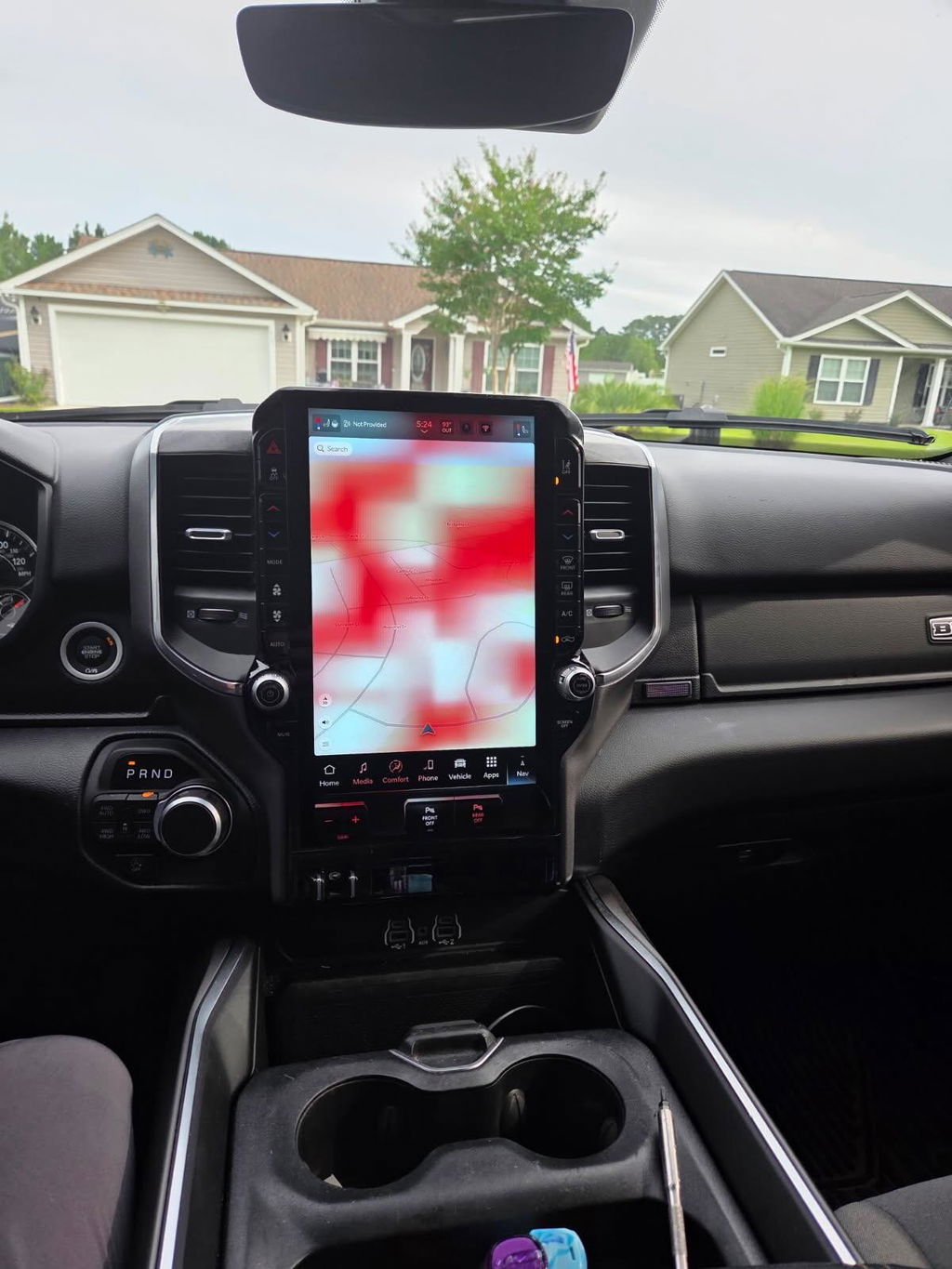
For owners upgrading a 2019-2024 Ram screen, adding factory remote start, or moving to a newer Uconnect system, the goal is not to make the truck behave like a different vehicle. The goal is to add features that the platform was engineered to support.
That is where genuine OEM components and vehicle-specific kits matter. Factory-grade modules use the correct connectors, mounting points, communications protocols, and system logic. A plug-and-play harness is preferable to cutting factory wiring. Correct programming is preferable to guessing at settings or loading a generic configuration file.
Even with an OEM retrofit, compatibility still comes first. Screen size, trim level, amplifier type, camera equipment, HVAC controls, model year, radio generation, and existing options can all affect what is required. A kit that fits one Ram 1500 configuration may not be correct for another. The same is true across F-150, Super Duty, Maverick, Expedition, Jeep, Dodge, and Chrysler platforms.
A clean installation also makes future service easier. If a technician can see that the vehicle retains factory-style hardware, intact wiring, and properly mounted components, diagnosing an unrelated issue is less likely to turn into a time-consuming modification investigation.
Protect Yourself Before You Program Anything
Start by reading the warranty booklet for your specific vehicle and keeping service records. The booklet defines the coverage period, exclusions, maintenance responsibilities, and manufacturer procedures. If your truck is leased, review lease terms as well, since modification rules may be more restrictive than the factory warranty.
Before installing a programmer or retrofit, verify exact fitment by VIN, model year, trim, and installed equipment. Do not assume two trucks with the same year and cab style use the same radio, cluster, or module configuration. Confirm whether programming is required after installation and whether the product is intended for your specific platform.
Use stable battery voltage during any programming process. A battery maintainer is inexpensive insurance when updating modules. Low voltage during a flash can create communication errors, corrupted configuration, no-start conditions, or a module that needs recovery programming.
Keep documentation for the parts, installation, and programmed settings. Save receipts, part numbers, before-and-after photos, and any instructions supplied with the kit. If you use an installer, ask for an itemized invoice showing what was installed and what programming was performed. Clear records are useful when a dealer needs to diagnose the vehicle later.
For performance programming, be realistic about the trade-off. More power can be worth it for some owners, but it brings more risk than an OEM infotainment or convenience upgrade. Returning a tune to stock before service may restore stock operation, but it does not guarantee that calibration history or prior operating data cannot be identified. Never rely on a “stock restore” as a warranty promise.
Questions to Ask Before a Dealer Visit
If the vehicle has an upgrade and you need warranty work, be direct without overexplaining. Tell the service advisor about relevant accessories, especially anything tied to the area being diagnosed. A radio conversion is relevant to a radio, camera, HVAC-control, or network communication concern. It is usually not relevant to a wheel bearing claim.
Ask the dealer to explain any denial in writing. You want to know which component is not covered, what failure was found, and how the dealership believes the modification caused it. That creates a clear record and separates a denied repair from the rest of your remaining vehicle warranty.
If a dealer says the entire warranty is void because of one accessory or programmer update, ask for the specific warranty language supporting that decision. A broad statement is not the same as a technical finding. Keep the conversation factual and focused on the repair at hand.
Choose Programming That Matches the Job
The safest upgrade is the one that does exactly what you need without changing systems that do not need to be changed. For modern factory features, that often means an OEM-based, vehicle-specific solution with correct programming rather than a universal electronic add-on.
DD Offroad focuses on this approach with plug-and-play upgrade paths built around compatible OEM components. Whether you are updating an older factory screen, adding remote-start capability, or configuring an approved feature, correct fitment and clean installation are the best ways to protect the truck and preserve confidence when it is time for service.
Before you program, verify the product, the vehicle, and the purpose. A well-matched factory-style upgrade can add the features you want without turning a routine dealer visit into a preventable warranty conversation.