SYNC 4 vs SYNC 3: What Actually Changed?
Share
If you are shopping for a newer Ford truck or planning an infotainment upgrade, the SYNC 4 vs SYNC 3 question usually comes up fast. On paper, both systems handle navigation, phone integration, voice commands, and media. In actual use, the gap shows up in response time, screen layout, update method, and how modern the system feels day to day.
For truck owners, that difference matters more than the marketing copy suggests. A work truck, tow rig, or daily-driven F-150 needs an interface that reacts quickly, stays stable, and supports current phone features without extra hassle. The right answer is not always just "buy the newest one." It depends on your truck, your factory hardware, and whether you care more about OEM fitment or having every latest software feature.
SYNC 4 vs SYNC 3 at a glance
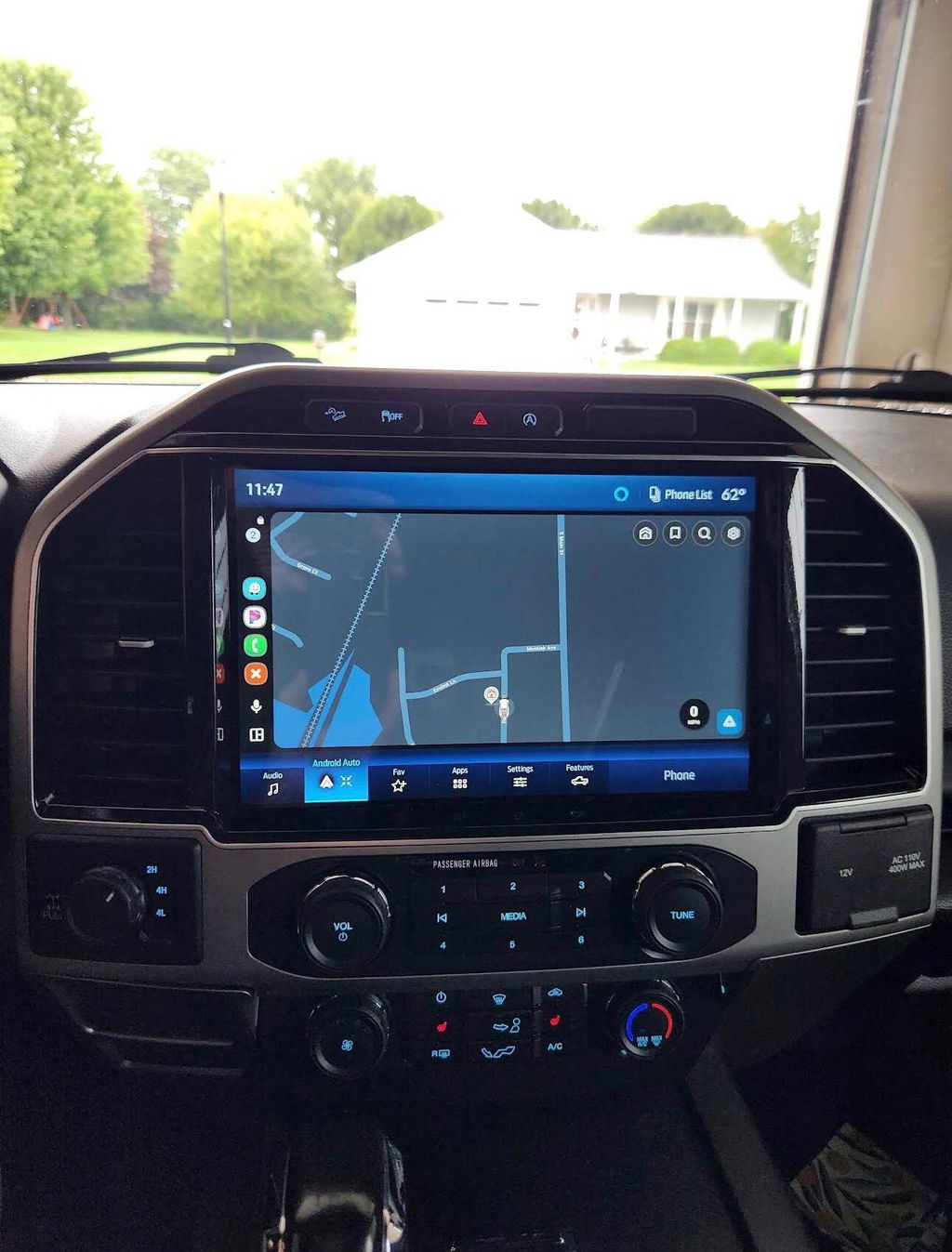
SYNC 3 was a big step forward from Ford's older MyFord Touch era. It cleaned up the layout, improved reliability, and gave Ford owners a much better experience with Apple CarPlay and Android Auto. For many drivers, it is still a solid OEM system that covers the basics without much frustration.
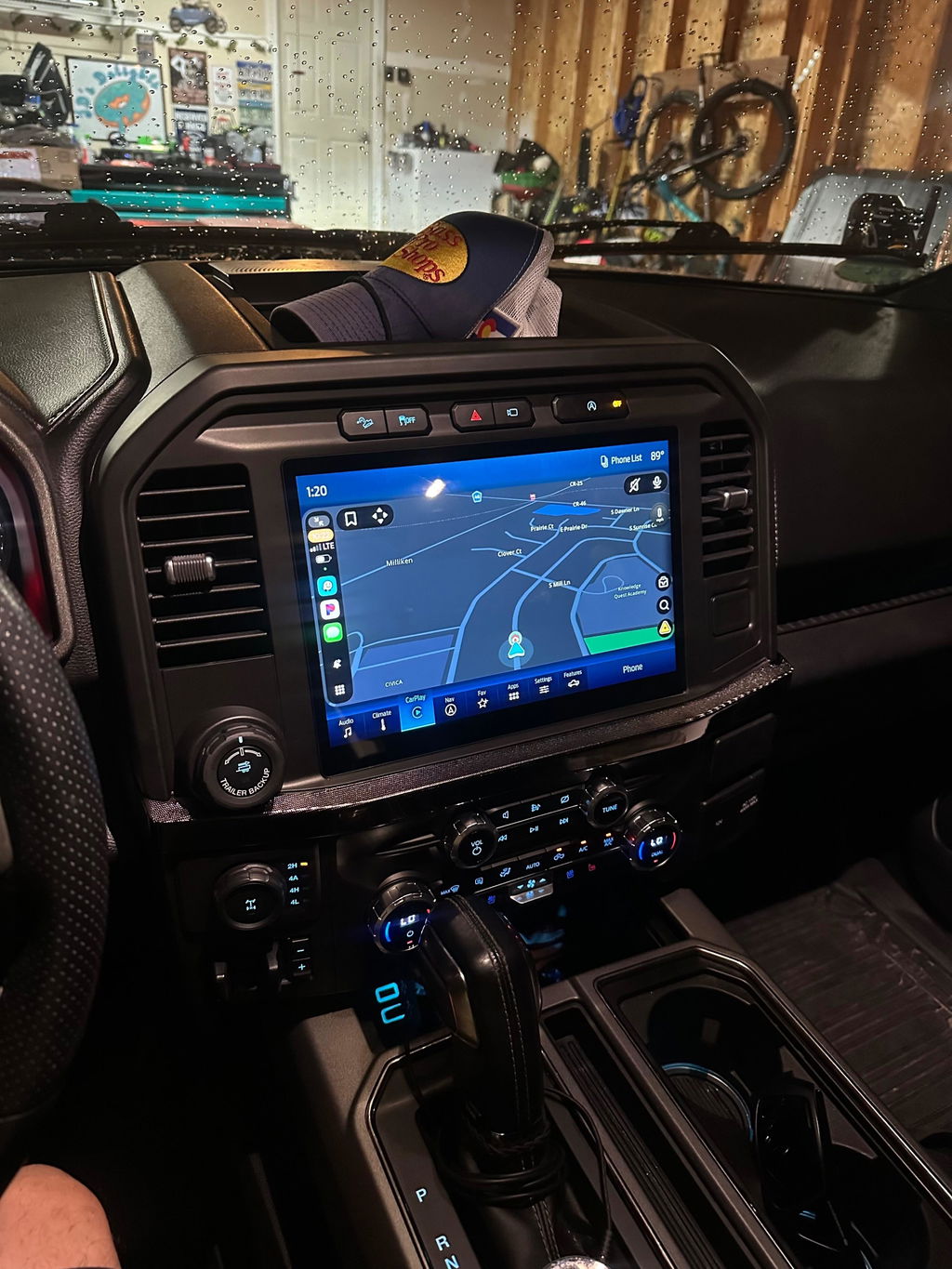
SYNC 4 moved things further with faster processing, newer graphics, broader screen support, cloud-connected features, and available wireless phone integration. It was built for newer Ford architecture, not just as a software refresh. That is the key point. SYNC 4 is not simply SYNC 3 with a prettier home screen. In many cases, it relies on different hardware and vehicle network integration.
If you want the short version, SYNC 3 is proven and functional. SYNC 4 is faster, more modern, and more flexible, but it is also tied more closely to newer factory platforms.
The biggest differences in daily use
The first thing most drivers notice is speed. SYNC 4 generally boots faster, reacts quicker to touch inputs, and handles menu changes with less lag. That sounds minor until you use the system every day. If you jump between navigation, audio, trailer settings, and phone calls, a quicker interface makes the truck feel newer even when the rest of the cabin has not changed.
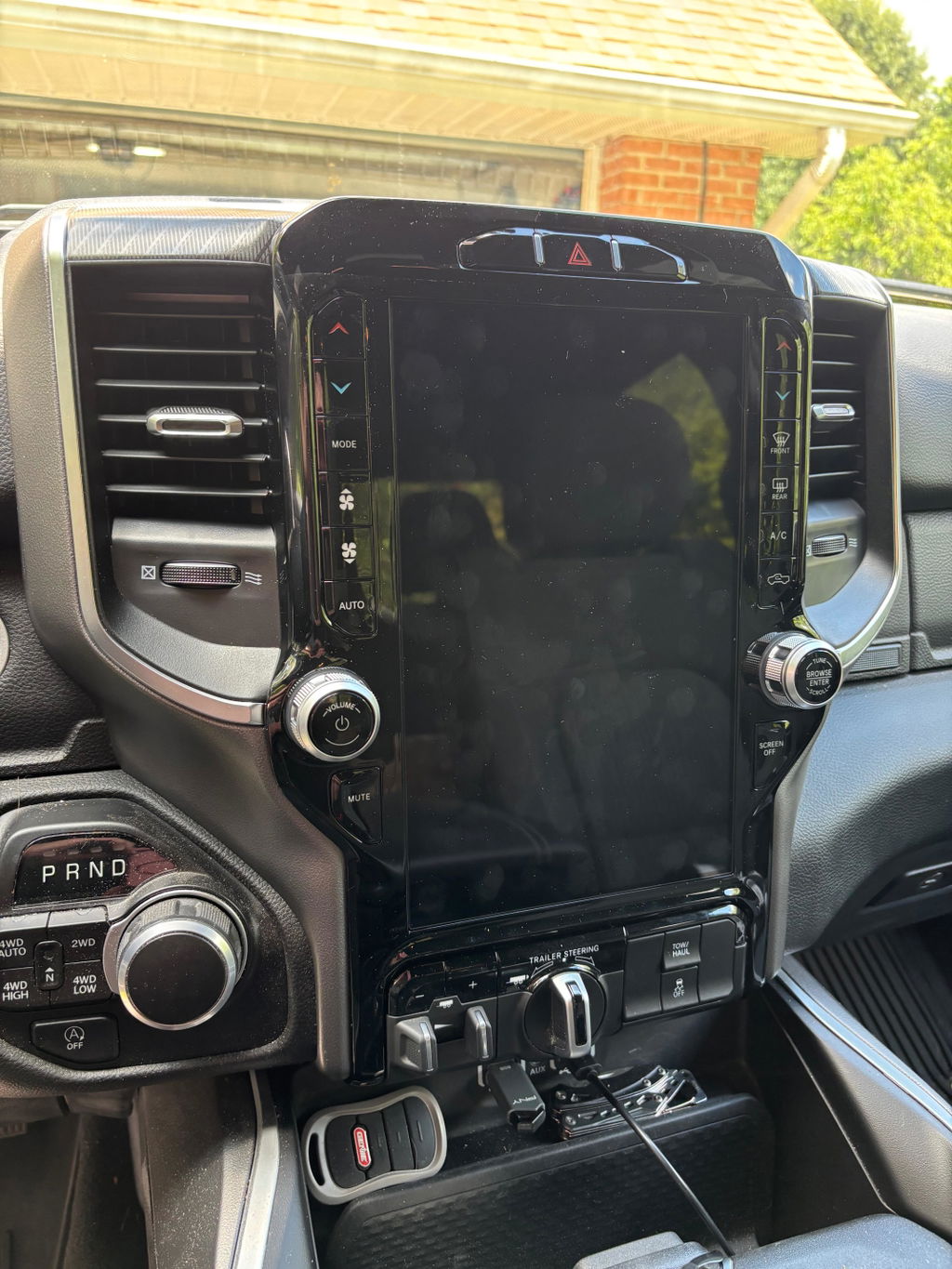
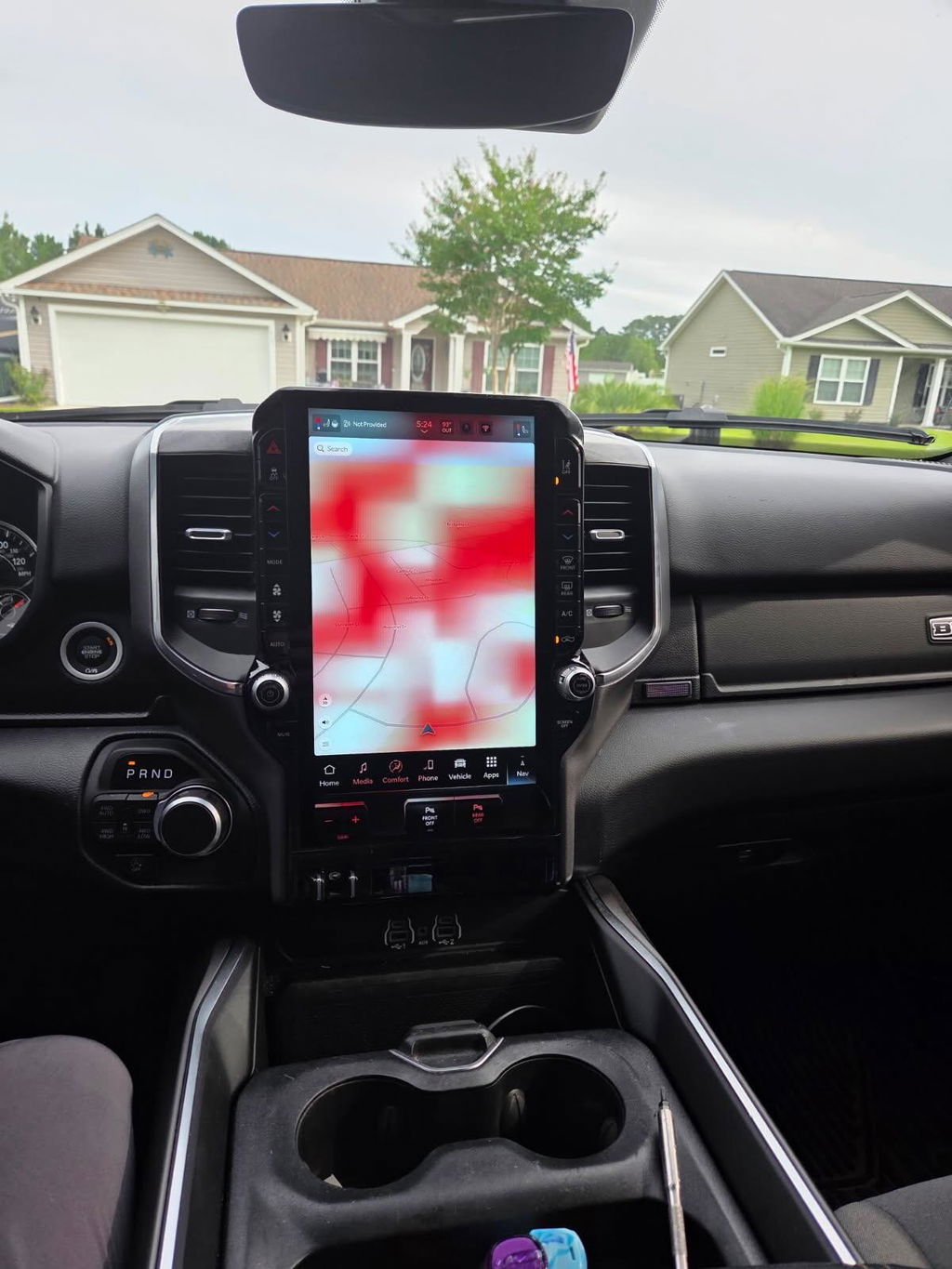
Screen design is another major difference. SYNC 3 typically runs on smaller horizontal formats with a familiar tile-based layout. SYNC 4 was developed to work across larger displays, including portrait-style screens in some Ford applications. That allows for better multitasking, more information on screen at once, and a layout that feels closer to current OEM premium systems.
Phone integration also improved. SYNC 3 supports Apple CarPlay and Android Auto, but in many vehicles that connection is wired. SYNC 4 adds available wireless Apple CarPlay and Android Auto in many applications, which is a real convenience if you are in and out of the truck all day. No cable management, no digging around in the console, and fewer reasons to leave the feature unused.
Voice control is better on SYNC 4 too, especially where cloud-based features are active. SYNC 3 voice commands work, but they can feel limited and more rigid. SYNC 4 is generally better at handling natural phrasing and connected search functions. That said, voice performance still depends on signal strength, subscription status for some services, and the exact vehicle configuration.
Why SYNC 4 is not a simple swap
This is where a lot of owners get tripped up. Comparing features is easy. Converting a SYNC 3 truck to SYNC 4 is not.
SYNC 4 is tied into newer Ford electrical architecture, display formats, modules, and software ecosystems. In many cases, the system is not designed as a backward-compatible plug-and-play replacement for a SYNC 3 vehicle. That means you are not just changing a screen or APIM and calling it done. You may be dealing with different wiring requirements, module communication, programming needs, and fitment limits based on model year.
That is why OEM-style upgrade paths matter. A clean factory-style result depends on using components and configurations that actually match the truck. Generic aftermarket head units may promise more features, but they often give up factory integration, OE appearance, or long-term reliability. Truck owners who care about steering wheel controls, factory camera retention, vehicle settings access, and clean installation usually learn that lesson the expensive way.
Where SYNC 3 still makes sense
There is a tendency to treat SYNC 3 like old tech. That is not really accurate. For plenty of Ford owners, SYNC 3 is still a smart choice.
If your truck already has SYNC 3 and it works well, upgrading solely for bragging rights is hard to justify. You still get a usable interface, solid smartphone integration, and a system that is widely supported and understood. For many F-150 and Super Duty owners, especially those focused on reliability and cost control, a well-sorted SYNC 3 setup checks the right boxes.
It also helps that SYNC 3 has been around long enough for its common issues to be known. That matters when you are buying replacement parts, troubleshooting a screen problem, or planning an OEM-based upgrade. A mature platform often means fewer surprises.
There is also a budget angle. If the choice is between keeping a factory-correct SYNC 3 system or forcing an expensive, questionable SYNC 4 conversion, the better value is usually the option that preserves fitment and function. Not every truck needs the newest interface to be a better truck.
Where SYNC 4 is clearly better
SYNC 4 earns its advantage when you use features that actually benefit from the newer platform. Larger displays are a big one. If your truck came with or is designed around a large modern screen, SYNC 4 makes better use of that real estate. Split-screen layouts, improved graphics, and better menu logic all add up to a cleaner in-cab experience.
Wireless smartphone integration is another meaningful upgrade. For drivers who rely on maps, calls, streaming audio, and messaging every day, wireless CarPlay or Android Auto removes friction. Small convenience gains tend to matter more in real ownership than spec-sheet features.
Over-the-air update capability is also more important than it sounds. SYNC 3 updates are more limited and can involve manual steps depending on the vehicle. SYNC 4 was built with a more modern update approach, which helps keep features current and addresses some software improvements without the same level of owner involvement.
If you are buying a newer Ford truck rather than upgrading an older one, SYNC 4 is the better platform. It feels newer because it is newer, and it is designed around hardware that supports that experience properly.
SYNC 4 vs SYNC 3 for truck owners
For truck owners, the real question is less about which system wins on paper and more about what fits the vehicle and the use case. A daily-driven F-150 used for commuting, towing, and weekend travel may benefit a lot from wireless phone integration and a larger, faster interface. A work-focused Super Duty that mostly needs dependable calls, music, and camera access may not gain enough to justify chasing a newer platform.
Screen size matters here too. On a truck dash, display size affects usability more than it does in a small car. Bigger touch targets, easier camera viewing, and more readable navigation are all practical advantages. But again, the hardware has to match. An OEM-style upgrade only makes sense when the vehicle supports it cleanly.
That is the reason companies like DD Offroad focus on vehicle-specific OEM upgrade solutions instead of universal electronics. Compatibility is not a side detail. It is the whole job. The best upgrade is the one that works like it belongs there from day one.
So which one should you choose?
If you are choosing between two trucks and all else is equal, SYNC 4 is the better infotainment system. It is faster, more current, and better suited to the features most drivers actually use now.
If you already own a SYNC 3 vehicle, the answer depends on your goal. If you want dependable OEM functionality and your current system does what you need, staying with SYNC 3 is completely reasonable. If you are chasing a larger screen, wireless connectivity, and newer interface behavior, then the smarter move is usually to look at a model-specific OEM-based upgrade path rather than trying to force a platform that was never meant to drop in.
That is really what the SYNC 4 vs SYNC 3 comparison comes down to. Newer is better, but only when the truck, hardware, and installation path support it the right way. The cleanest result is not the one with the newest name. It is the one that fits, functions, and feels factory every time you turn the key.