Jeep Factory Electronics Upgrades That Fit
Share
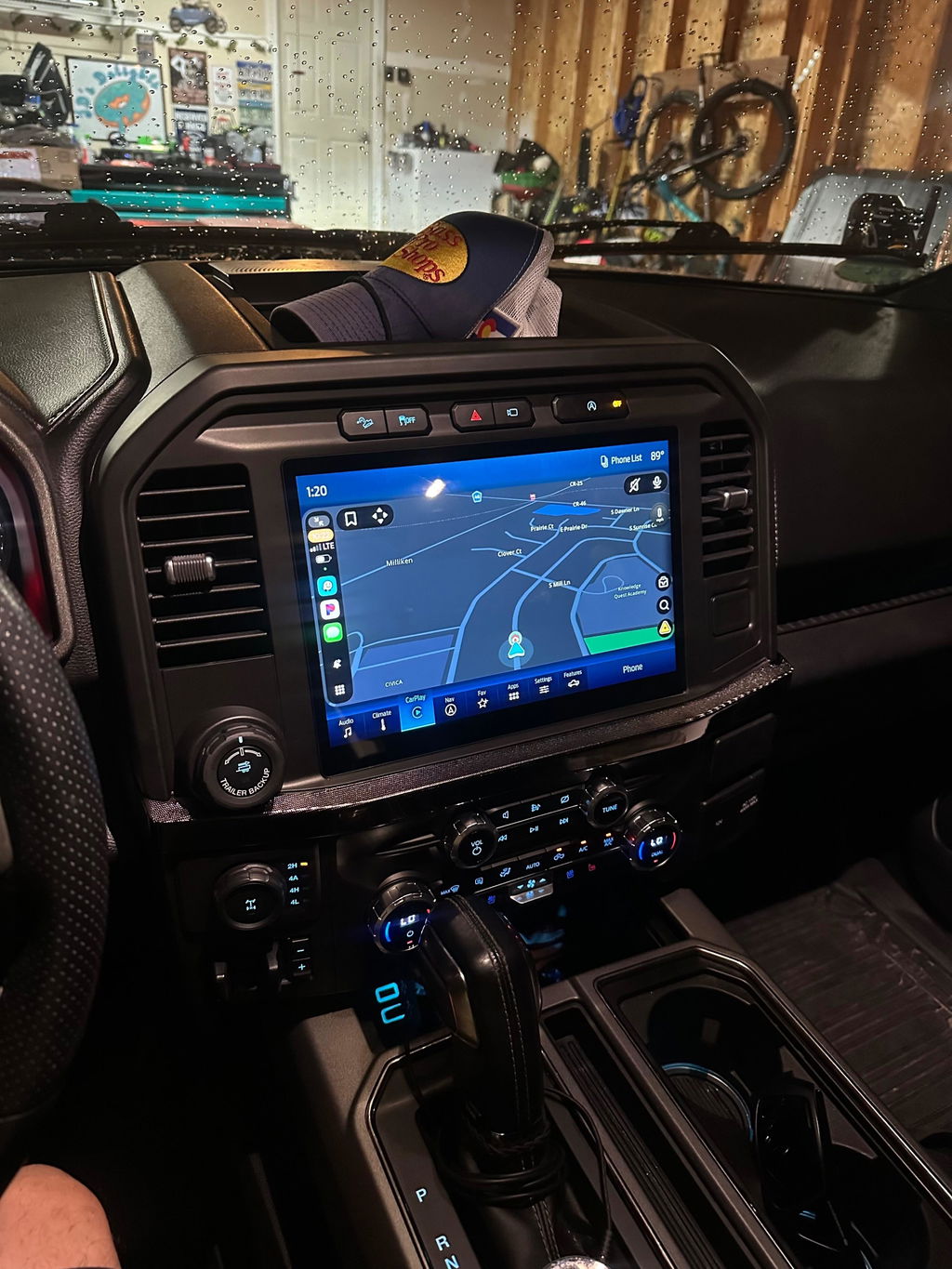
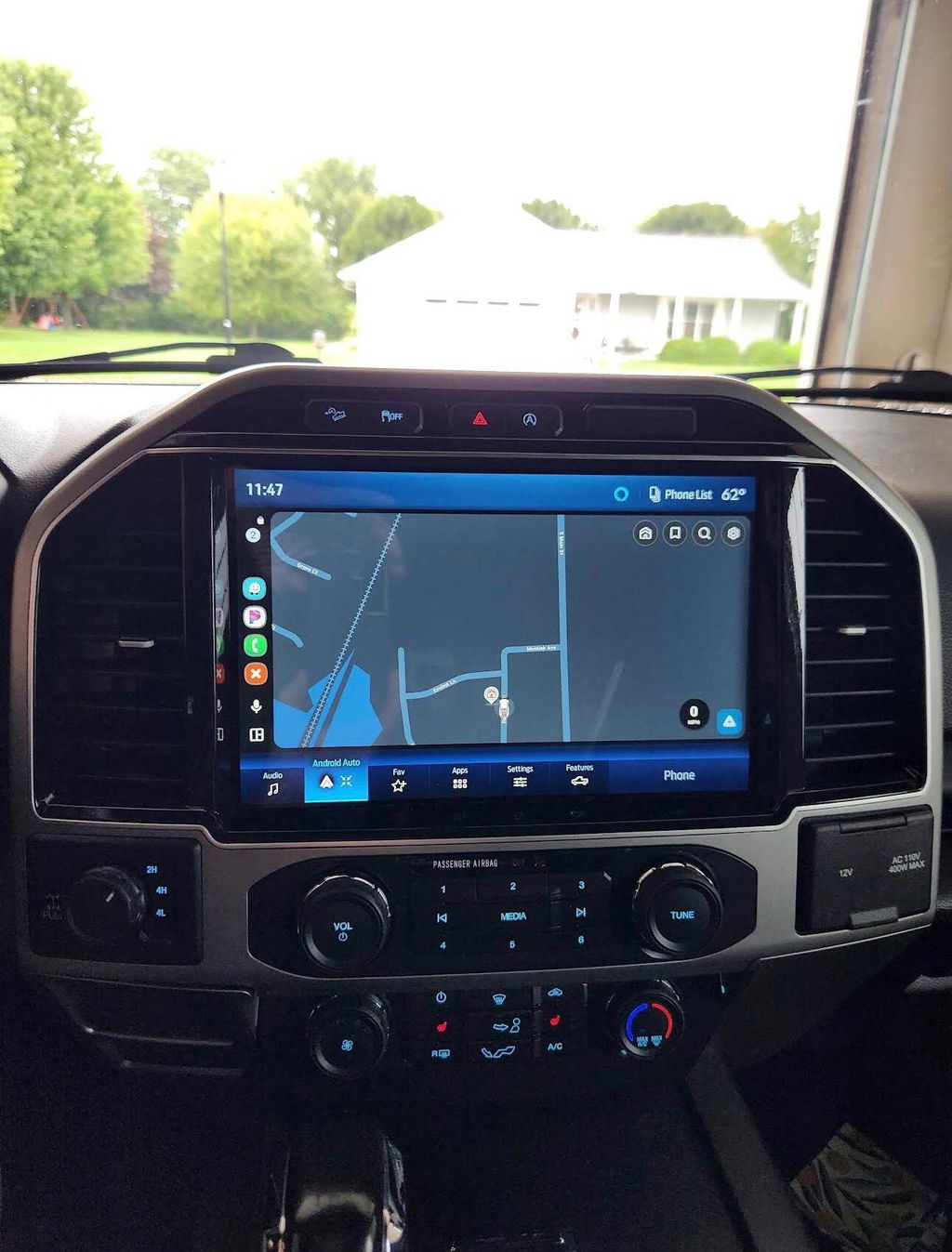
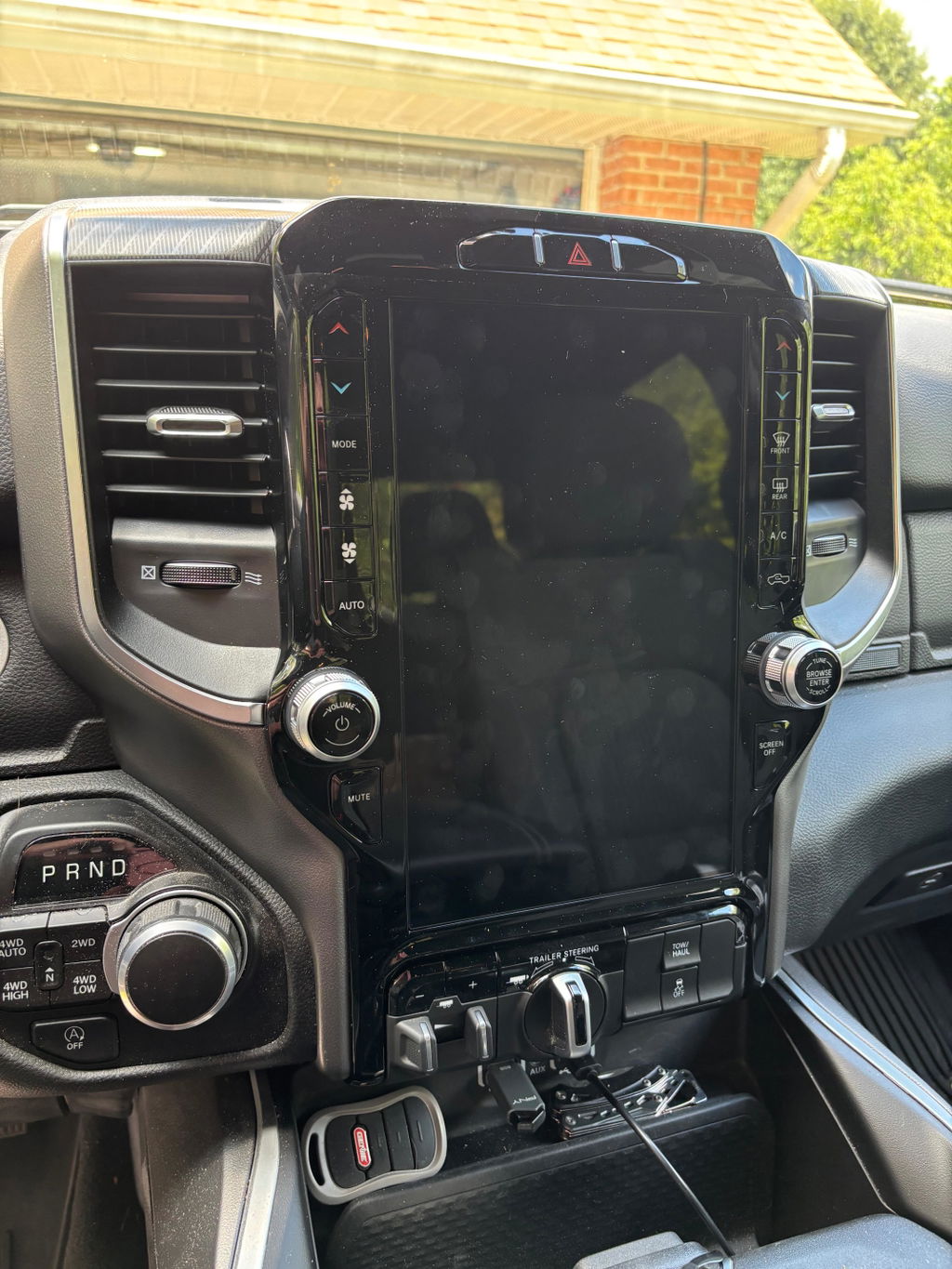
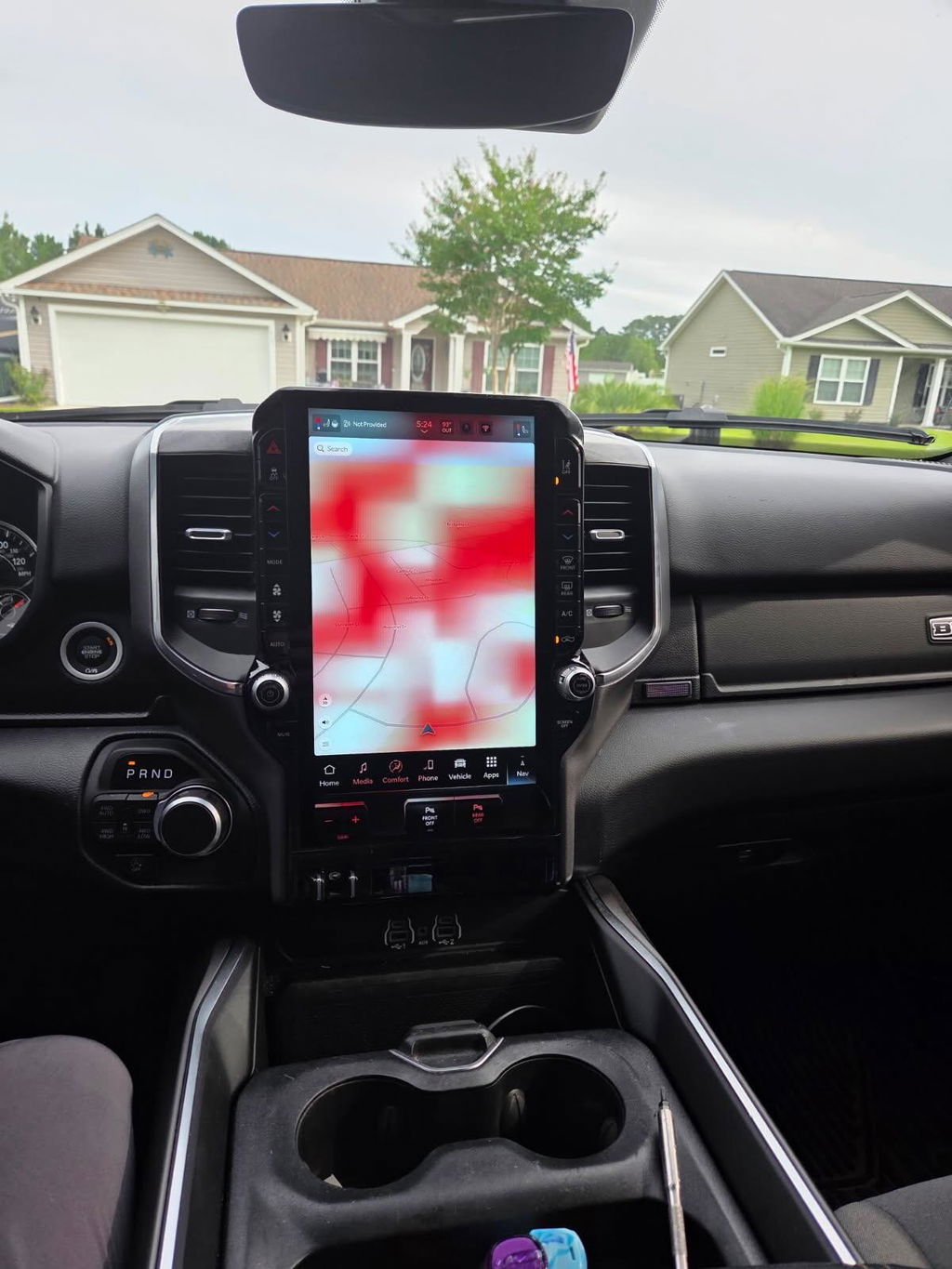
A factory screen that feels two generations old can make an otherwise capable Jeep feel behind the times. The right jeep factory electronics upgrades can add the features drivers actually use - a larger display, wireless Apple CarPlay and Android Auto, navigation, camera support, and remote-start capability - while keeping the dash looking like it belongs there.
For Jeep owners, the key is not simply finding a newer radio or a lower-mileage takeout part. It is matching the electronics to the vehicle’s model year, platform, existing options, and programming requirements. OEM-style upgrades are clean and capable when the pieces are selected correctly. When they are not, the result can be warning messages, missing vehicle settings, inoperative cameras, or a screen that powers on but never fully communicates with the Jeep.
Why Jeep Factory Electronics Upgrades Make Sense
A universal aftermarket head unit can be a reasonable answer for some builds. It can also require a dash kit, harness adapters, steering-wheel-control modules, camera interfaces, and extra troubleshooting. That may be fine for an owner who wants a custom audio system or a specific aftermarket ecosystem. It is not always the best route for someone who wants factory menus, factory appearance, and predictable integration.
OEM-based Jeep upgrades are built around the systems already in the vehicle. That matters because the radio is not just a radio anymore. Depending on the Jeep, it may control climate functions, backup camera display, vehicle settings, Bluetooth calling, off-road pages, parking sensors, and warning prompts. A correct factory-style conversion preserves the controls owners are used to instead of asking them to work around a new interface.
The biggest benefit is fitment. An OEM-sized touchscreen sits correctly in the dash, uses the proper trim and connectors, and avoids the improvised look that can come with universal installations. It also helps retain resale appeal. Buyers tend to trust an upgrade that looks and operates like a higher factory trim level more than one that appears pieced together.
Start With the Jeep Platform, Not the Screen Size
It is tempting to shop by display size alone. A larger screen is a major improvement, but the screen is only one part of the system. Before choosing a kit, identify the Jeep’s exact year, model, trim, current radio system, and installed equipment.
A Wrangler JK, Wrangler JL, Gladiator JT, Grand Cherokee WK2, and Grand Cherokee WL do not share the same electronics architecture. Even within one generation, connector layouts, radio modules, amplifier options, camera configurations, and software can change. A 2018 model-year split is especially common across many vehicle lines, so the build date and original equipment matter.
Factory options also affect compatibility. An amplified audio system may need different hardware or programming than a base audio system. A Jeep with a backup camera, satellite radio, parking sensors, or steering-wheel audio controls needs an upgrade designed to retain those features. If the vehicle has factory navigation, an integrated amplifier, or premium audio, confirm that the kit specifically supports it rather than assuming the connectors will tell the whole story.
Check What Is Already Installed
The fastest way to avoid a bad purchase is to document the current setup before ordering. Take a clear photo of the radio face, screen, and vehicle-information page. Record the VIN, model year, trim, and any premium audio or camera equipment. If the vehicle has an original build sheet, use it to verify installed options.
This information turns an uncertain electronics purchase into a vehicle-specific fitment decision. It also helps distinguish a true plug-and-play kit from a collection of parts that may physically connect but still require additional modules, trim, or dealer-level configuration.
What a Complete OEM-Style Upgrade Usually Includes
A properly planned conversion is more than a touchscreen pulled from another Jeep. Depending on the application, the package may include the display, radio module, correct bezel, vehicle-specific harnessing, USB media hub, antenna connections, and required programming support.
Some upgrades use a separate radio brain behind the screen. Others integrate more hardware into the display assembly. That difference is why swapping a screen by itself often does not add the features owners expect. Wireless smartphone integration, navigation capability, or improved camera support may require the matching module and media hub, not just a newer-looking panel.
Programming is equally important. Modern Jeep electronics may need a VIN write, proxy configuration, feature activation, or security pairing before every factory function works correctly. This is not a sign that the kit is complicated. It is part of making newer OEM components communicate with the Jeep’s existing modules.
Look for a vehicle-specific package that clearly states what is included, what features are retained, and whether programming is built into the process. That is the difference between buying parts and buying an upgrade path.
Features Worth Upgrading For
The best upgrade depends on how the Jeep is used. A weekend trail rig and a daily-driven Grand Cherokee may need different things, but a few factory-style features consistently deliver real value.
Wireless Apple CarPlay and Android Auto are often the most noticeable improvement. They put current maps, calls, music, messages, and compatible apps on the factory-style display without relying on an older built-in interface. Wireless capability is convenient for short trips, while wired USB still makes sense for drivers who want steady charging on long drives.
A larger Uconnect touchscreen can improve usability as much as it improves appearance. Camera views are easier to see, map controls are less cramped, and vehicle menus are more practical when the display matches the capability of the rest of the Jeep. For owners of older systems, the change can make the cabin feel substantially newer without changing the vehicle itself.
OEM remote start is another practical upgrade, particularly for daily drivers in hot or cold climates. A factory-based system is usually the better choice when it is available for the vehicle because it is designed around the Jeep’s immobilizer, factory key fobs, and operating logic. Compatibility still matters: remote-start hardware, hood switches, fob type, and vehicle configuration can vary by year and trim.
Digital cluster conversions are more specialized, but they can be a strong fit for owners updating multiple interior components. A compatible cluster adds a more modern driver display and may provide expanded vehicle information. It also has the highest programming stakes of the common upgrades. Mileage, VIN configuration, security functions, and warning indicators must be handled correctly from the start.
Plug and Play Does Not Mean Skip the Details
Plug and play should mean no custom cutting, no fabricated mounting, and no guesswork with universal wiring. It does not mean every Jeep can accept every newer factory part with zero verification.
Before installation, make sure the battery is healthy and the kit matches the Jeep’s exact application. Disconnect power as instructed, move carefully around dash trim and airbag-adjacent areas, and avoid forcing connectors. OEM connectors are designed to lock positively. If one does not seat correctly, stop and verify the part number and orientation.
After the hardware is installed, test every retained function before reassembling the dash completely. Confirm audio output, steering-wheel controls, Bluetooth, USB ports, camera display, climate functions, satellite radio if equipped, and vehicle settings. If the Jeep uses an amplified system, listen for all speakers rather than assuming sound from one speaker means the system is configured correctly.
Here are four checks that save time after an electronics upgrade:
- Verify the VIN and vehicle configuration before any programming begins.
- Test the backup camera and parking-sensor display with the vehicle safely in reverse.
- Pair a phone and confirm both calls and media audio work through the new system.
- Check warning lights, climate controls, and steering-wheel buttons before reinstalling trim panels.
When OEM Is Not the Only Answer
Factory electronics are not automatically the right choice for every Jeep. If the build needs high-power aftermarket amplifiers, multiple cameras, specialized off-road accessories, or a competition-level audio system, an aftermarket receiver may offer more flexibility. It can provide more preamp outputs, tuning options, or accessory-control features than a factory platform.
The trade-off is integration. A custom system often requires more components and more installation time. Retaining factory functions may depend on additional interfaces, and future troubleshooting can involve several brands rather than one matched system.
For the owner who wants modern phone integration, a clean dash, retained factory controls, and a setup that feels native to the Jeep, OEM-based electronics are usually the more direct solution. The goal is not to add technology for its own sake. It is to update the cabin without creating new problems.
DD Offroad focuses on vehicle-specific OEM Genuine Components and plug-and-play upgrade kits because fitment is what determines whether an upgrade feels factory-finished. Match the kit to the Jeep first, verify the features you want to retain, and the new electronics will earn their place every time you climb into the driver’s seat.