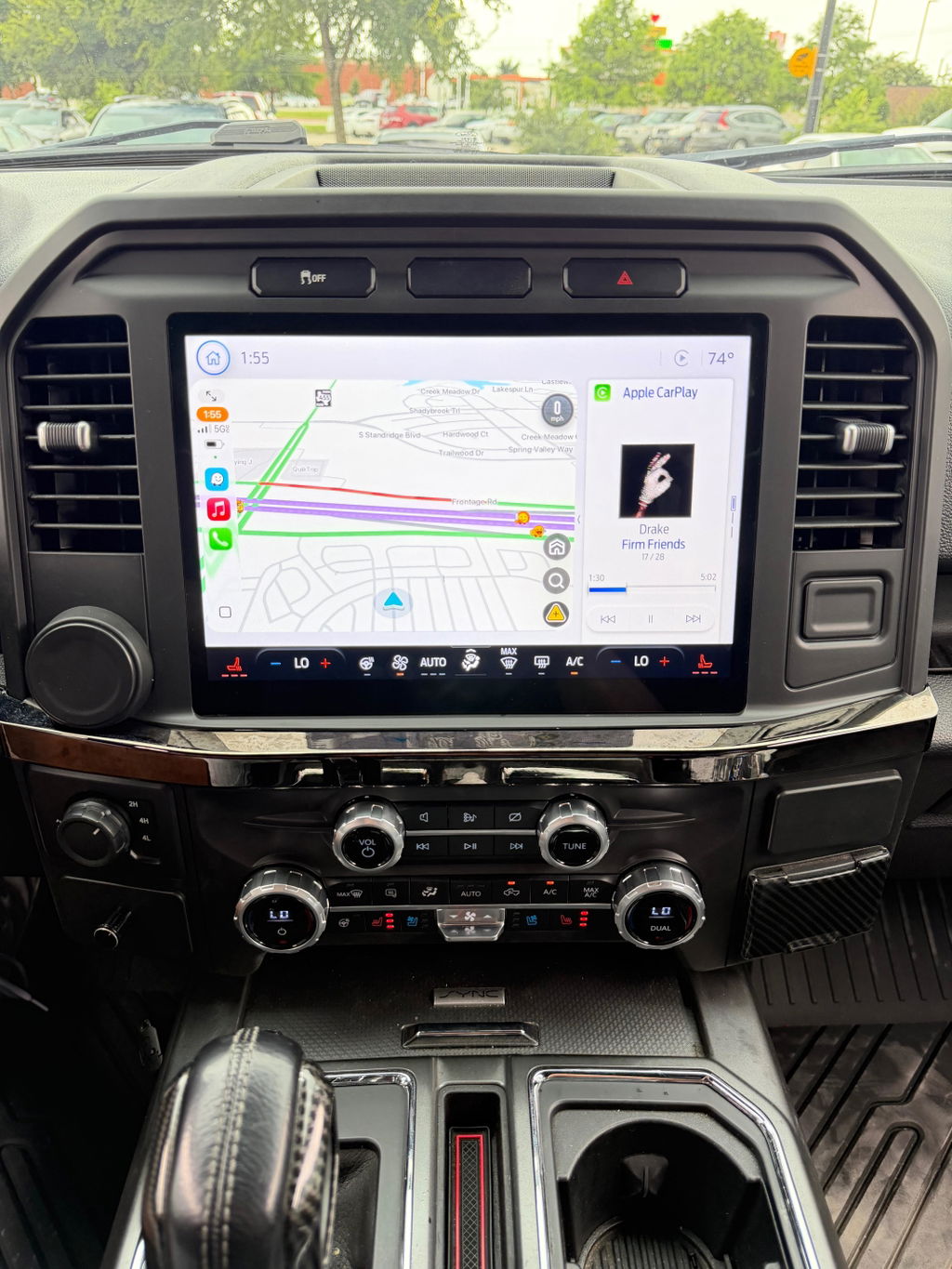
How to Upgrade Ford SYNC the Right Way
Share
If your screen lags, Bluetooth drops out, or you are stuck with missing features like Apple CarPlay, figuring out how to upgrade Ford SYNC usually starts with one question: do you need a software update, or do you need new hardware? That distinction matters, because some trucks can be improved with a file install and a USB drive, while others need a full OEM-style screen and module conversion to get the features you actually want.
How to upgrade Ford SYNC starts with the version you have
Ford used several generations of SYNC, and they are not all upgradeable in the same way. SYNC, SYNC 2, SYNC 3, and newer SYNC systems differ in screen size, module design, software support, and smartphone integration. If you skip that detail and shop by screen appearance alone, it is easy to buy the wrong parts.
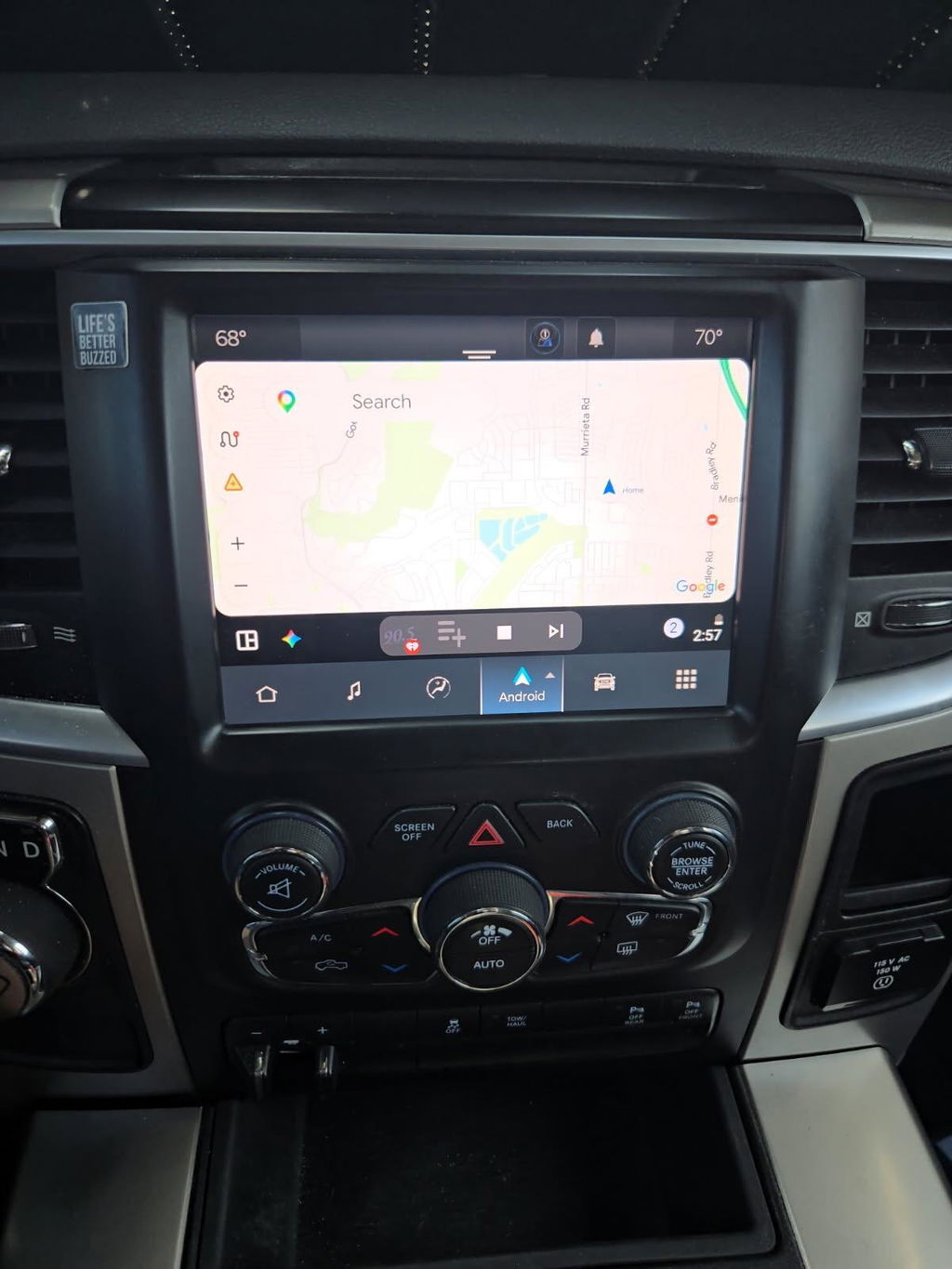
The fastest way to identify your setup is by model year, screen layout, and current feature set. A basic non-touch setup is a different path than an 8-inch MyFord Touch system. A truck with SYNC 2 is also not the same as one with SYNC 3, even if both use a factory touchscreen. That matters because SYNC 3 supports modern features that older systems do not handle well, and no amount of software updating will turn the wrong hardware into a newer platform.
In practical terms, there are two upgrade categories. The first is updating the software already on your truck. The second is replacing core components with a vehicle-specific OEM-based conversion kit.
When a software update is enough
If your truck already has SYNC 3, a software update may be all you need. This route makes sense when the hardware is current enough, but the system is behind on firmware, maps, or performance fixes. Owners usually go this direction to improve response time, fix bugs, or add support for features already built into the platform.
This is the lower-cost path, but it has limits. Software updates do not increase screen size. They do not convert a base radio into a premium touchscreen. They also do not add features your current module was never designed to support. If your goal is simply cleaner operation and better compatibility, updating the existing system is a smart first move. If your goal is wireless smartphone integration, a bigger screen, or a newer interface on an older truck, software alone probably will not get you there.
Before updating, confirm the exact SYNC generation and current software version. You also want stable battery voltage during installation. Interrupted updates can create headaches that are avoidable with a charger or by keeping the truck running where appropriate. The process itself is usually simple, but the prep work is what keeps it simple.
When you need a full hardware upgrade
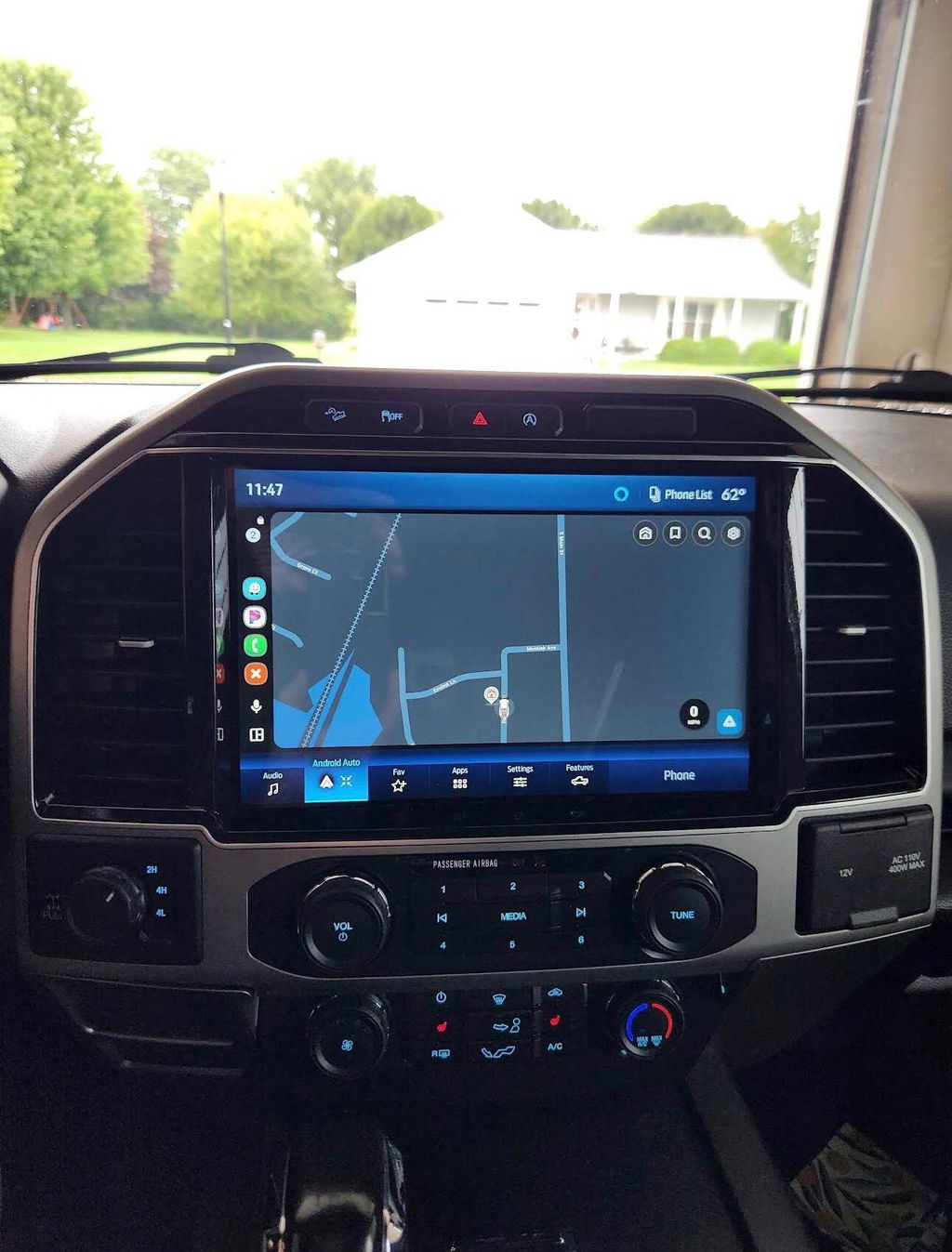
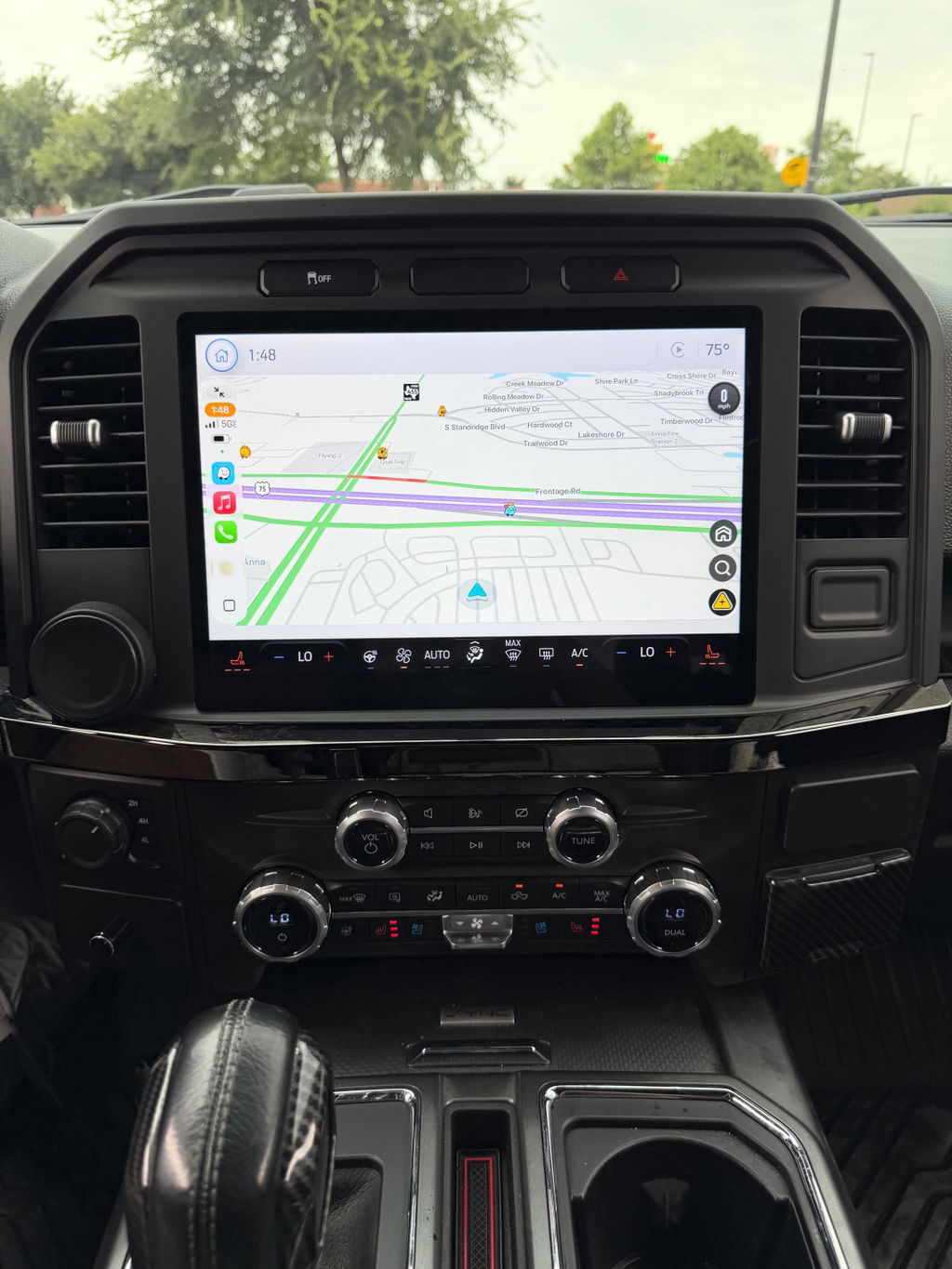
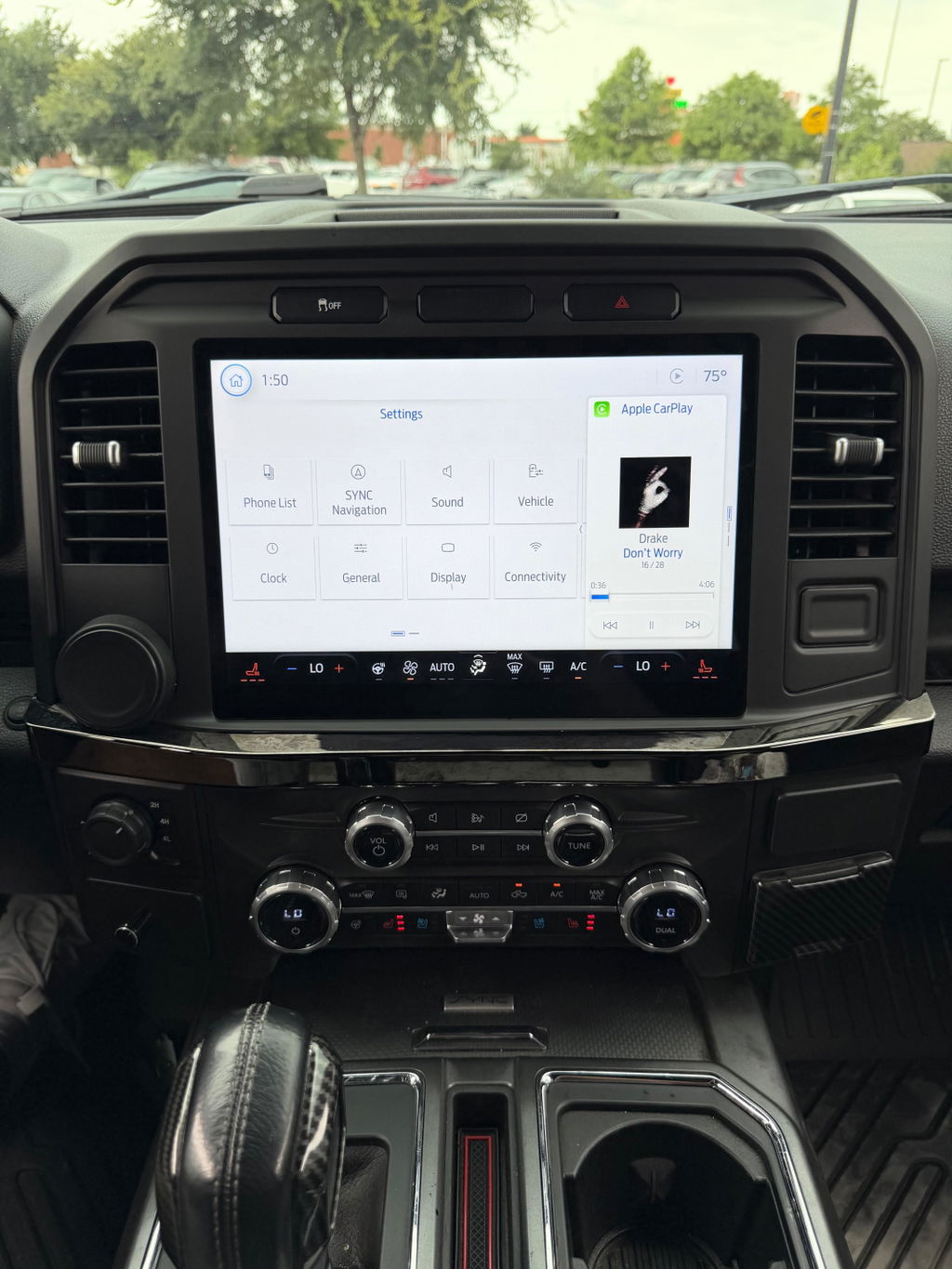
A lot of Ford owners looking up how to upgrade Ford SYNC are really looking for a complete infotainment conversion. That usually means moving from an older system to a newer OEM-style setup with a larger touchscreen, better processing, and native support for features that make the truck feel current again.
This is where compatibility becomes the whole game. The right upgrade is not just about the screen. It can involve the APIM, display, USB hub, wiring, programming, and trim-specific fitment. On some trucks, camera retention, climate controls, steering wheel controls, and factory audio integration also have to be accounted for. That is why generic universal radios create so many problems. They may power on, but factory integration often takes a hit.
An OEM-based, plug-and-play kit is usually the cleaner answer when you want factory functionality to stay intact. You get components matched to the vehicle platform instead of trying to make a universal setup behave like it belongs there. For truck owners who care about fit, finish, and reliability, that difference is worth paying attention to.
The features worth upgrading for
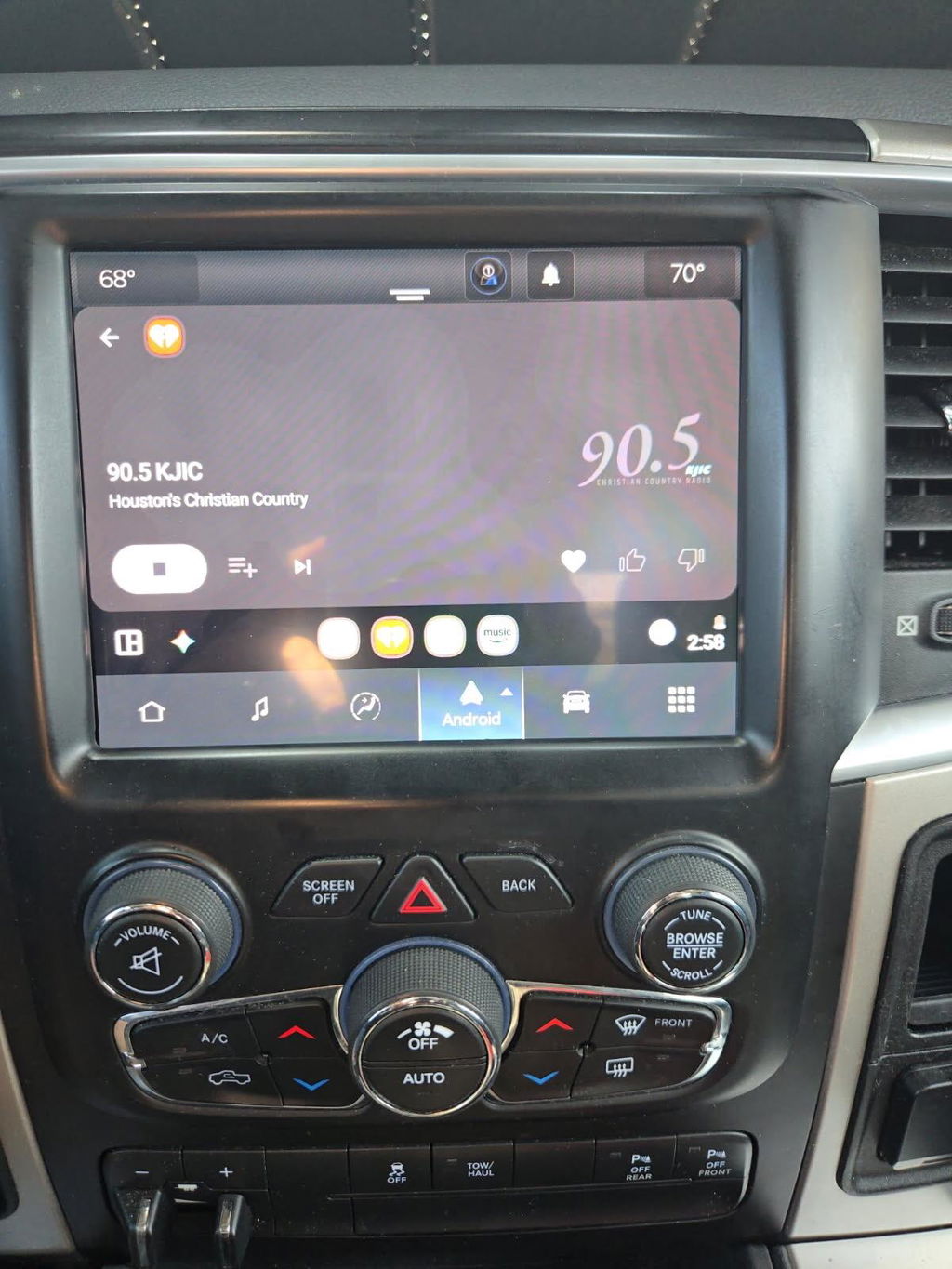
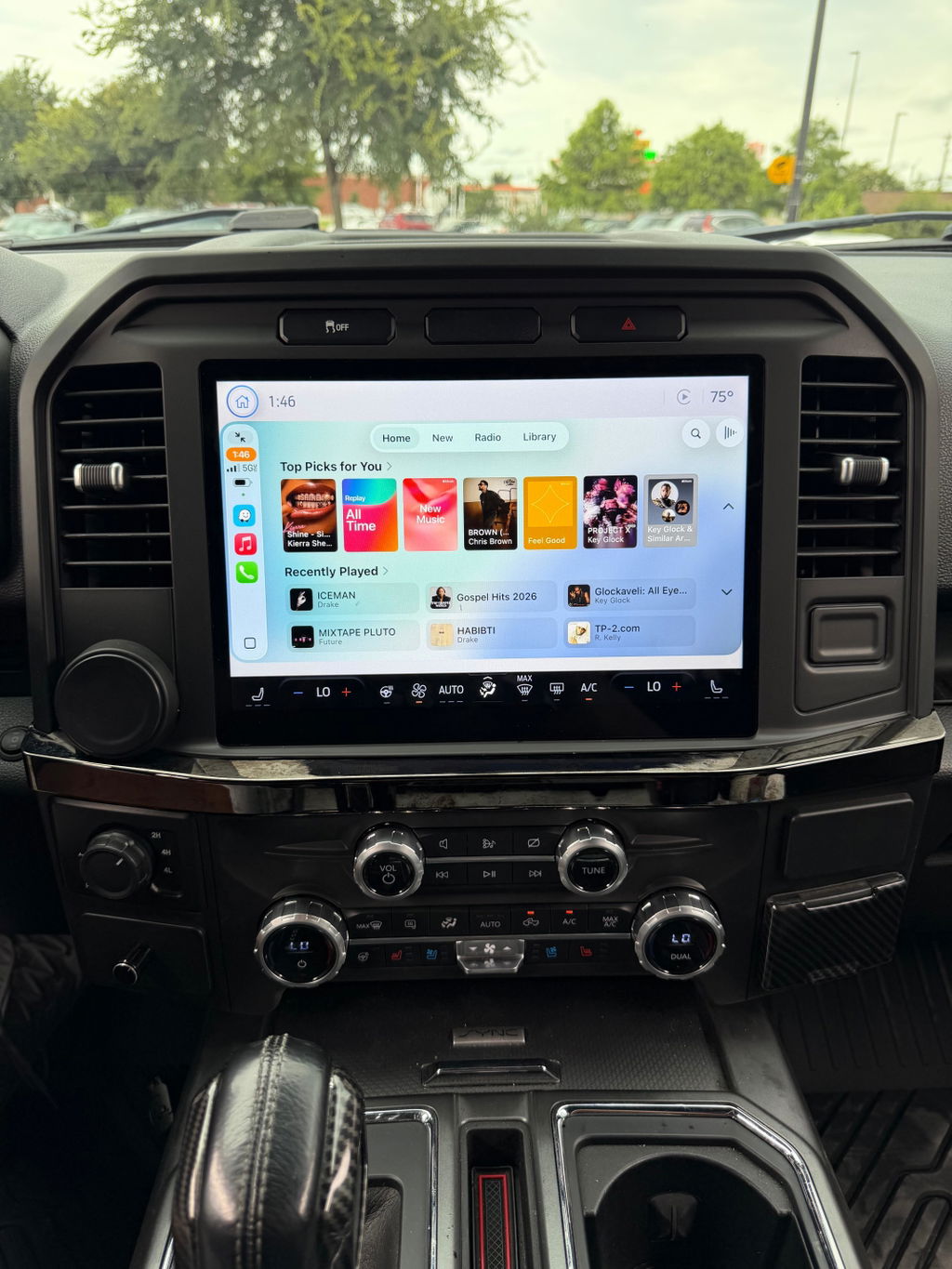
Not every SYNC upgrade has the same payoff. For most owners, the value is in daily usability, not just appearance. Apple CarPlay and Android Auto are at the top of the list because they modernize the truck fast. Better navigation behavior, improved voice control, faster menu response, and cleaner camera display are also common reasons to upgrade.
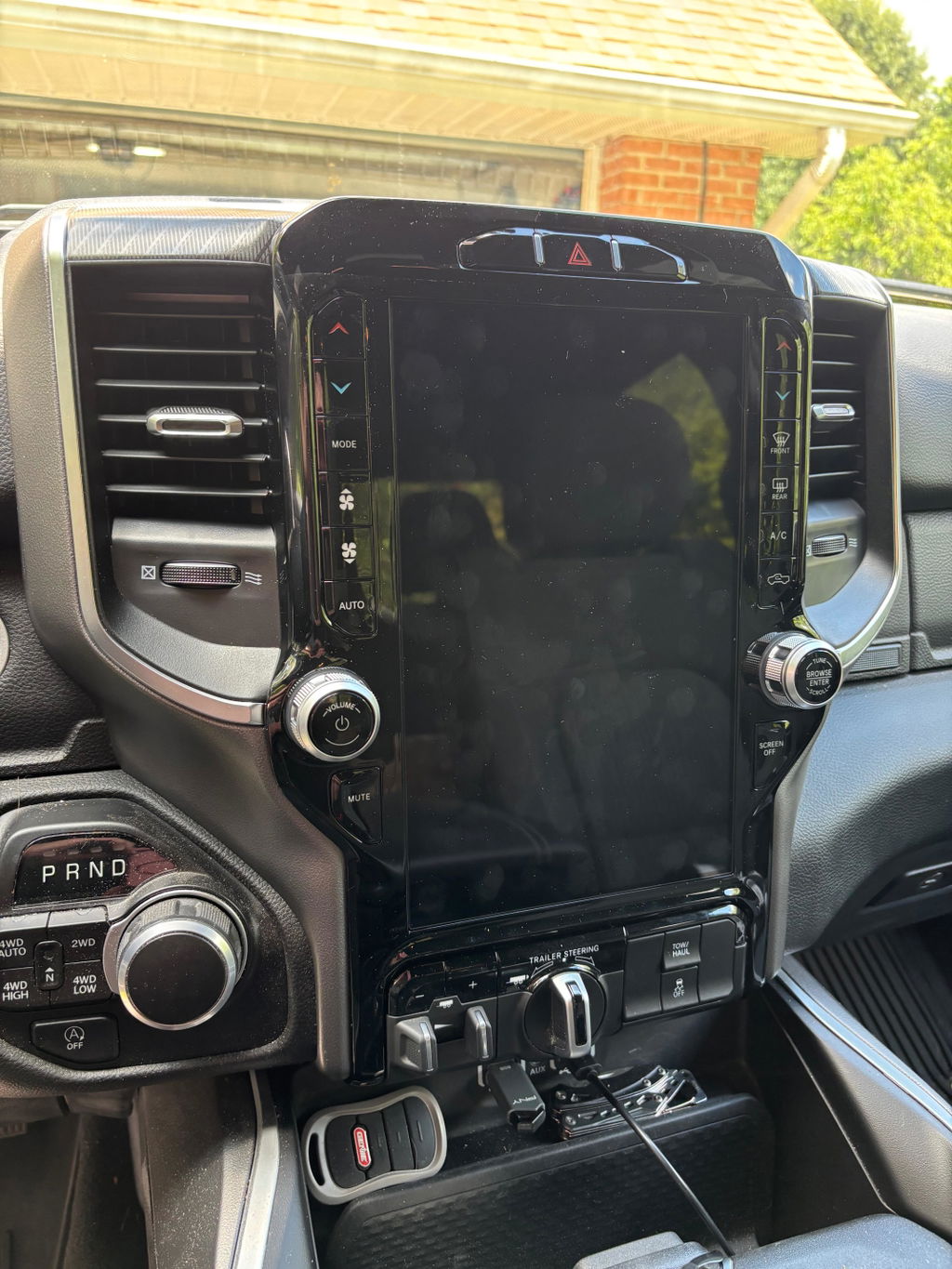
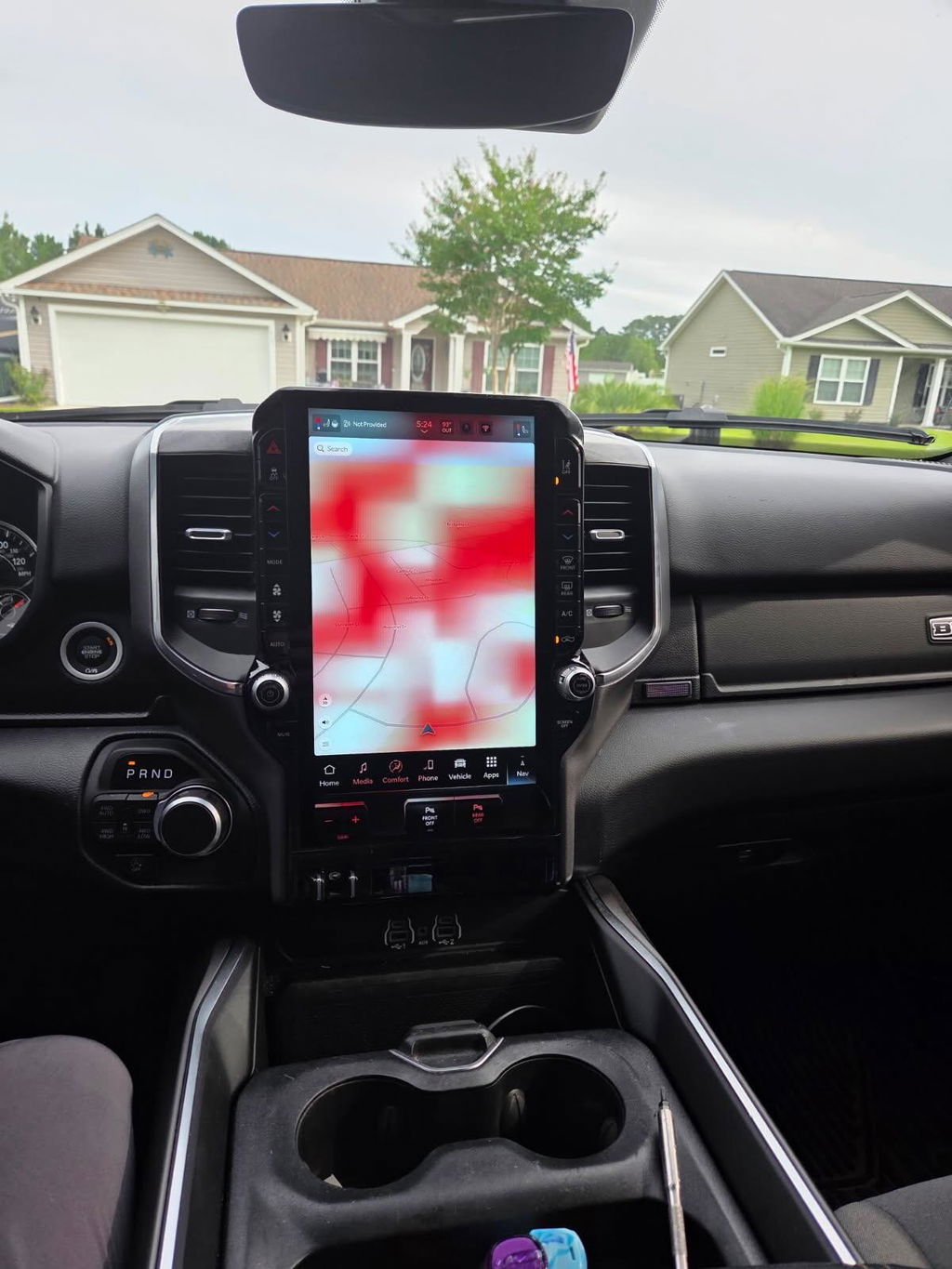
Screen size matters too, especially in work trucks and tow rigs where visibility counts. A larger display is easier to use with gloves, easier to read at a glance, and generally feels more in line with the rest of a late-model interior. If you use your truck every day, the difference between an outdated interface and a current OEM-style screen is not minor.
There is also a resale angle. A properly integrated factory-style upgrade tends to look right, function right, and help the cabin feel more premium. A cheap aftermarket radio with a questionable bezel and missing factory functions does the opposite.
Fitment is where most mistakes happen
The biggest mistake in any Ford SYNC upgrade is assuming similar trucks use identical parts. They do not. Model year, trim, audio package, climate configuration, factory camera equipment, and existing screen size all affect what fits and what works.
An F-150 owner, for example, cannot assume a kit for one year range will carry over cleanly to another. The same goes for Super Duty trucks. Ford changed hardware and software combinations across generations, and those changes affect harnessing, modules, and programming requirements. If the product listing is vague, that is a warning sign.
The safest path is a vehicle-specific kit built around exact fitment. That means clear year ranges, stated trim compatibility, and defined retained features. If a seller cannot tell you what happens to your factory camera, USB function, or steering wheel controls, you are not looking at a finished solution.
Installation: simple does not mean careless
A plug-and-play upgrade should reduce complexity, not eliminate the need for basic discipline. Even with a kit designed for your truck, installation still depends on careful handling of trim panels, connectors, and module placement. Rushing the job is how tabs get broken and connectors get forced.
Disconnecting battery power where appropriate, protecting dash surfaces, and confirming all harness connections before reassembly can save time. It is also smart to test the system before snapping every panel back into place. Verify audio, touchscreen response, backup camera operation, steering wheel controls, Bluetooth, USB data, and any climate or vehicle settings tied into the display.
If programming is part of the upgrade, make sure that step is accounted for up front. Some kits arrive fully prepared for the vehicle. Others may need VIN-specific setup or additional configuration. That is not a deal breaker, but it should be clear before you buy.
OEM-based vs aftermarket universal systems
There is a reason truck owners keep coming back to OEM-based upgrades. Factory-style systems are designed around the vehicle, so the finished result usually looks cleaner and behaves more predictably. Menus match the interior. Controls feel familiar. Features like factory microphones, cameras, and steering wheel buttons are more likely to work the way they should.
Universal aftermarket systems can look attractive on price, but that lower entry cost often comes with trade-offs. Fitment can be inconsistent. Audio performance may depend on adapters. Retained features can be hit or miss. Software support varies, and long-term reliability is not always strong. For a budget build, that might be acceptable. For a late-model truck you plan to keep, it often is not.
This is why buyers who want a clean upgrade path usually end up looking for OEM Genuine Components, Plug and Play fitment, and model-specific compatibility instead of a one-size-fits-all head unit.
How to choose the right upgrade path
If your current truck already has SYNC 3 and you mostly want bug fixes or better performance, start with software. It is the simplest and least expensive option. If you have SYNC 2, a base radio, or an older setup that cannot support the features you want, move straight to a hardware conversion and do it once.
Think about how you use the truck. If navigation, hands-free calling, towing cameras, and smartphone integration matter every day, a full OEM-style upgrade makes sense. If you rarely use infotainment and only want small improvements, a software refresh may be enough.
The right answer is usually the one that matches the truck, not the cheapest listing you can find. A well-matched upgrade saves time, avoids fitment problems, and keeps factory functions where they belong. That is the reason retailers like DD Offroad focus on vehicle-specific solutions instead of generic electronics.
A Ford SYNC upgrade should make the truck easier to live with, not create a new list of problems. Start with the version you have, be honest about the features you want, and choose the path that preserves factory integration from the start.