Best Ford Truck Screen Upgrades for OEM Fit
Share
A small factory screen gets old fast when your truck does real work. If you use navigation, backup cameras, towing menus, phone mirroring, or just want the cabin to feel current again, the best Ford truck screen upgrades are the ones that add modern function without creating new problems.
That is the key difference between a clean upgrade and a frustrating one. Bigger glass looks good in photos, but fitment, module compatibility, factory feature retention, and installation quality matter more than screen size alone. On Ford platforms, the right upgrade should feel like it belonged in the truck from day one.
What makes the best Ford truck screen upgrades worth buying
Most truck owners are not replacing a screen just to change the look of the dash. They are trying to fix a specific issue. Usually that means an outdated SYNC system, a display that feels too small for navigation and camera use, missing Apple CarPlay or Android Auto support, or a lower trim truck that never got the better factory interface.
A good upgrade solves those problems without sacrificing the features your truck already has. That includes climate controls on the display, steering wheel controls, factory camera views, USB functionality, factory microphone operation, and vehicle settings menus. If any of those disappear after install, the upgrade was not really an upgrade.
This is why OEM-based kits make more sense than generic universal screens for many Ford owners. They are built around the truck’s original architecture, not around adapting a random tablet-style display into the dash and hoping the software behaves.
OEM-style upgrades vs generic aftermarket screens
There is a place for aftermarket head units, but there is also a reason many truck owners move back toward OEM-style solutions after a bad experience. Generic kits often promise a long feature list at a lower price, but the trade-off usually shows up later in the install or daily use.
You may end up dealing with cut harnesses, trim gaps, laggy interfaces, weak camera integration, lost factory settings, or inconsistent sound quality. On a work truck or daily-driven F-150, that gets old quickly.
OEM-style screen upgrades cost more up front, but they usually hold their value better because they preserve the factory look and function. They also make more sense if you care about long-term reliability, resale, or simply not tearing the dash apart twice.
The best Ford truck screen upgrades by buyer type
There is no single best option for every Ford truck owner. The right choice depends on what you are starting with and what you expect after the install.
For owners with a small factory screen
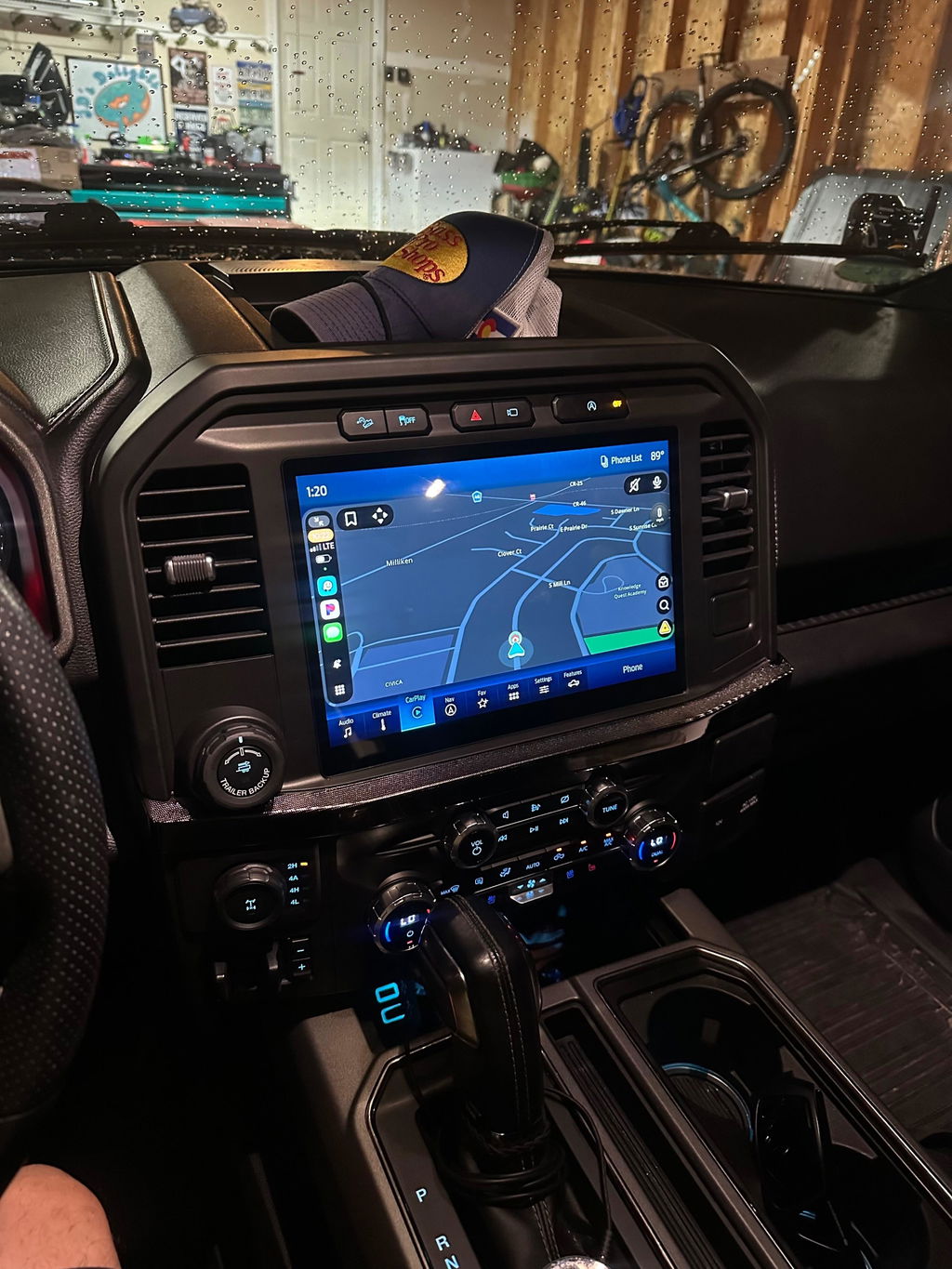
If your truck has the basic small display, the best move is usually a factory-style upgrade to a larger OEM screen and the correct supporting components. This is often the biggest day-to-day improvement because you are not just gaining screen space. You are stepping into a better interface, clearer menus, stronger smartphone integration, and a cabin that feels years newer.
For many F-150 and Super Duty owners, this is the sweet spot. You keep the dash looking right, gain real usability, and avoid the awkward look of an oversized aftermarket panel.
For owners who want wireless Apple CarPlay and Android Auto
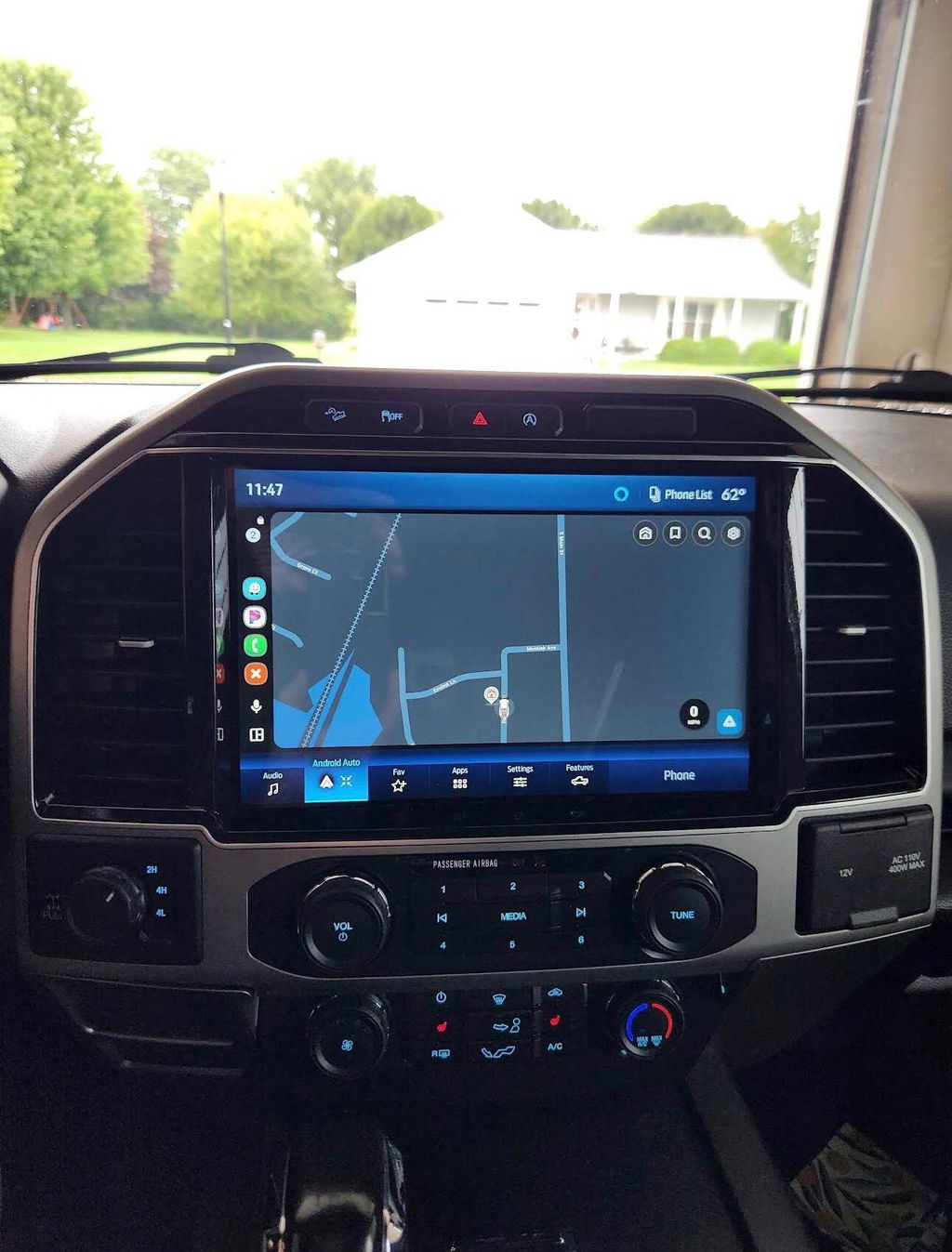
If your current system works but feels dated, prioritize feature compatibility over sheer size. Some upgrades are really about modern connectivity. Wireless phone integration changes how the truck feels every day, especially if you are in and out of the cab for work, travel, or towing.
In that case, the best Ford truck screen upgrades are the kits that add modern SYNC functionality while retaining factory controls and menus. A giant screen with poor software is a downgrade. A properly integrated screen with wireless functionality is usually the better buy.
For owners who tow or use cameras often
If towing is part of your routine, screen clarity and camera retention matter more than flashy graphics. You need a screen that displays factory camera inputs correctly, responds quickly, and keeps vehicle settings accessible. A laggy system or one that mishandles camera switching is more than annoying - it can interfere with how you use the truck.
That is why towing-focused buyers should put factory integration first. Screen upgrades should support the truck’s real use case, not just improve the dash photo for social media.
For owners building a higher-trim interior feel
Some buyers want their XL or XLT truck to feel closer to a Lariat, King Ranch, Platinum, or higher-end Super Duty configuration. That is a valid reason to upgrade, but the cleanest approach is still OEM-based. The best Ford truck screen upgrades for this goal are the ones that match factory trim, fit the dash correctly, and work with the truck’s existing electronics instead of fighting them.
Fitment matters more than most buyers expect
Ford trucks vary a lot by model year, trim, and original equipment. An F-150 upgrade that works on one generation may not work on another. The same goes for Super Duty trucks, Maverick models, and Expedition-based platforms.
That is where many buyers get burned. They shop by screen size first and compatibility second. That order should be reversed.
Before buying, you need to know your exact model year, trim level, current screen size, original SYNC version, and whether the truck has factory navigation, cameras, or premium audio. Those details affect what kit is required and whether programming or additional modules are needed. If a seller cannot explain compatibility clearly, that is a warning sign.
Features that actually matter in daily use
A screen upgrade should make the truck easier to use, not just newer to look at. The features worth paying for are the ones you notice every time you start the truck.
Screen responsiveness matters because a slow interface makes every input feel delayed. Resolution matters because map detail, camera views, and menu text need to be easy to read at a glance. Factory menu retention matters because losing access to vehicle settings is never worth a cosmetic gain.
Phone integration is another major one. Wired CarPlay and Android Auto still work well, but wireless support is a real convenience upgrade for daily drivers. If you spend a lot of time in the truck, it is worth prioritizing.
Audio performance also gets overlooked. Some poorly designed upgrades affect factory amplifier communication or degrade sound quality. If your truck has a premium audio setup, make sure the screen solution supports it correctly.
Best Ford truck screen upgrades for long-term value
The cheapest kit rarely delivers the best value. Long-term value comes from stable operation, proper fitment, retained factory functions, and not having to troubleshoot random issues six months later.
That usually points buyers toward OEM Genuine Components and plug-and-play kits built for specific Ford applications. They are easier to install, easier to trust, and less likely to create electrical or usability problems down the road.
This is also where buying from a platform-focused retailer matters. A seller that specializes in truck-specific OEM upgrade paths is more likely to understand the difference between model years, harness requirements, programming needs, and feature retention. DD Offroad fits that lane because the catalog is built around exact-fit vehicle applications rather than one-size-fits-all electronics.
Common mistakes to avoid
The biggest mistake is assuming every large screen is automatically better. A bigger display with poor integration can make the truck harder to live with.
Another common mistake is ignoring supporting hardware. Some upgrades require more than just the display itself. Depending on the truck, you may need an APIM, bezel, hub changes, or programming support. If a listing seems too cheap, it may be missing key components.
The third mistake is underestimating installation quality. Even plug-and-play kits need to be matched correctly to the vehicle. If your goal is factory-style results, every piece needs to line up the way Ford intended.
How to choose the right upgrade for your truck
Start with the problem you want to solve. If the truck lacks modern smartphone integration, focus on compatibility with current SYNC features. If the screen is too small for towing or camera use, prioritize display size and factory camera support. If you want a higher-trim interior feel, choose an OEM-style conversion that preserves the factory dash layout.
Then confirm fitment before anything else. Match the kit to your exact truck, not just the badge on the tailgate. F-150, Super Duty, Maverick, and Expedition owners all have different compatibility paths depending on generation and factory equipment.
Finally, buy for the truck you plan to keep. If this is a long-term vehicle, factory-style upgrades usually make more sense than cheaper experimental solutions. They cost more once and annoy you less later.
A good screen upgrade should disappear into the truck in the best possible way. It should look right, work every day, and make you wonder why Ford did not build it that way from the start.