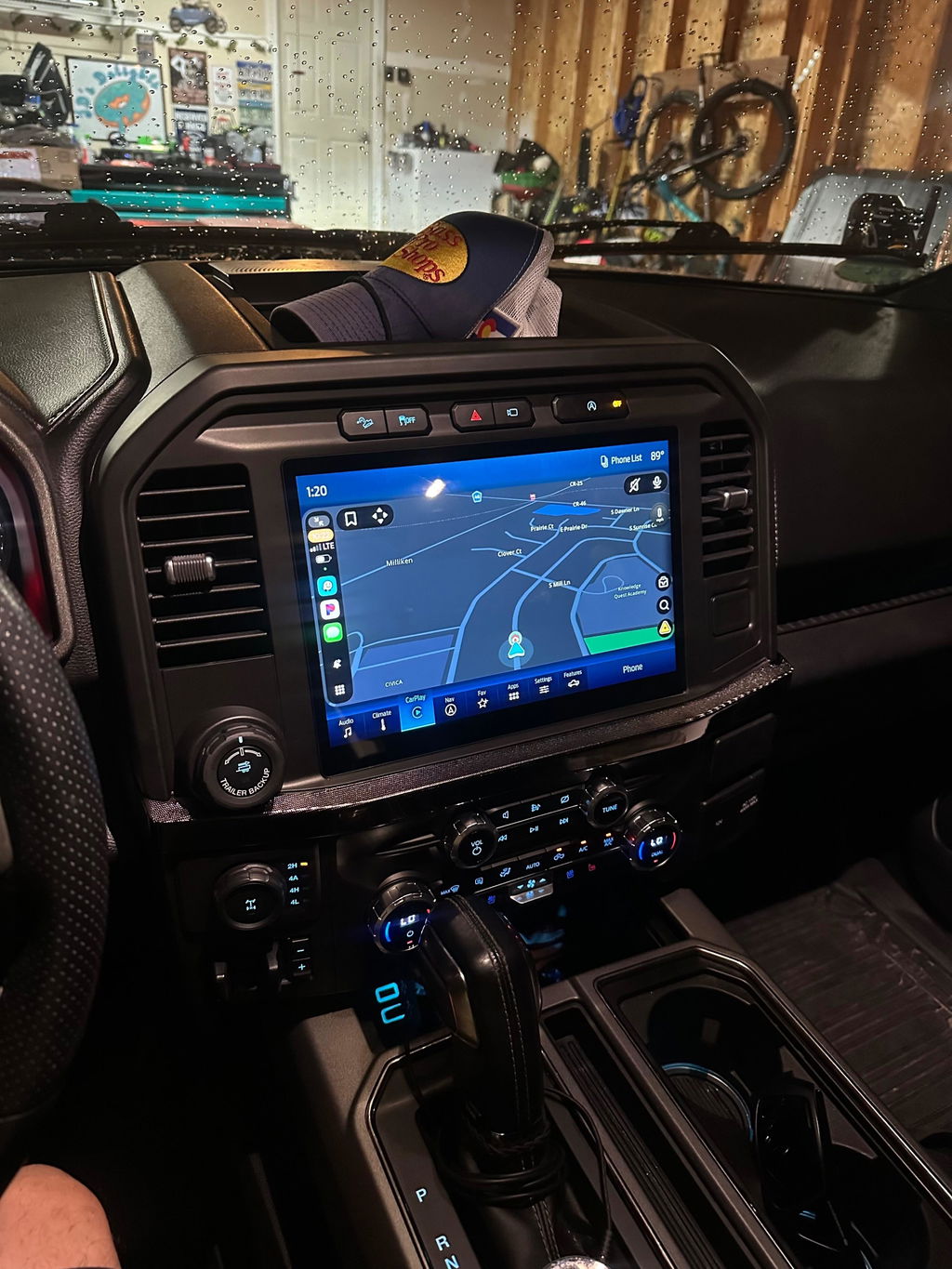
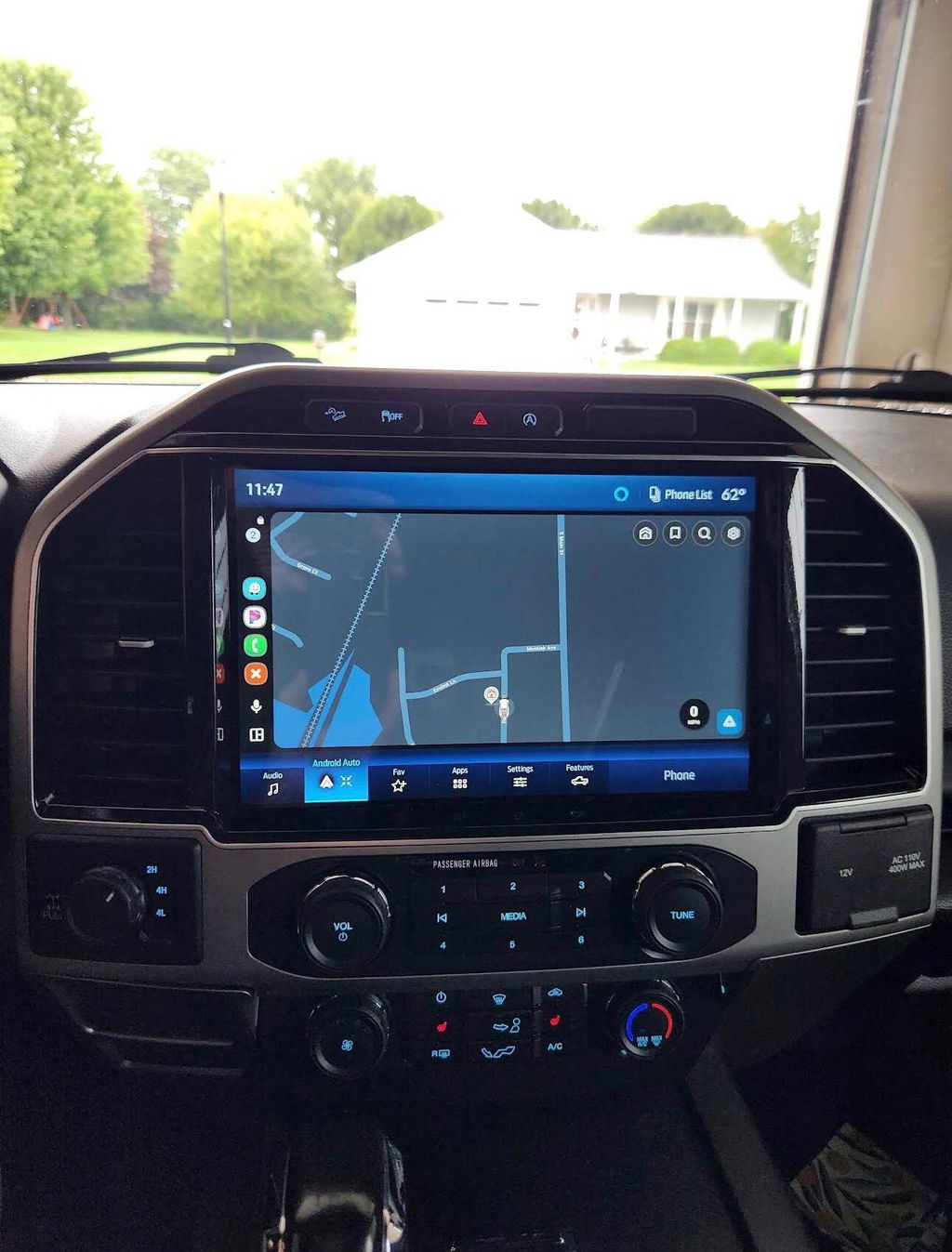
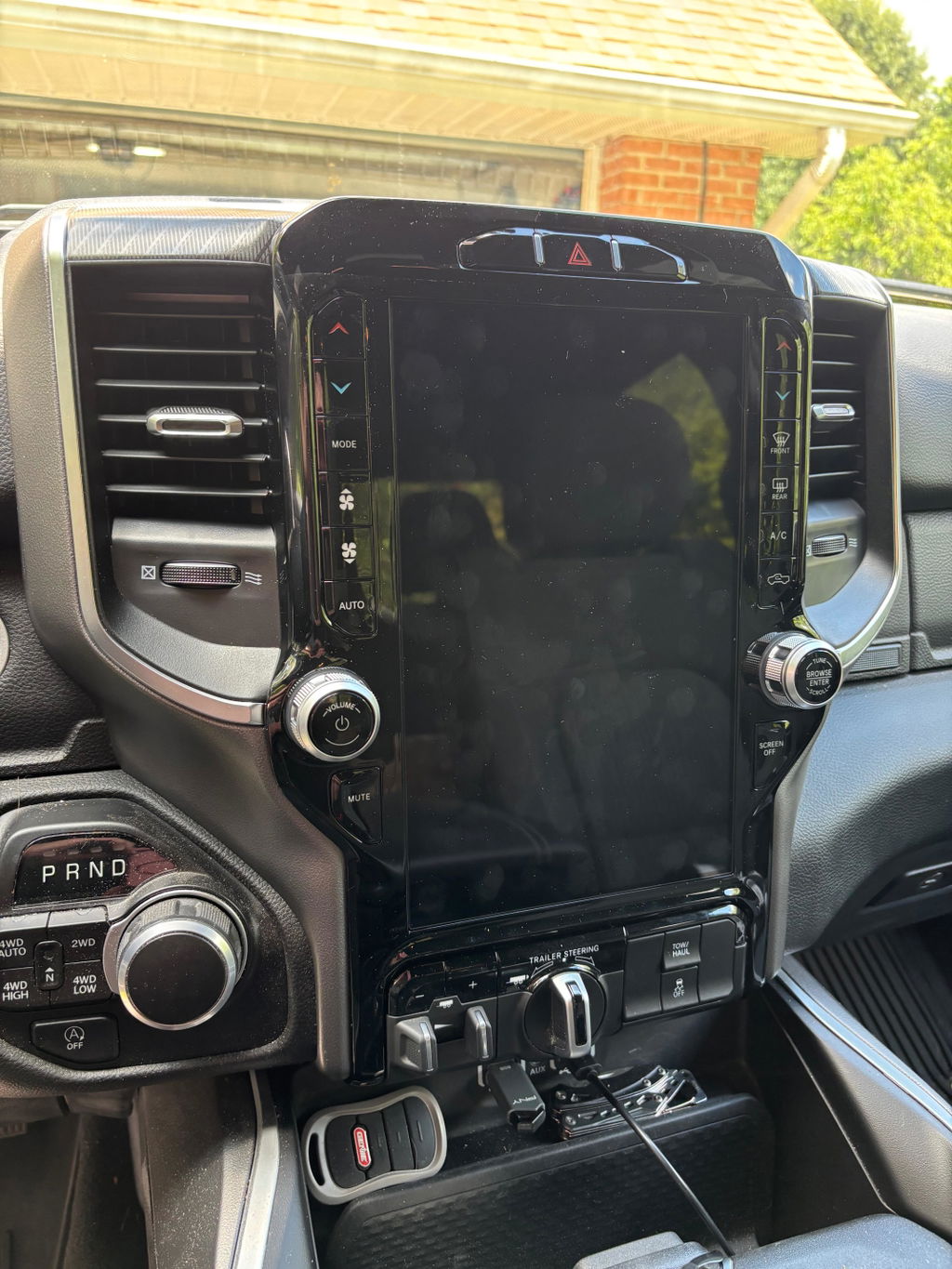
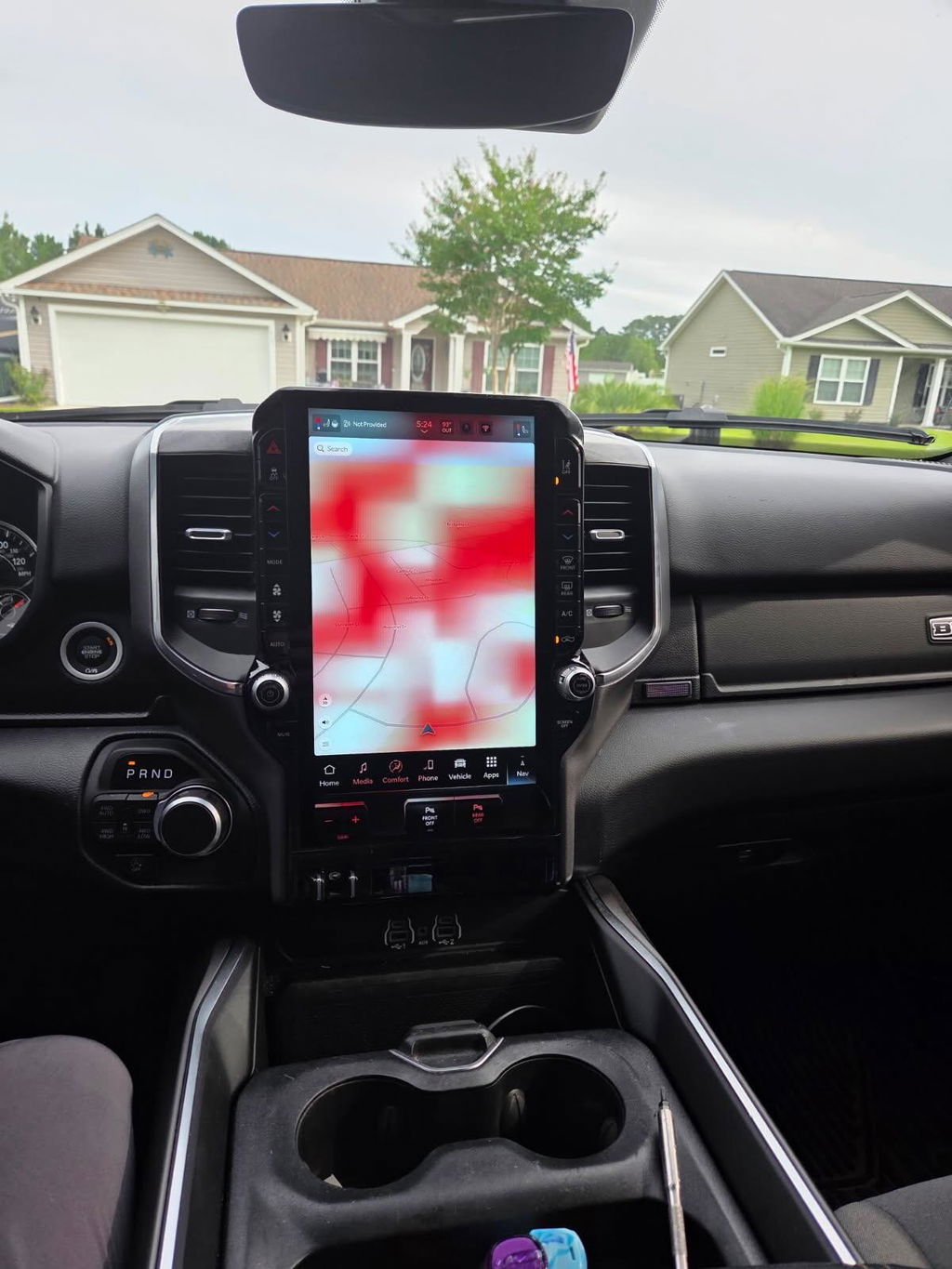
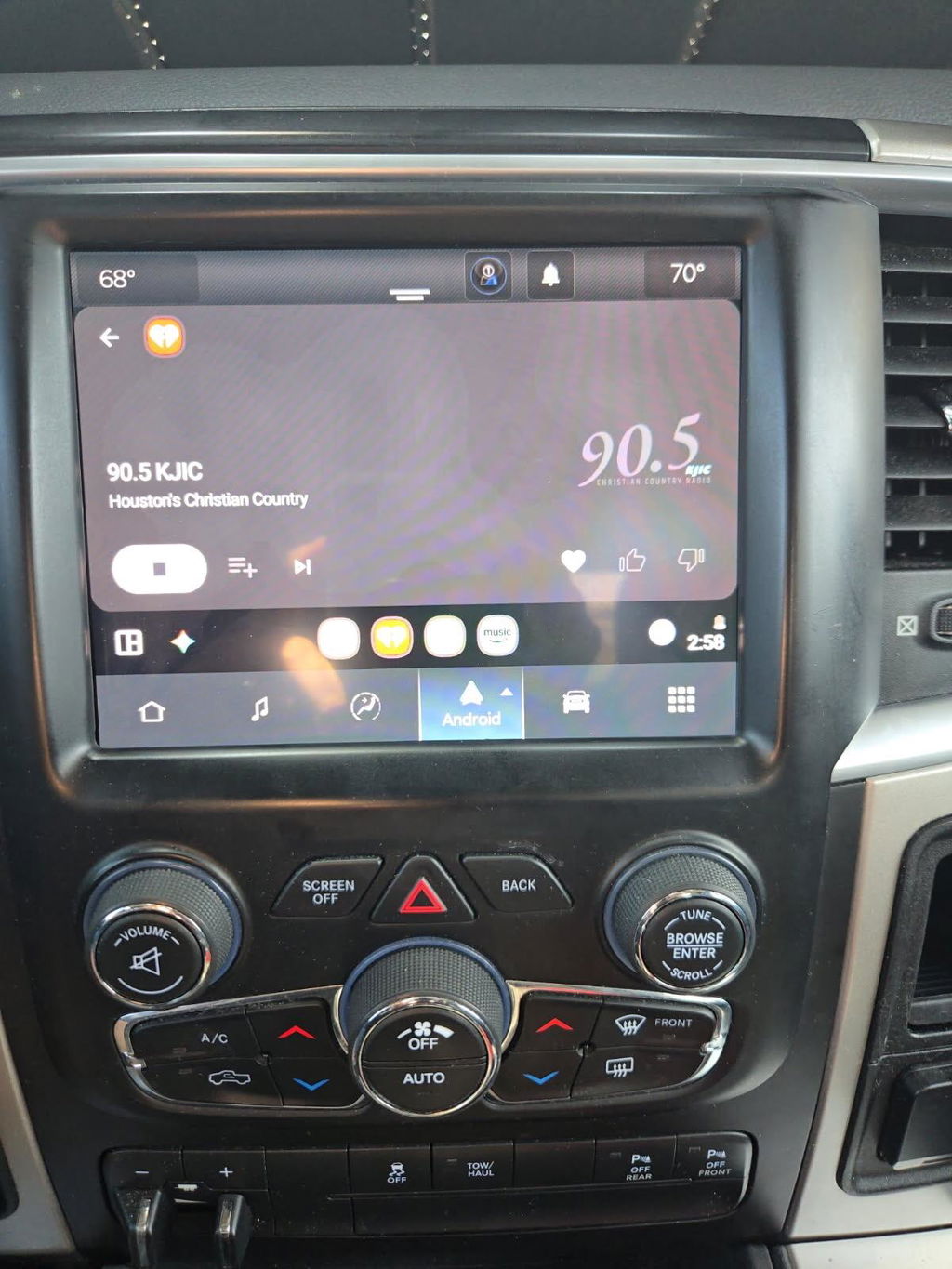
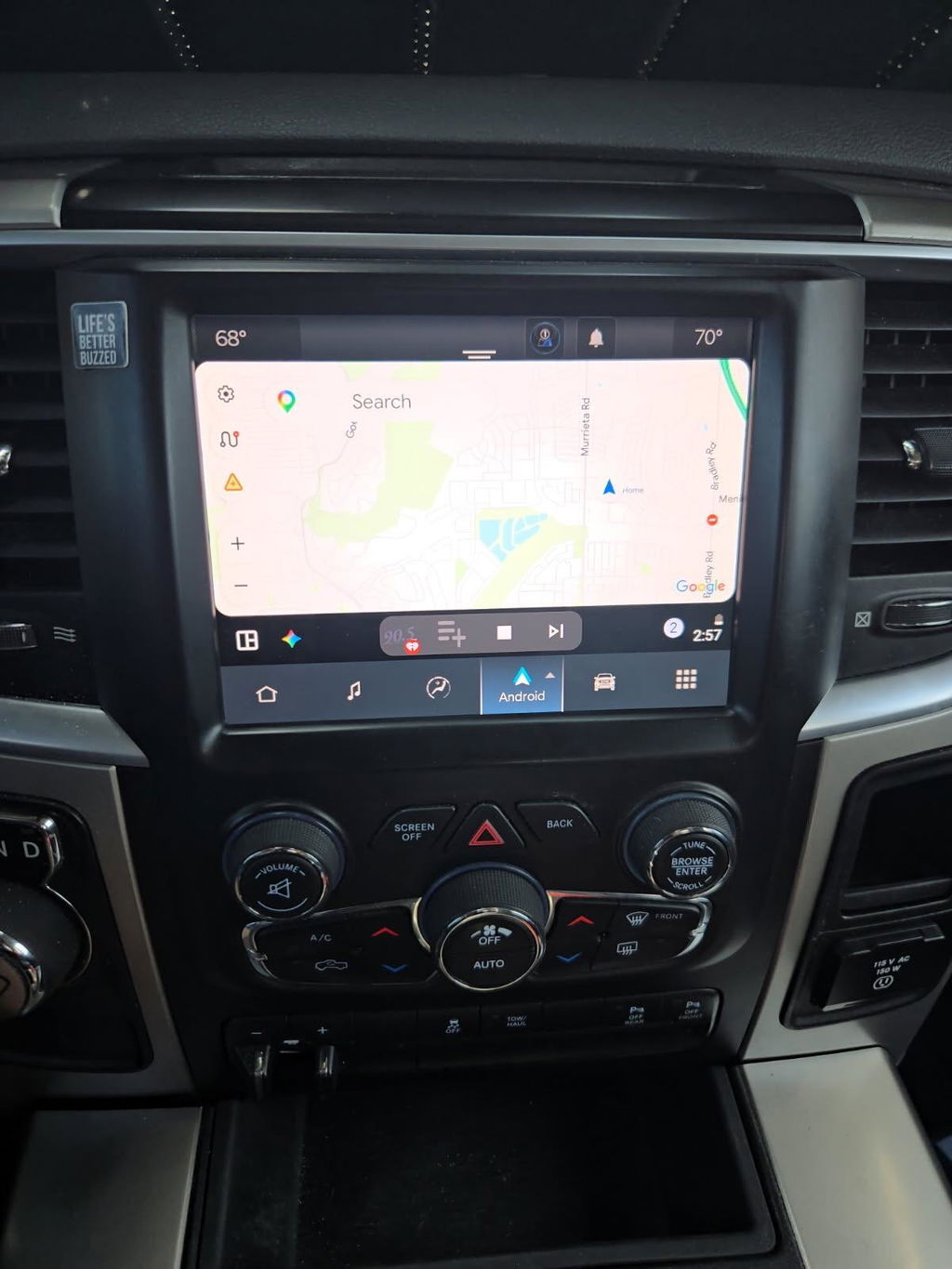
How to Retrofit Wireless CarPlay Right
Share
If you are tired of plugging your iPhone in every time you start your truck, figuring out how to retrofit wireless CarPlay usually comes down to one question: do you want a clean factory-style result, or do you want to gamble on a universal workaround? For most Ram, Ford, Jeep, Dodge, and Chrysler owners, that answer is pretty simple. You want the feature to work like it should, keep factory integration, and not create a new list of electrical problems.
How to retrofit wireless CarPlay without creating new problems
Wireless CarPlay sounds simple on paper. In reality, the right upgrade depends on what your vehicle already has. Some trucks and SUVs only need a module or adapter. Others need a full radio or screen conversion because the factory hardware was never designed to support wireless smartphone integration in the first place.
That is where a lot of buyers get tripped up. They assume any screen with Apple CarPlay can be made wireless with a cheap add-on. Sometimes that works. Sometimes it does not. If the factory system is slow, limited, or built around older software, adding another box into the chain can create lag, random disconnects, poor audio handoff, or microphone issues.
A better approach is to start with the platform, not the feature list. Vehicle year, trim level, screen size, factory radio family, and whether the truck already has wired CarPlay all matter.
Start with your factory infotainment system
Before you buy anything, identify what system is in the vehicle now. This matters more than brand loyalty, ad copy, or price.
If your truck already has wired Apple CarPlay from the factory, you may be able to add wireless functionality with a vehicle-compatible adapter. That is usually the lowest-cost route, and for some owners it is enough. The trade-off is that adapters are only as good as the system they plug into. If the original radio is already slow or glitchy, wireless performance may feel like a compromise.
If your vehicle does not have Apple CarPlay at all, an adapter is not the fix. You are likely looking at a full infotainment retrofit. On many Ram and Ford applications, that means replacing the screen, radio components, or both with OEM-based hardware that supports the newer feature set.
This is why exact fitment matters. A 2018 truck and a 2021 truck may look similar in the dash, but the underlying modules, software, connectors, and programming requirements can be completely different.
What to check before you buy
You need the model year, trim, current screen size, and radio type. On some platforms, whether the vehicle has navigation, a premium audio package, or factory backup camera also affects what kit will work. If you skip that homework, you can end up buying parts that physically fit but do not communicate correctly with the truck.
For truck owners who care about factory integration, OEM-based kits are usually the safer path. They are built around known compatibility instead of trying to force a universal tablet-style solution into a vehicle that was never designed for it.
Adapter vs full retrofit
There are really two ways to handle this upgrade, and each has a different buyer in mind.
An adapter makes sense when the factory radio already supports wired CarPlay and you want to eliminate the cable. Installation is usually straightforward, and the cost is lower. The downside is that you are still relying on the original screen, processor speed, and software behavior. If your system is outdated, the wireless feature may not feel premium even if it technically works.
A full retrofit makes sense when the vehicle has an older infotainment setup, a smaller screen, or no CarPlay support at all. This route costs more, but it often delivers the better result because you are upgrading the actual hardware, not just adding a workaround. On trucks where factory appearance and retained features matter, this is often the smarter long-term move.
For example, many owners moving to larger OEM-style touchscreen conversions are not just chasing wireless CarPlay. They also want a better display, modern menus, cleaner integration, and less risk than generic aftermarket head units.
How to retrofit wireless CarPlay the OEM-style way
If the goal is a clean, factory-grade upgrade, the process is usually pretty direct.
First, confirm whether your vehicle can use a module-based upgrade or needs a complete infotainment conversion. Second, buy a kit designed for the exact platform and model year. Third, verify whether programming is required. Some plug-and-play kits are truly straightforward, while others still need VIN-specific setup or initialization to retain all factory functions.
That last part is where OEM-based solutions separate themselves from random marketplace electronics. A screen that powers on is not the same thing as a properly integrated system. You want steering wheel controls, backup camera, factory audio behavior, microphone operation, and on-screen vehicle settings to keep working.
If you are shopping for a Ram, Ford, or similar truck platform, this is where a specialist matters. A vehicle-specific package built around genuine or OEM-style components is far more likely to behave like a factory option instead of an experiment.
Installation expectations
Most plug-and-play retrofit kits are within reach for a mechanically comfortable owner. If you can remove trim panels carefully, disconnect the battery, and follow harness routing instructions, the physical install is usually manageable.
What catches people off guard is not the hardware swap. It is the details. Trim compatibility, antenna connections, USB hub requirements, and software matching can all make or break the upgrade. On some applications, the wrong USB media hub will stop CarPlay from initializing correctly. On others, an incomplete programming step can leave you with missing features or warning messages.
That is why the cheapest path is not always the least expensive one. If you buy a universal radio, then add dash kits, interface modules, and labor to recover lost factory functions, your total spend can climb fast.
Common mistakes that make wireless CarPlay feel worse
A lot of frustration comes from buying the wrong type of product for the vehicle.
The first mistake is assuming all wireless CarPlay adapters are equal. They are not. Some work well in stable factory environments. Others struggle with boot time, phone pairing, or audio delays. If your truck is your daily driver, those little annoyances get old fast.
The second mistake is chasing screen size without thinking about system integration. A bigger display looks good, but if it breaks camera access, HVAC settings, or steering wheel controls, it is not an upgrade.
The third mistake is ignoring power and data path issues. Wireless CarPlay still depends on the vehicle’s radio architecture. If the system is using outdated ports, mismatched modules, or bad harnesses, reliability suffers.
The fourth mistake is buying based on a generic compatibility chart. Trucks are not one-size-fits-all. Even within the same generation, trim packages and option content matter.
Is wireless CarPlay worth retrofitting?
For most owners, yes - if you pick the right setup.
Wireless CarPlay is one of those features that feels minor until you use it every day. Getting in, starting the truck, and having maps, calls, music, and messages load automatically is just easier. It is especially useful in work trucks, tow rigs, and daily-driven full-size pickups where convenience matters and time in the cab adds up.
That said, it is not worth adding with a low-quality workaround that creates unstable connections or stripped-down functionality. If your factory system is already outdated, a proper OEM-style infotainment upgrade often delivers more value than a simple adapter ever will.
What the right buyer should look for
If you want the shortest path to a good result, focus on exact fitment, OEM Genuine Components where applicable, plug-and-play design, and clear retention of factory features. Competitive Pricing matters, but compatibility matters more. Free Shipping is nice. Not having to redo the install is better.
For buyers who want a factory-style upgrade instead of a generic electronics project, DD Offroad’s approach makes sense because it centers on vehicle-specific solutions rather than universal parts-bin guesswork.
When you retrofit wireless CarPlay the right way, the truck feels newer without feeling modified. That is usually the goal. Pick the solution that matches the factory system you actually have, not the one you wish you had, and the upgrade will make sense every time you turn the key.