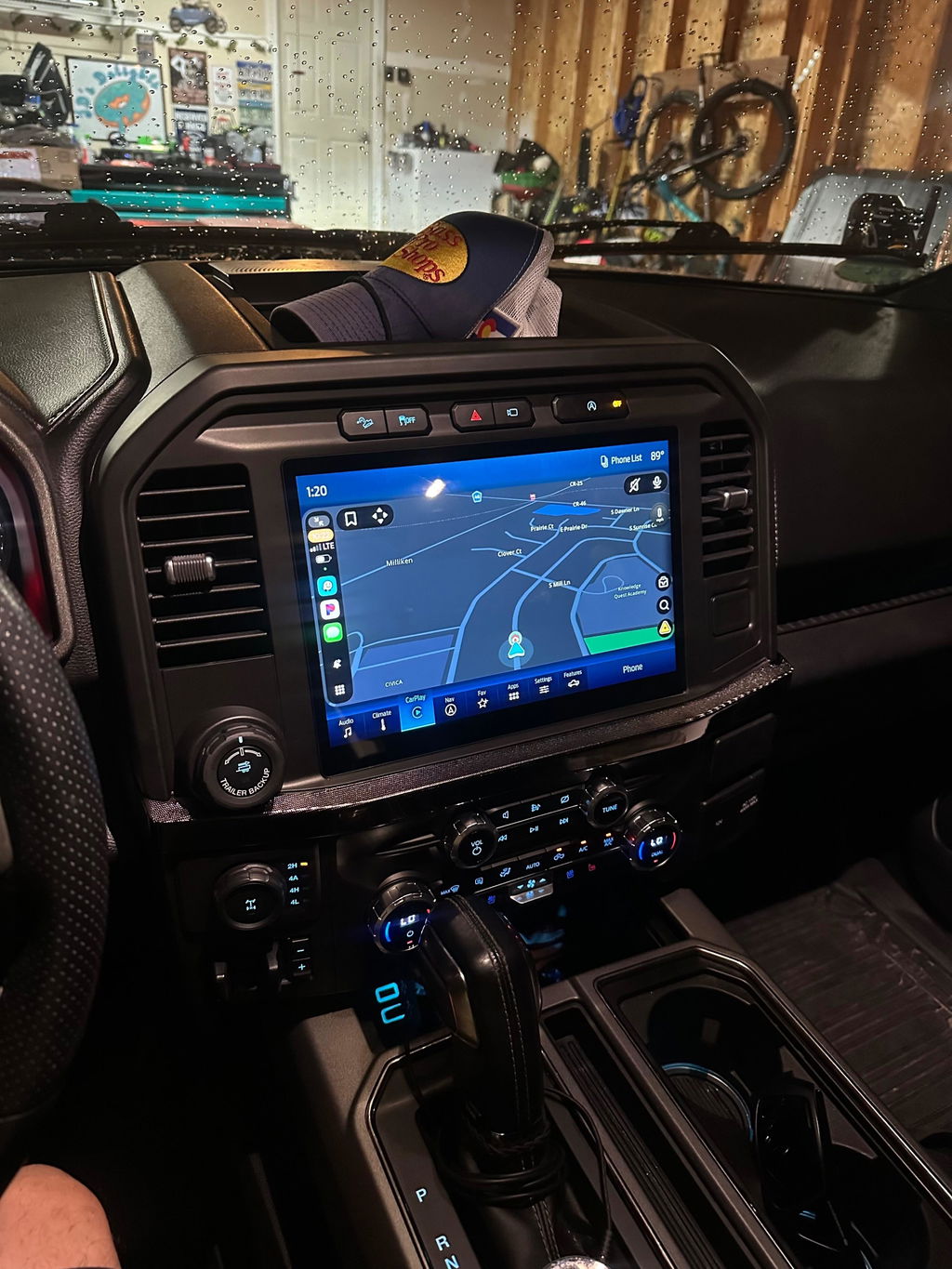
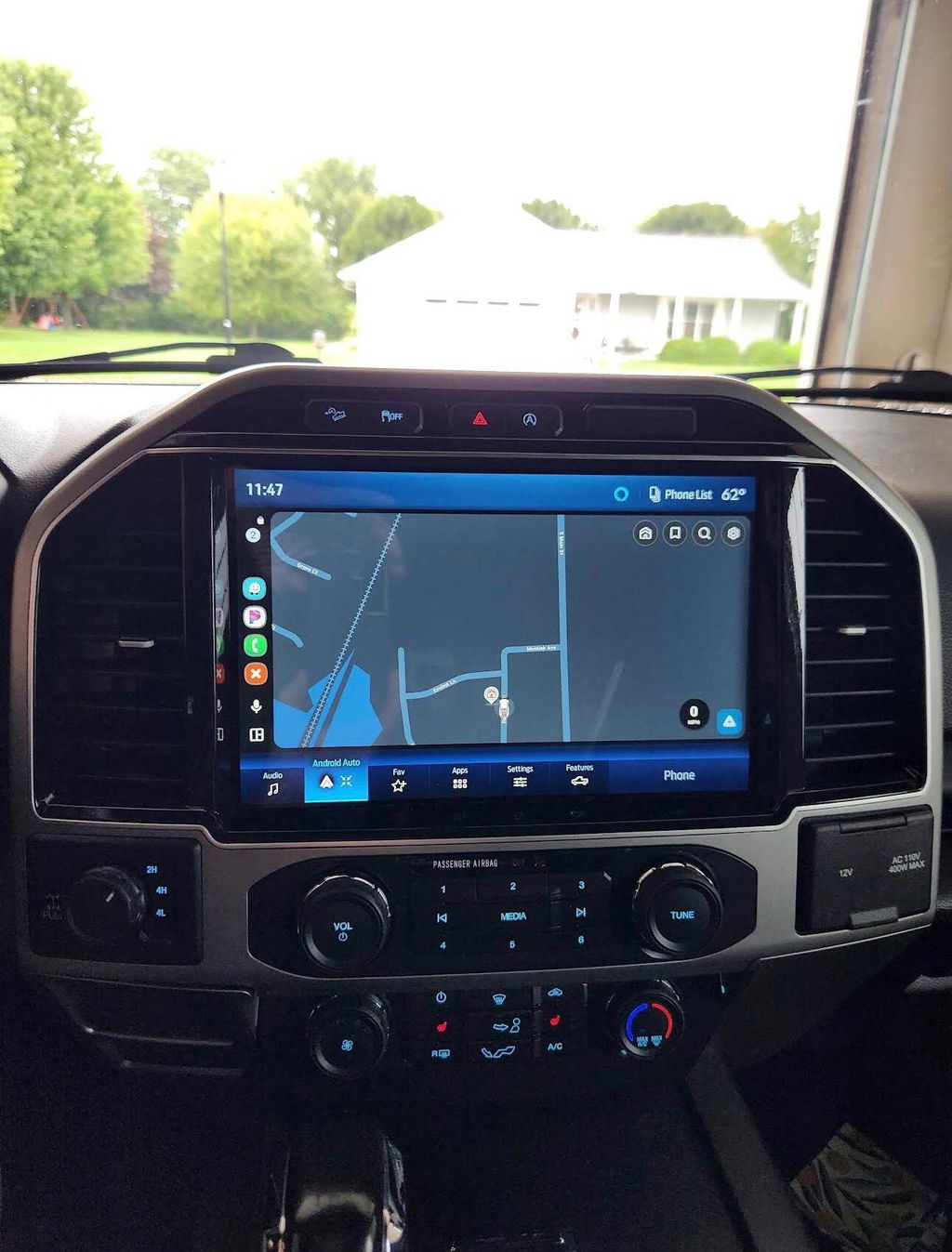
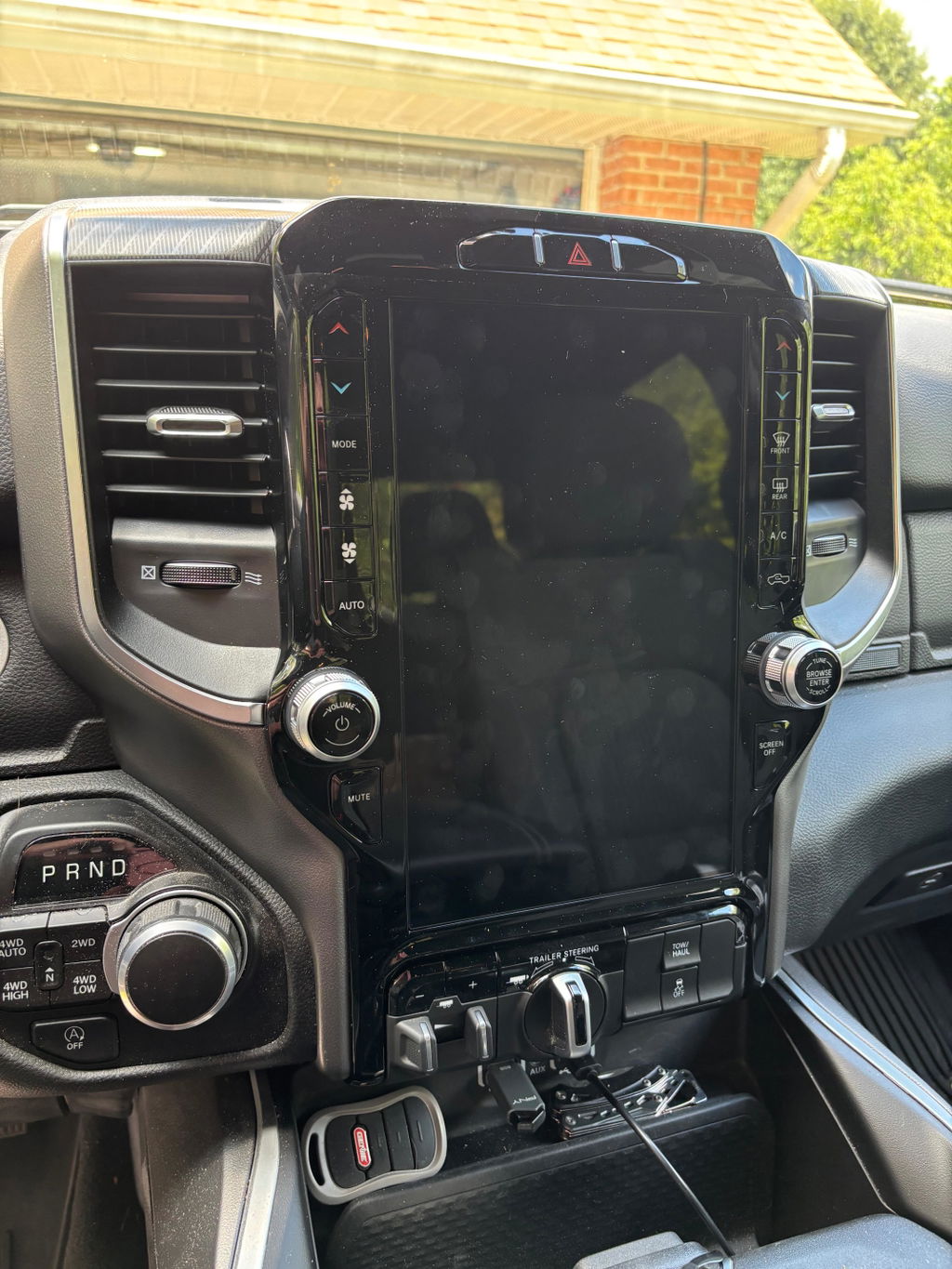
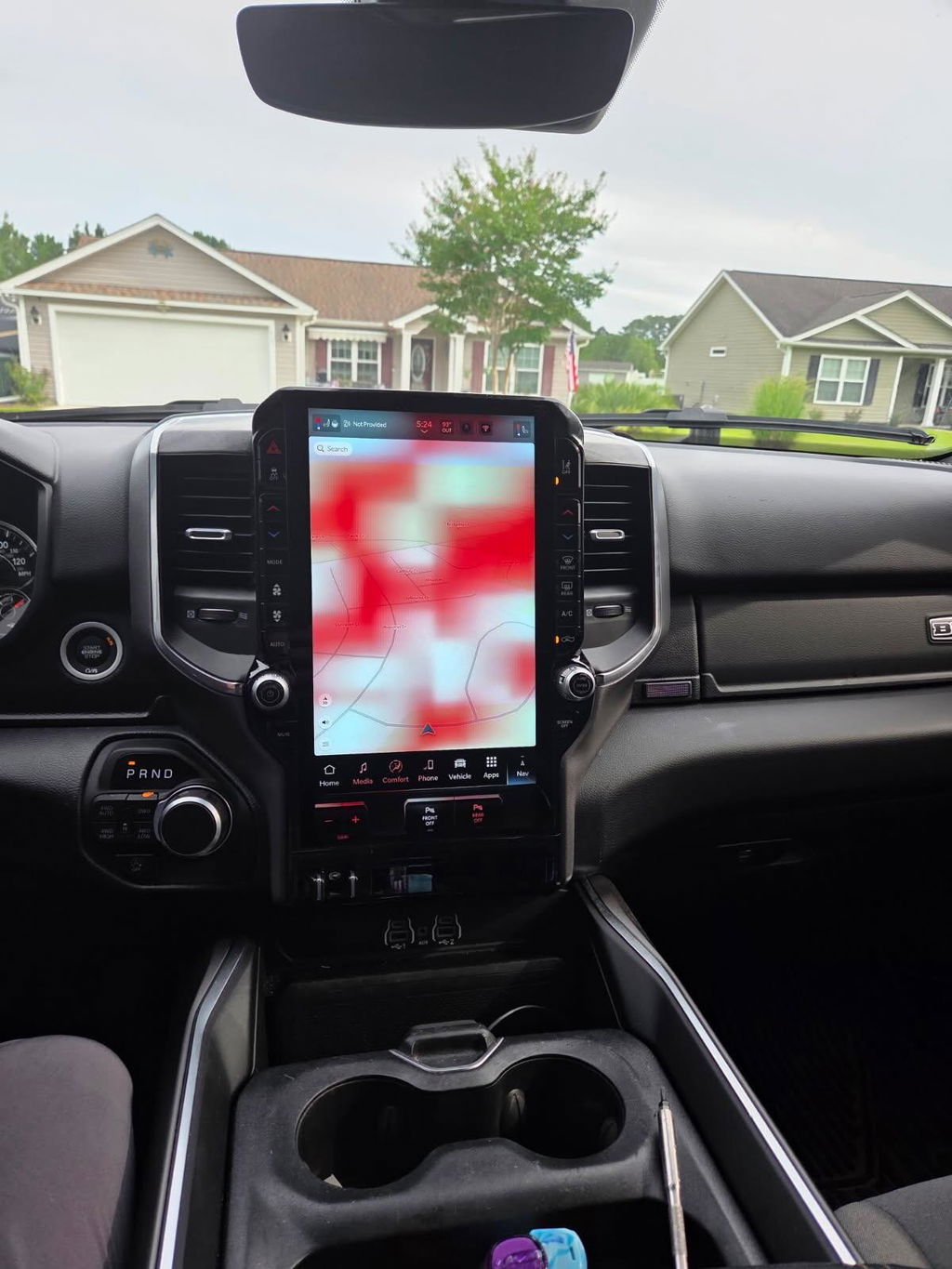
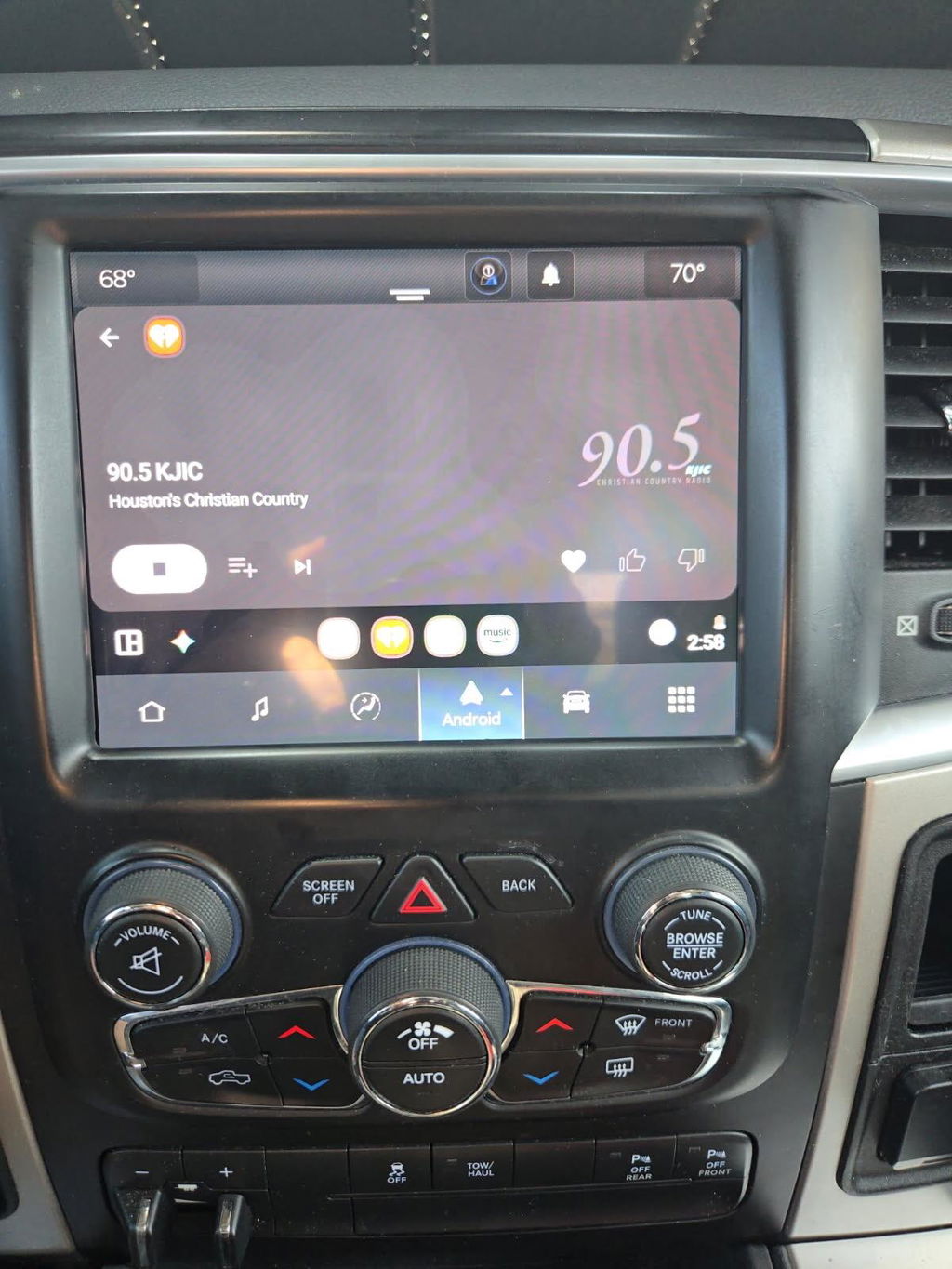
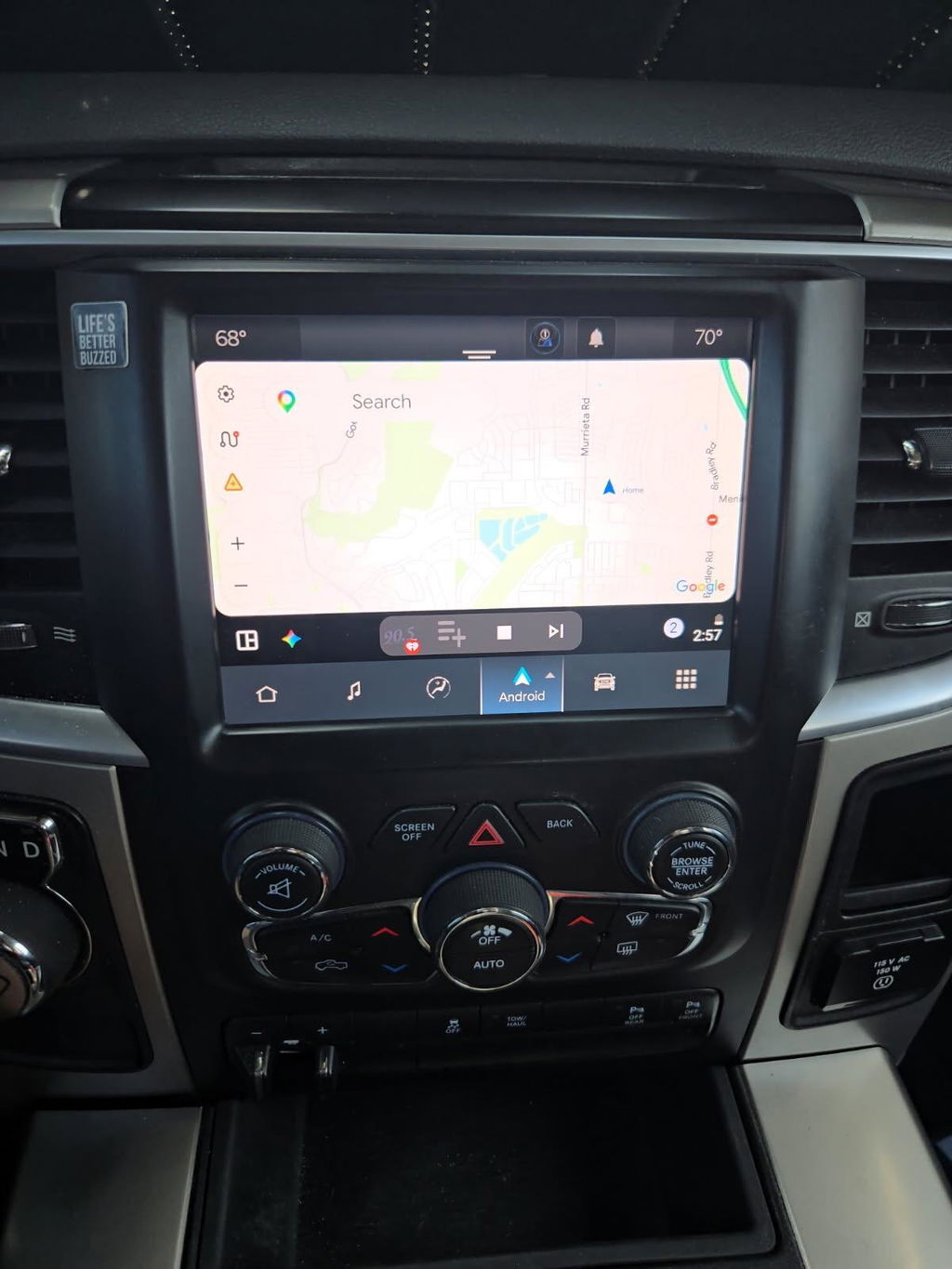
How to Add Factory CarPlay the Right Way
Share
If your truck still has a small screen, slow factory menus, or no smartphone integration at all, figuring out how to add factory CarPlay usually comes down to one question: do you want it to work like OEM, or just technically have CarPlay on the dash? That distinction matters more than most buyers realize.
A lot of owners start by looking at cheap universal radios, screen overlays, or adapter boxes. Some of those options can get CarPlay on the screen, but they often create new problems - weak audio integration, backup camera issues, steering wheel control glitches, poor fitment, or a dash that no longer looks factory. If you want the cleanest result, the best path is usually an OEM-based upgrade built around your exact vehicle, trim level, and existing infotainment setup.
How to add factory CarPlay without creating new problems
Factory-style CarPlay upgrades are not all the same. In some vehicles, CarPlay can be added with a module or programming change. In others, you need a complete screen and radio conversion. The right answer depends on what your truck or SUV came with from the factory.
For Ram, Ford, Dodge, Jeep, and Chrysler platforms, the biggest variables are model year, screen size, radio generation, and whether your vehicle already has the wiring and supporting hardware for a higher-level OEM system. A 2018 Ram with an older Uconnect setup has a different upgrade path than a newer truck already running a later infotainment platform. The same goes for Ford owners comparing SYNC generations.
That is why fitment is the first step, not the last. Before you think about wireless CarPlay, screen size, or price, you need to confirm what system is currently in the vehicle and what OEM components are required to move it forward.
Start with the factory system you already have
The cleanest way to add CarPlay starts with identifying your existing radio platform. That means checking the current screen size, software generation, physical controls, and whether the vehicle uses a separate media hub, radio module, or integrated display unit.
On many trucks, especially work-oriented trims, the factory radio was built around a lower feature set. That does not automatically mean CarPlay is impossible. It usually means the upgrade requires more than a simple plug-in adapter. In practical terms, that could include a larger OEM touchscreen, an updated hub, conversion harnesses, programming, or a complete kit designed around your exact trim and year.
This is where buyers get into trouble with generic marketplace parts. A screen pulled from a similar vehicle may physically fit but still not communicate correctly with the truck’s modules. You can end up with missing climate controls, error messages, disabled audio functions, or features that only work part of the time. Factory appearance is only part of the job. Factory integration is what separates a real upgrade from a compromise.
OEM upgrade vs aftermarket radio
If you are deciding how to add factory CarPlay, you are really choosing between two directions: an aftermarket head unit or an OEM-based conversion.
An aftermarket radio can be less expensive up front and may offer a lot of features on paper. The trade-off is that it often relies on interface modules, custom dash trim, extra wiring, and brand-to-brand compatibility guesses. Sometimes that works fine. Sometimes it turns a straightforward tech upgrade into a chase for missing functions.
An OEM-based upgrade usually costs more, but the value is in how the vehicle behaves afterward. The screen fits correctly. Menus look right. Factory camera and steering wheel functions are more likely to remain intact. The interior keeps its original look, which matters on newer trucks and higher-trim vehicles where universal-fit electronics can cheapen the cabin fast.
For owners who use their truck every day, that OEM-style finish is usually worth paying for. You are not just adding CarPlay. You are upgrading the whole infotainment experience without making the truck feel modified in the wrong way.
What parts are usually needed
The answer depends on platform, but most factory-style CarPlay upgrades involve some combination of display hardware, radio modules, USB media components, conversion harnesses, and programming support. On certain vehicles, the screen alone is not the brain of the system, so swapping one part without the others will not get you full functionality.
That is especially true when moving from an older infotainment generation to a newer one. For example, upgrading to a modern OEM touchscreen with CarPlay support may also require a compatible media hub so the phone can actually communicate with the system. In some applications, vehicle configuration changes must be written so the truck recognizes the new hardware properly.
This is why complete kits matter. A vehicle-specific package removes the guesswork around connectors, compatibility, and missing pieces. Instead of collecting parts from different sellers and hoping they talk to each other, you start with a matched solution built for that generation and trim range.
Wired or wireless CarPlay
This is one of the biggest practical decisions. Wired CarPlay is usually simpler, more stable, and less expensive to add. It is also the better choice for owners who want dependable performance and do not mind plugging in their phone.
Wireless CarPlay adds convenience, especially in daily-use trucks where short trips are common. The trade-off is that not every factory platform supports it natively, and some vehicles need a newer OEM system or a specific conversion path to make it happen. If wireless is a must-have, verify that the kit supports it directly rather than assuming every CarPlay upgrade includes both modes.
Some buyers also overlook charging. A system may support wireless CarPlay but still need a separate charging solution if you want to keep the phone battery topped off during long drives. That is not a deal-breaker, but it is the kind of detail worth sorting out before you buy.
Installation: plug and play does not mean universal
A proper plug-and-play upgrade should match the factory connectors and minimize cutting, splicing, or custom fabrication. That does not mean every install is five minutes. It means the kit is engineered for the vehicle so you are not inventing your own wiring plan.
Some installations are straightforward for a mechanically inclined owner with trim tools and patience. Others involve multiple modules, dash disassembly, and post-install programming steps that make professional installation the smarter move. There is no shame in that. The goal is a reliable final result, not proving you can do everything in the driveway.
What matters most is knowing whether the kit is truly designed for your model year and configuration. A good OEM-based solution will state fitment clearly and spell out what is included. If those details are vague, that is usually a warning sign.
Common mistakes when adding factory CarPlay
The biggest mistake is buying by appearance alone. A screen can look right in the listing photos and still be wrong for the vehicle.
The second mistake is assuming all factory radios from the same brand are interchangeable. They are not. Trim level, body style, model year split, and infotainment generation all matter. One small mismatch can create hours of troubleshooting.
The third mistake is underestimating programming. Some factory upgrades require the vehicle to recognize the new hardware correctly. Without that step, owners may think the part is defective when the real issue is configuration.
The fourth mistake is chasing the cheapest path. That often leads to pieced-together components from salvage yards, auction sites, and random electronics sellers. You might save money at checkout and lose it later in replacement parts, labor, or features that never work right.
Who should choose an OEM-based CarPlay conversion
If your priorities are factory fit, retained vehicle functions, and predictable compatibility, an OEM-based conversion is usually the right move. It makes the most sense for newer trucks, higher-value vehicles, and owners who care about interior quality as much as features.
It is also the better option for buyers who are tired of sorting through universal electronics that promise everything but explain very little. A model-specific kit gives you a clearer path: exact fitment, known hardware, and a more factory-correct result.
That is why retailers like DD Offroad focus on OEM Genuine Components and plug-and-play vehicle-specific upgrades instead of one-size-fits-all electronics. For the right platform, that approach saves time and cuts down on the compatibility issues that usually show up after installation, not before.
How to buy the right kit the first time
Start with your exact year, make, model, and trim. Then confirm your current screen size and infotainment system. Check whether you need wired or wireless CarPlay, and whether you want to retain factory camera views, steering wheel controls, and USB functionality. Those details narrow the correct upgrade path fast.
From there, look for a kit that clearly lists included components, fitment range, and whether programming is part of the package or required separately. If a listing makes broad promises without spelling out platform details, move on. With factory-style infotainment upgrades, specifics are not extra information. They are the product.
Adding CarPlay should make the truck feel newer, not more complicated. If you choose the right OEM-based path, the upgrade looks right, works right, and feels like it should have been there from day one.