Ford SYNC 4 Review for Truck Owners
Share
A slow factory screen gets old fast when you rely on your truck every day. If you are shopping for better in-cabin tech or comparing factory infotainment options, this ford sync 4 review gets straight to the part that matters - how it actually performs in real Ford trucks, what features are worth paying for, and where the system still falls short.
Ford SYNC 4 review: what changed?
SYNC 4 is a meaningful step up from older Ford infotainment systems, especially SYNC 3. The biggest change is speed. Startup is quicker, menu inputs register faster, and the interface feels more current instead of a half-second behind every tap. That matters more in a truck than people admit. If you are backing a trailer, changing drive settings, pulling up navigation, or jumping between camera views and audio, lag becomes more than an annoyance.
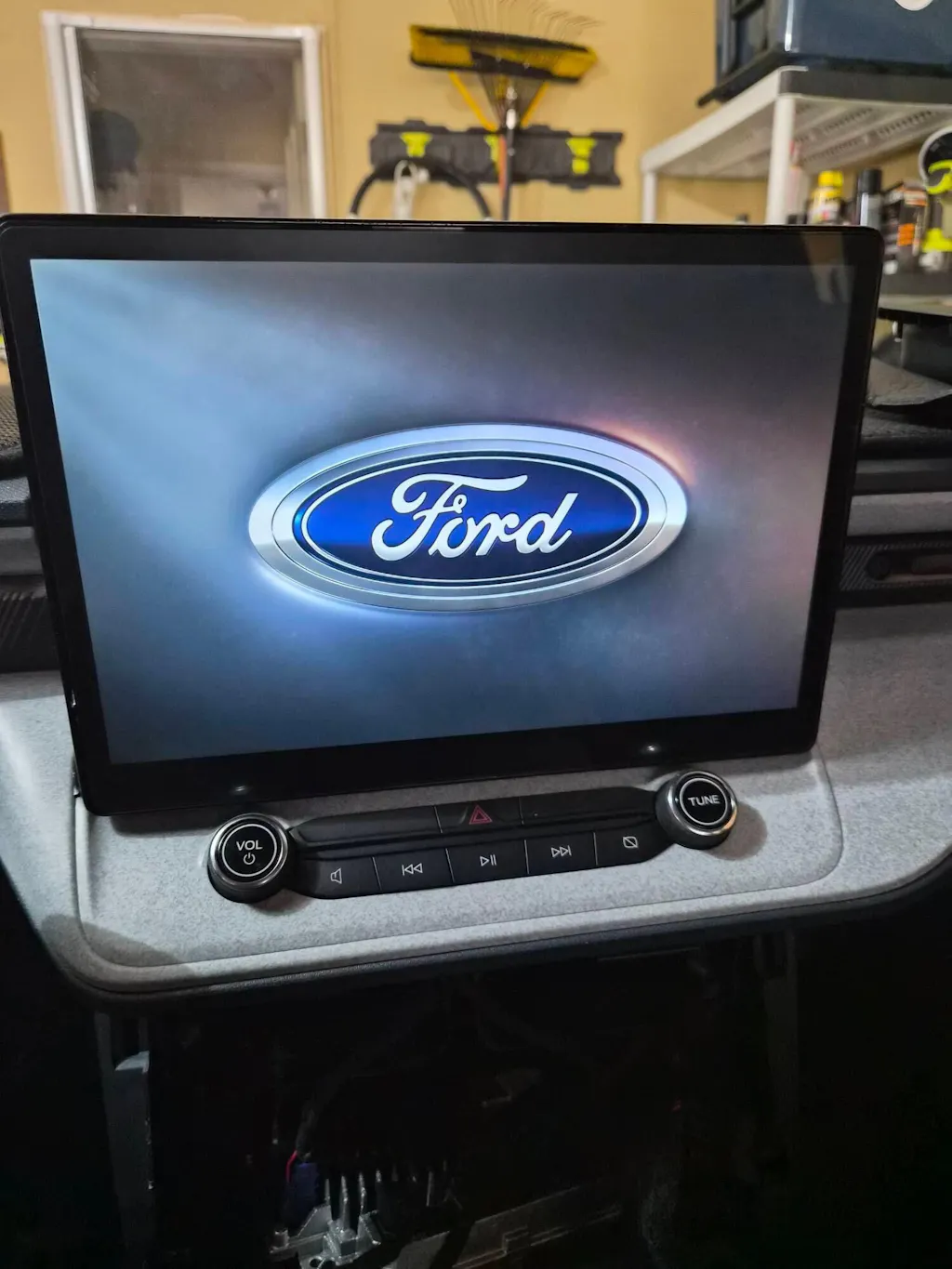
Ford also moved harder into connected features. SYNC 4 supports wireless Apple CarPlay and Android Auto on many applications, cloud-connected navigation on equipped vehicles, over-the-air updates, and a more flexible split-screen layout on larger displays. Depending on model and trim, you can get this system on a 12-inch or larger screen, and on the right truck it looks like it belongs there because it does.
That OEM fit and integration is a real advantage. Unlike generic aftermarket head units, SYNC 4 is built around the vehicle. Climate controls, camera options, drive modes, towing functions, and factory audio features are not treated like afterthoughts. For truck owners who want modern features without creating new problems, that is a big part of the appeal.
Screen quality, layout, and everyday use
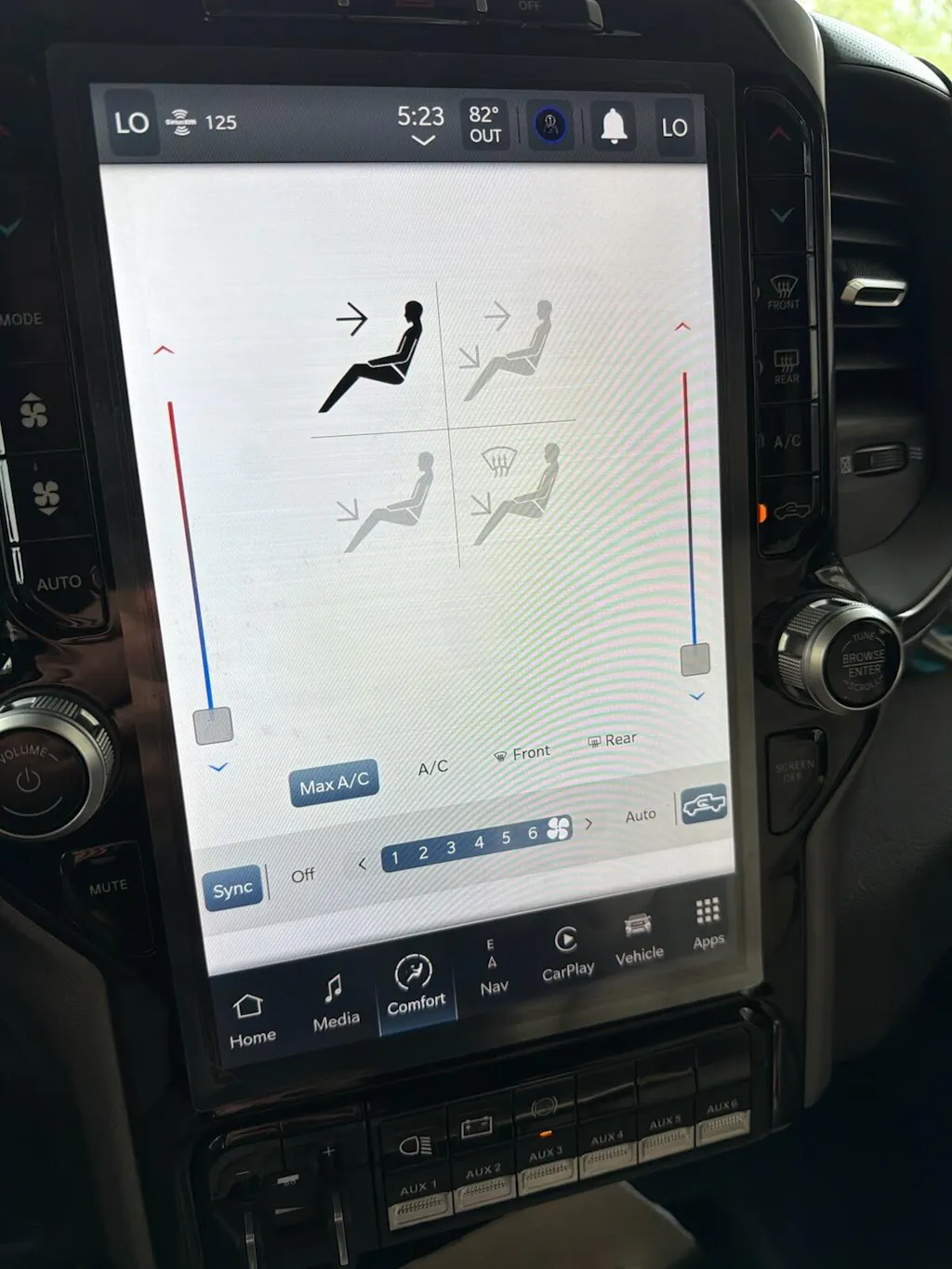
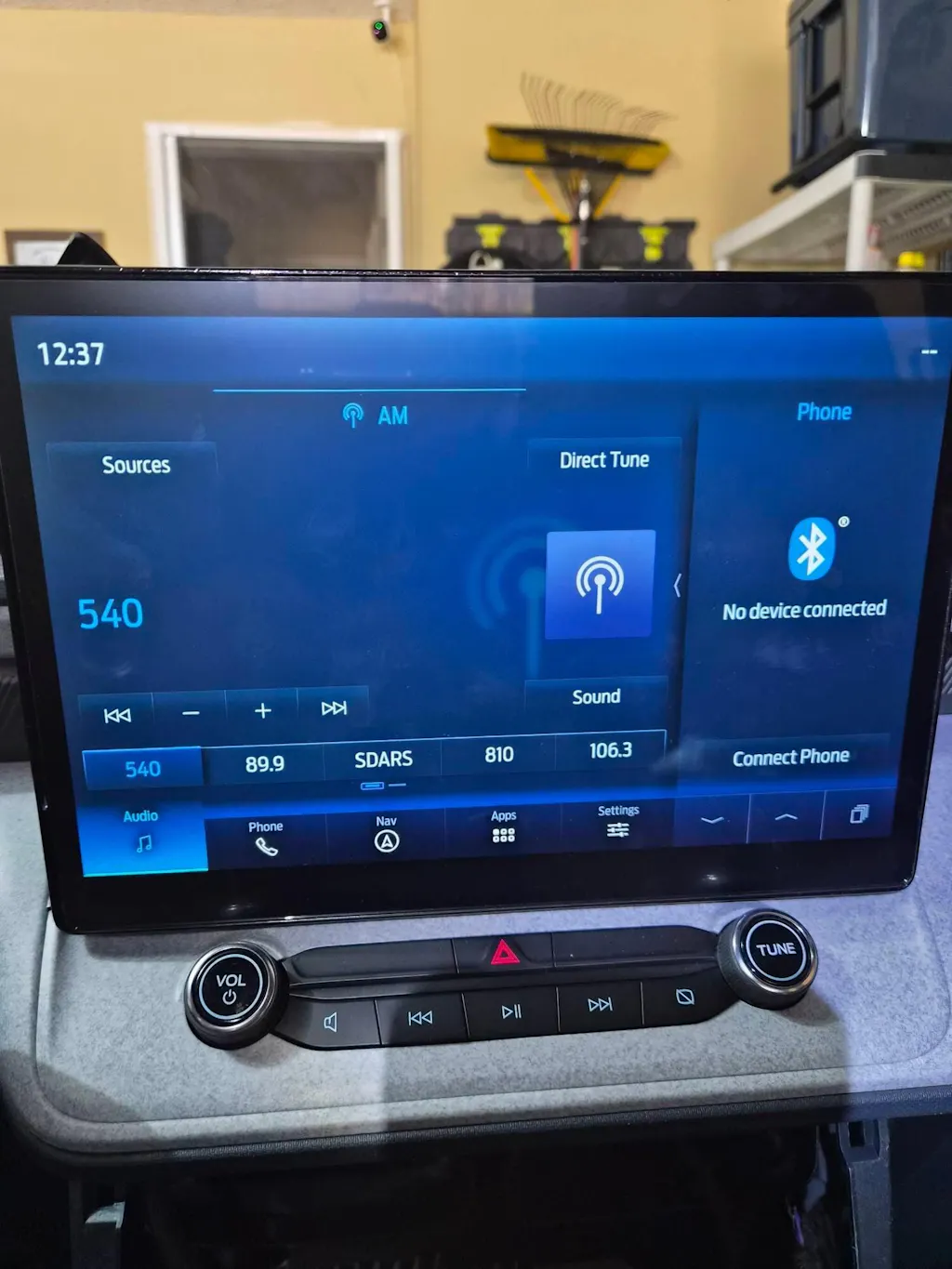
The first thing most owners notice is the screen. On larger SYNC 4 setups, the display is sharp, bright enough for daytime use, and much easier to read at a glance than older factory units. The tile-based layout is simple enough that you do not need to hunt through menus just to get to navigation or media.
Ford made smart usability improvements here. Voice control is better than older systems, and wireless phone integration cuts down on the daily routine of plugging in and waiting for apps to load. If you bounce between work calls, maps, music, and text notifications, the system feels built for that workflow.
Still, screen size alone does not make a system good. The best part of SYNC 4 is that it generally responds the way a premium factory system should. Inputs are quick, swipes are smooth, and the menu structure is easier to learn than some rival systems that bury useful functions behind too many layers.
There are trade-offs. Some owners prefer more hard buttons, especially in work trucks where gloves, vibration, and rough roads make touch controls less convenient. Ford kept some physical controls depending on the application, but on screen-heavy layouts you will still do more tapping than some buyers want.
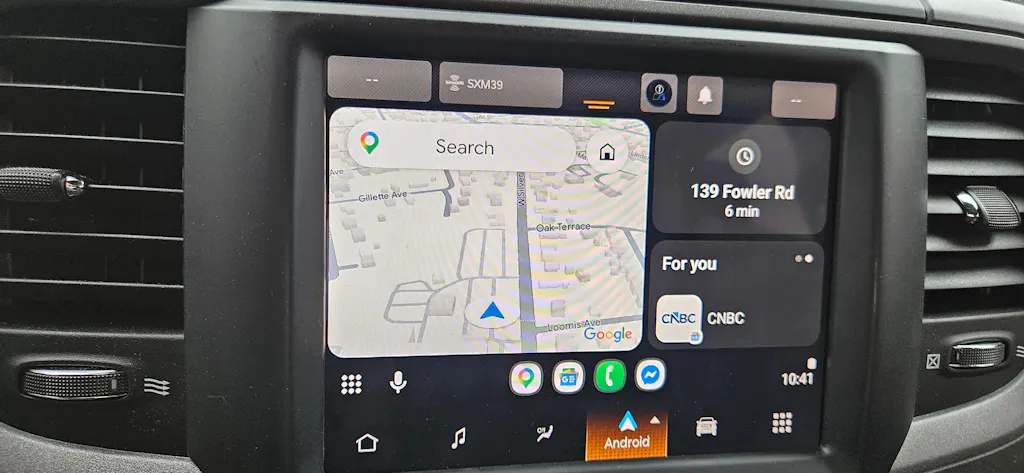
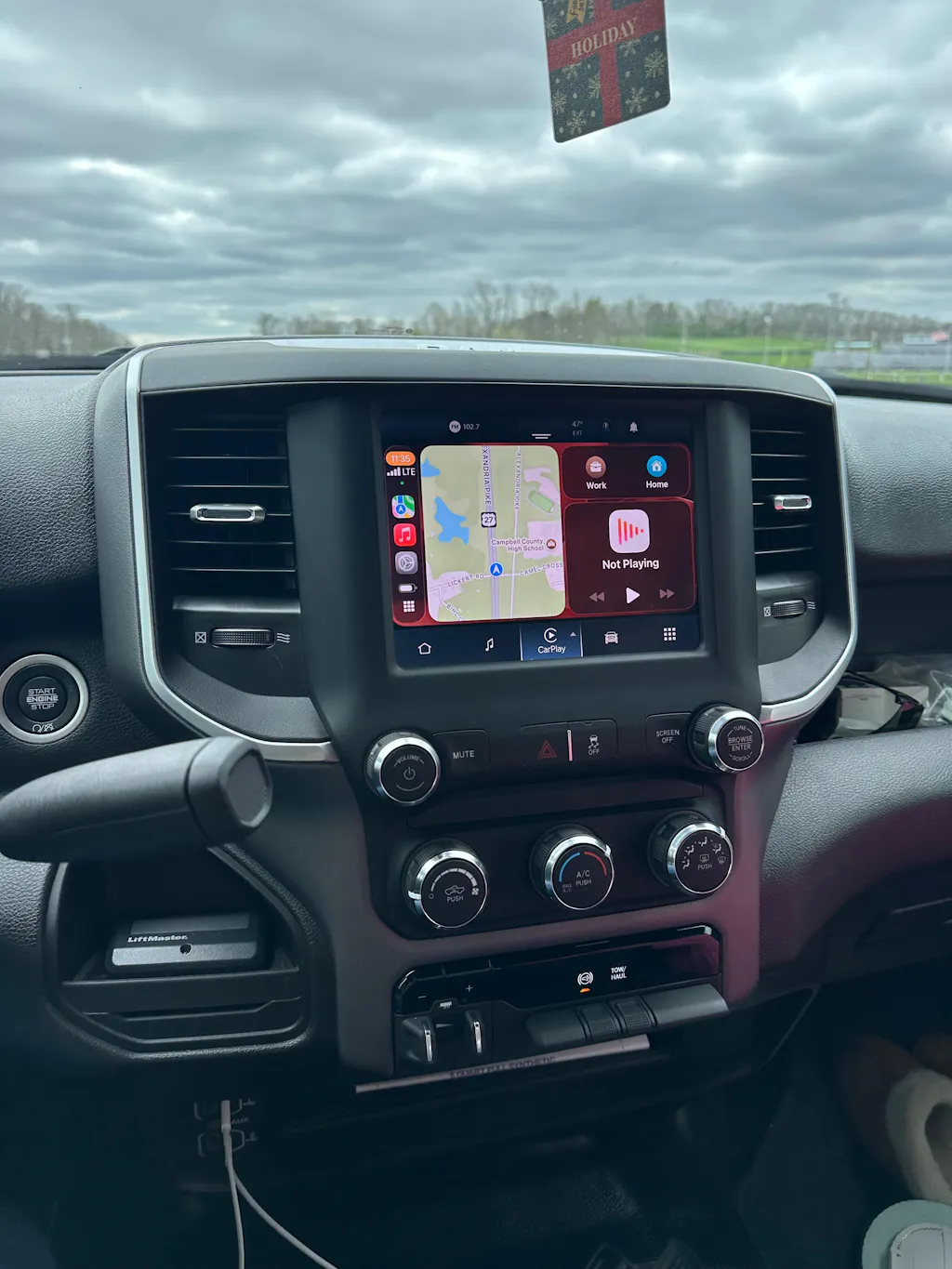
Wireless CarPlay and Android Auto in real use
For many buyers, wireless smartphone integration is the feature that makes SYNC 4 feel current. If your truck previously had an older screen or a basic radio, this is the upgrade you notice every single day. Getting in, starting the truck, and having maps and audio load automatically is the kind of convenience that quickly turns into an expectation.
In most cases, wireless CarPlay and Android Auto work well once paired. Audio quality is solid, connection times are reasonable, and the system usually stays stable on normal commutes. Navigation, podcasts, streaming audio, and hands-free communication all benefit from not having to run a cable every time.
But wireless is not perfect. Some users still run into occasional connection drops, delayed pairing, or the need to re-establish a phone connection after an update. That is not unique to Ford, but it is worth saying clearly in any honest ford sync 4 review. If you demand zero hiccups all the time, a wired connection can still be more consistent in certain situations.
Navigation, updates, and connected features
Factory navigation used to be one of the weaker reasons to choose OEM infotainment. With SYNC 4, it is more competitive, especially on trucks equipped with connected services and real-time data support. The maps look cleaner, route guidance is easier to follow, and cloud-based functions can improve search results and traffic handling.
That said, whether factory navigation matters depends on how you use your truck. If you already trust Apple Maps, Google Maps, or Waze, wireless phone mirroring may do most of the heavy lifting. In that case, built-in navigation becomes more of a backup than a primary reason to buy the system.
Over-the-air updates are another improvement, at least on paper. They give Ford a path to patch bugs, refine features, and keep the system current without a dealership visit every time. The upside is obvious. The downside is that update rollouts can vary, and not every owner sees the same improvement at the same pace. Connected tech sounds great until you are the one waiting on a fix.
How SYNC 4 works in trucks, not just on paper
This is where SYNC 4 makes the most sense for DD Offroad's audience. In trucks like the F-150 and Super Duty, infotainment is not just about music and maps. It is part of how you use the vehicle. Camera access, trailer settings, climate adjustments, off-road pages on certain trims, and factory menu integration all need to work cleanly.
SYNC 4 generally does. That is why OEM matters here. The system feels tied into the truck instead of added on top of it. If you tow, travel, run job sites, or spend long hours behind the wheel, that integration is more valuable than flashy specs on a generic box.
On the Maverick and Expedition side, the same point holds. The user experience benefits from factory logic. Controls are where they should be, the fit is right, and the cabin keeps an OEM look instead of looking patched together. For many buyers, that clean factory finish is just as important as the tech itself.
Where SYNC 4 still falls short
SYNC 4 is better than the older Ford systems it replaces, but it is not perfect. Some menus still require extra taps. Certain functions can feel trim-dependent in a way that gets frustrating, where one truck has a polished screen layout and another version feels more limited because of hardware or package differences.
Voice control is improved, not flawless. It works well for common commands, but it can still miss phrasing or handle requests less naturally than a phone-based assistant. If you expect your truck to process every spoken command like a top-tier smartphone, expectations need to stay realistic.
There is also the issue of availability and cost. A truck with a larger SYNC 4 display and full feature set usually carries that value in the purchase price. For owners with an older Ford, that is why OEM-based upgrade paths are so appealing. If you can move into a factory-style solution with proper compatibility, modern features, and plug-and-play installation, you keep the benefits of Ford integration without settling for a universal aftermarket unit that may compromise fitment or function.
Is Ford SYNC 4 worth it?
For most Ford truck owners, yes - if your priority is factory integration, modern smartphone connectivity, and a cleaner user experience than older Ford systems. SYNC 4 is not revolutionary, but it is a solid OEM infotainment platform that feels much more in line with what buyers expect in a current truck.
It is especially worth it for owners moving up from a basic radio, smaller legacy screen, or older SYNC version. The jump in speed, display quality, and wireless features is noticeable right away. If you already have SYNC 3 and mainly use wired CarPlay, the difference is still real, but the value depends more on how much you care about screen size, responsiveness, and added factory features.
For truck buyers and upgrade shoppers, the key question is not whether SYNC 4 is perfect. It is whether it delivers the right mix of OEM reliability, daily usability, and factory-grade functionality. In most Ford applications, it does. That is why it stands out as one of the better factory infotainment systems in the truck market right now.
If your current setup feels outdated, the smartest move is to focus on exact vehicle fitment, genuine components, and features you will actually use every day. A bigger screen only helps if the system behind it works the way a truck owner needs it to.