Ford Super Duty SYNC Guide for Better Fitment
Share
If your truck’s screen feels a generation behind the rest of the cab, this ford super duty sync guide is where you stop guessing. On Super Duty trucks, the difference between SYNC versions is not just menu layout or screen size. It affects smartphone integration, camera support, voice control, update options, and what actually works when you try to upgrade.
For most owners, the problem starts when they shop by screen size alone. A 4-inch display, an 8-inch touchscreen, and a larger factory-style setup can all look straightforward in photos, but Super Duty infotainment fitment depends on model year, trim, factory modules, and whether the truck left the factory with basic audio or a more complete SYNC package. If you want an OEM-style result, the first job is identifying what is already in the truck.
Ford Super Duty SYNC guide - know what system you have
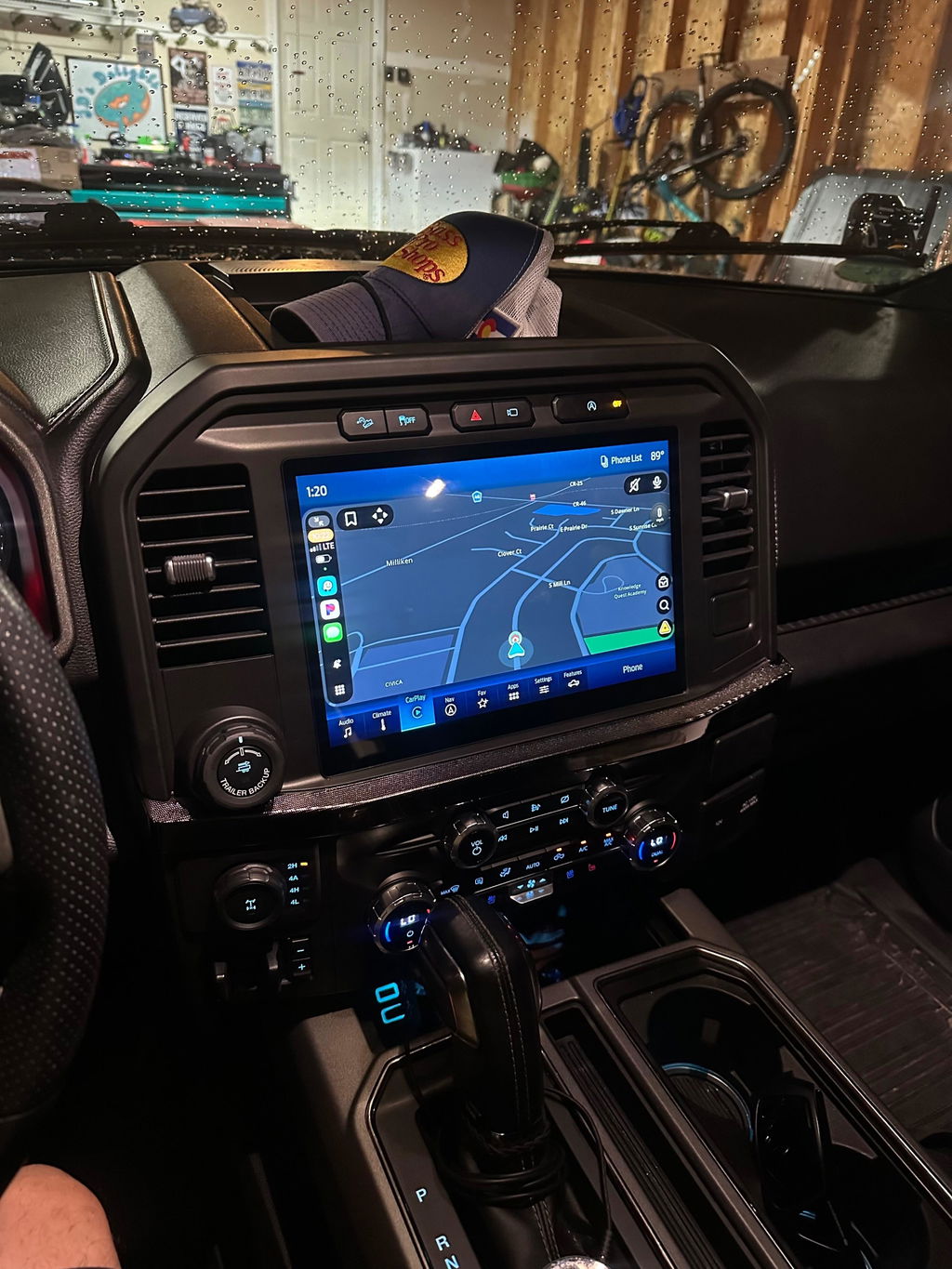
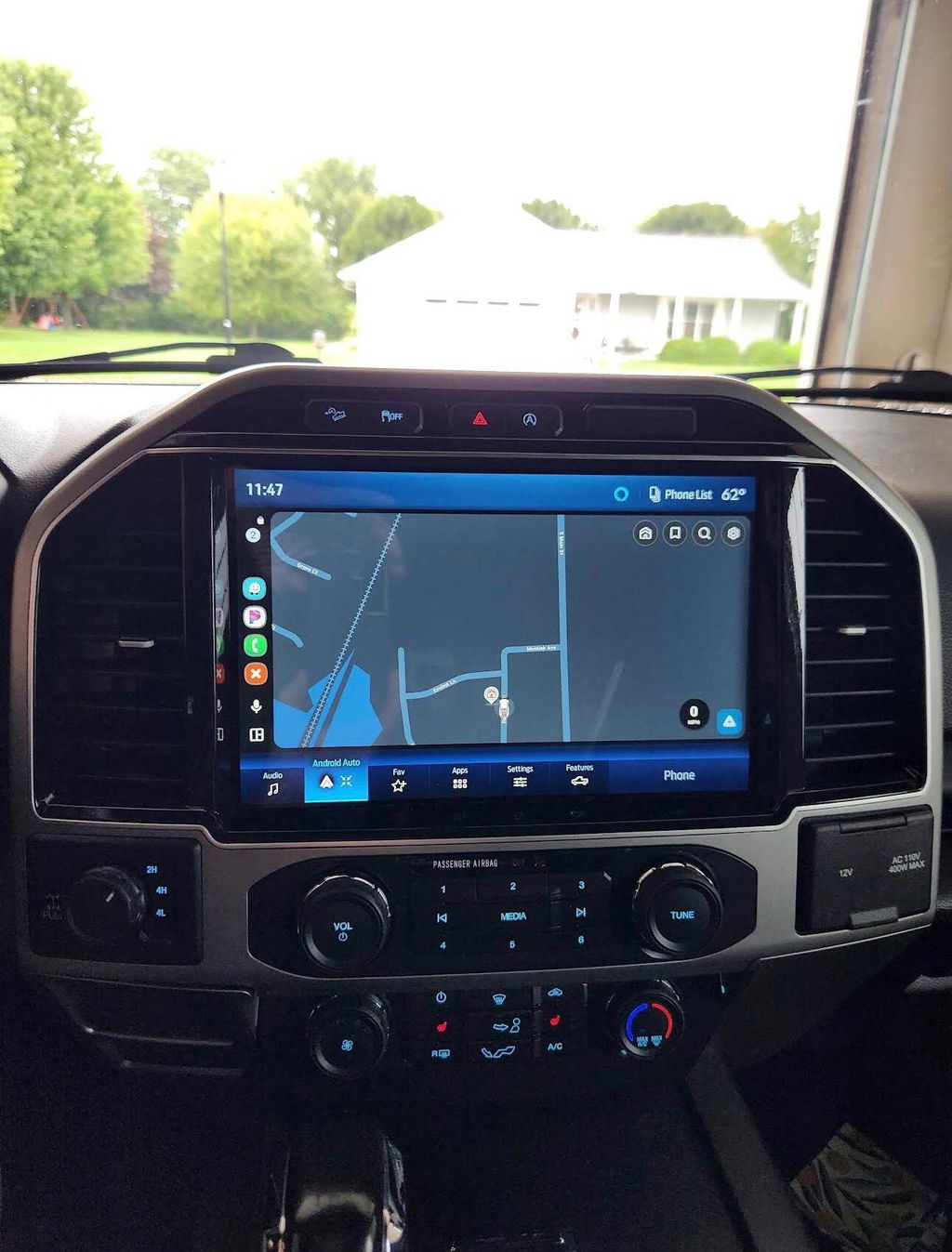
On Ford Super Duty models, SYNC naming can get messy because people often use "SYNC" as a catch-all for any factory radio. That is where bad part choices happen. Some trucks have a basic non-touch setup, some have early SYNC interfaces, and others have SYNC 2 or SYNC 3 with the 8-inch screen.
The quickest way to narrow it down is by model year and screen style. A 2011-2016 truck may have anything from a simple base radio to an 8-inch MyFord Touch style system, depending on trim and options. A 2017 and newer Super Duty is a different platform with different hardware, screen configurations, and module requirements. That split matters because parts do not cross over cleanly between generations.
If your truck has a small non-touch screen or basic radio controls, your upgrade path usually involves more than swapping a display. You may need the correct APIM, screen, hub, trim, and programming support to retain factory-style function. If your truck already has an 8-inch system, the path can be easier, but it still depends on whether you are moving from an older software generation or changing hardware for added features.
Why the SYNC version matters more than the screen
A lot of owners want Apple CarPlay, Android Auto, improved response time, or a cleaner factory interface. Those goals point to SYNC version first, not just display size. A bigger screen does not automatically mean modern features.
For example, an older SYNC setup may look factory-correct and still miss the smartphone integration most drivers want every day. Another truck may already have compatible hardware but need a different USB media hub or programming change to support those features. That is why a proper upgrade starts with the existing system architecture, not the cosmetic side.
Voice commands are another place where version matters. Early systems can feel slow or limited compared to newer Ford interfaces. Navigation behavior, Bluetooth stability, and backup camera handling also change depending on the platform. If you use your truck for towing, jobsite travel, or long highway miles, those differences are not minor.
How to identify your Super Duty setup before buying parts
Start with the truck’s year, trim, and factory radio layout. Then check the screen size and menu design. If you have an 8-inch screen, go into settings and look for software information. The graphics, menu structure, and feature list usually tell you whether you are dealing with an older MyFord Touch style setup or a later SYNC generation.
Also look at the media hub in the center stack. On some Ford upgrades, smartphone integration requires the correct hub hardware in addition to the main screen and module. Owners often miss that point, install the headline components, and then wonder why CarPlay does not appear.
Camera configuration matters too. If your Super Duty has a factory backup camera, 360 setup, trailer camera provisions, or upfitter-related functions, you want to account for that from the beginning. A truck used for towing has different priorities than a daily driver XLT with basic audio. The right solution is the one that keeps the truck working like a truck.
If you are unsure, VIN-based fitment and vehicle-specific kit matching are the safest route. That is especially true on Ford platforms where trim-level differences can change what seems like a simple screen swap into a larger module and programming job.
Common Super Duty upgrade goals
Most buyers fall into one of three groups. The first wants to replace a small base screen with a factory-style touchscreen. The second already has an 8-inch setup and wants newer features like Apple CarPlay or Android Auto. The third wants the full OEM look with correct trim, clean integration, and no universal aftermarket shortcuts.
Those goals sound similar, but the parts list is not always the same. A base radio conversion may require more hardware and more attention to compatibility. A feature update on an existing touchscreen truck can be simpler, but only if the existing components match the intended upgrade path.
What to expect from an OEM-style upgrade
A proper OEM-style upgrade should look native in the dash, retain factory controls, and avoid the usual compromises that come with generic universal-fit radios. That means preserving steering wheel controls, backup camera functionality, factory microphones when applicable, and menu behavior that feels like it belongs in the truck.
This is where plug-and-play matters. Super Duty owners generally do not want to cut up the dash, chase electrical issues, or lose vehicle functions just to get a better screen. They want a clean fit, known compatibility, and a result that feels like Ford built it that way.
That said, plug-and-play does not mean one-size-fits-all. OEM-based upgrades still depend on the exact truck. Trim differences, amplified audio, camera options, and model-year changes all affect what should be included in the kit. The cleaner the integration, the more important the fitment details become.
Trade-offs to think through
Not every truck needs the most expensive path. If you mainly want better phone connectivity and your existing hardware is close, a targeted upgrade can make more sense than replacing everything. On the other hand, if your truck has a basic radio and you care about factory appearance, adding premium features usually means a more complete conversion.
There is also a difference between adding modern functionality and chasing every possible OEM option. For some owners, wireless smartphone integration and a larger screen cover the real pain points. Others want navigation, full camera support, and higher-trim visual styling. The right answer depends on how the truck is used.
Ford Super Duty SYNC guide for smarter buying
When comparing upgrade options, look past broad claims and focus on what is actually included. A correct Super Duty kit should be clear about model-year fitment, whether the parts are OEM genuine components or OEM-style replacements, what programming is handled, and which factory features are retained.
That transparency matters because Ford infotainment upgrades can look similar on a product page while delivering very different results in the truck. One kit may include the right trim and programmed module. Another may leave you sourcing small but critical parts after the fact. If the listing is vague about compatibility, assume you will be the one solving the problem later.
This is why vehicle-specific suppliers tend to make more sense than general electronics sellers. The goal is not just getting a screen to power on. The goal is getting the correct system for your exact Super Duty with fewer variables, less downtime, and a factory-style finish. That is the difference between a parts pile and a real upgrade path. DD Offroad builds its reputation around that type of exact-fit, OEM-based approach.
Mistakes that cost owners time and money
The biggest mistake is buying by appearance. If the bezel looks right, many owners assume the rest will work. On Super Duty trucks, that is not enough. Connectors, modules, programming, and factory options all matter.
The next mistake is ignoring generation splits. A 2016 truck and a 2017 truck may both be called Super Duty, but they do not share the same infotainment platform. Treating them like they do is a fast way to buy incompatible hardware.
Another common issue is underestimating feature dependencies. CarPlay or Android Auto support may require more than software. Backup camera retention may depend on proper integration hardware. Factory amplified systems can also change what works cleanly. None of that is hard to manage when the kit is built correctly, but it does need to be addressed upfront.
If you are planning an upgrade, start with the truck’s exact year, trim, existing screen type, and must-have features. From there, the right path usually becomes obvious. And once you match the system to the truck instead of forcing a universal solution, the install tends to go a lot smoother.
A good Super Duty interior upgrade should do one simple thing well - make the truck feel current without making ownership more complicated.