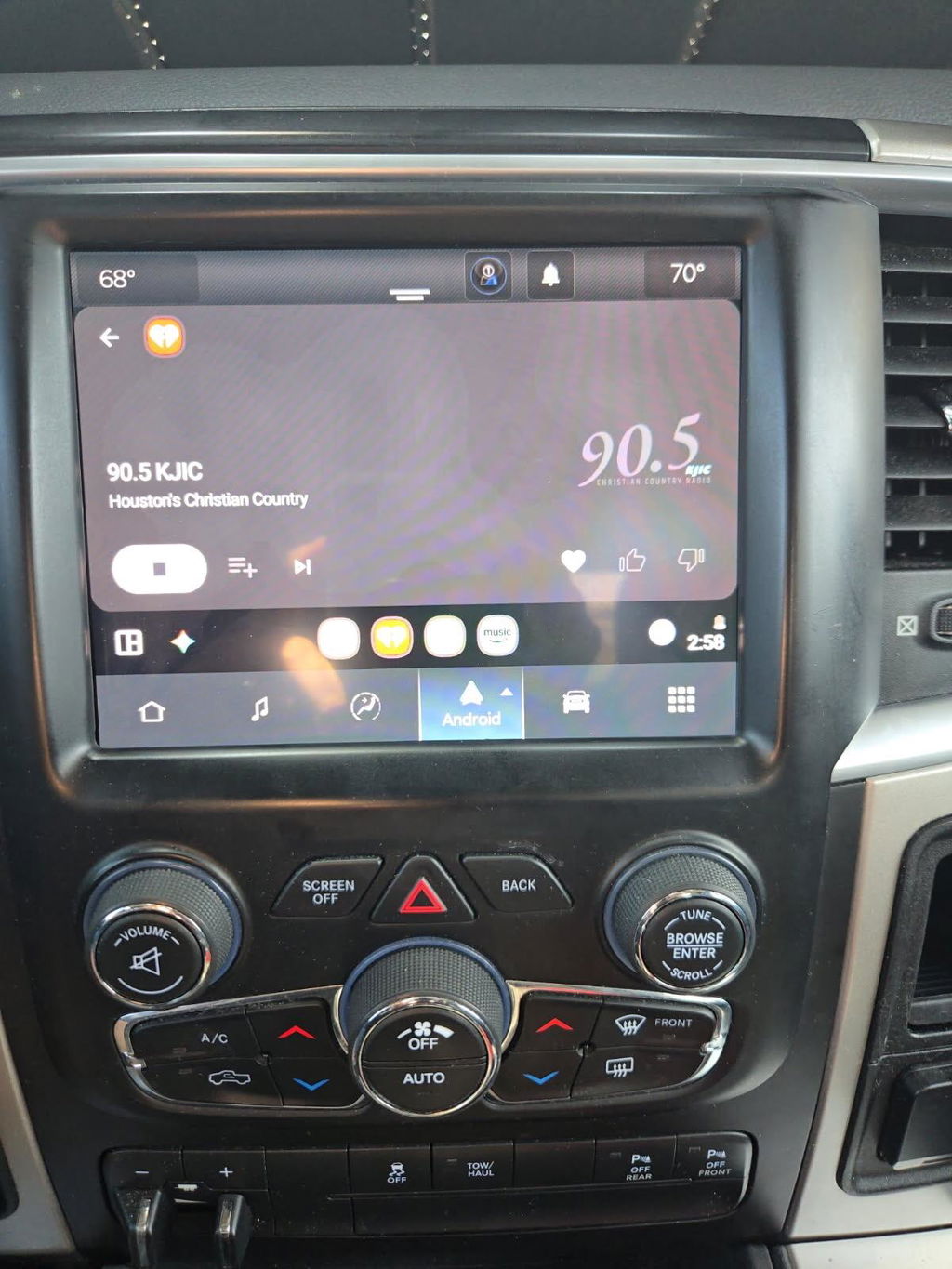
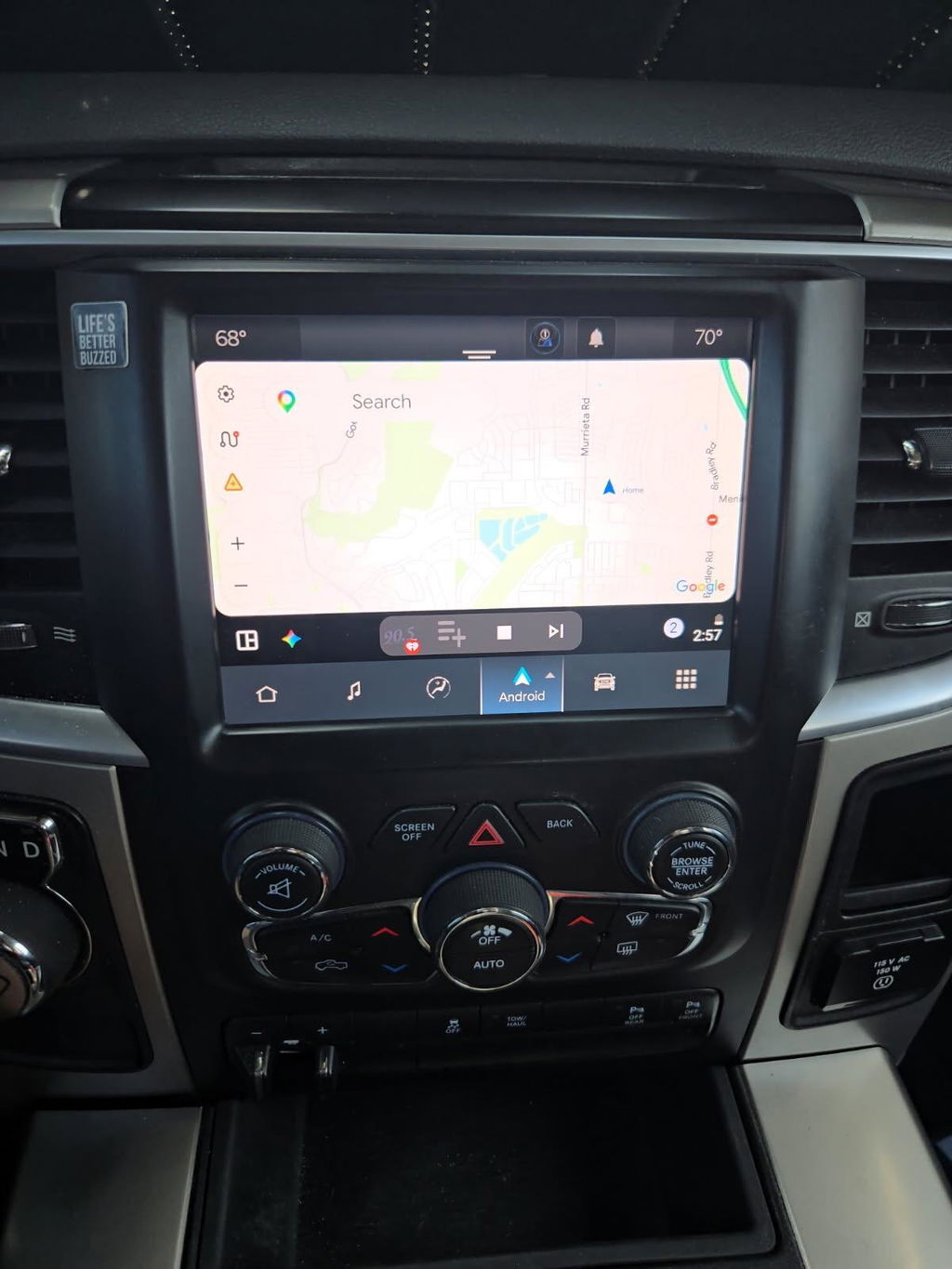
How to Enable Truck CarPlay the Right Way
Share
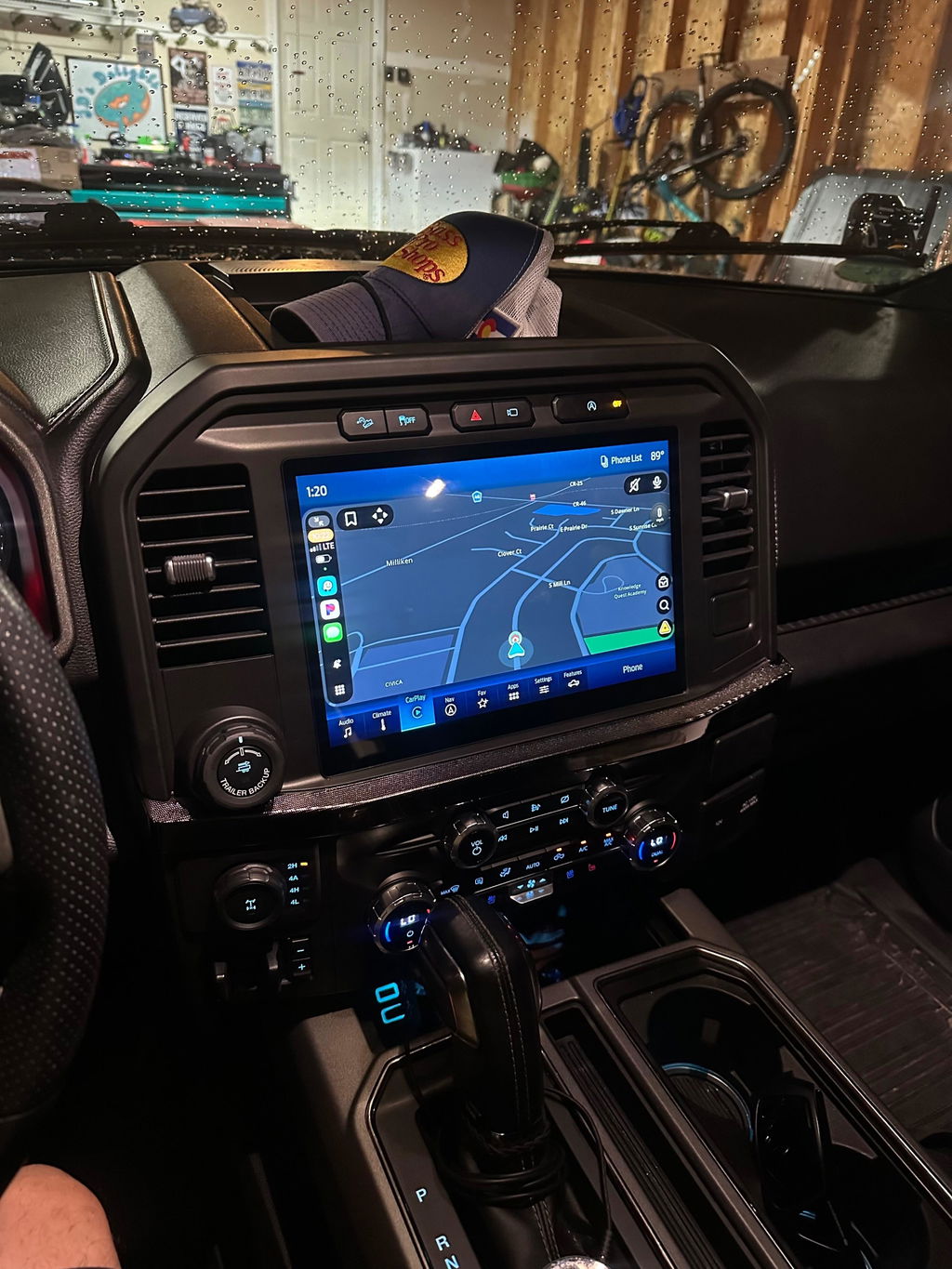
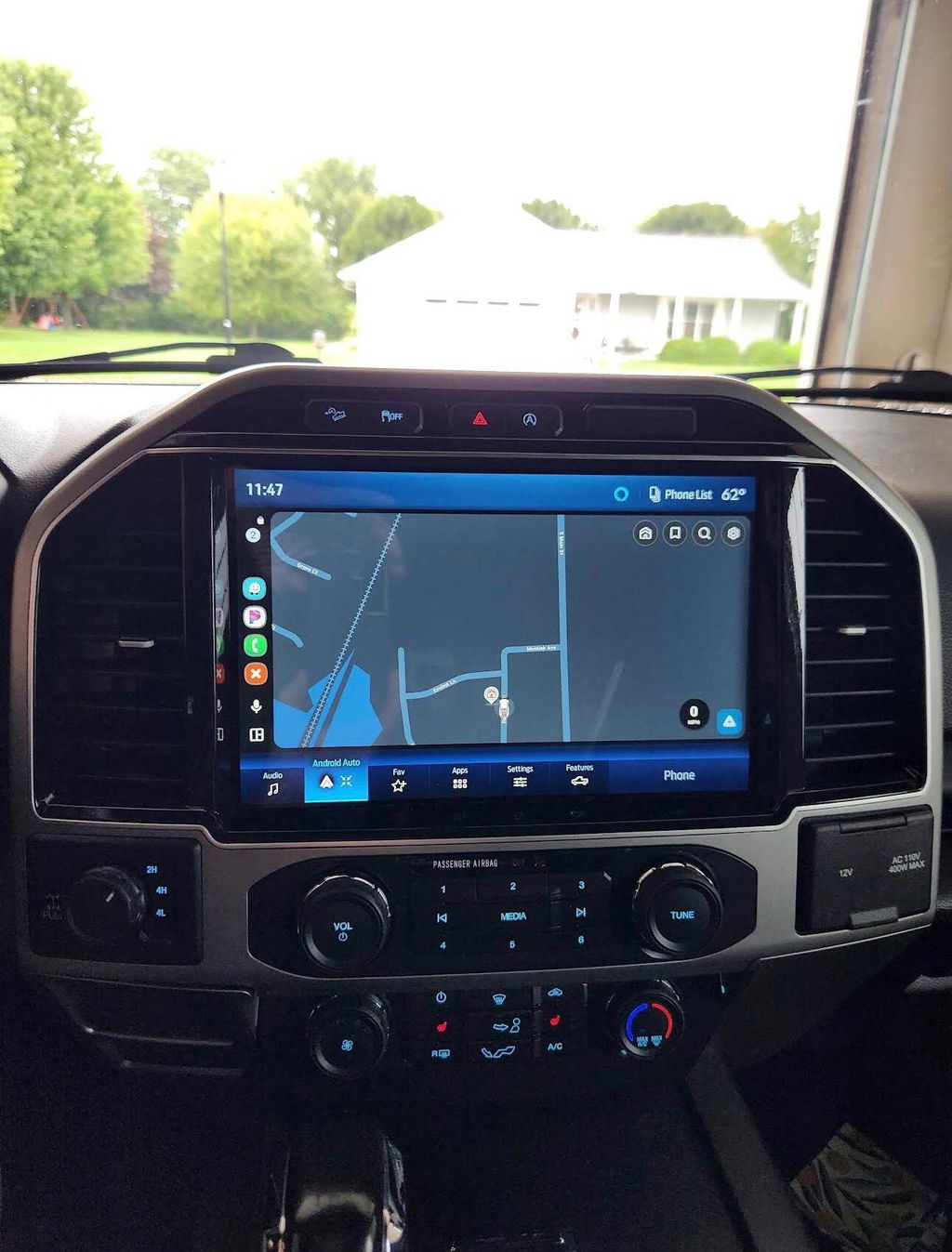
If your truck still has an older radio, the question usually is not whether you want CarPlay. It is how to enable truck CarPlay without ending up with a glitchy screen, lost factory features, or a harness nightmare behind the dash. For most Ram and Ford owners, the right answer depends on what infotainment system is already in the truck, what model year you have, and whether your current hardware can support CarPlay at all.
How to enable truck CarPlay starts with your factory system
CarPlay is not something every truck can turn on with a menu setting. In some cases, it is already built into the radio and only needs the correct USB media hub, a software update, or proper phone setup. In other cases, the factory radio hardware simply does not support it, which means the only real fix is an upgrade.
That is where a lot of truck owners waste time. They assume every issue is software-related, then spend hours resetting phones and swapping cables when the actual problem is the radio itself. If the head unit was never designed for Apple CarPlay, no amount of troubleshooting will create that feature.
For newer trucks with compatible factory systems, enabling CarPlay can be straightforward. For older trucks, especially those with smaller screens or base radios, you may be looking at a screen conversion, a media hub change, or a full OEM-style infotainment upgrade.
Check what truck radio you have before buying anything
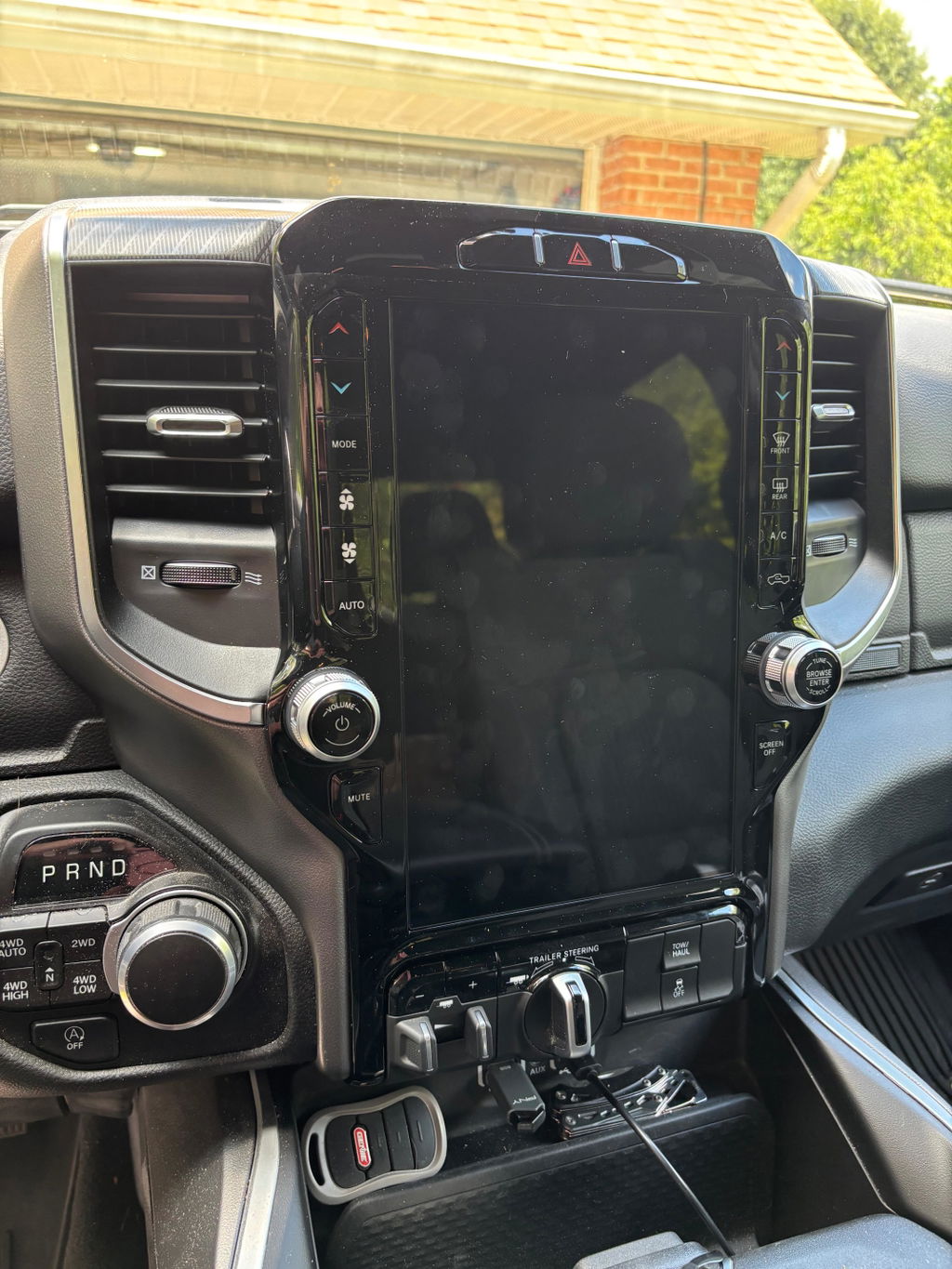
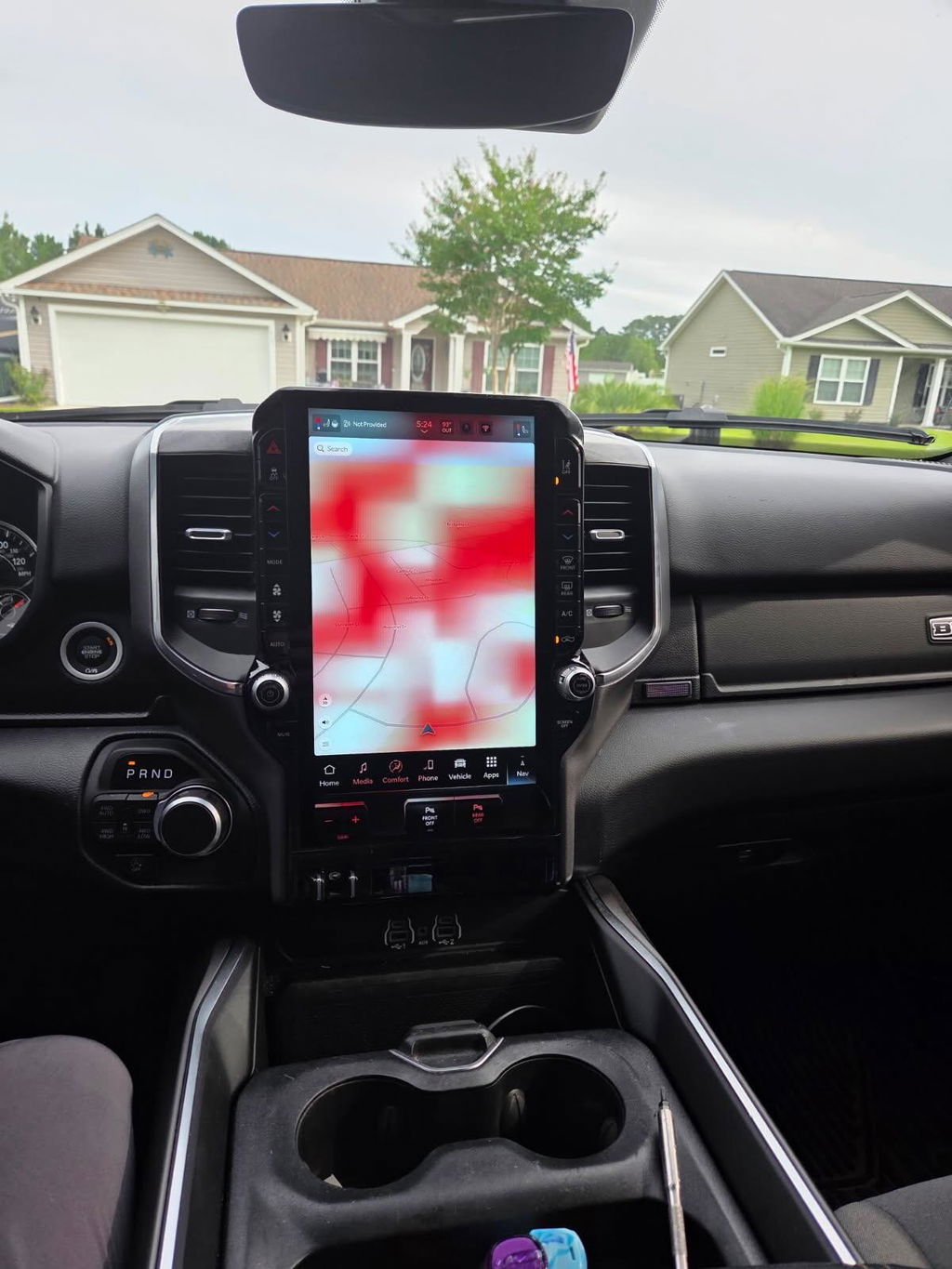
The first job is identifying your current setup. That means knowing your truck’s year, trim, screen size, and factory radio platform. On Ram trucks, this often comes down to which Uconnect generation you have. On Ford, it usually means figuring out whether you have a version of SYNC that supports CarPlay or one that needs hardware replacement.
This matters because two trucks that look similar from the driver’s seat can require completely different parts. A 2018 Ram with one radio package may be able to add CarPlay with the right OEM components, while another trim level from the same year may need a full conversion. The same thing happens with F-150 and Super Duty platforms, where base systems and upgraded systems use different screens, modules, and hubs.
If you skip this step and buy a generic universal kit, you risk losing steering wheel controls, backup camera integration, factory microphones, or climate menu access. That is why vehicle-specific fitment matters more than marketing claims.
The three common ways to enable CarPlay in a truck
There are usually three realistic paths.
The first is the simple path. If your truck already has a compatible factory radio, you may only need to plug your iPhone into the correct USB port, approve CarPlay on the phone, and enable it in the radio settings. Some systems also need Siri turned on before CarPlay will appear.
The second path is a partial hardware update. This is common when the radio software supports CarPlay, but the truck still has an older USB hub or media port that cannot pass the required data. On many trucks, replacing that hub with the correct OEM-style part solves the problem.
The third path is a full infotainment upgrade. This is the right move when the factory radio does not support CarPlay at all. In that situation, the cleanest solution is usually an OEM-based, plug-and-play conversion kit designed for your exact truck. That gives you factory-style integration instead of a patchwork aftermarket setup.
How to enable truck CarPlay with a compatible factory radio
If your truck already has a CarPlay-capable system, start with the basics before assuming there is a hardware fault. Use a known good iPhone cable if you are testing wired CarPlay. Plug into the data-capable USB port, not a charge-only port. Make sure Siri is enabled on the phone, because CarPlay often will not initialize without it.
Then check the truck’s infotainment settings. Some radios have a dedicated projection or smartphone menu where Apple CarPlay can be enabled or disabled. If the feature was turned off by a previous owner, the phone may charge but never launch CarPlay.
If that still does not work, verify your iPhone’s iOS version and remove the truck from the phone’s CarPlay settings, then reconnect it. This can clear up device authorization issues. You should also inspect the USB hub itself. A worn or outdated hub can create intermittent connection problems that look like software bugs.
When a USB hub is the missing piece
This is one of the most overlooked parts of the process. Many truck owners upgrade the screen or assume the radio is ready for CarPlay, but the original media hub is still the bottleneck. If the hub was built before CarPlay support was added, it may charge your phone while failing to carry the data needed for full projection.
On many Ram applications, the media hub is a known point of failure or incompatibility during CarPlay upgrades. Swapping to the correct OEM-compatible hub is often required for proper operation. The same logic applies to Ford platforms that use specific USB interface modules tied to SYNC functionality.
The benefit of using the correct vehicle-specific component is simple. It fits the dash properly, works with the factory wiring, and avoids the random bugs common with cheap adapters.
When you need a full screen or radio upgrade
If your truck came with an older base radio, enabling CarPlay usually means replacing more than one part. That may include the screen, radio module, USB hub, programming, and model-specific harnessing. This is where OEM-based upgrade kits make the most sense.
A good upgrade should preserve the features your truck already has while adding the ones it is missing. That includes factory camera support, steering wheel controls, vehicle settings, and proper integration with the truck’s existing electronics. If a kit forces you to give up factory functions, it is not really an upgrade.
For Ram owners, this often means moving into a Uconnect system that supports Apple CarPlay and Android Auto. For Ford owners, it may mean upgrading from an older SYNC setup to a later OEM-style configuration. Either way, compatibility is everything. The right kit is built around model year, trim, and factory option content, not broad claims like fits most trucks.
Why universal aftermarket radios are not always the best answer
There is a place for aftermarket head units, but truck owners should be realistic about the trade-offs. A universal radio can add CarPlay, but it often requires extra modules, trim modification, custom wiring, or feature workarounds. On some trucks, you can end up with weak microphone performance, buggy camera behavior, or menus that feel out of place in an otherwise factory interior.
That does not mean aftermarket is always bad. It means the cheaper path up front can become the more expensive path once you start fixing integration issues. If your priority is a factory-style result with fewer surprises, OEM genuine components or OEM-based plug-and-play kits are usually the safer move.
That is also why specialist retailers like DD Offroad focus on exact-fit solutions rather than generic electronics. The goal is not just getting CarPlay on the screen. The goal is getting it to work correctly in your specific truck.
Installation and programming matter more than most buyers think
Even the right hardware can fail if the install is sloppy. Loose connectors, incorrect modules, or skipped programming steps can leave you with a blank screen, no audio, or features that only work part of the time. Trucks with factory option variations are especially sensitive to this.
Some kits are truly plug and play. Others are plug and play only when they are pre-configured for your VIN, trim, and factory equipment. That distinction matters. If a seller cannot explain exactly what is included, how compatibility is verified, and whether programming is required, that is a red flag.
A clean install should look factory once the dash is back together. No hacked trim, no spliced wiring hanging behind the screen, and no guessing about what functions will still work afterward.
The fastest way to choose the right CarPlay path
If you want the shortest route to a working setup, start with these questions. What year is the truck? What radio and screen does it have now? Does the platform already support CarPlay with a hub change, or does it need a complete conversion?
Once you know that, the decision gets easier. If the existing system is compatible, fix the missing piece and move on. If it is not compatible, skip the half-measures and install the correct OEM-style upgrade the first time. That usually saves money, time, and frustration.
Truck owners tend to keep their vehicles longer, so infotainment upgrades need to hold up. A properly matched CarPlay setup should feel like it came in the truck from the factory, not like an experiment you have to babysit every week.
The best result is not the cheapest screen or the fastest checkout. It is the setup that matches your truck, keeps your factory features intact, and works every time you plug in or connect wirelessly.