Ford Module Compatibility Guide for OEM Upgrades
Share
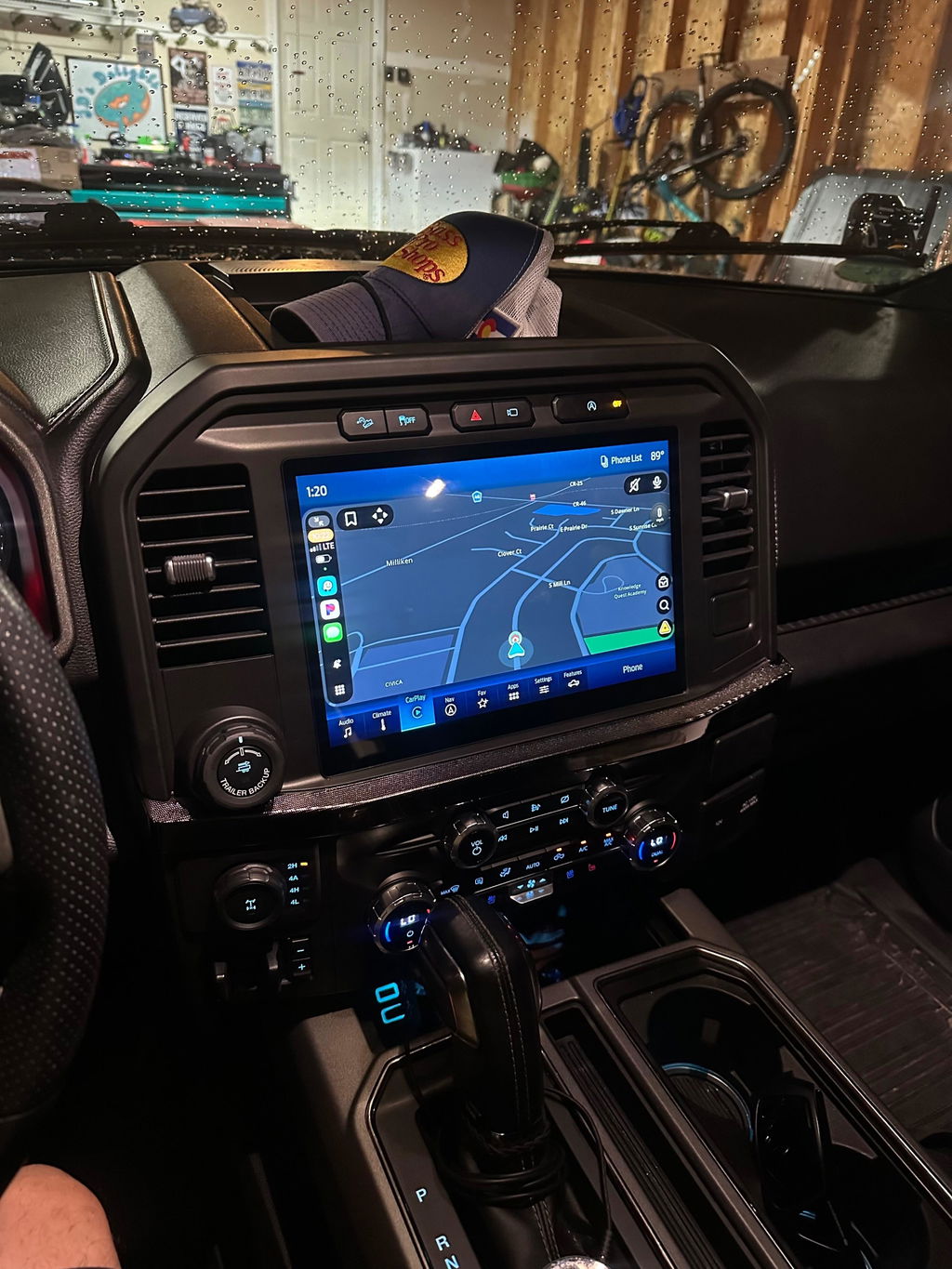
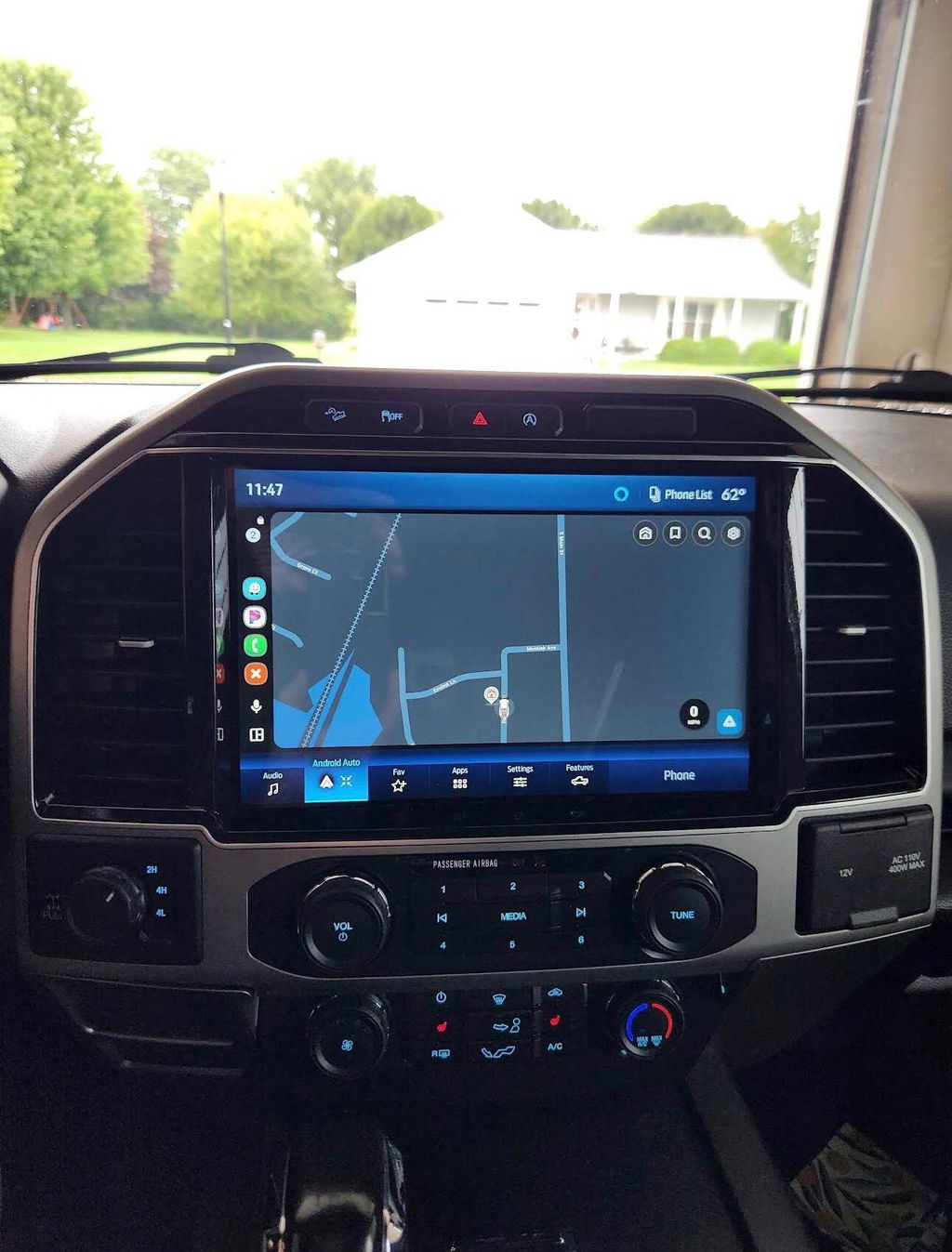
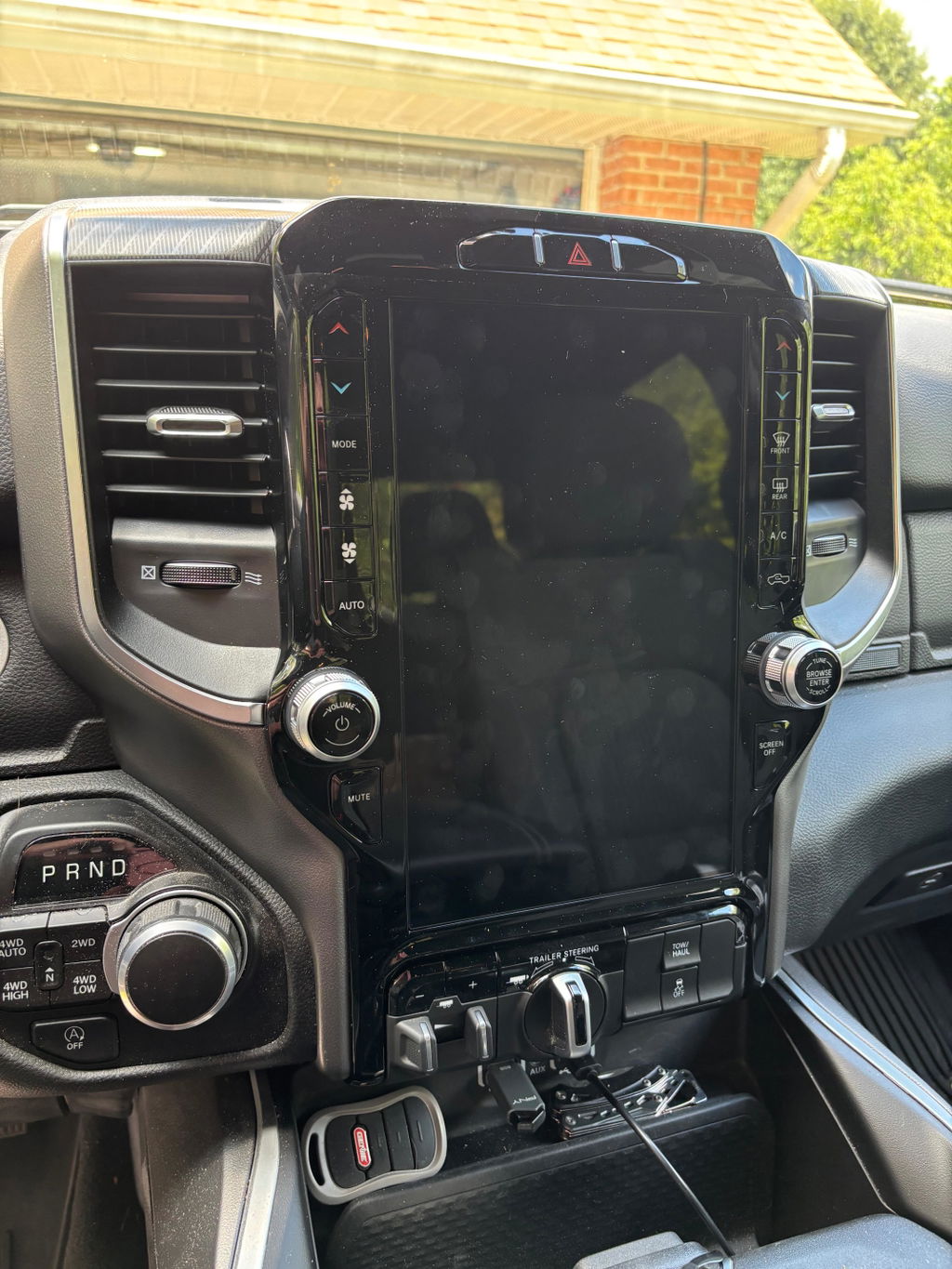
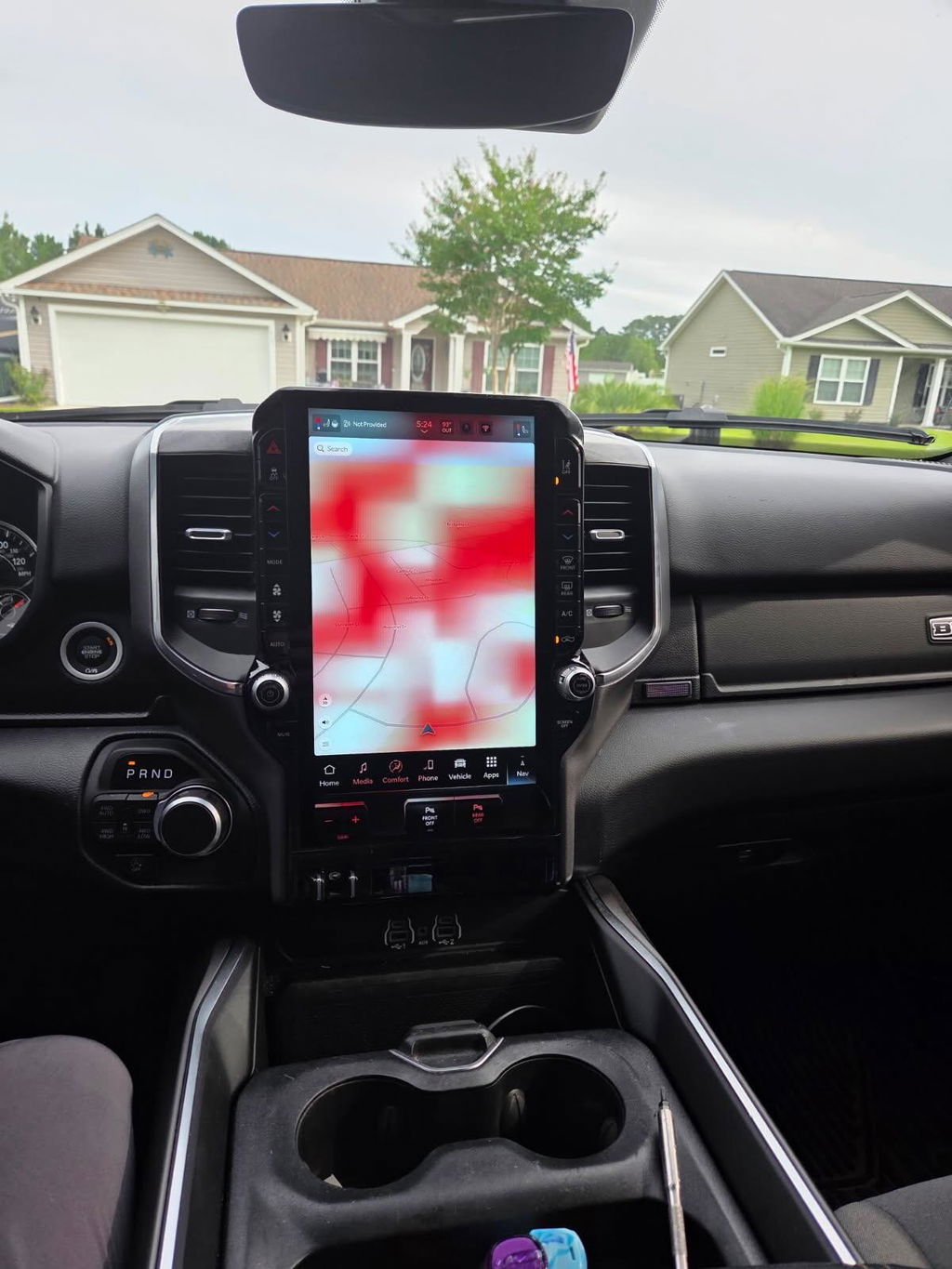
A 12-inch screen, digital cluster, remote start feature, or newer SYNC system can look like a straightforward Ford upgrade. The part itself is only one piece of the job. This Ford module compatibility guide explains what actually determines whether an OEM-based module works in your truck - and why matching the model year alone is rarely enough.
Ford vehicles rely on multiple modules that communicate across the vehicle network. The radio, accessory protocol interface module, instrument cluster, body control module, steering wheel controls, cameras, HVAC controls, and antenna systems may all be involved in a factory-style upgrade. A compatible kit accounts for that communication. A random module from a similar truck may not.
Ford Module Compatibility Guide: Start With the Vehicle Identity
The first fitment check is not the trim badge or a photo of the dashboard. It is the truck's exact vehicle information. Start with the VIN, then confirm the model, model year, body style, cab configuration where applicable, and original equipment. An F-150 is not one platform across every production year, and a Super Duty can have different electronics and dash architecture than an F-150 from the same model year.
Model-year ranges are useful, but they are not the final answer. Ford can make mid-cycle changes to screen hardware, connectors, camera systems, network configuration, and software. A 2018 F-150 with the basic factory radio does not necessarily use the same parts or programming path as a 2018 F-150 equipped with a higher-level SYNC system.
This is why OEM-based upgrades should be selected by the vehicle's current configuration, not just the feature you want to add. If you are replacing a small screen with a larger factory-style touchscreen, identify the existing radio and screen setup first. If you are adding a digital cluster, verify the original cluster type, engine application, transmission configuration, and warning-light requirements before ordering.
The Modules That Usually Control Fitment
Most Ford infotainment and feature upgrades involve more than one electronic component. The exact parts vary by platform, but compatibility often comes down to several systems working together.
The APIM, or accessory protocol interface module, is a major factor in SYNC-based upgrades. It supports the user interface and software functions tied to the touchscreen system. A compatible APIM must match the screen hardware, vehicle network, feature set, and required programming. Swapping an APIM without confirming these details can leave you with a blank screen, missing audio, nonfunctional controls, or features that never appear in the menu.
The ACM, or audio control module, manages audio functions on many Ford applications. It may need to be retained, replaced, configured, or paired correctly depending on the upgrade. Premium audio systems can add another layer because amplifier communication and speaker routing may differ from standard systems.
The instrument panel cluster is its own compatibility category. A digital cluster conversion can require the correct cluster hardware plus vehicle-specific configuration. The cluster needs accurate inputs for speed, fuel level, transmission status, drive modes, warning indicators, and driver-assistance messages. A cluster that physically fits the dash is not automatically compatible with the truck.
The body control module also matters more than many buyers expect. It manages a wide range of functions, including lighting, locks, remote entry, certain accessory features, and vehicle configuration. For remote start or feature activation, the BCM's existing options and programming status can determine what is possible without adding extra hardware.
Factory Options Change the Answer
Two trucks with the same year, trim, and engine can still require different upgrade solutions. Factory options are often the reason.
A truck with a 360-degree camera system, for example, has a different camera integration requirement than a truck with only a standard backup camera. Trucks equipped with navigation, a factory amplifier, satellite radio, trailer camera provisions, heated steering wheel controls, or advanced driver-assistance features can also have additional compatibility considerations.
Do not assume that a higher trim always makes an upgrade easier. Higher trims may have more features to preserve, which means the correct kit needs more complete integration. On the other hand, a base truck may require additional components to support a premium factory feature it did not originally have.
When comparing products, look for fitment details that call out the original screen size, existing SYNC generation, camera type, audio system, and required options. Clear vehicle-specific fitment is more valuable than a broad claim that a part fits every truck in a multi-year range.
Programming Is Part of the Installation
Ford module installation is not always plug in, power on, and drive away. Genuine OEM components are designed to operate within a configured vehicle network. Programming, as-built data, calibration, or initialization may be required to make the module operate correctly in its new vehicle.
This does not make an upgrade a bad choice. It simply means the kit must be built around the real installation process. A proper OEM-style kit should account for the required hardware, connectors, harnesses, antennas, USB media hub where needed, and programming path. That is the difference between a planned upgrade and a pile of used electronics that may or may not communicate.
Programming requirements depend on the product. Some upgrades require configuration to enable the correct screen functions, camera view, steering wheel controls, or vehicle settings. A cluster conversion may require mileage handling and module setup. Remote start installations may need feature activation and confirmation that the correct hood switch, key system, and security configuration are present.
Be cautious with modules pulled from donor vehicles. The part number may appear correct, but donor modules can carry incompatible configuration data, locked functions, or feature settings from the original vehicle. Saving money on the initial module can become expensive if the remaining pieces, programming, and troubleshooting are unknown.
How to Verify a Ford Upgrade Before You Buy
A clean compatibility check starts with the vehicle, then works toward the desired feature. Gather the VIN and confirm the exact year, model, trim, and factory equipment. Take clear photos of the current screen, dash controls, media hub, and any camera buttons. If applicable, identify whether the truck has standard or premium audio and whether it uses a conventional key or push-button start.
Next, define the goal. “I want a bigger screen” is a starting point, but the actual requirement may be wireless Apple CarPlay and Android Auto, factory navigation, camera retention, a digital cluster, or remote start. The right kit is the one that delivers the features you need without removing factory functions you use.
Then verify what is included. A complete plug-and-play package may contain the main module, display, trim pieces, harnesses, USB components, antennas, and programming support. A lower-priced listing that includes only a screen or only an APIM may not be a comparable solution. Check whether existing cameras, steering wheel controls, factory microphones, and audio equipment are retained.
Finally, be honest about the truck's modification history. Previous radio installs, aftermarket camera wiring, non-factory amplifiers, replacement harnesses, collision repairs, and altered modules can affect a factory-style conversion. OEM-based upgrades work best when the vehicle's original systems are intact, though the right solution can still be possible with added planning.
Common Compatibility Mistakes to Avoid
The most common mistake is buying by appearance. Similar screens can use different connectors, resolutions, software, brackets, and module families. The second is relying on trim level alone. Trim can narrow the options, but it does not confirm every factory package installed on the truck.
Another frequent issue is treating a feature as a single part. A modern infotainment conversion may require a display, APIM, media hub, GPS antenna, correct USB connections, and configuration. A remote start feature may involve vehicle security, hood status, key type, and BCM programming. Skipping one requirement can turn a simple installation into a diagnostic project.
There is also a practical trade-off between universal aftermarket electronics and OEM-based systems. Universal units may offer broad feature lists and lower upfront pricing, but they can require adapters, custom wiring, dash modifications, and compromises in factory integration. A vehicle-specific OEM upgrade generally costs more than a standalone universal component, but it is designed around factory controls, fit, and network communication.
Choose the Kit, Not Just the Module
The best Ford upgrade is not always the newest-looking module or the cheapest part number. It is the system that matches your truck's existing equipment and preserves the functions that matter. For a daily-driven F-150, that may mean reliable wireless phone integration and camera retention. For a Super Duty work truck, it may mean a larger factory-style display that keeps trailer and steering wheel functions accessible. For an off-road build, it may mean a clean installation that does not introduce wiring issues when the truck is far from home.
DD Offroad focuses on vehicle-specific, OEM-based upgrade paths because fitment is where the value is. Matching the correct components before installation reduces guesswork, protects factory functionality, and gives you a better chance of getting the upgrade right the first time.
Before ordering, confirm the truck you have, the features it already carries, and the features you expect after the install. That extra verification is usually what separates a factory-grade upgrade from an expensive compatibility problem.