Does Uconnect 5 Need Programming? What to Know
Share
A larger OEM screen, wireless Apple CarPlay, and a newer Uconnect interface can transform the cabin of an older Ram, Jeep, Dodge, or Chrysler. But before ordering a conversion, the question that determines whether the install stays plug and play is simple: does Uconnect 5 need programming?
Usually, yes - but the amount and type of programming depend on your vehicle, its original equipment, and whether the upgrade is a complete vehicle-specific kit or a collection of parts. A Uconnect 5 radio is not a universal aftermarket touchscreen. It is an OEM system that must communicate correctly with the truck or SUV it is installed in.
Does Uconnect 5 Need Programming?
For most retrofits, Uconnect 5 needs some level of programming, configuration, or feature activation. That does not necessarily mean a dealer appointment, custom wiring, or a complicated laptop setup. With the right kit, the programming process can be handled with a compatible automatic programmer or a pre-configured module designed for your exact model year and platform.
The key distinction is between a factory-installed Uconnect 5 system and a retrofit. When Uconnect 5 comes from the factory, the vehicle is already configured for the screen, radio module, cameras, microphone, steering-wheel controls, amplifier, and related options. During a retrofit, those settings must be matched to the vehicle.
Some installations require only a configuration update to tell the truck which radio and screen are present. Others require VIN-related setup, feature enablement, or programming for options that were not included on the original truck. The more features you are adding, the more critical correct configuration becomes.
Why OEM Uconnect 5 Upgrades Need Vehicle Configuration
Modern Ram, Dodge, Jeep, and Chrysler electronics operate as a network. The radio does more than play music. It exchanges information with the body control module, instrument cluster, HVAC controls, camera system, steering-wheel buttons, parking sensors, and, on certain vehicles, the factory amplifier.
That is why simply plugging in a used screen or radio from another vehicle can create problems. The hardware may power up, but it may not recognize the vehicle correctly. You could lose camera functions, see missing climate-control pages, get no audio through an amplified system, or have steering-wheel controls that do not work as intended.
A properly matched Uconnect 5 conversion addresses both physical fitment and electronic compatibility. The radio, display, bezel, wiring, media hub, antennas, and programming method all need to match the vehicle generation and the options equipped on that vehicle.
Programming Is Different From a Software Update
Programming and software updates are often confused, but they solve different problems.
A software update updates the operating software inside the radio. It may address bugs, improve device compatibility, or add factory functions supported by that radio. It does not automatically configure a retrofit radio for your specific truck.
Programming or configuration tells the vehicle what equipment is installed. Depending on the platform, that can include screen size, radio type, backup camera presence, premium audio, navigation, heated-seat controls, surround-view camera support, or other factory options. A radio with current software can still be incorrectly configured for the vehicle.
When Is Programming Required for a Uconnect 5 Retrofit?
Programming is most likely required when you are changing the radio generation, screen size, or factory feature set. Exact requirements vary by vehicle, but these are the most common situations:
- Upgrading from an older Uconnect system to Uconnect 5. A newer-generation radio generally needs the vehicle configured to recognize its hardware and supported features.
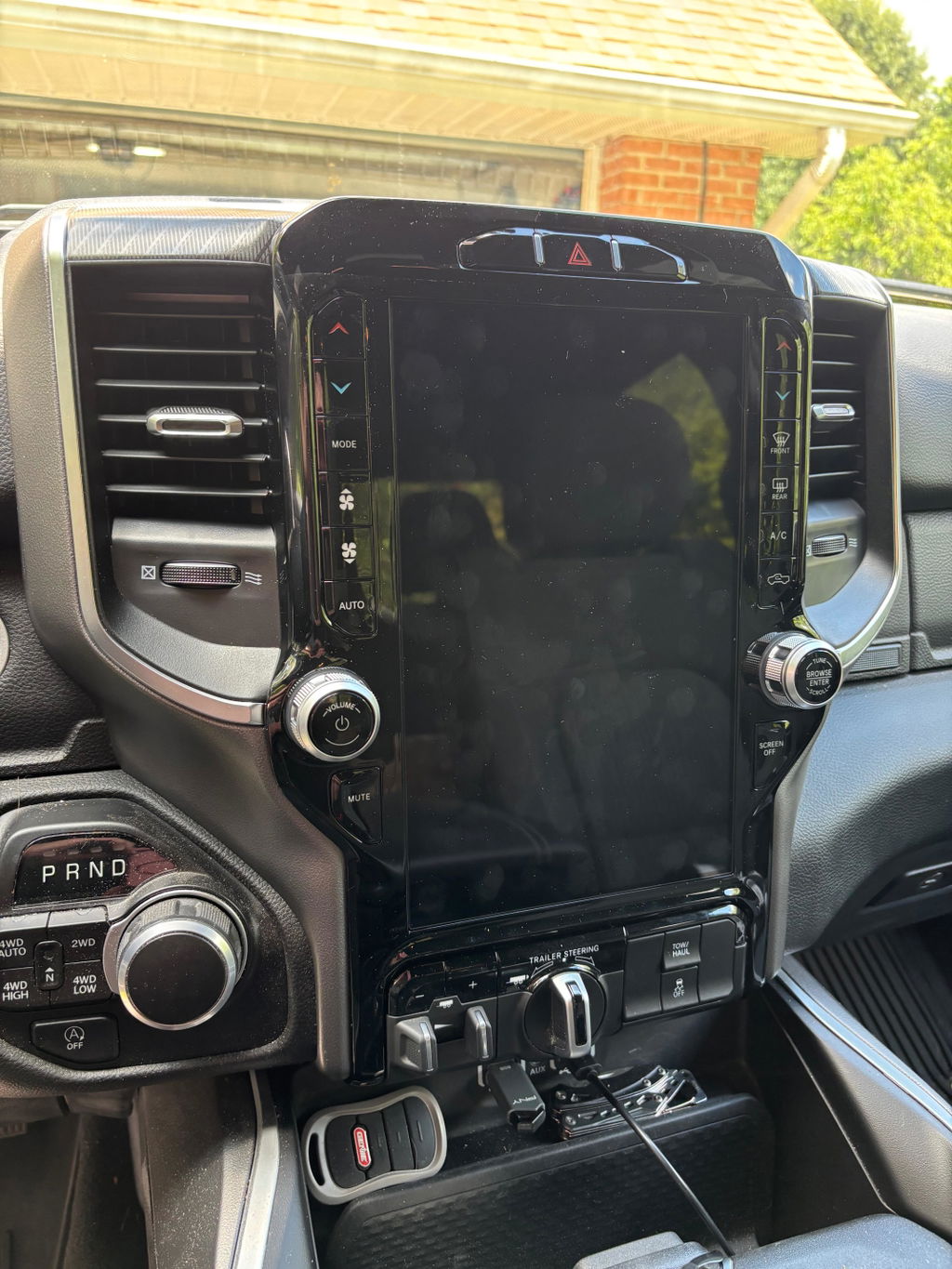
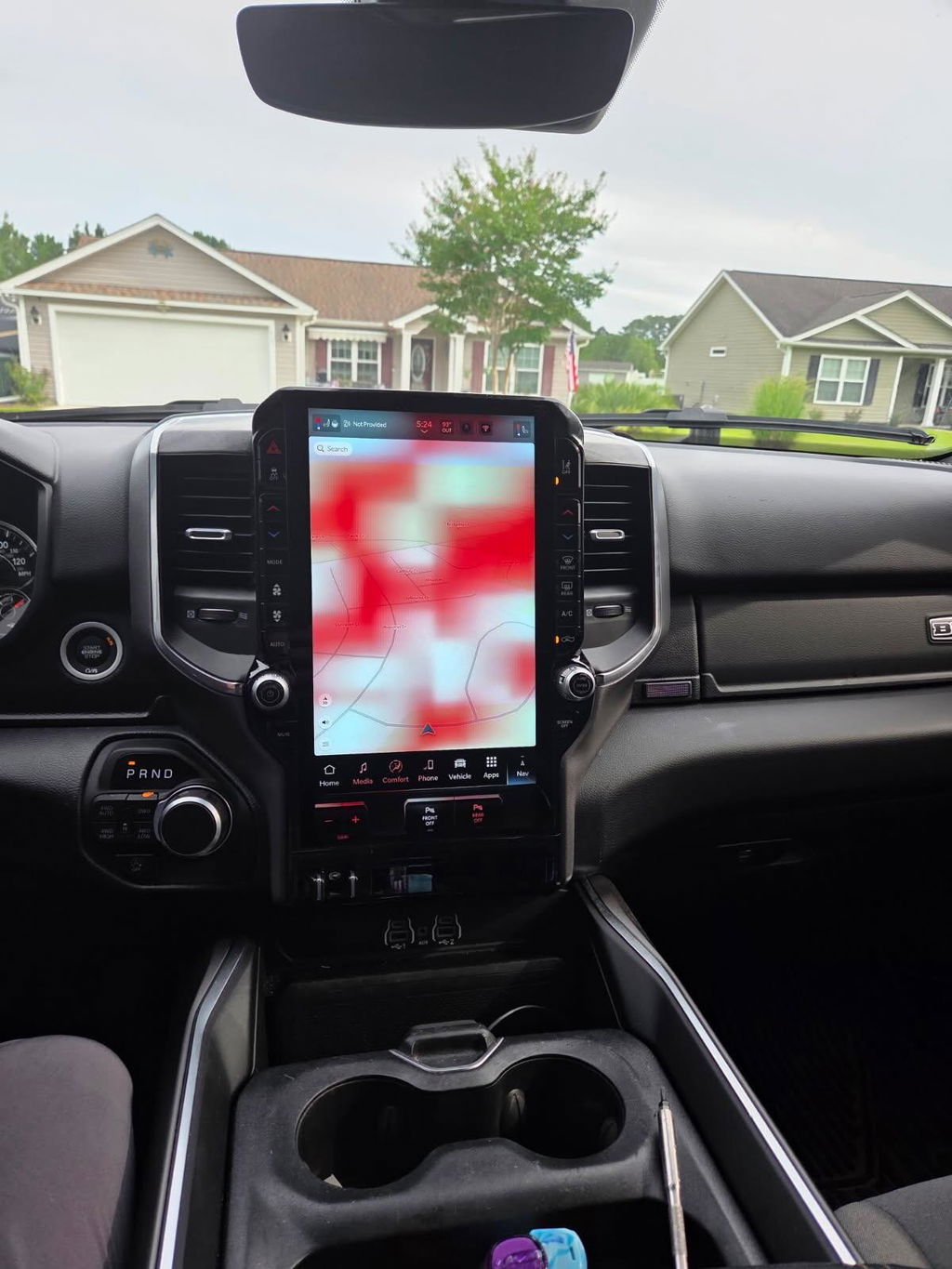
- Moving to a larger factory-style screen. An 8.4-inch to 12-inch conversion, for example, may require different HVAC integration, a compatible bezel, and configuration for the new display system.
- Adding features your vehicle did not originally have. Wireless Apple CarPlay and Android Auto may be built into Uconnect 5, but camera options, premium audio, navigation, and accessory pages can require separate compatibility checks.
- Installing a takeout or used OEM radio. Components removed from another vehicle may carry prior configuration data and should be verified or programmed for the new vehicle.
What a Complete Uconnect 5 Upgrade Kit Should Address
A reliable upgrade is built around the vehicle, not just the screen. Before purchasing, confirm the kit is designed for your exact model year, trim level, cab configuration where applicable, and original radio setup.
The strongest OEM-based kits include the correct major components and provide a clear programming path. Depending on the application, that can mean a compatible automatic programmer, a programmed module, or instructions for completing the required configuration after installation. The goal is to avoid trial-and-error wiring and avoid guessing which factory parts are compatible.
At DD Offroad, vehicle-specific Uconnect 5 conversions are built around OEM Genuine Components and platform fitment. That matters because a Ram 1500, Ram Heavy Duty, Jeep, or Dodge vehicle can have different communication architecture even when the dashboards or screen sizes appear similar.
Features That Need Extra Attention
Backup cameras are one of the first items to verify. A standard rear camera, 360-degree camera system, cargo camera, or trailer camera setup may use different hardware and configuration. Do not assume every Uconnect 5 screen will automatically retain every camera view.
Factory audio also deserves a close look. Vehicles equipped with a premium amplifier can require a radio and harness combination that supports that amplifier. If the truck has standard audio, the requirements may be different. Audio output, warning chimes, microphone operation, and phone-call quality all depend on the system communicating correctly.
HVAC controls are another major factor on larger-screen conversions. In many factory-style setups, climate settings are integrated into the touchscreen. The correct bezel, control module, and configuration are required to keep physical and on-screen climate functions working as they should.
Can a Dealer Program Uconnect 5?
A dealer may be able to perform certain software updates or factory diagnostic procedures, but dealer programming is not always the best or simplest route for a retrofit. Dealers generally work from the vehicle's original build configuration. If you are adding equipment that was not installed at the factory, support can vary by dealer, technician, and vehicle platform.
That does not mean dealer involvement is never useful. If a vehicle has unrelated fault codes, module communication problems, or a needed factory update, dealership diagnostics can help identify the issue. But it is not wise to purchase a retrofit assuming the dealer will configure any combination of used components after the fact.
A kit that includes a defined programming solution is the more predictable approach. It reduces the chance of arriving at the final installation step with a powered-on screen and missing functions. It also gives you a clearer path if the vehicle needs a specific setting enabled after the hardware is installed.
Before You Order: Check These Details
Start with the VIN and identify the exact vehicle model year. Then verify the original screen size, radio family, factory camera equipment, audio system, and whether the vehicle has features such as heated seats, ventilated seats, off-road pages, trailer camera functions, or navigation.
Next, confirm what the upgrade includes. A complete conversion should clearly state whether the radio, screen, bezel, harnesses, media hub, antenna components, and programming tool or service are included. If a listing only names the screen, it is not necessarily a complete Uconnect 5 upgrade.
Finally, understand what is being retained versus added. Wireless smartphone integration may be a standard Uconnect 5 benefit, while other features depend on the original vehicle equipment and the exact radio configuration. Factory-grade upgrades work best when expectations match the vehicle's actual capability.
The right Uconnect 5 package should not leave you guessing whether the screen will turn on, whether the camera will work, or whether programming is an extra problem waiting after installation. Match the kit to the truck, verify the included programming method, and you can upgrade the cabin with OEM-style fitment instead of turning a straightforward project into a wiring and configuration chase.