SYNC 3 Versus SYNC 4: What Ford Owners Gain
Share
A 2018 F-150 with SYNC 3 can still be a capable truck, but its infotainment hardware shows its age every time you plug in a phone, wait on a route calculation, or use the smaller factory screen. The SYNC 3 versus SYNC 4 decision is not just about getting a newer display. It comes down to smartphone connectivity, processing speed, factory feature support, and whether your truck's electrical architecture can support an OEM-style conversion.
For Ford owners, the right answer depends heavily on model year, trim level, screen configuration, and the upgrade goal. A clean OEM-based upgrade can add real daily-use value. A poorly matched conversion can create fitment problems, missing functions, or a truck that looks factory on the surface but does not operate like one.
SYNC 3 Versus SYNC 4: The Main Difference
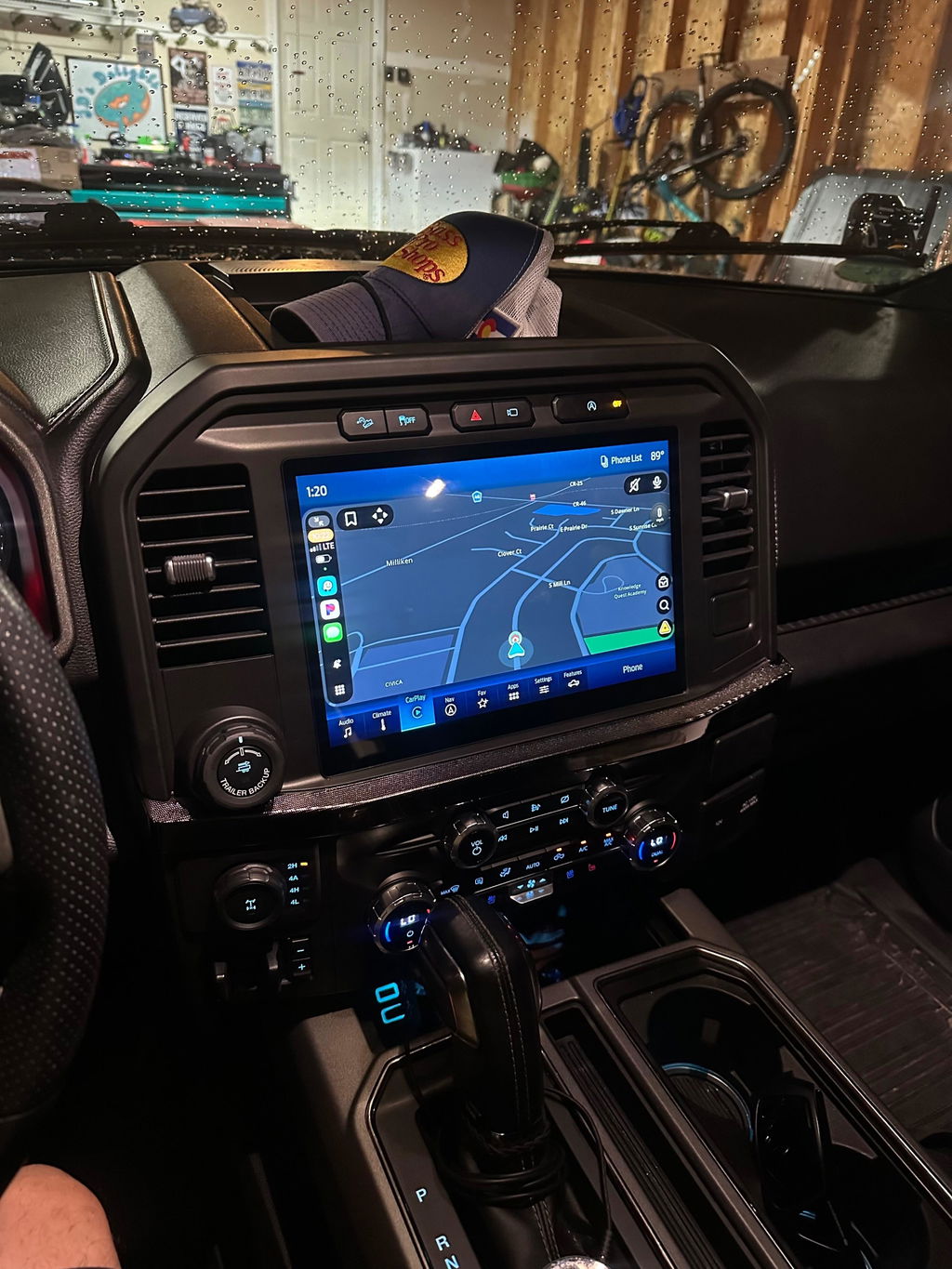
SYNC 3 is Ford's previous-generation infotainment platform, commonly found in late-model Ford trucks and SUVs with 8-inch touchscreen systems. It represented a major improvement over earlier Ford interfaces, bringing a more responsive screen, Apple CarPlay, Android Auto, navigation availability, and familiar physical control integration.
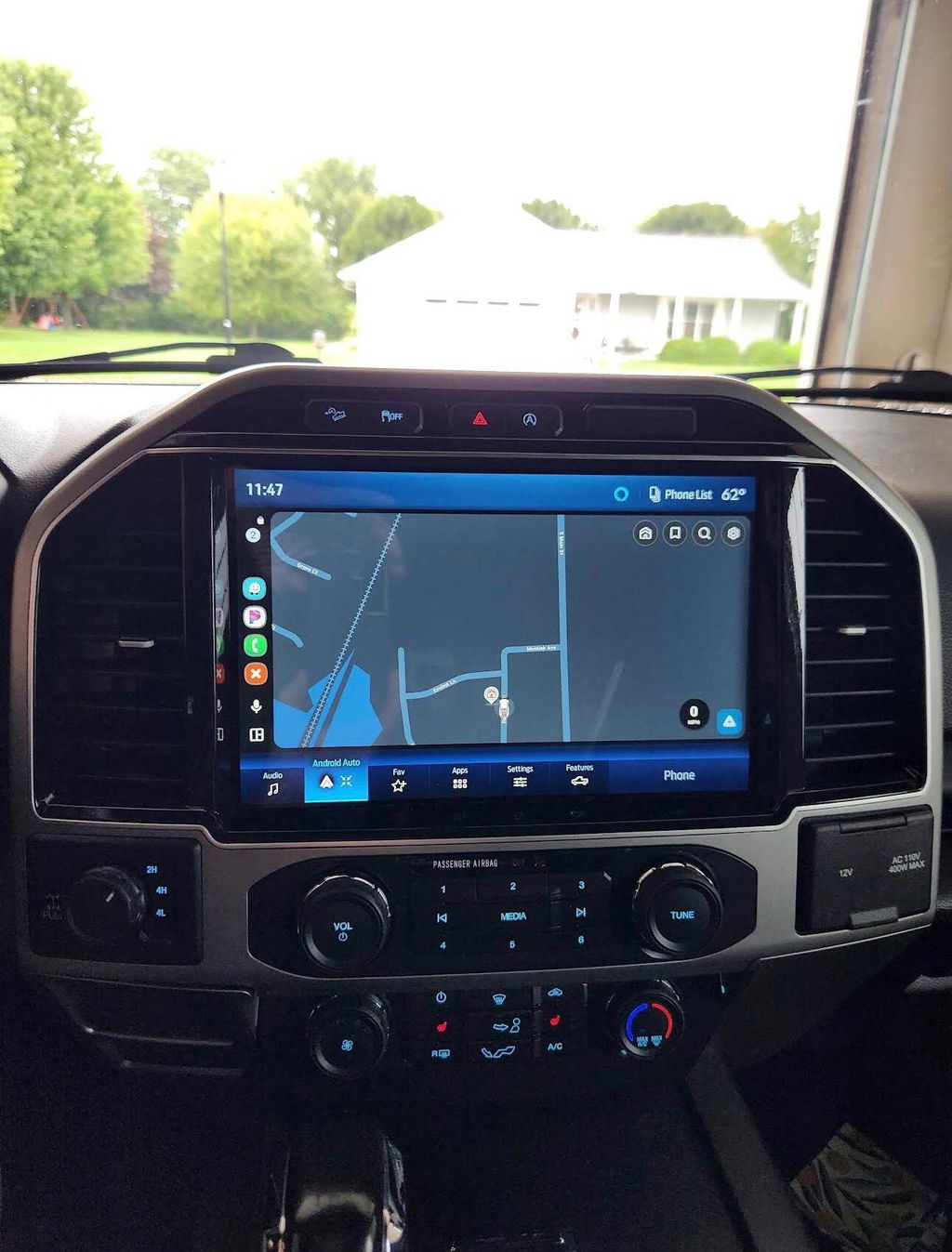
SYNC 4 is the newer platform. It uses updated hardware and software designed around larger displays, improved voice control, connected navigation, over-the-air updates on supported vehicles, and wireless Apple CarPlay and Android Auto on many applications. It is the system Ford built for trucks where the screen is expected to handle more than audio and maps.
The difference matters because SYNC 4 is not simply a newer software version that can be loaded onto a SYNC 3 module. It is a different ecosystem with its own display, module, wiring requirements, programming needs, and vehicle-network compatibility. That is the first point to understand before shopping for an upgrade kit.
Screen Size and Cabin Experience
Screen size is often the most visible reason owners look at SYNC 4. Many SYNC 3-equipped trucks use an 8-inch center screen. It is functional, but split-screen navigation, camera views, music controls, and phone apps can feel crowded.
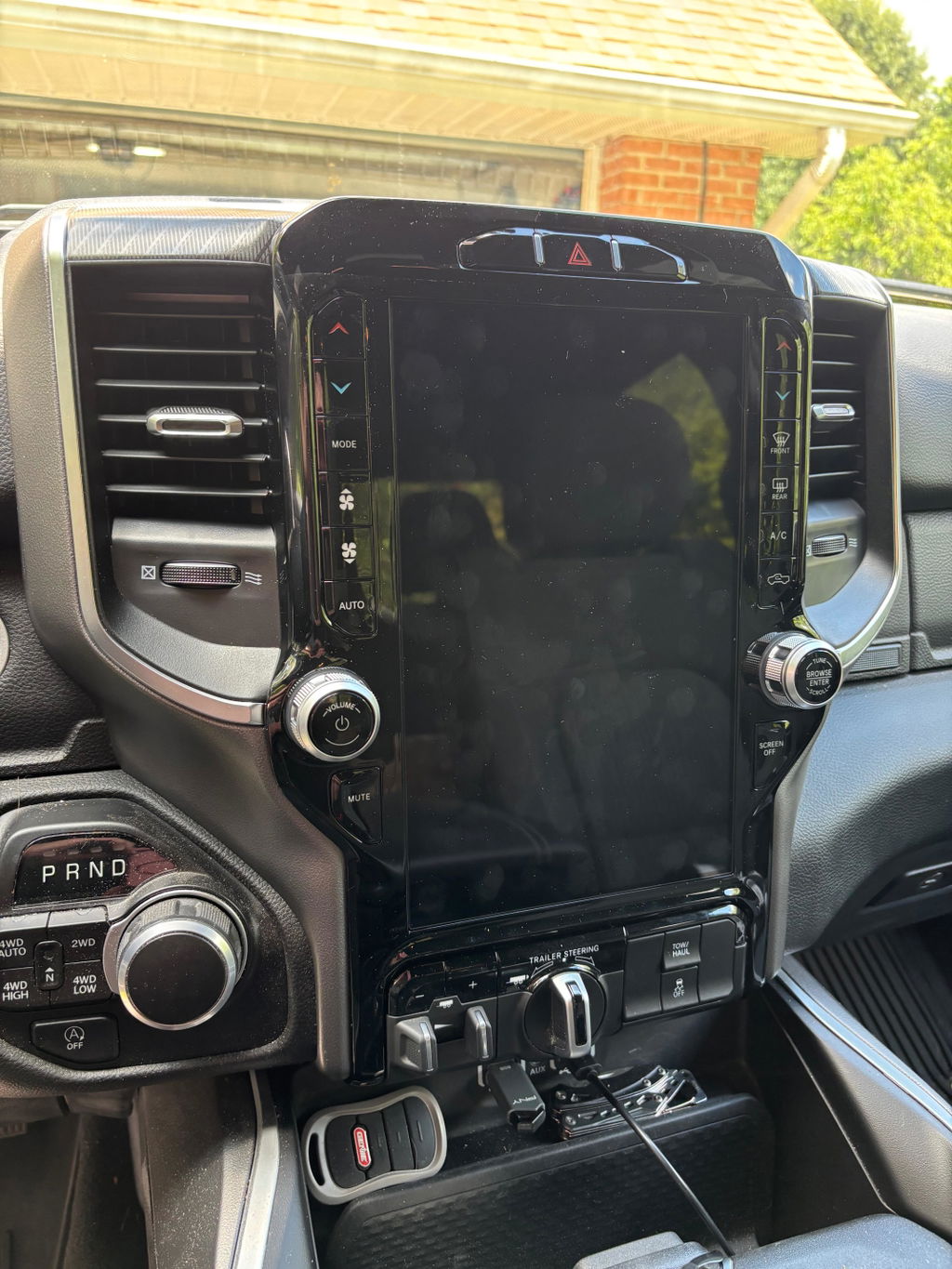
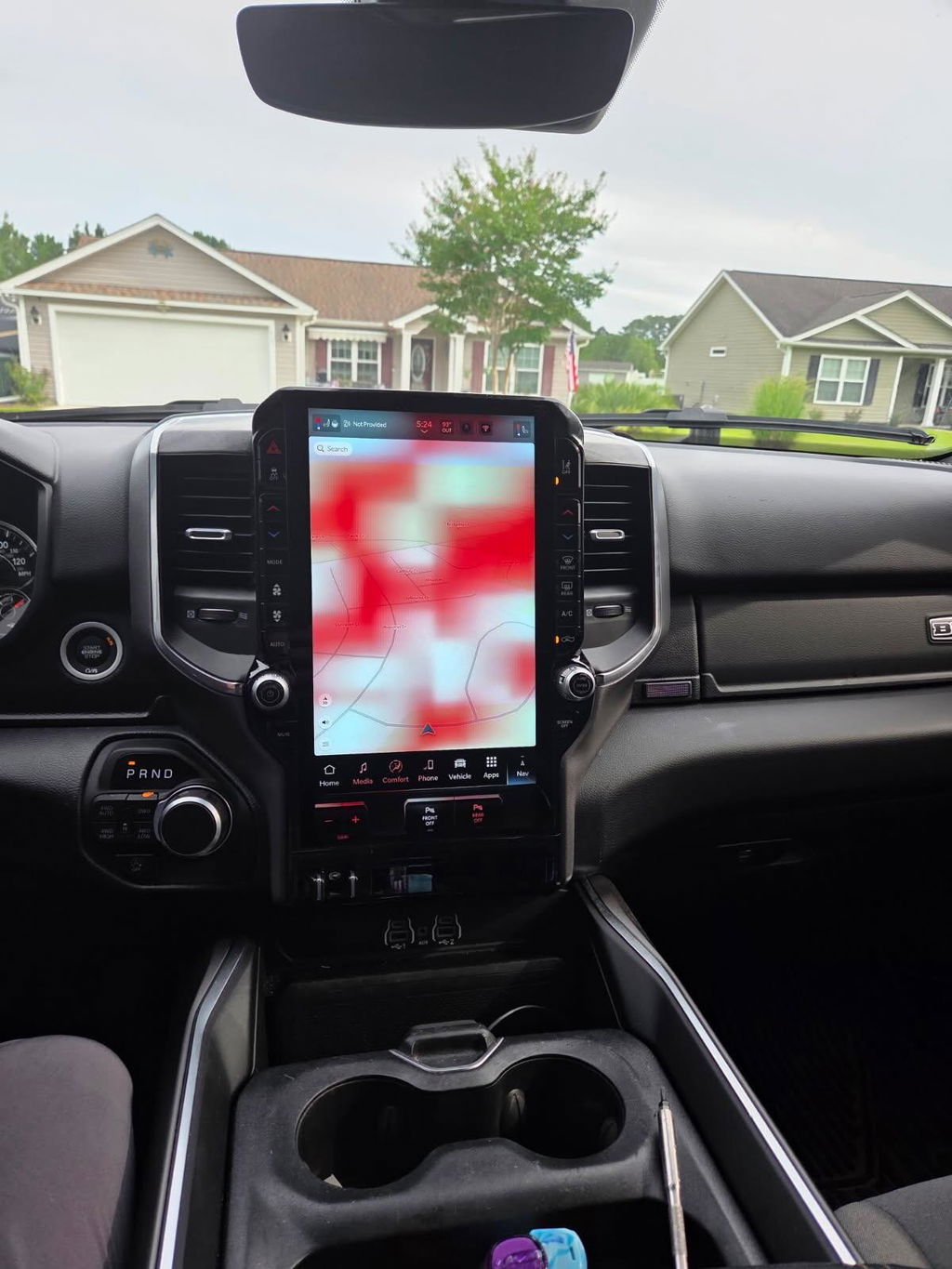
SYNC 4 applications are commonly paired with larger horizontal or portrait-style displays, depending on the Ford platform and trim. The added real estate makes a difference when towing, using navigation, monitoring a backup camera, or managing climate controls from the center display. On trucks with factory 12-inch displays, the system better matches the premium interior experience buyers expect from higher-trim F-150, Super Duty, and Expedition models.
Bigger is not automatically better, however. A larger screen conversion needs the correct bezel, screen assembly, modules, and programming for the specific dash layout. Buying a screen because it physically fits is not the same as installing an OEM-compatible package that communicates correctly with the truck.
Wireless Apple CarPlay and Android Auto
For many owners, wireless phone integration is the daily-use advantage that makes SYNC 4 worth considering. SYNC 3 supports Apple CarPlay and Android Auto on many vehicles, but it is generally a wired experience. You connect the phone by USB, place it in the console, and use the vehicle's factory interface.
SYNC 4-equipped vehicles commonly add wireless Apple CarPlay and Android Auto. That means the phone can connect automatically when you start the truck, without using a cable for every short drive. It is a practical upgrade for work trucks, family vehicles, and owners who get in and out of the cab all day.
There is a trade-off. Wireless connection uses more phone battery than a wired setup, especially when running maps and streaming audio. A wireless charging pad or a quality charging solution can make that less of an issue. If you prefer charging your phone while using CarPlay anyway, SYNC 3's wired connection may be completely adequate.
Navigation, Voice Control, and Connected Features
SYNC 3 navigation works well for owners with factory navigation-equipped systems, but its experience is more traditional. Maps are stored and updated through the vehicle system, and voice recognition is capable without being as conversational as newer hardware.
SYNC 4 expands the connected side of the infotainment system on supported Ford vehicles. Cloud-based navigation can provide more current route information, traffic data, and destination search results. Enhanced voice control makes it easier to request directions, adjust functions, or find points of interest without working through multiple screen menus.
Those features depend on the truck, its active Ford connectivity services, cellular coverage, and subscription status where applicable. They are not all guaranteed simply because a screen says SYNC 4. If connected navigation is a priority, verify what the donor system and the target vehicle actually support before committing to a conversion.
Hardware and OEM Integration Matter More Than the Badge
A common mistake is treating a SYNC upgrade like a tablet swap. On a Ford truck, the infotainment system works with modules throughout the vehicle. The audio control module, display, APIM, USB hub, camera system, steering-wheel switches, HVAC controls, satellite radio equipment, amplifiers, and factory options may all need to communicate correctly.
That is why vehicle-specific OEM upgrade kits are the safer route. The goal is not only to turn on a newer screen. The goal is to retain the functions the truck already has while adding the features you want. A proper plug-and-play package is built around compatible factory-style components, correct harnessing, and the programming needed for the truck's configuration.
This is especially important for trucks equipped with premium audio, 360-degree cameras, trailer camera options, heated and ventilated seats, or advanced driver-assistance features. Those systems may display information through the center screen or rely on modules that differ by trim and model year. A base-trim conversion plan may not work on a loaded Lariat, King Ranch, Platinum, Limited, or Super Duty configuration without additional parts or configuration work.
Can You Upgrade From SYNC 3 to SYNC 4?
Sometimes, but it is not a universal bolt-in upgrade. Ford changed vehicle electronics across generations, and SYNC 4 systems are tied closely to the platforms that originally received them. The cleanest path is usually an OEM-style package specifically designed around your exact truck rather than a collection of used modules from different vehicles.
Before choosing a kit, confirm the vehicle year, model, trim, current screen size, factory camera setup, audio system, navigation status, and whether the truck has features controlled through the display. The VIN is useful, but clear photos of the current radio screen, dash bezel, USB ports, and climate controls can also prevent ordering the wrong configuration.
For some SYNC 3 owners, an updated SYNC 3 system, a larger OEM-style screen solution, or a wireless CarPlay adapter may deliver the result they want at a lower cost. For others, especially owners replacing damaged equipment or building a newer-style interior, a complete SYNC 4 conversion offers a more substantial improvement. It depends on whether you are solving a connectivity issue or changing the entire in-cab experience.
Which Ford Owners Benefit Most From SYNC 4?
SYNC 4 makes the strongest case for owners who spend real time behind the wheel. If your truck is used for towing, jobsite travel, long highway runs, family hauling, or off-road trips where mapping and camera access matter, the larger screen and updated interface can be more than a cosmetic upgrade.
It also suits owners who want their truck to feel current without installing a universal aftermarket head unit. OEM-based components preserve the factory appearance and can retain controls that generic systems often complicate. That matters on late-model Ford trucks where the dash, cameras, and vehicle settings are tightly integrated.
SYNC 3 remains a good system for owners who are satisfied with an 8-inch display, use a wired phone connection, and do not need the newest connected features. There is no reason to replace a functioning SYNC 3 setup solely because SYNC 4 exists. The value is in the features you will actually use, not the newer badge on the screen.
Before ordering any Ford infotainment upgrade, match the kit to the truck first and the feature wish list second. The right OEM-compatible system should look factory, keep the functions you paid for, and make every drive easier without turning a straightforward upgrade into a wiring project.