Super Duty Sync 4 Conversion Guide
Share
A lot of Super Duty owners hit the same wall once they spend time in a newer Ford. The truck still does truck things well, but the center stack starts to feel dated fast. A super duty sync 4 conversion is usually about fixing that gap - getting newer factory-style tech, a larger touchscreen, and modern phone integration without turning the dash into an aftermarket experiment.
Why a Super Duty Sync 4 conversion makes sense
On paper, infotainment looks like a comfort upgrade. In real use, it changes how the truck works every day. If you tow, travel, or use the truck for work, the difference between an older interface and a newer OEM-style system shows up every time you answer a call, pull up navigation, or switch between camera views.
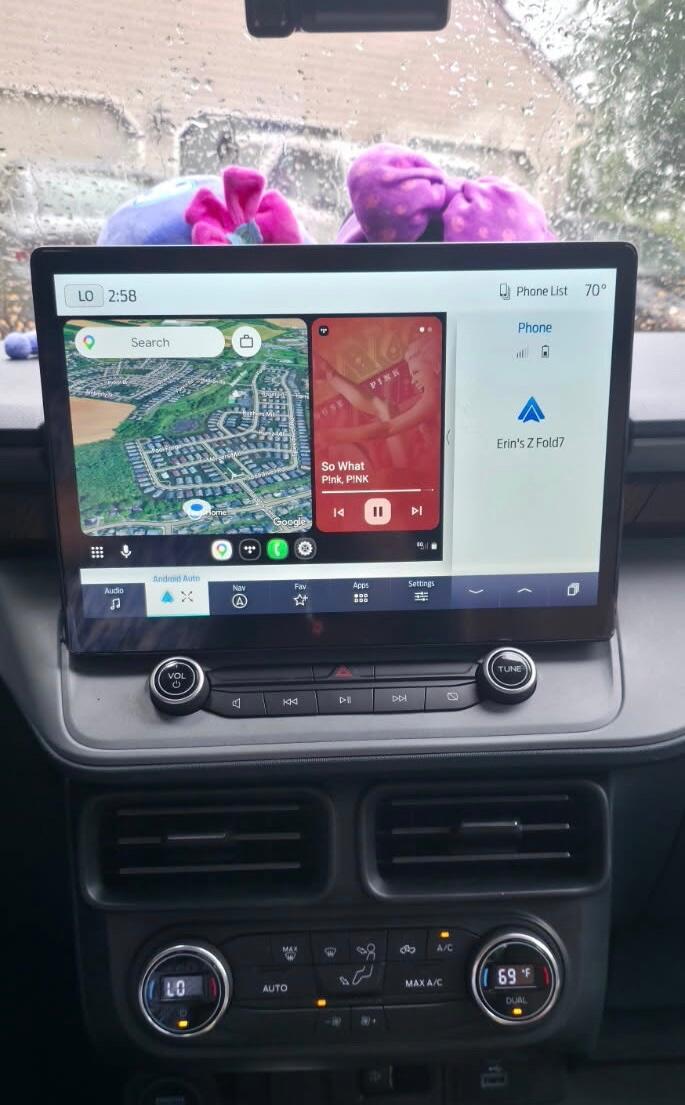
SYNC 4 is attractive because it brings the features most owners actually want. Faster response, a cleaner layout, wireless Apple CarPlay, wireless Android Auto, and a more current factory appearance are the big ones. For many Super Duty owners, that matters more than flashy add-ons because the goal is to keep the truck feeling OEM, not patched together.
That last point is where conversions usually separate into two paths. One path is a vehicle-specific, plug-and-play OEM-based upgrade. The other is a generic aftermarket screen that promises broad compatibility but often trades away factory behavior, fitment, or long-term reliability. If you care about keeping steering wheel controls, factory cameras, climate integration, and a stock-looking dash, that difference matters.
What changes with a Super Duty Sync 4 conversion
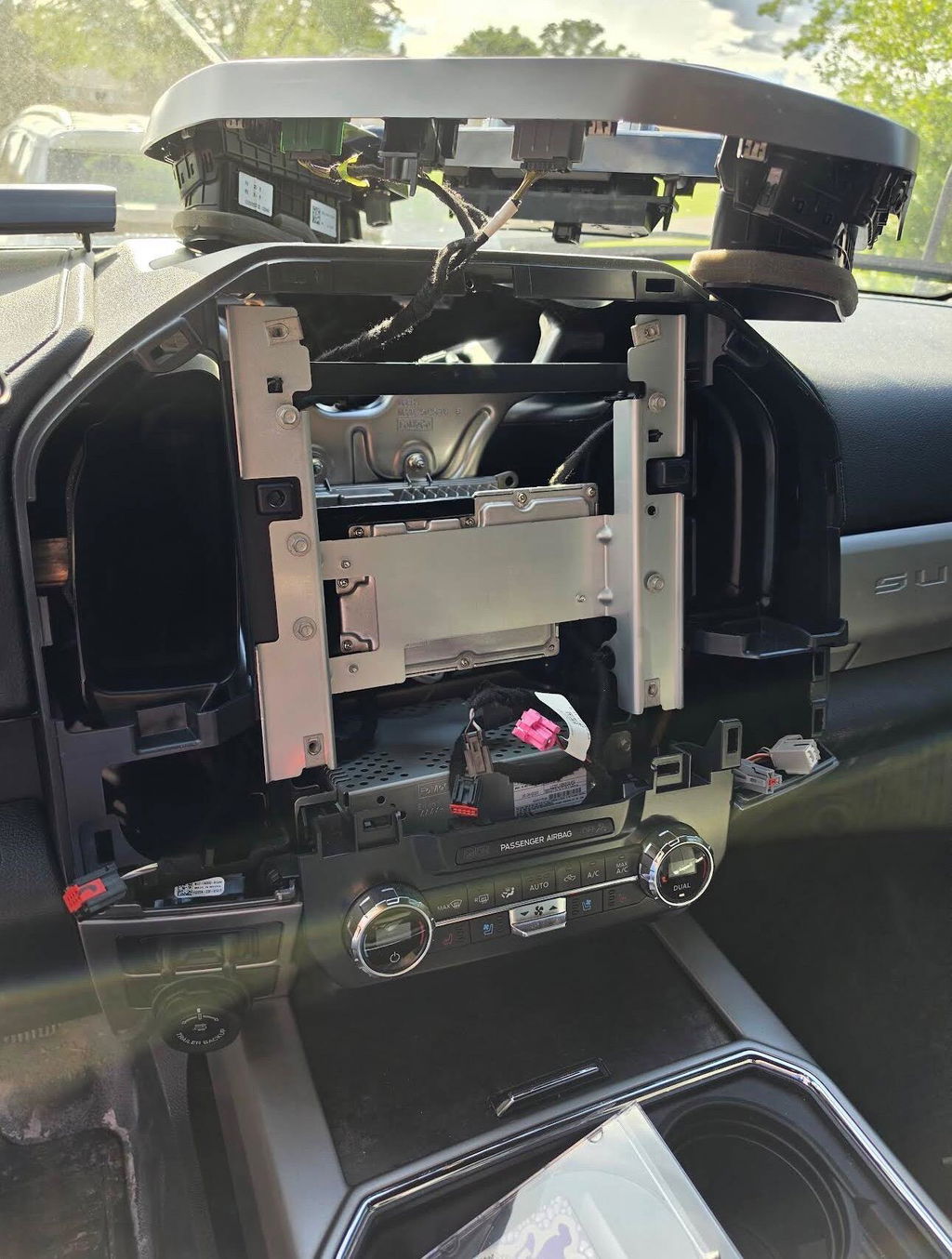
A proper conversion is more than swapping a screen. In most cases, you are updating the hardware and software ecosystem that supports the display. That can include the screen, APIM module, wiring, dash trim, programming, and in some setups, supporting components tied to audio or camera functions.
The visible upgrade is obvious. You get a larger, newer display with a cleaner interface and better responsiveness. The less obvious change is how integrated the system feels when it is set up correctly. Factory camera functions, vehicle settings, and OEM-style operation are what make the upgrade worth doing.
This is also why buyers should be careful with the phrase plug and play. Some kits are genuinely designed around exact model-year fitment and preconfigured components. Others still require extra sourcing, custom wiring, or trial-and-error programming. A clean install starts with a kit that matches the truck, not a one-size-fits-most bundle.
Fitment is the first thing to verify
Before features, before price, before screen size, fitment is the main decision point. Ford Super Duty trucks changed across generations, trims, and factory radio packages. A conversion that works on one truck may not be right for another, even if the dashes look similar at first glance.
Model year is the starting point, but it is not the whole story. Factory screen size, audio package, existing SYNC version, climate control layout, and whether the truck came with options like a 360 camera or premium audio can all affect compatibility. If the vehicle has already been modified, that adds another layer.
This is why OEM-based upgrade kits are easier to live with. They are usually built around known configurations rather than broad assumptions. The closer the product is matched to the original truck setup, the lower the risk of losing functions or dealing with warning lights, dead features, or poor dash fit.
OEM-style conversion vs aftermarket screen
For Super Duty owners, this is usually the real comparison. Not whether to upgrade, but how.
An aftermarket tablet-style unit can look appealing because the advertised feature list is long and the upfront cost can seem lower. The trade-off is that many of those systems depend on adapters, custom mounts, or software layers that never feel fully factory. Boot times can be slower. Audio quality can vary. Climate or camera controls may work, but not always in the way the truck originally handled them.
An OEM-style super duty sync 4 conversion costs more for a reason. You are paying for factory-grade components, vehicle-specific integration, and a final result that looks like it belongs in the truck. That matters on a daily driver, a work truck, or a higher-trim build where owners do not want the interior downgraded by a universal solution.
There is still a trade-off. OEM-based conversions usually require tighter fitment verification, and the right kit may depend on exact vehicle options. But that is a better problem to have than forcing a generic system to work around factory electronics.
Features that actually justify the upgrade
Not every feature is equally important. Most owners shopping this conversion are not chasing novelty. They want the truck to feel current and easier to use.
Wireless Apple CarPlay and Android Auto are at the top of the list because they remove friction. Get in, start the truck, and your phone connects without cables hanging across the console. That is a real quality-of-life improvement if you spend serious time behind the wheel.
The larger display is also more than cosmetic. Navigation is easier to read, camera views are more useful, and menu layout feels less cramped. If you tow regularly, better screen real estate makes a practical difference.
Faster response is another reason owners upgrade even when their original system still works. A laggy factory screen gets old quickly. A newer interface with better processing feels more in line with the rest of the truck, especially in a well-optioned Super Duty.
Installation expectations
Most buyers want to know the same thing - is this something I can install myself, or does it need a shop?
That depends on the kit and your comfort level. A true plug-and-play package built around OEM genuine components and correct programming is far easier than piecing together parts from multiple sources. If the kit includes the right harnessing, preconfigured modules, and trim matched to the truck, installation can be straightforward for an owner who is comfortable removing dash panels and following instructions carefully.
If programming is missing or the parts were not assembled as a vehicle-specific solution, the install gets more complicated fast. That is usually where DIY projects stall. Physical installation is one part of the job. Getting the truck to recognize the system correctly and retain factory functions is the part that separates a clean conversion from an expensive headache.
For that reason, many owners prefer a complete package from a specialist retailer like DD Offroad rather than sourcing modules, screens, bezels, and software support one piece at a time.
What to check before buying
The safest way to approach a super duty sync 4 conversion is to verify the truck like you would verify drivetrain parts. Start with exact year, trim, and current radio configuration. Then confirm any factory options tied to the infotainment system, especially cameras, premium audio, and steering wheel functions.
You should also ask whether the kit includes programmed modules, whether factory features are retained, and whether the components are OEM genuine or aftermarket substitutes. Those are not minor details. They define how the finished system performs and whether it feels like a factory upgrade or a workaround.
Price matters, but value is a better way to look at it. A cheaper package that leaves out programming, trim, or key integration pieces often costs more once you add missing parts and extra labor. A complete kit with verified fitment, competitive pricing, and free shipping is usually the better buy because the path is clearer from the start.
Is the conversion worth it?
For the right truck, yes. If you plan to keep the vehicle, use it hard, and want modern cabin tech without sacrificing factory integration, this upgrade makes sense. It is especially strong for owners whose trucks still have plenty of life left mechanically but feel behind in daily usability.
If your priority is the lowest possible cost, a full OEM-style conversion may be more than you want to spend. If your priority is factory appearance, retained features, and a cleaner long-term result, it is the right move.
The smartest way to buy is to treat infotainment like any other major truck upgrade. Fitment first, components second, advertised features third. Get those in the right order, and the result is simple - a Super Duty that still works like a Super Duty, just with the tech it should have had from the factory.