OEM Retrofit Buying Guide for Ram and Ford
Share
A larger screen or factory remote start should not turn into a weekend of cutting wires, chasing error messages, and hoping every module talks to the next. This OEM retrofit buying guide is built for truck owners who want modern factory-style features while keeping the clean fit, controls, and integration their Ram or Ford was designed to have.
The right retrofit can make an older truck feel years newer. The wrong one can leave you with missing functions, a radio that needs programming, or components that physically fit but do not communicate with the vehicle. The difference usually comes down to one thing: buying for your exact truck, not just the feature you want.
Start With Your Truck, Not the Upgrade
Before comparing screens, clusters, remote start kits, or programmers, identify the vehicle precisely. Year, make, model, trim, cab configuration, and existing equipment all matter. A 2019 Ram 1500 Classic and a 2019 all-new body style Ram 1500 may share a model year, but they do not use the same parts or architecture. The same rule applies across Ford F-150, Super Duty, Maverick, and Expedition platforms.
Your VIN is the best starting point, but it should be paired with a visual check of the current system. Take note of screen size, physical climate-control buttons, radio bezel shape, connector style, and whether your truck already has features such as navigation, amplified audio, a backup camera, heated seats, or steering-wheel controls. These details determine what belongs in a complete, compatible kit.
Factory options can also affect the purchase. An OEM touchscreen conversion may require a specific media hub, USB interface, antenna, bezel, wiring harness, or programming step. Buying the main screen alone because it is cheaper can create a parts hunt later. Vehicle-specific kits cost more than a loose module for a reason: they are assembled around the components needed to make the upgrade work as intended.
What OEM Retrofit Means in Practice
OEM Genuine Components are parts produced for factory vehicle applications, not generic electronics made to imitate an OE look. That matters when you want the screen, cluster, buttons, cameras, and vehicle modules to operate together without adding a universal interface to the dashboard.
An OEM retrofit is not automatically plug and play in every situation, however. Some upgrades are physically plug and play but still need configuration to activate features or match the truck's equipment. Others require transferring existing modules, entering vehicle data, or using a programmer after installation. That is normal for modern vehicles. The key is knowing the requirement before the box arrives.
OEM-based does not mean every used factory part is a smart purchase, either. A random marketplace radio may have a different software level, theft lock, donor-vehicle configuration, or missing components. It may power on and still fail to support your camera, audio system, or climate controls. A properly matched retrofit kit reduces those variables.
Factory integration is the real value
The strongest reason to choose a factory-style upgrade is not just appearance. It is the ability to retain the functions you use every day. Depending on the platform and kit, that can include steering-wheel audio controls, backup camera display, factory microphones, vehicle settings, parking sensors, satellite radio capability, and climate information.
Aftermarket head units can make sense for certain builds, especially when custom audio expansion is the priority. But universal electronics often require adapters, custom wiring, dash kits, and separate modules to preserve factory functions. For many truck owners, that trade-off is not worth it when an OEM retrofit provides the features they actually want with a cleaner result.
Choose Features That Solve a Real Problem
It is easy to focus on the largest screen available. First decide what the truck is missing and what you expect the upgrade to fix.
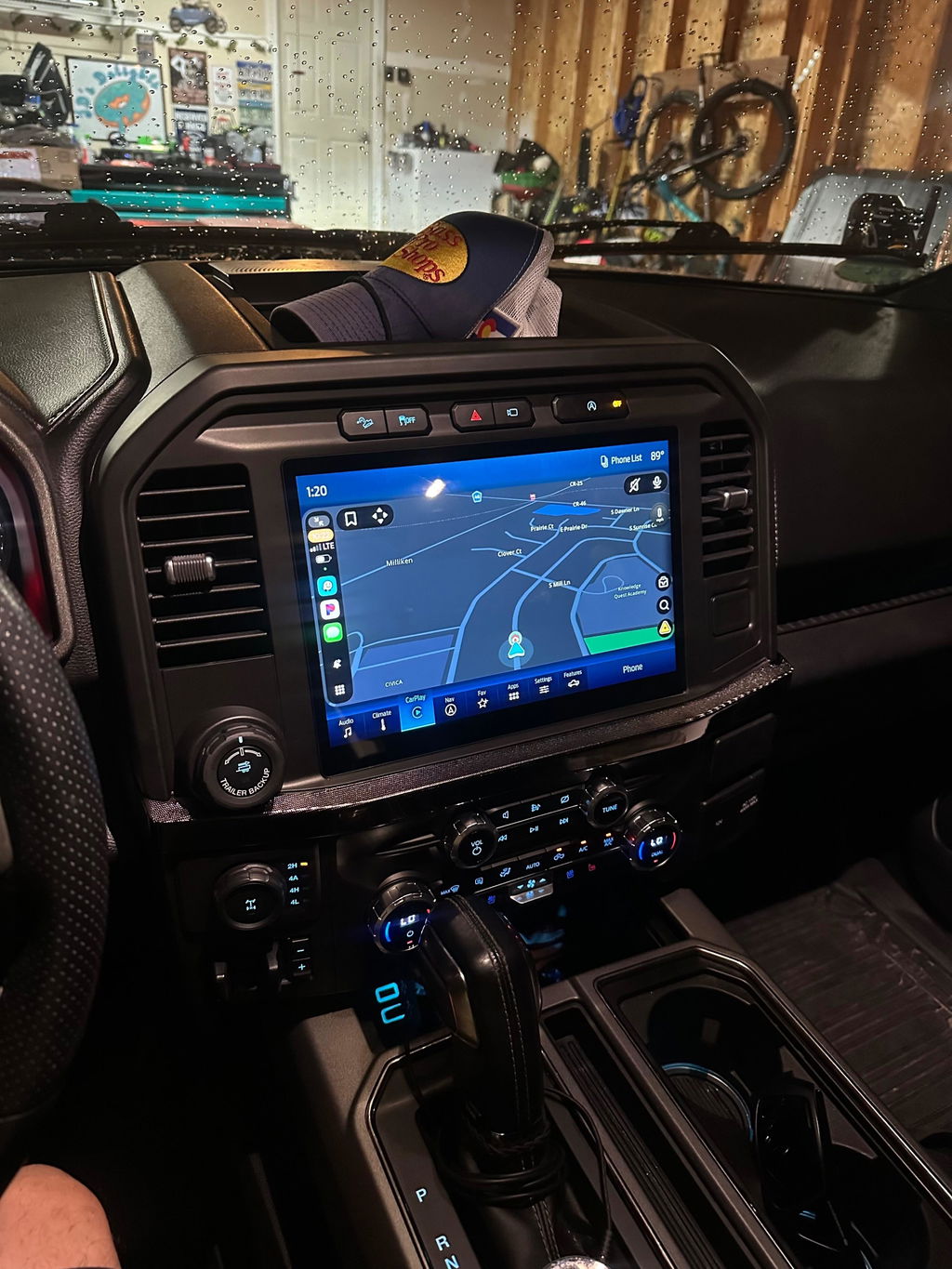
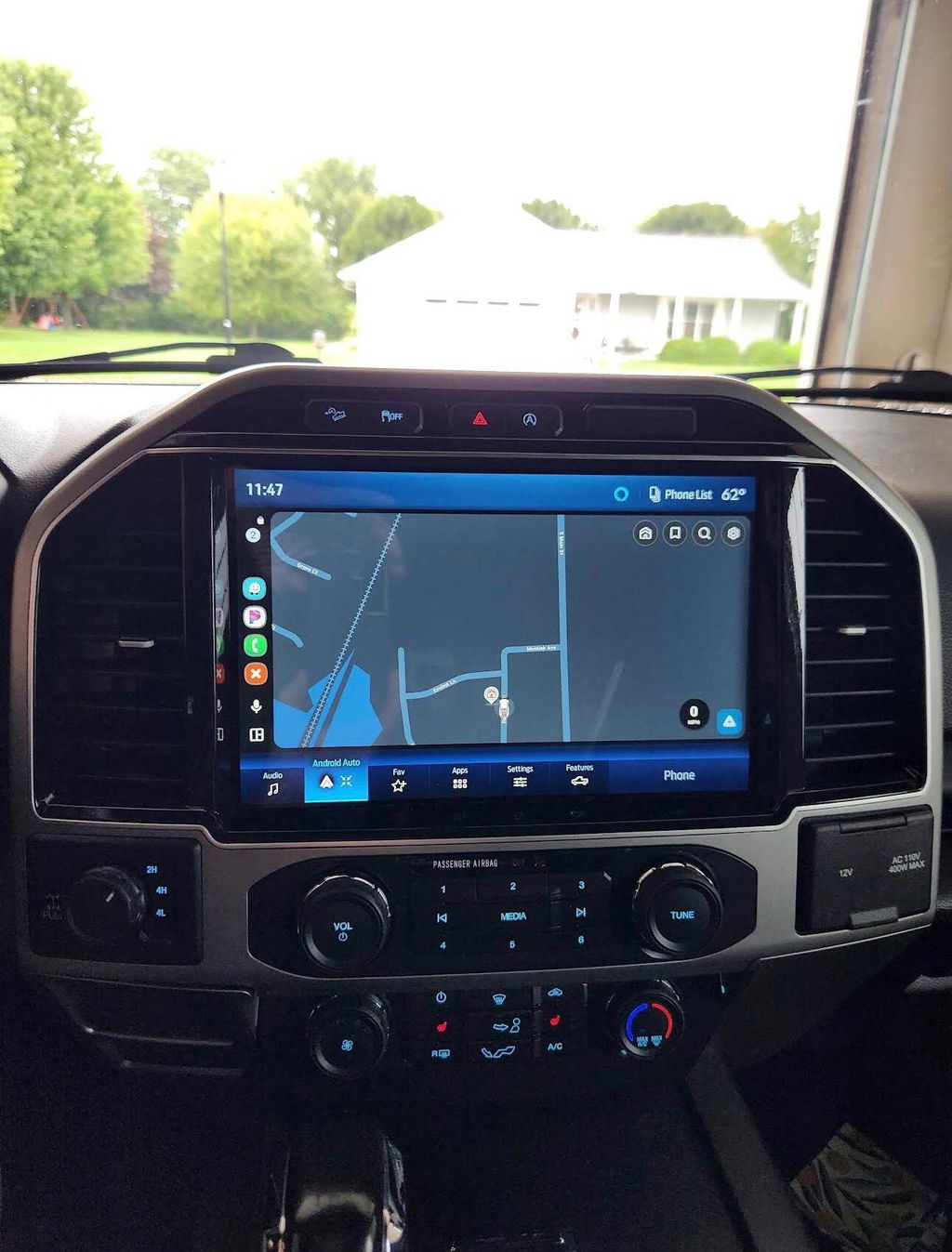
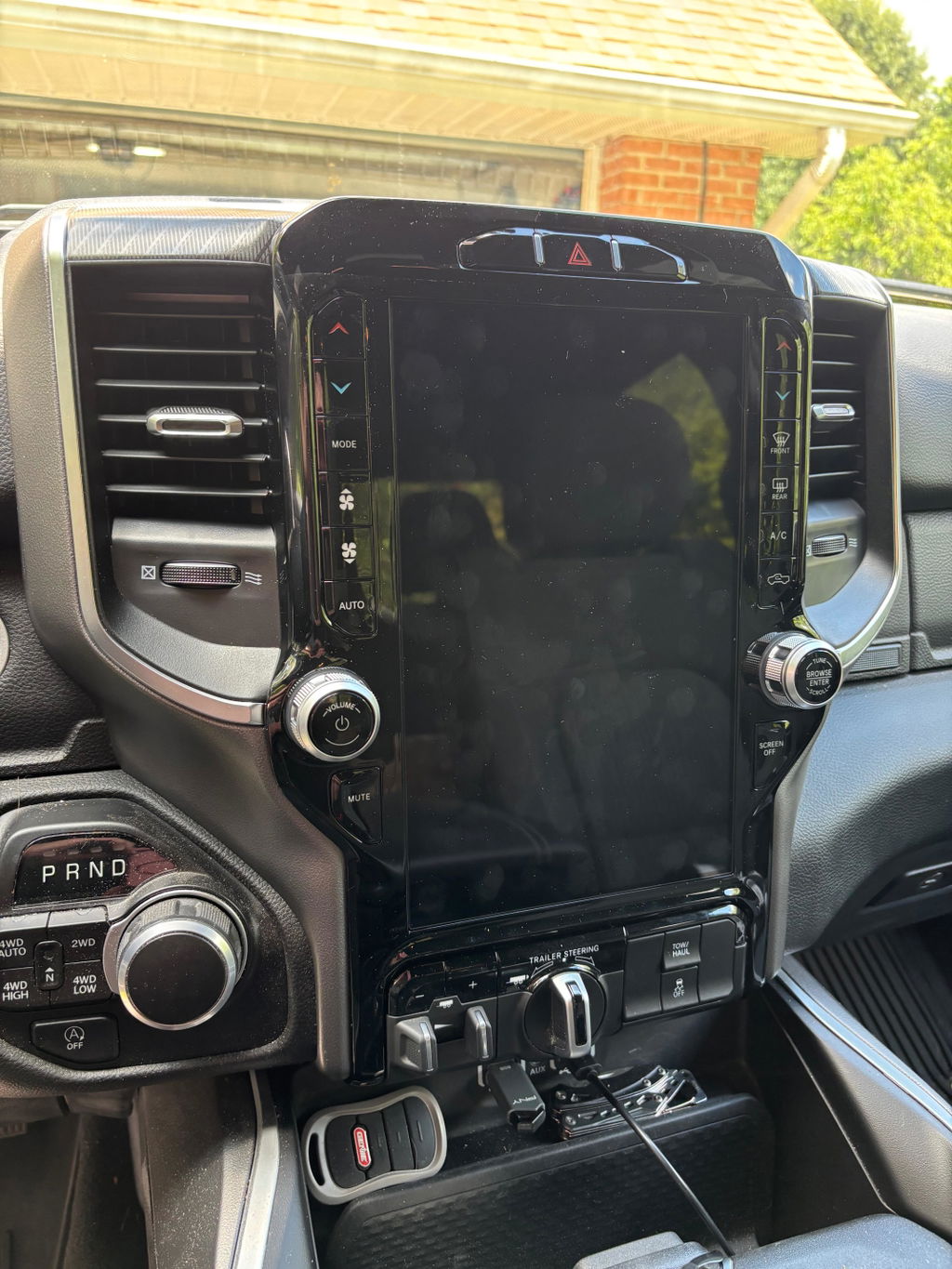
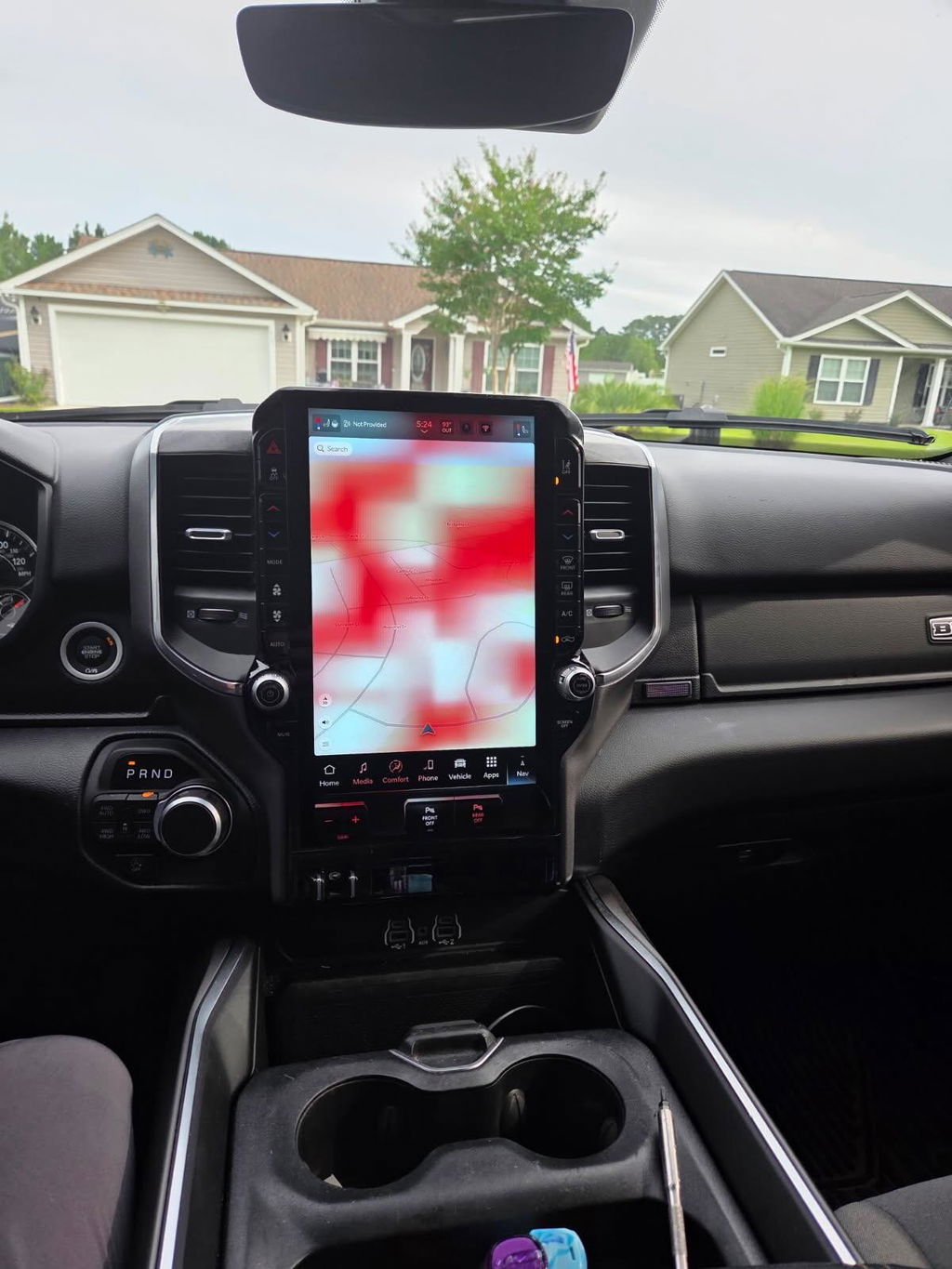
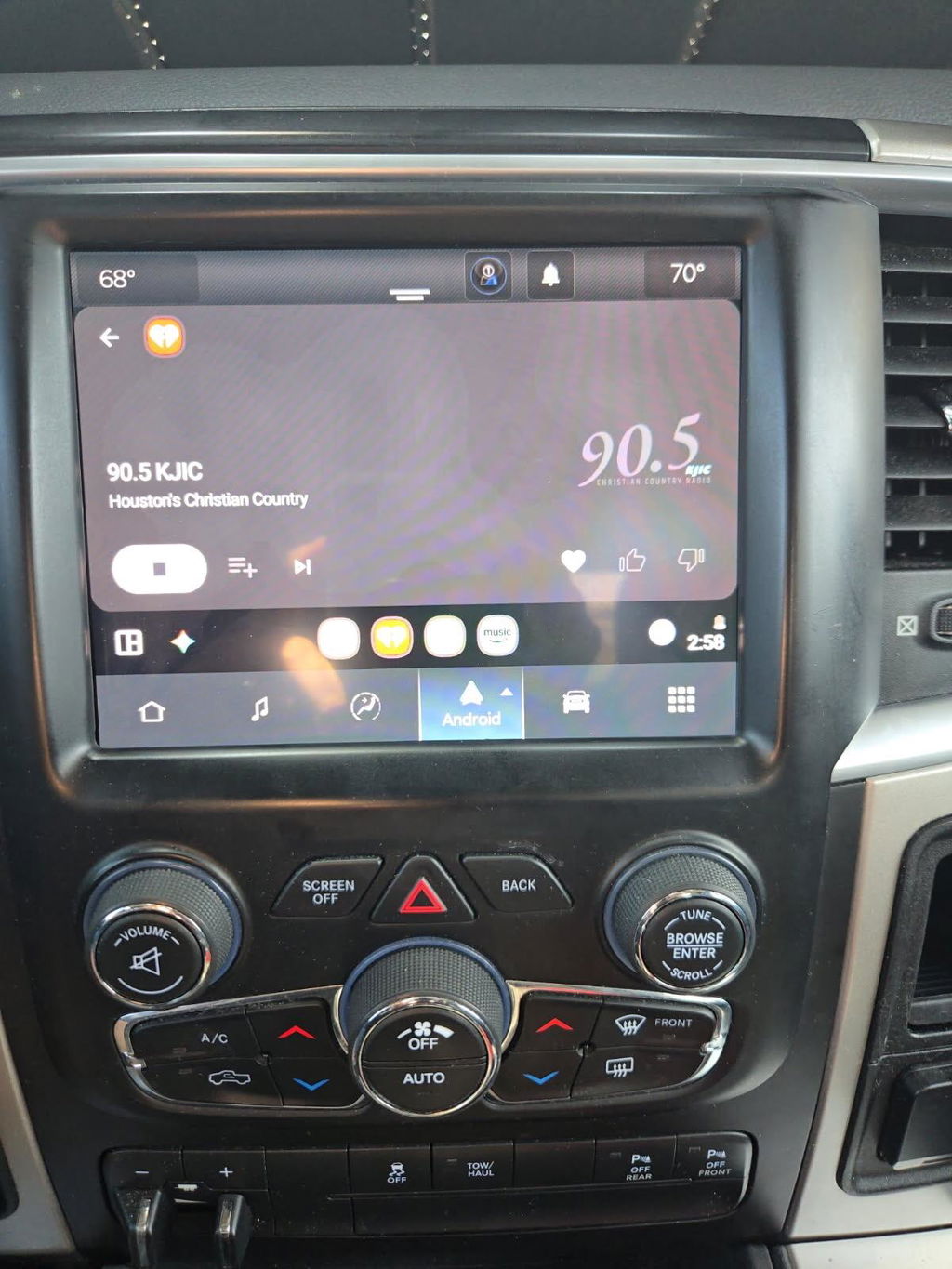
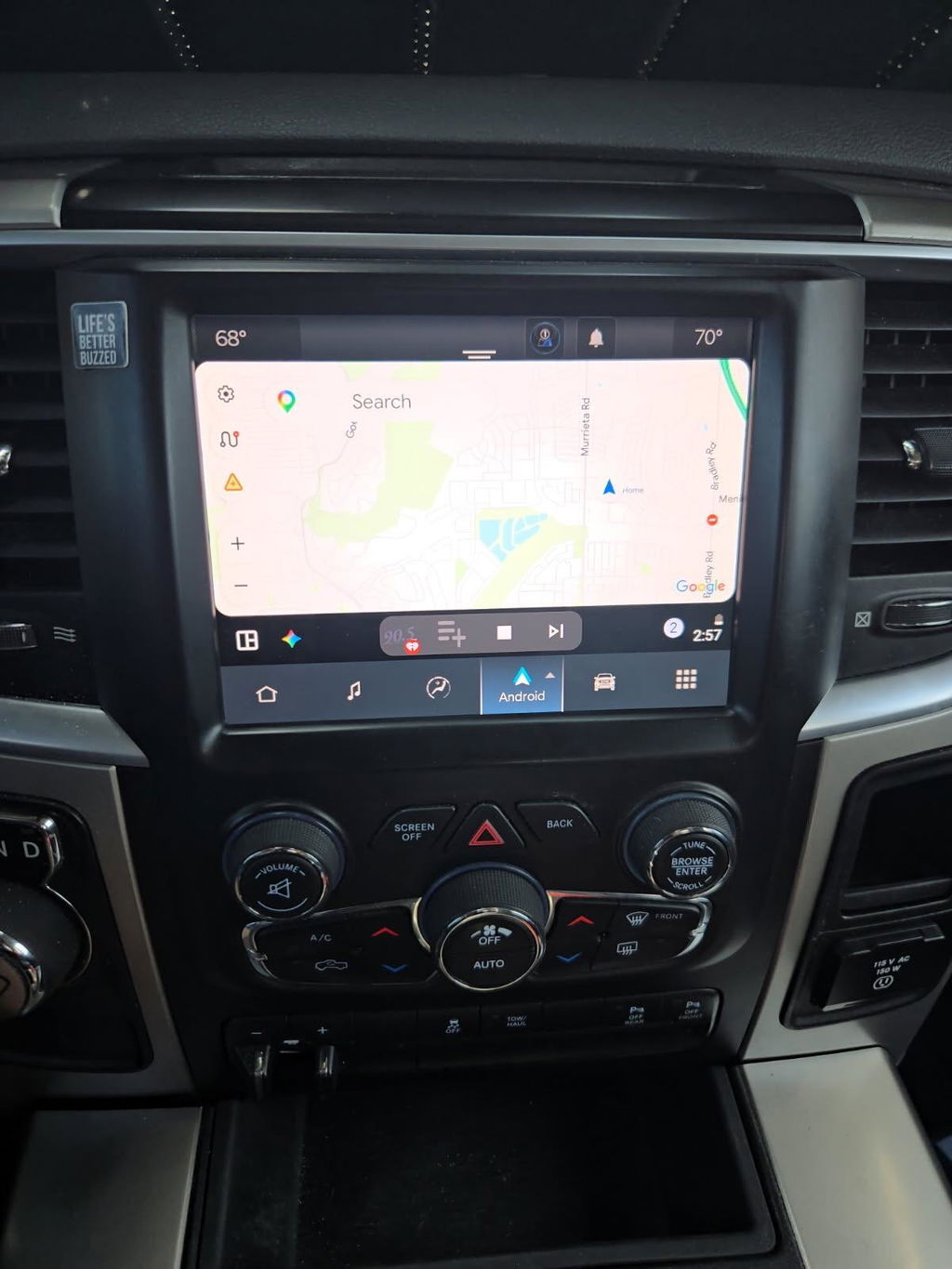
For drivers with an outdated infotainment system, a Uconnect 5 conversion or compatible factory-style screen upgrade can add a more current interface and wireless Apple CarPlay or Android Auto on supported applications. This is a practical upgrade for daily drivers, work trucks, and road-trip vehicles where navigation, calls, music, and apps are used constantly.
A digital cluster kit is a different purchase. It changes the gauge display and can add a premium factory appearance, but compatibility is especially important because the cluster communicates with multiple vehicle systems. Verify exactly what functions are retained, what mileage procedures apply, and whether programming is included or required.
OEM remote start is often the best value when your truck already has compatible equipment but lacks the feature from the factory. The correct kit should be matched to the vehicle's year and system configuration. Do not assume that adding a remote start button or replacement key fob alone activates remote start. The truck may need an authorized feature activation, an antenna module, a hood switch, or programming.
Automatic programmers serve another purpose. They can be the right tool when enabling supported factory features, configuring replacement modules, or completing certain retrofit installations. They are not universal fixes for every warning light or unsupported option. Buy a programmer for a specific supported task, not because it promises vague compatibility.
The OEM Retrofit Buying Guide Checklist
A good purchase decision comes down to confirming a few details before checkout. Match the kit to your exact body style and model year. Confirm your current screen size and trim equipment. Read what is included, especially the bezel, harnesses, hubs, antennas, modules, and programming tools. Then verify what is retained and what may require additional setup.
Pay close attention to wording such as “for trucks with” or “not for vehicles equipped with.” Those notes are often the difference between a direct installation and an incompatible order. Premium audio, 360-degree cameras, commercial upfitter equipment, and export-market features can change the parts required.
If a product listing asks for a VIN, current radio photo, or vehicle option details, that is a positive sign. It shows the seller is working to verify fitment rather than treating every truck within a broad year range as identical. DD Offroad focuses on vehicle-specific OEM upgrade solutions for this reason: fitment is not a detail to handle after purchase.
Ask these questions before you buy
Can the kit retain your backup camera and steering-wheel controls? Does it support your current audio system? Is programming included, required, or optional? Will you need to send in a module, use a programmer, or visit a qualified installer? Finally, does the package include the parts needed for your specific truck, not simply the primary display or module?
Clear answers to these questions are more valuable than a low price on an incomplete component. Competitive pricing matters, but so does avoiding a second order for a missing harness or an incompatible screen.
Plan for Installation Before the Parts Arrive
Many OEM upgrade kits are designed to minimize installation complexity, but “plug and play” does not mean “no preparation.” Set aside enough time to remove trim carefully, protect interior panels, disconnect the battery when instructed, and organize hardware as it comes out. A plastic trim tool, basic hand tools, and a clean work area go a long way.
Read the included instructions before disassembly. This lets you identify whether a module must be transferred, whether the old screen or radio needs to be returned, and whether programming must happen before or after the new parts are installed. If a procedure calls for a stable battery voltage, do not skip that step. Low voltage during module configuration can create problems that have nothing to do with the quality of the kit.
Professional installation is worth considering if your truck has premium audio, advanced camera systems, fleet equipment, or if you are not comfortable removing dash components. The best installer is not necessarily the one who installs the most stereos. Look for someone familiar with late-model Ram or Ford electrical systems and OEM module configuration.
Avoid the Cheap-Parts Trap
A low-cost used screen, cluster, or remote-start component may look like the same part in photos. What the listing may not show is the donor configuration, software condition, included accessories, lock status, or damage to connectors. Factory electronics are part of a network, not standalone accessories.
This is where complete OEM retrofit kits earn their value. They are built around application-specific compatibility, with the supporting pieces that turn a factory component into a functional upgrade. Free shipping and a competitive price are useful, but the real savings come from getting the correct solution the first time.
Buy the upgrade that matches the truck you own today, including its options and electrical architecture. When the kit is right, the result should feel like a factory feature your truck should have had from the start.