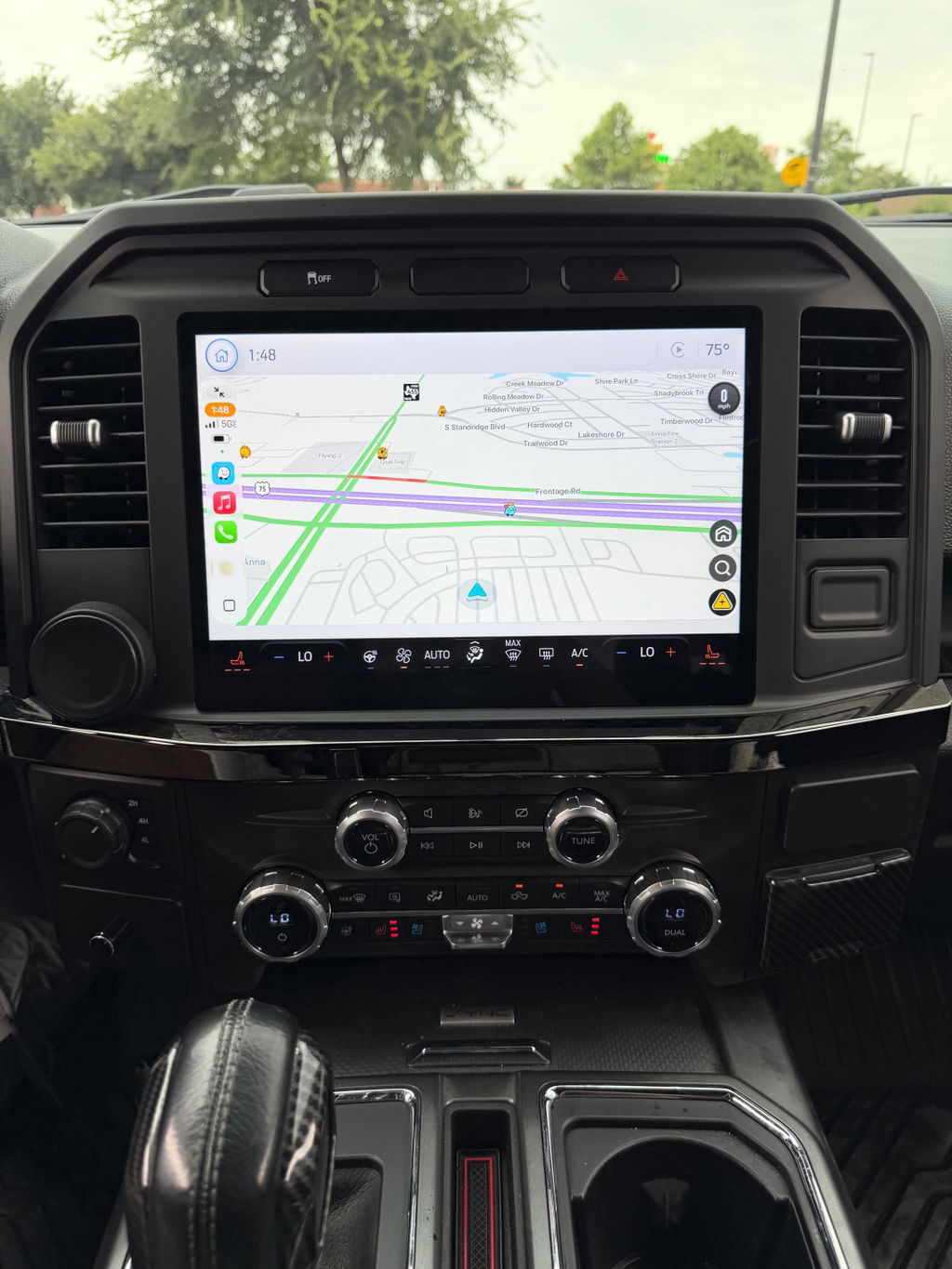
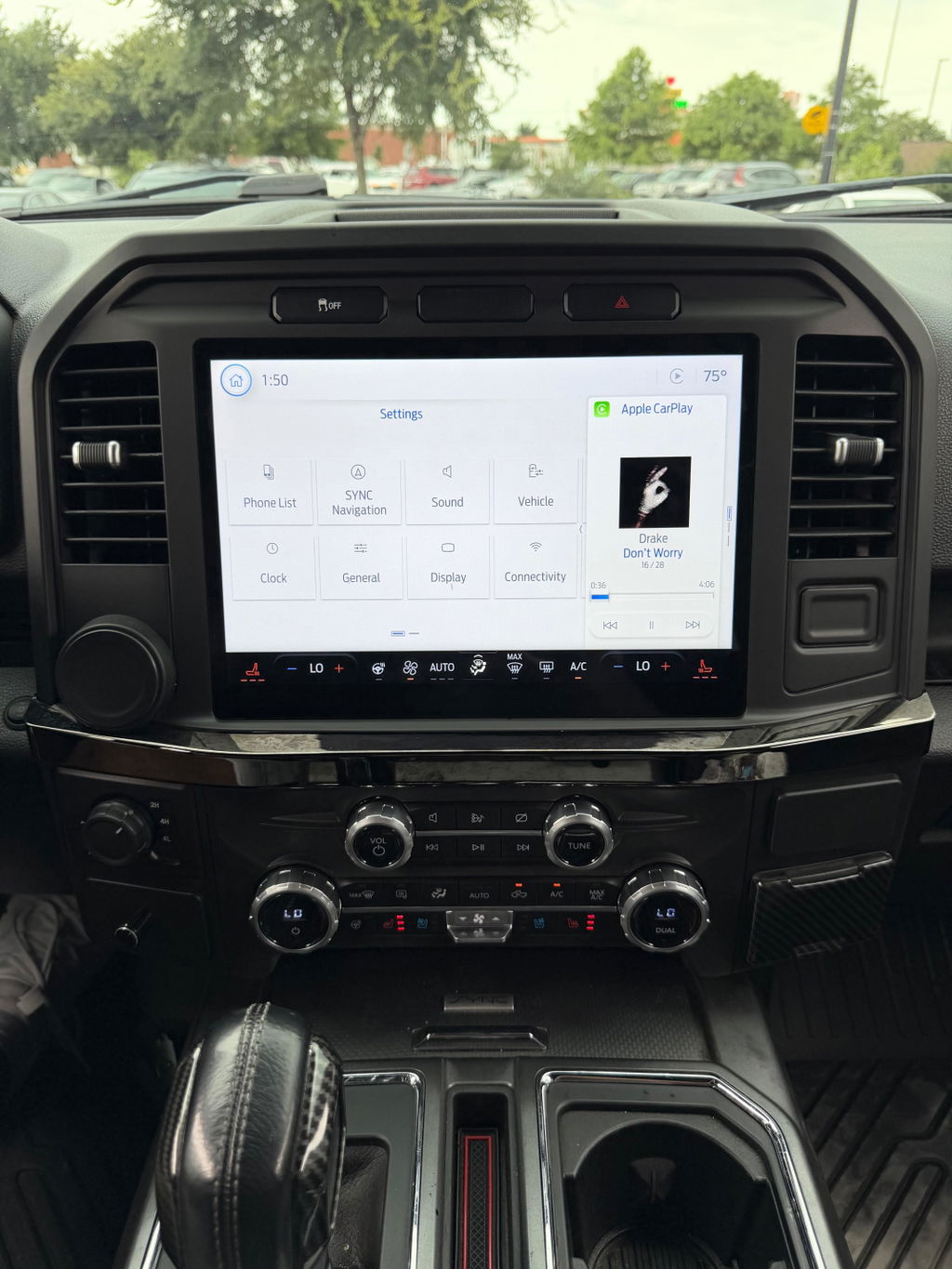
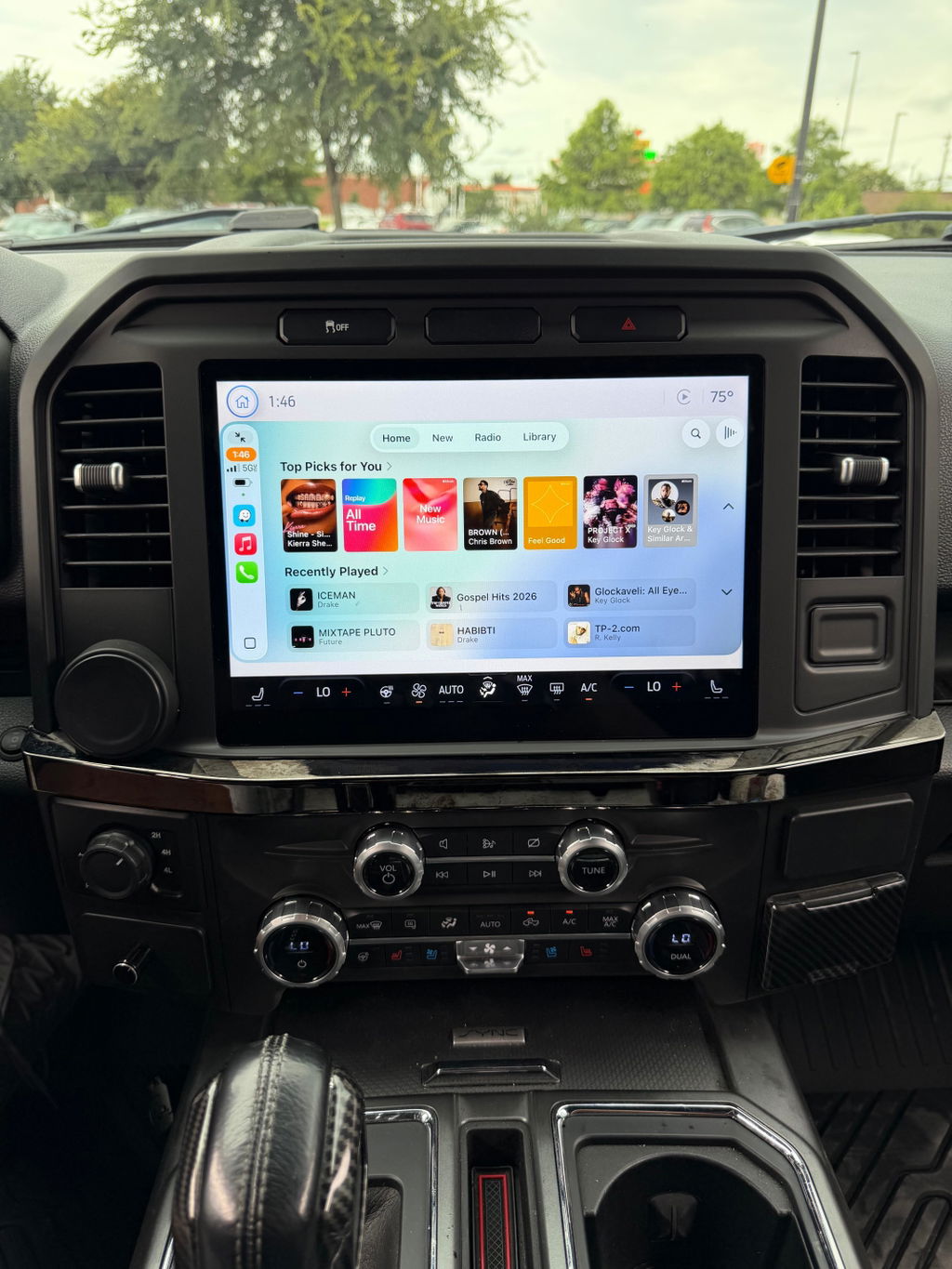
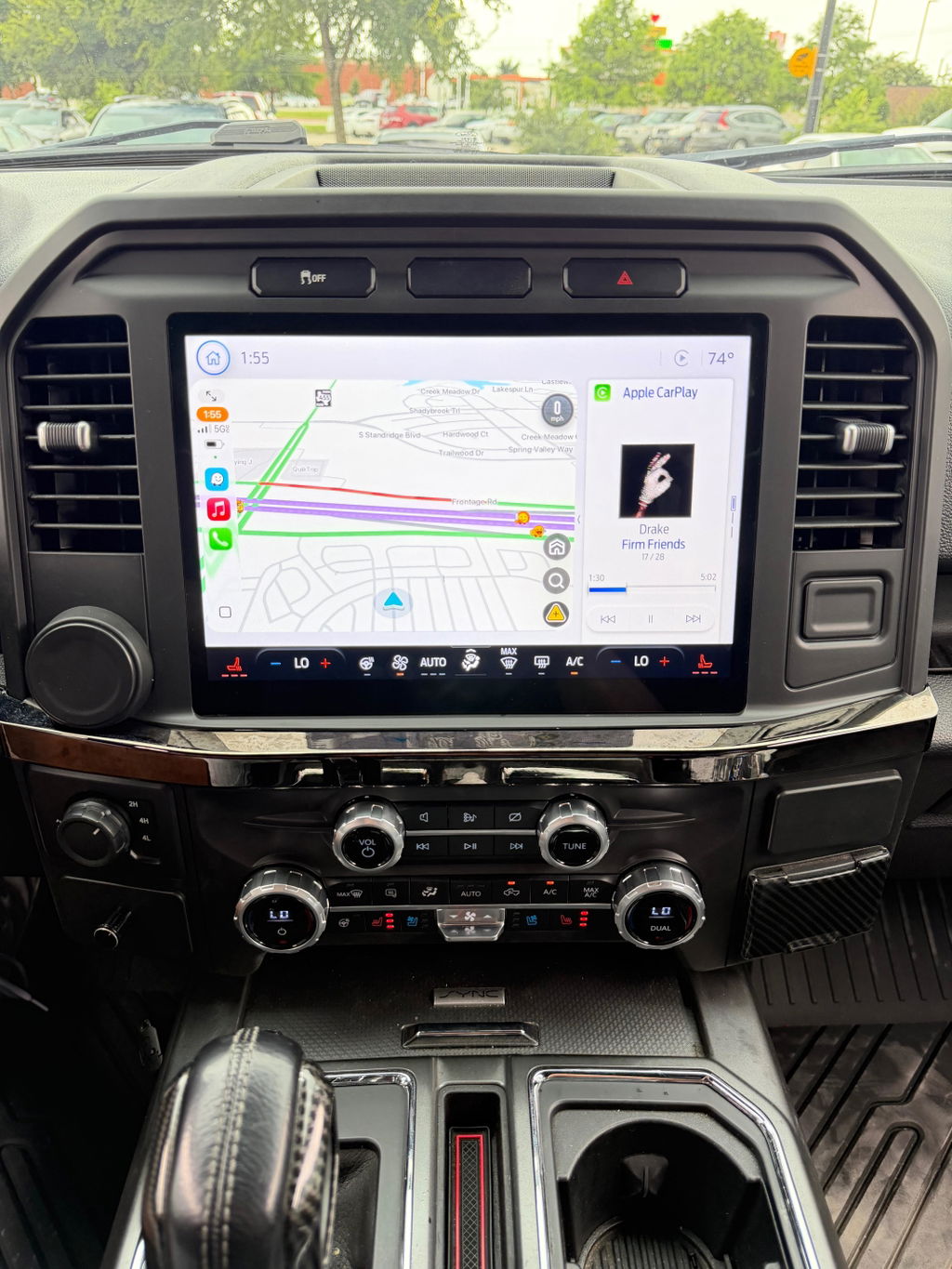
How to Retrofit Ram Uconnect Screen Right
Share
A small factory screen gets old fast when you rely on your truck every day. If you are researching how to retrofit Ram Uconnect screen upgrades, the real question is not just whether it can be done - it is whether you can do it without losing factory features, chasing wiring problems, or ending up with a setup that looks out of place in the dash.
That is where most Ram owners split into two groups. One group wants the biggest screen possible and starts piecing together random parts. The other wants an upgrade that works like the truck should have come that way from the factory. If you care about clean fitment, OEM functionality, and predictable installation, the second approach is usually the better one.
How to Retrofit Ram Uconnect Screen Without Guesswork
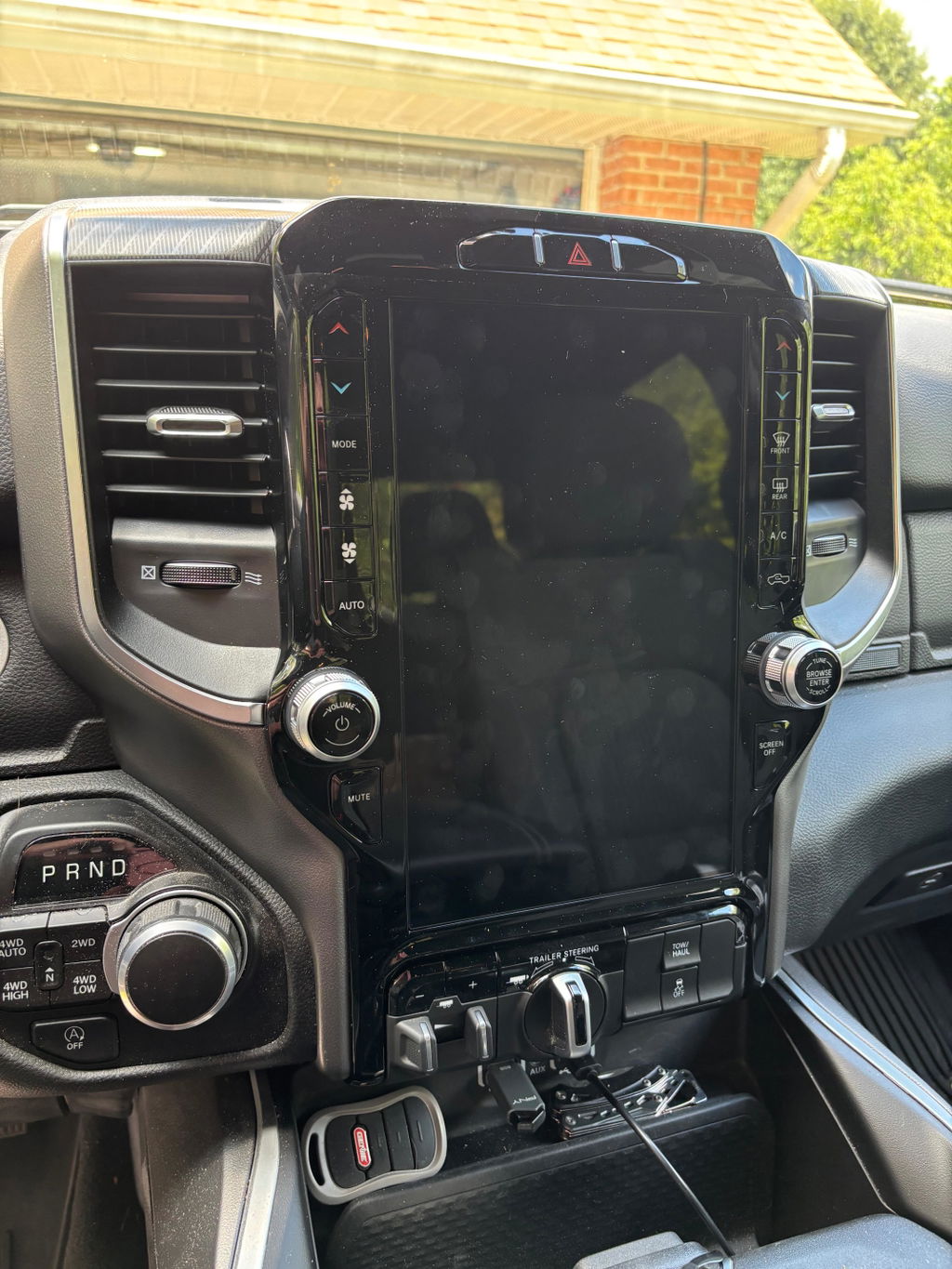
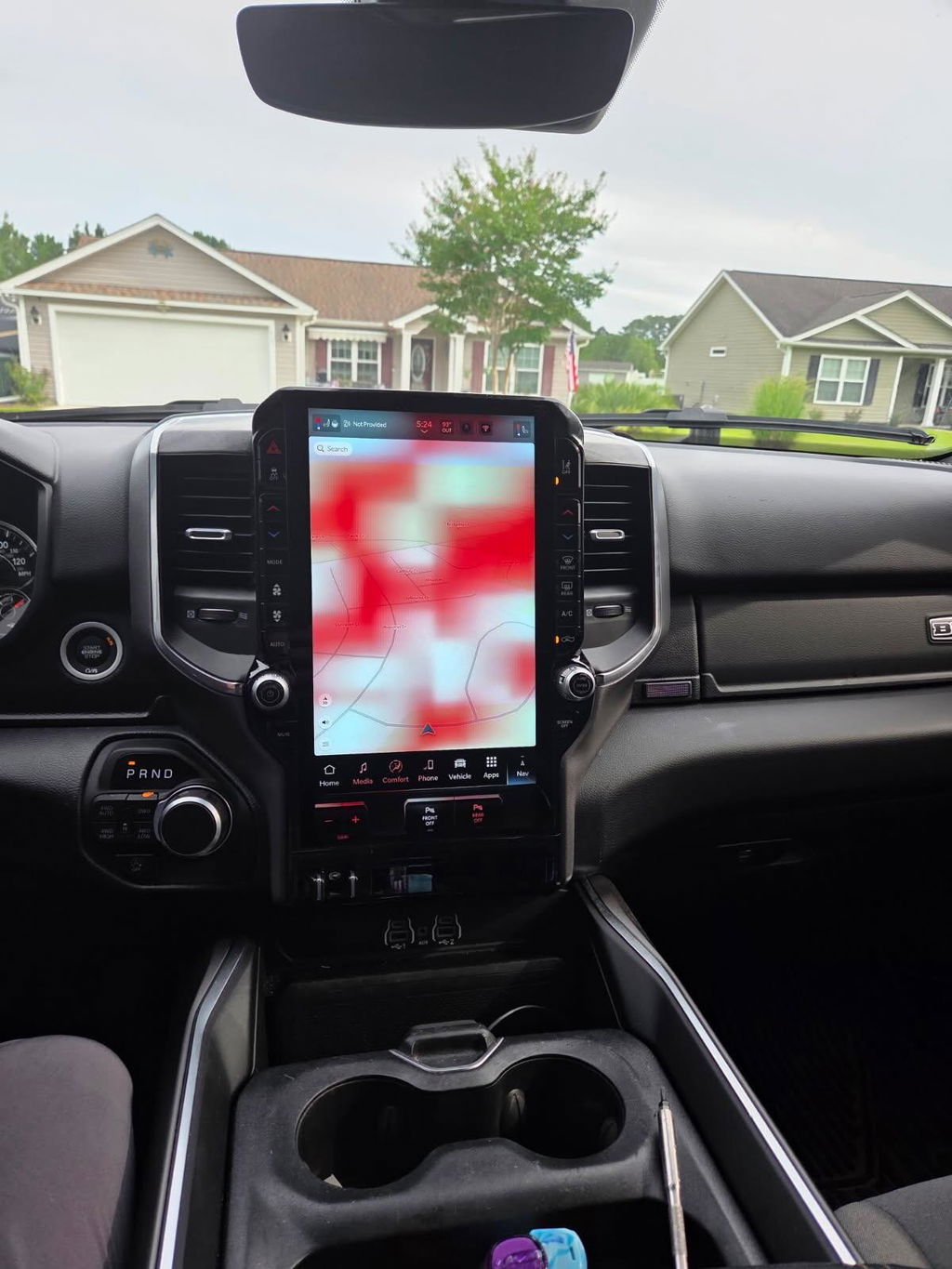
Retrofitting a Ram Uconnect screen is not the same as swapping in a generic aftermarket radio. On most Ram trucks, the screen, radio module, HVAC controls, media hub, bezel, and vehicle programming all have to work together. The exact parts you need depend on your truck's year, trim, original screen size, and which Uconnect system it came with from the factory.
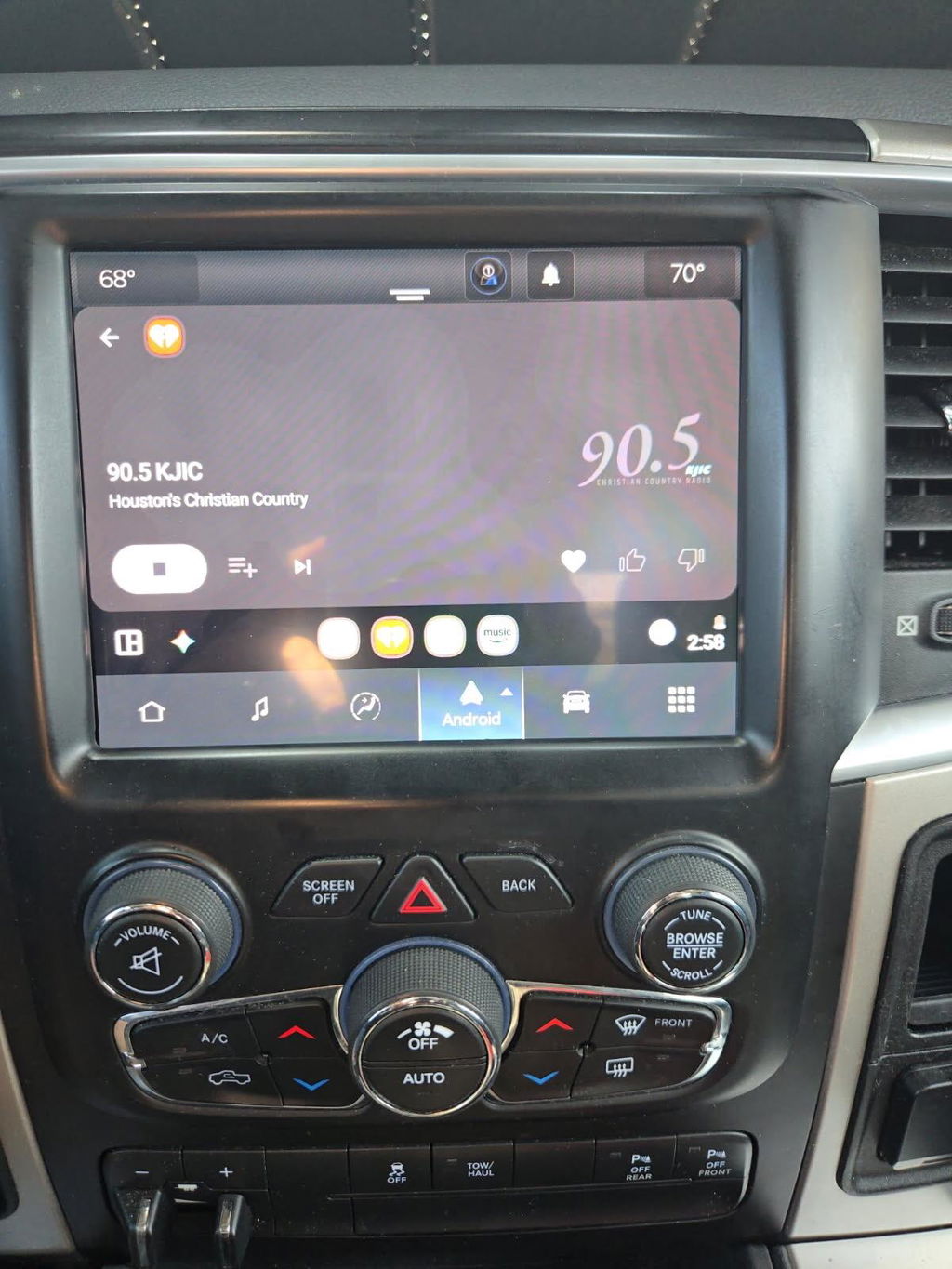
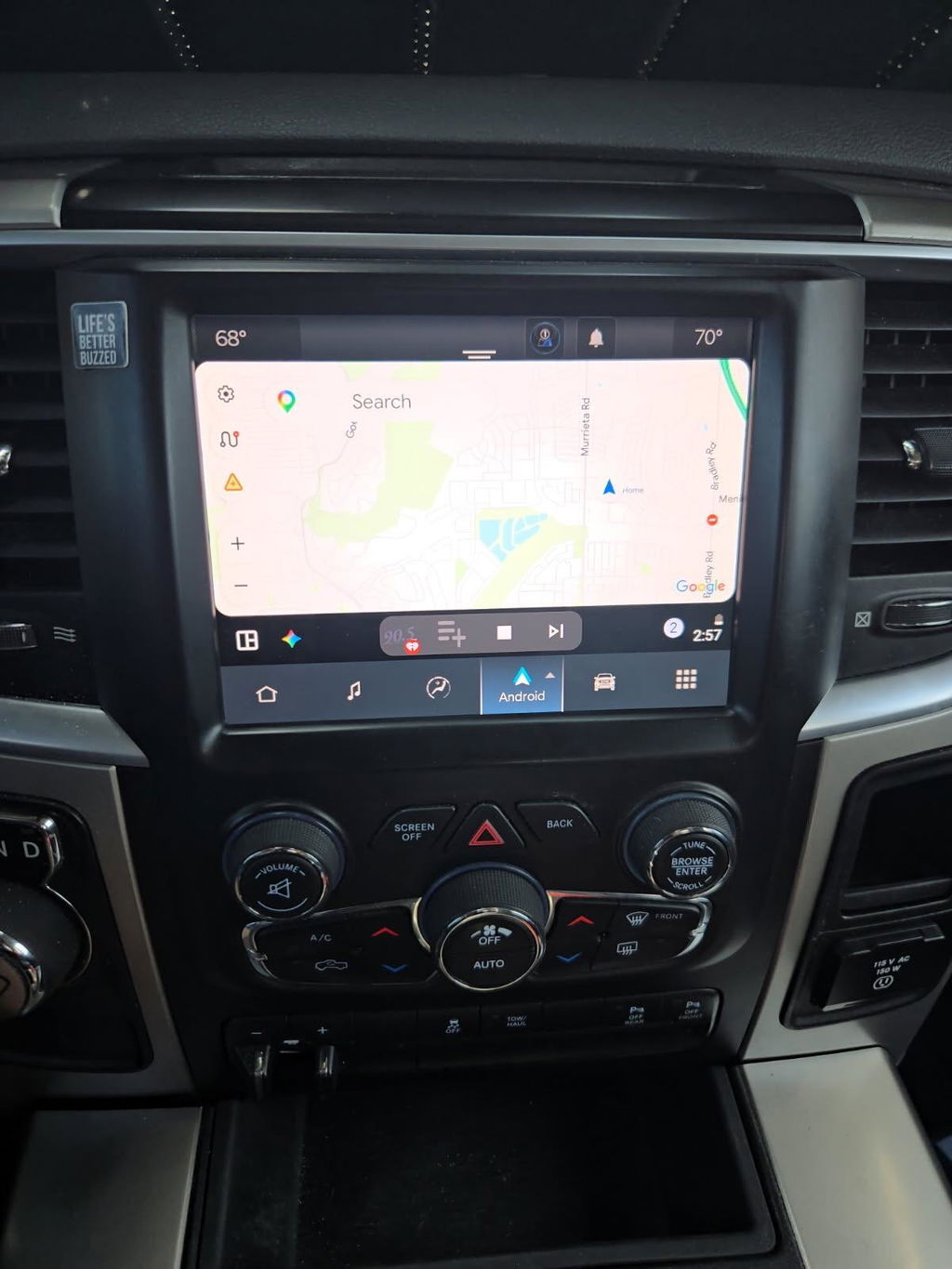
For example, moving from a basic 5-inch setup to an 8.4-inch or newer Uconnect 5 screen is often possible, but it is rarely a one-part install. Some trucks need a replacement bezel to match the larger screen. Others need conversion harnesses, updated USB ports, or programming to retain backup camera, steering wheel controls, heated seat controls, or factory climate functions. The cleanest retrofits are usually vehicle-specific kits built around OEM components rather than universal parts.
That matters because Ram interiors are integrated. If the truck uses the screen to control comfort settings, performance pages, trailer settings, or camera inputs, you cannot treat the display like a standalone tablet. A proper retrofit keeps the truck talking to the screen the way it was designed to.
Start With Fitment, Not Screen Size
The first mistake most owners make is shopping by screen size alone. Bigger looks better, but fitment comes first.
Before buying anything, confirm your truck's model year, generation, trim level, existing radio code, and whether it has features tied into the screen. A Ram 1500 Classic and a newer body-style Ram 1500 may both be called a Ram 1500, but the infotainment architecture can be very different. The same goes for Heavy Duty trucks, where trim packages and factory options can change what is plug and play and what is not.
You also need to know what you want from the upgrade. Some owners just want a larger factory-style display. Others want wireless Apple CarPlay, Android Auto, improved response time, factory navigation, or a newer interface. Those goals affect which retrofit path makes sense.
If you already have an 8.4-inch Uconnect system, the upgrade path may be more about newer software and features than a major hardware conversion. If your truck has a base radio, the project is usually more involved because you are adding both hardware and integration.
OEM-Based Kits vs Pieced-Together Parts
If your goal is reliability, this is where the decision gets easy. An OEM-based, plug-and-play kit usually saves time, reduces install risk, and gives you a better final result than sourcing parts one by one.
A pieced-together retrofit can look cheaper at first. Then you start adding the correct bezel, radio module, harness adapters, USB hub, antenna adapters, security bypasses, and programming support. Suddenly the savings disappear, and you are still gambling on whether every part came from a compatible donor vehicle.
OEM-based kits are built around known fitment. That is a big deal on Ram trucks because compatibility is not just physical. It is electronic. A screen from the wrong year range may power up but fail to communicate correctly with the truck. Climate pages may not work right. Camera inputs may disappear. Audio settings may be limited. In some cases, the truck can throw faults or disable certain functions until the system is properly configured.
That is why the better retrofit is usually not the one with the longest parts list. It is the one with the fewest unknowns.
What Parts Are Usually Required
The exact bill of materials depends on the truck, but most Ram screen retrofits involve more than just the display itself.
In many cases, you will need the screen and radio assembly, the correct dash bezel for that screen size, and a vehicle-specific harness or conversion harness. Some upgrades also require a newer media hub if you want full smartphone integration. If your truck uses factory satellite radio, navigation, backup camera, or integrated comfort controls, those systems may require additional retention components or programming support.
Programming is the part many buyers overlook. A modern Ram infotainment upgrade often needs the truck's configuration updated so the new hardware is recognized correctly. This is not guesswork work. It is part of making the retrofit function like OEM. Skip it, and the install may technically power on but still fall short where it matters.
Installation: Easier Than Custom Audio, Still Not Casual
A properly designed plug-and-play kit makes installation much more straightforward, but this is still a dashboard electronics job. You are removing trim, disconnecting factory components, routing harnesses, and reinstalling parts that need to sit correctly and operate like stock.
On most Ram trucks, the physical install is not the hardest part. The challenge is making sure every connector, module, and setting matches the truck's factory configuration. That is why owners with moderate mechanical ability can often handle the install, while owners who want zero hassle may still prefer a professional installer.
There is no shame in that. If your truck is a daily driver, downtime matters. If your trim level includes a lot of integrated features, paying for a clean install can be worth it.
That said, a true plug-and-play kit is a very different experience from trying to adapt a universal head unit. You are not cutting the dash apart, inventing mounting solutions, or trying to force the truck to accept non-factory electronics. You are installing components designed to work within the Ram platform.
Common Problems to Avoid
How to Retrofit Ram Uconnect Screen and Keep Factory Features
The biggest risk in any retrofit is losing the features you use every day. On a Ram, that can include steering wheel controls, backup camera, factory amplifier function, heated and ventilated seat menus, trailer settings, cargo camera access, and HVAC controls.
This is where cheap parts and incomplete kits create problems. A screen may fit physically but fail to support the truck's original equipment. Or it may support some features while dropping others. A lot of frustration comes from buyers assuming any Uconnect screen from any Ram is interchangeable. It is not.
Another common issue is cosmetic mismatch. Wrong bezels, wrong finish, wrong mounting points, or poor panel alignment can make an expensive upgrade look like an afterthought. Factory-style fit should not be optional. It is part of the value.
Then there is software. If the radio is locked, mismatched, or not properly programmed for the VIN and feature set, you can end up with a screen that boots but does not function fully. This is one reason DD Offroad and similar vehicle-specific suppliers focus heavily on exact-fit solutions instead of generic electronics.
Is It Worth Upgrading to a Newer Uconnect System?
For most owners, yes - if the upgrade matches how they use the truck.
If you spend a lot of time behind the wheel, a larger OEM-style screen changes the cabin more than most bolt-on mods. Better visibility, quicker access to controls, smartphone integration, and a more current interface all improve daily use. On work trucks and travel rigs, that convenience adds up fast.
But there are trade-offs. If your truck already has a decent factory setup and you only want Bluetooth audio, a full retrofit may be more than you need. If you want every modern feature and factory-style integration, it makes much more sense. The value depends on where you are starting and how clean you want the final result to be.
Resale can also factor in. A properly installed OEM-based screen upgrade usually looks more credible to the next buyer than a universal aftermarket unit. It keeps the interior closer to factory, which matters on trucks where fit and function hold value.
The Best Retrofit Approach for Most Ram Owners
If you want the shortest path to a working upgrade, buy for your exact truck, not for the lowest price or biggest screen photo. Confirm year, trim, original radio setup, and feature requirements first. Then choose an OEM-based, plug-and-play kit that accounts for harnessing, bezel fitment, and programming.
That approach is not always the cheapest on day one, but it is usually the cheapest way to avoid doing the job twice. Ram trucks respond well to factory-style infotainment upgrades when the parts actually belong together.
A good retrofit should feel boring in the best way. The screen turns on, the menus make sense, the camera works, the controls respond, and nothing looks hacked together. That is the standard worth aiming for when you upgrade the center of the truck you drive every day.
If you are planning the project now, slow down long enough to get fitment right. The right kit makes the install easier, but more importantly, it makes the truck feel right every time you start it.