Uconnect 5 Compatibility Guide for OEM Upgrades
Share
A lot of Uconnect 5 upgrade problems start the same way - the screen looks right, the price looks right, and the seller says it fits "your truck." Then the climate controls don’t display correctly, the backup camera won’t behave, or key features never initialize. This uconnect 5 compatibility guide is built to help you avoid that mess and figure out what actually matters before you buy.
If you drive a Ram, Dodge, Jeep, or Chrysler platform and want a factory-style infotainment upgrade, compatibility is more than screen size. Uconnect 5 systems are tied to model year, trim-level electronics, radio architecture, bezel layout, camera configuration, and sometimes VIN-specific programming requirements. That is why a true plug-and-play result depends on matching the system to the vehicle, not just the dashboard opening.
What the Uconnect 5 compatibility guide really means
Most buyers hear "compatible" and assume the unit will power on and fit in the dash. That is the lowest bar. Real compatibility means the upgraded system works with the truck’s existing modules and retains the features you care about, whether that is steering wheel controls, factory backup camera, heated seat menus, performance pages, park assist visuals, or OEM microphone and amplifier functions.
On late-model Mopar platforms, the radio is part of a larger network. It communicates with body control modules, HVAC controls, telematics hardware, USB hubs, and camera systems. So when you upgrade to Uconnect 5, you are not just replacing a screen. You are installing a newer OEM-based infotainment environment that may need supporting hardware, a correct harness strategy, and proper programming.
That is the difference between a clean OEM upgrade and a generic aftermarket install. One preserves factory integration. The other often adds adapters, workarounds, and compromises.
Which vehicles are most likely to need a Uconnect 5 compatibility guide
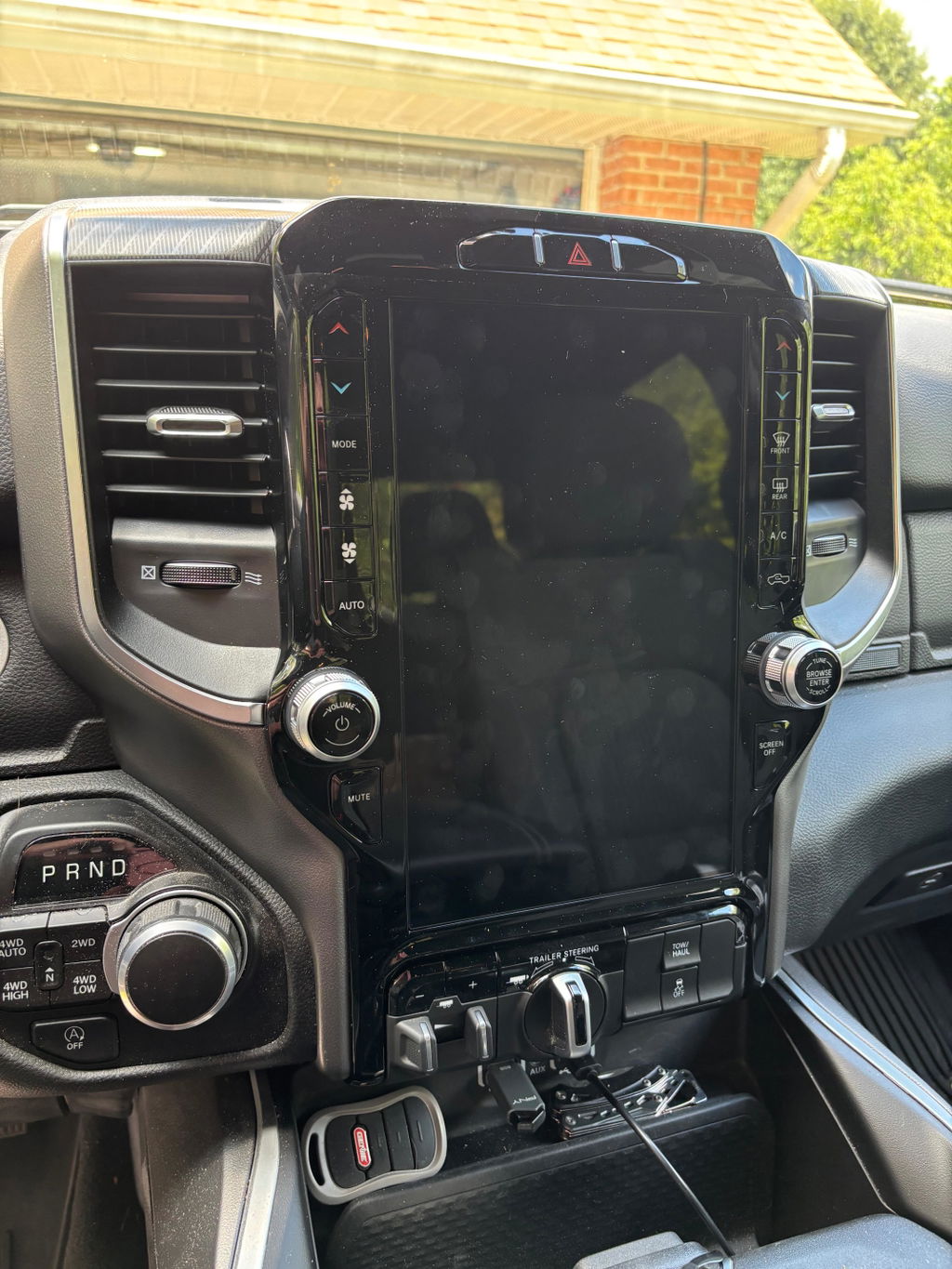
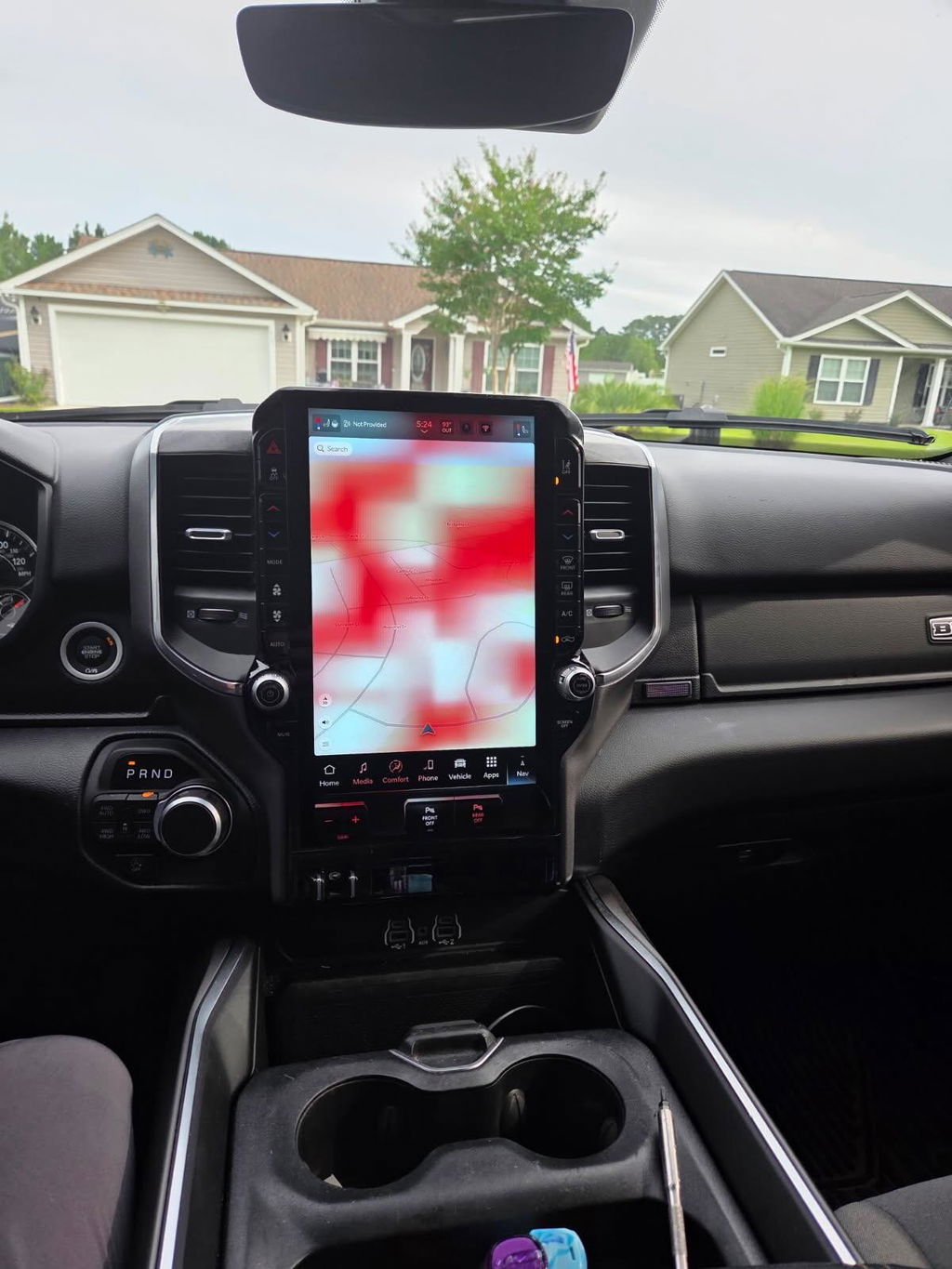
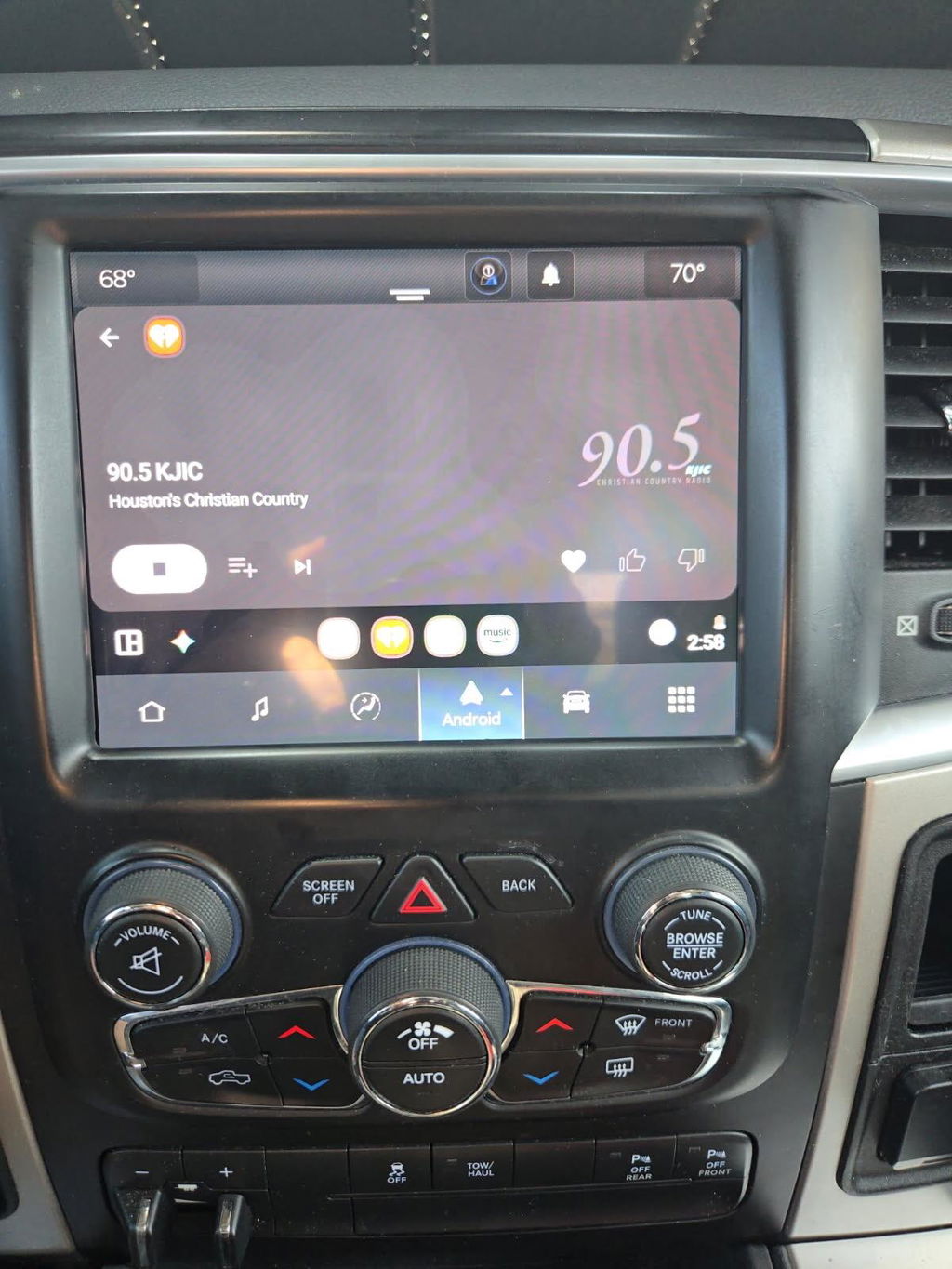
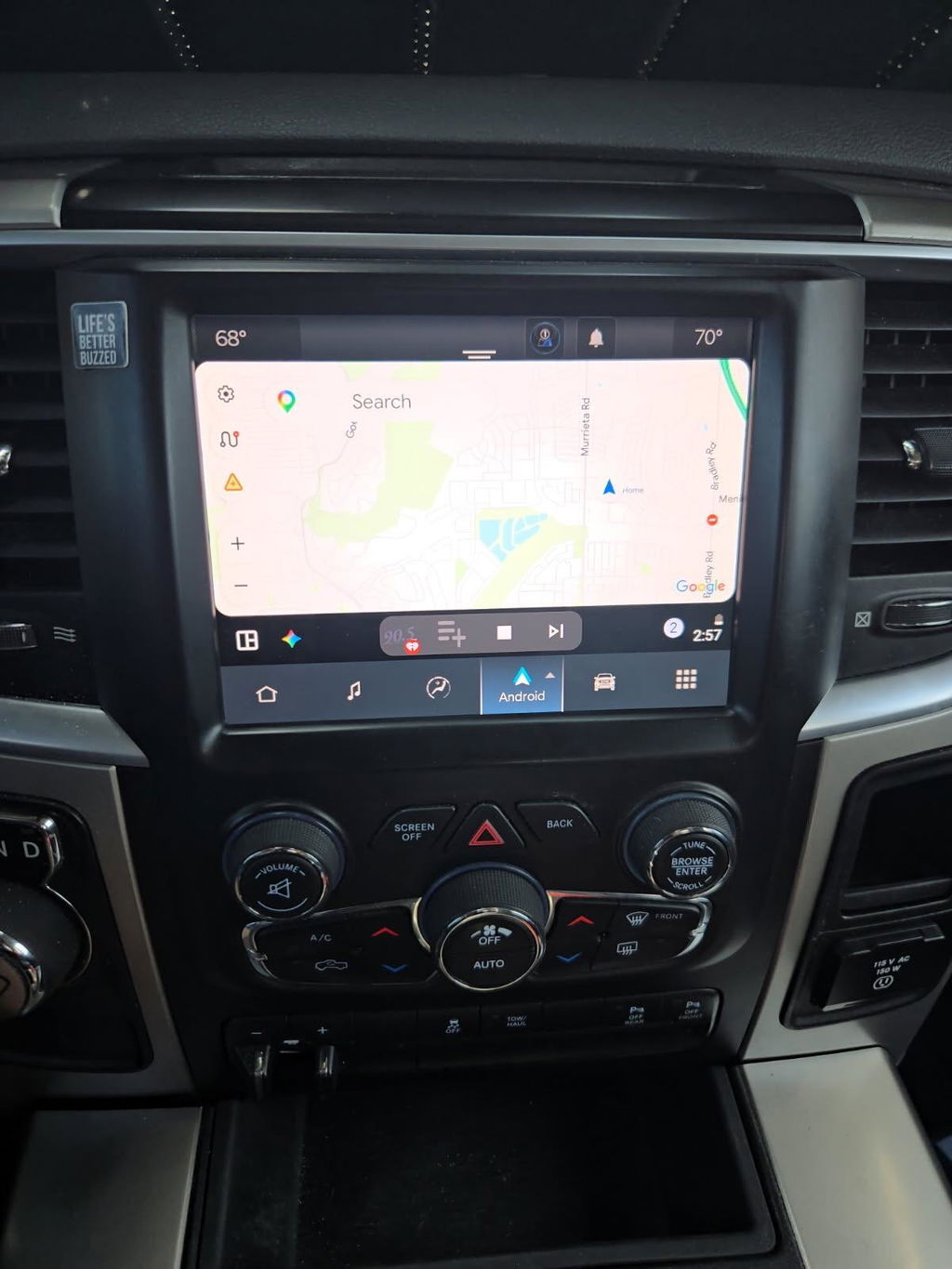
This matters most for owners moving from older Uconnect 3 or Uconnect 4 systems into a newer Uconnect 5 layout. Ram truck owners are the most common example, especially those upgrading to a larger factory-style touchscreen for better visibility, wireless Apple CarPlay, wireless Android Auto, and a more current interface.
The exact answer depends on platform generation. Two trucks that look similar inside can still use different screen mounting, radio modules, or HVAC communication strategies. A 1500 and a Heavy Duty truck may share design language but not identical infotainment architecture. The same issue shows up across Dodge, Jeep, and Chrysler applications too.
If your goal is a factory-style conversion, the safest path is always vehicle-specific fitment by year, trim, and original equipment. That is how you avoid the gray area where some features work and others do not.
Core fitment factors that decide compatibility
Model year and platform generation
This is the first filter, and it eliminates the most mistakes. Uconnect 5 support is not universal across every model year in the same body style. Mid-cycle updates can change connectors, software behavior, and supported features. Even if the dashboard shape stayed the same, the electronics behind it may not have.
That means a unit pulled from one year truck is not automatically a match for another. Buyers who skip this step usually end up chasing programming issues later.
Original screen size and factory radio type
Your starting point matters. A truck that came with a small base screen may need different conversion parts than a truck already equipped with a larger factory touchscreen. In some applications, the upgrade requires more than the display itself. It may also need a compatible media hub, bezel, harnessing, antenna support, or module updates.
This is where OEM-based kits have an advantage. They are built around the actual factory configuration instead of assuming every trim level is wired the same.
Climate control and physical dash layout
On many vehicles, the infotainment screen and climate controls are tightly linked. If the new screen expects digital HVAC integration and the truck uses a different control strategy, that mismatch can create immediate problems. The same goes for dash bezels and physical mounting points.
A screen can be electrically close but still not be a true fit if the trim and controls around it do not match the interior configuration.
Camera and park assist features
Factory backup cameras, surround view systems, cargo cameras, and parking sensors add another layer. Some Uconnect 5 upgrades retain these features cleanly. Others require specific harnessing or are limited by the original vehicle equipment.
If you use towing cameras or rely on factory park guidance, do not treat that as a small detail. It should be confirmed up front.
Amplified audio and premium options
Factory audio systems can change the compatibility picture fast. Standard speakers, Alpine systems, Harman Kardon setups, and other amplified configurations do not always transfer the same way. The radio has to communicate correctly with the amplifier and channel layout.
If you want factory audio behavior without noise, missing channels, or volume issues, this needs to be matched to the original build.
Features people expect from Uconnect 5 - and when it depends
Most buyers are upgrading for the feature jump, and that is reasonable. Uconnect 5 typically brings a cleaner interface, better processing speed, improved screen response, and support for wireless smartphone integration. It can make an older interior feel current without giving up an OEM look.
But feature retention is not automatic just because the hardware is newer. Wireless Apple CarPlay and Android Auto may depend on the correct hub or support hardware. Navigation, SiriusXM behavior, connected services, and telematics can vary by vehicle and by how the system is programmed. Heated and ventilated seat controls, heated wheel menus, and off-road pages also depend on whether the truck originally supported those functions and whether the upgrade kit is designed to retain them.
That is the key trade-off. A Uconnect 5 conversion can deliver a major factory-style improvement, but the best outcome comes from matching expectations to the exact vehicle equipment.
Uconnect 5 compatibility guide for buyers comparing options
There are really two paths in this market. One is buying loose parts from multiple sources and trying to build a conversion yourself. The other is buying a vehicle-specific package built around OEM genuine components, correct harnessing, and known fitment.
The first path can look cheaper at checkout. It often stops looking cheap when you need an extra module, a different bezel, a replacement USB hub, or programming support. It also puts the burden of research on you.
The second path costs more upfront in some cases, but it is usually the cleaner install. For truck owners who want factory integration and predictable results, that matters more than saving a little on a random screen assembly. This is where a specialist retailer like DD Offroad makes more sense than a generic electronics seller. The value is not just the part. It is the fitment confidence.
Questions to answer before you order
Before you buy any Uconnect 5 upgrade, confirm your exact year, make, model, trim, original screen size, factory audio package, and camera setup. Also confirm whether your truck has features you expect to retain through the screen, such as heated seats, tow camera views, park assist, or navigation.
Then ask the practical questions buyers skip. Does the kit include the bezel and conversion harnessing? Is programming already handled, or will additional setup be required after install? Is it designed around your original equipment, or is it a universal-style package with adapters? Those answers tell you a lot about how smooth the install will be.
If the seller cannot clearly explain fitment, feature retention, and what is included, that is usually your answer.
The biggest mistake with Uconnect 5 upgrades
The biggest mistake is treating infotainment like a cosmetic part. It is not the same as swapping a grille or set of wheels. The radio is part of the truck’s electronics network, and compatibility issues show up in real-world use, not just on the bench.
That is why the best upgrade is not the cheapest screen or the one with the flashiest listing. It is the one matched to your truck, your factory equipment, and the features you actually use every day.
A good Uconnect 5 upgrade should feel like it belonged there from the start. If you approach fitment that way, you will save time, avoid return headaches, and end up with an interior upgrade that works like OEM should.