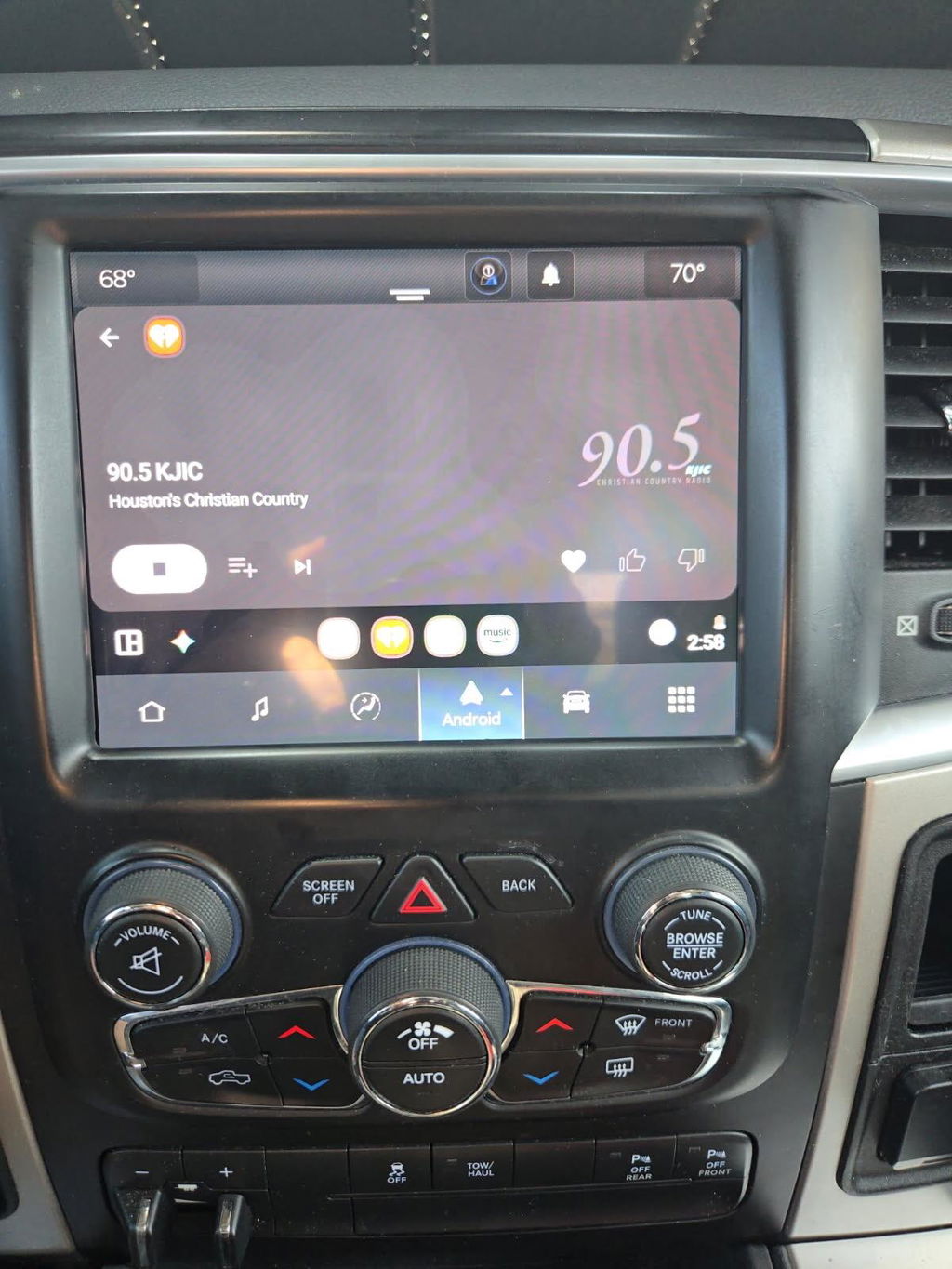
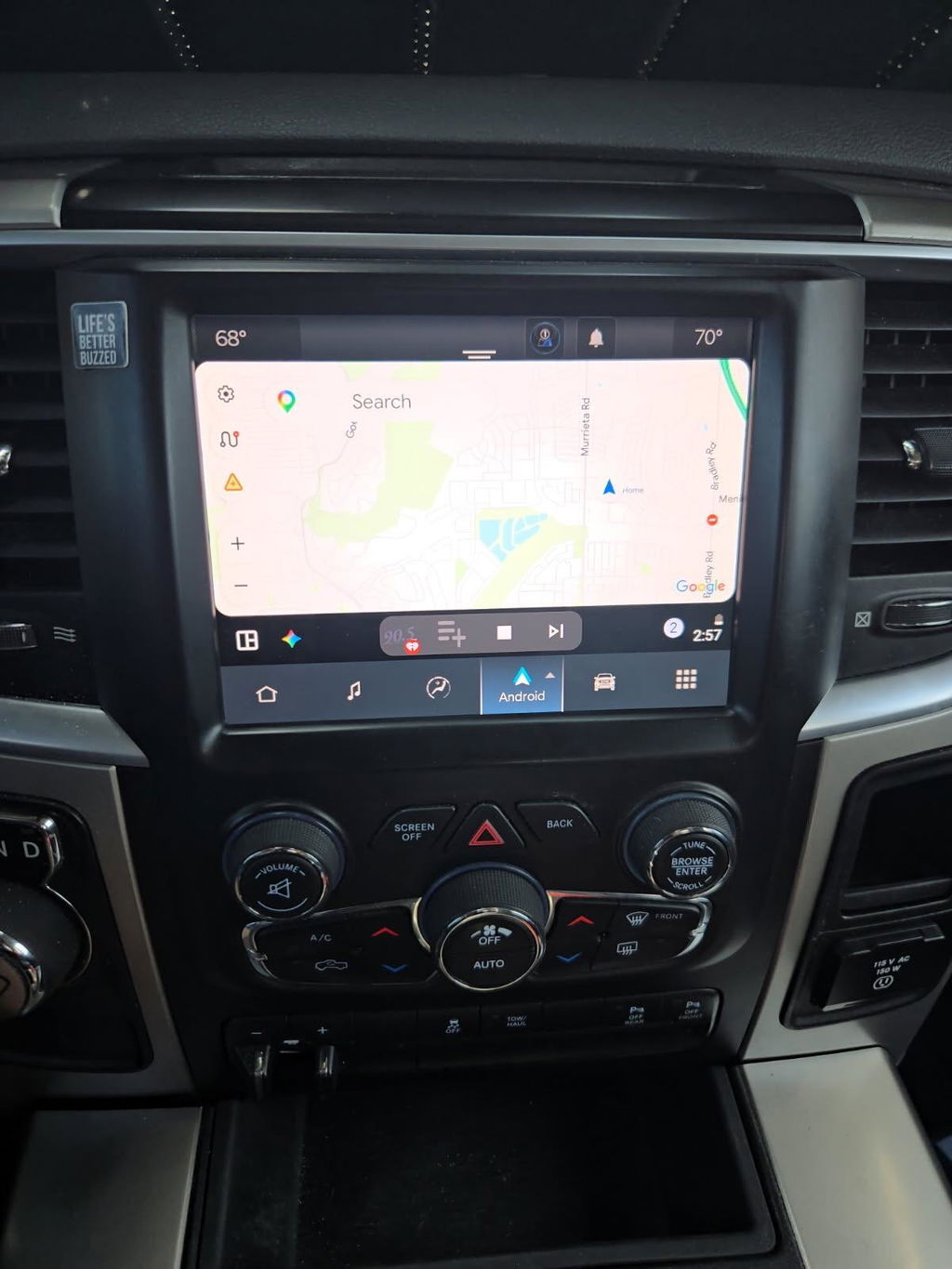
How to Add Factory Navigation the Right Way
Share
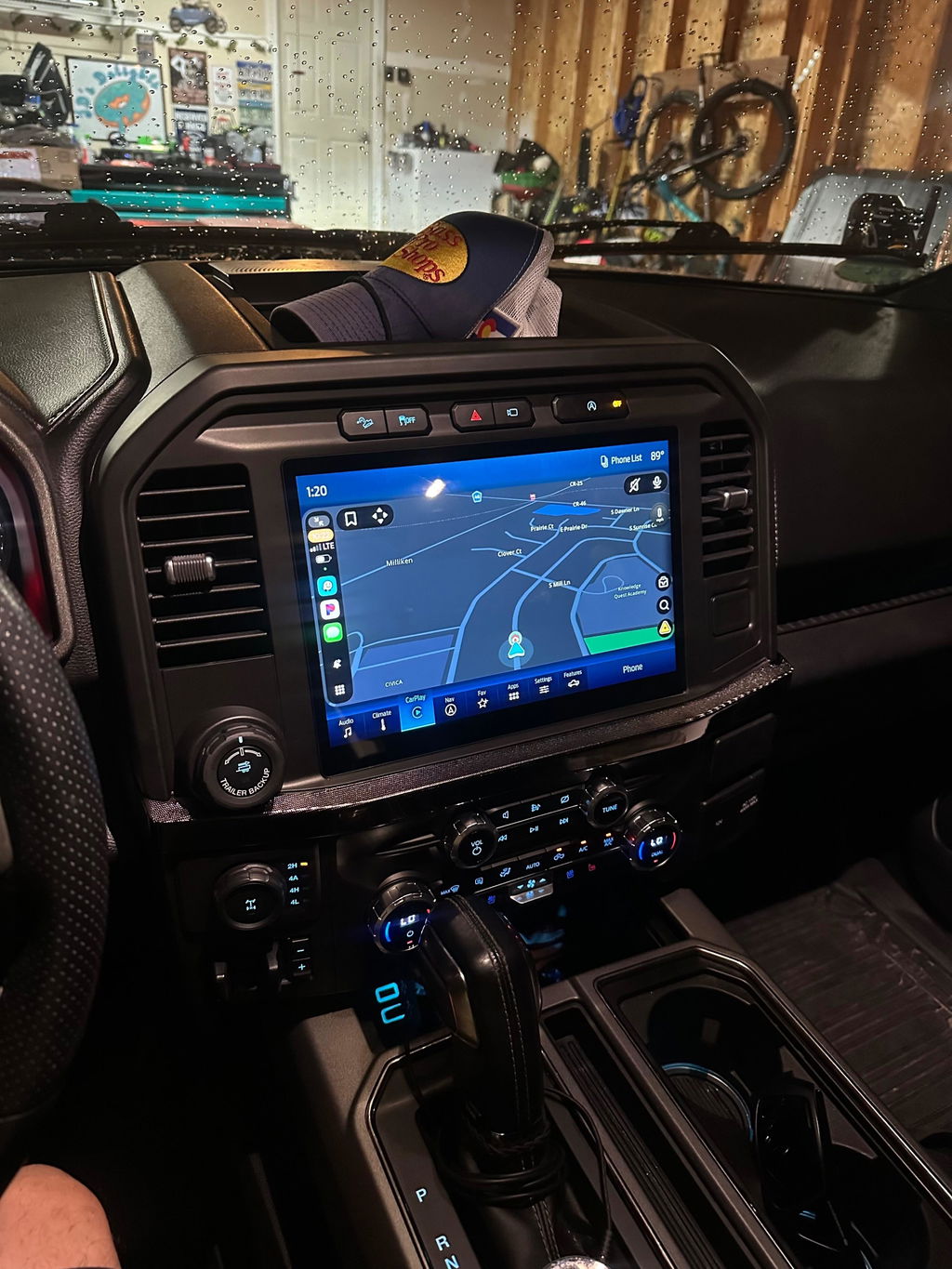
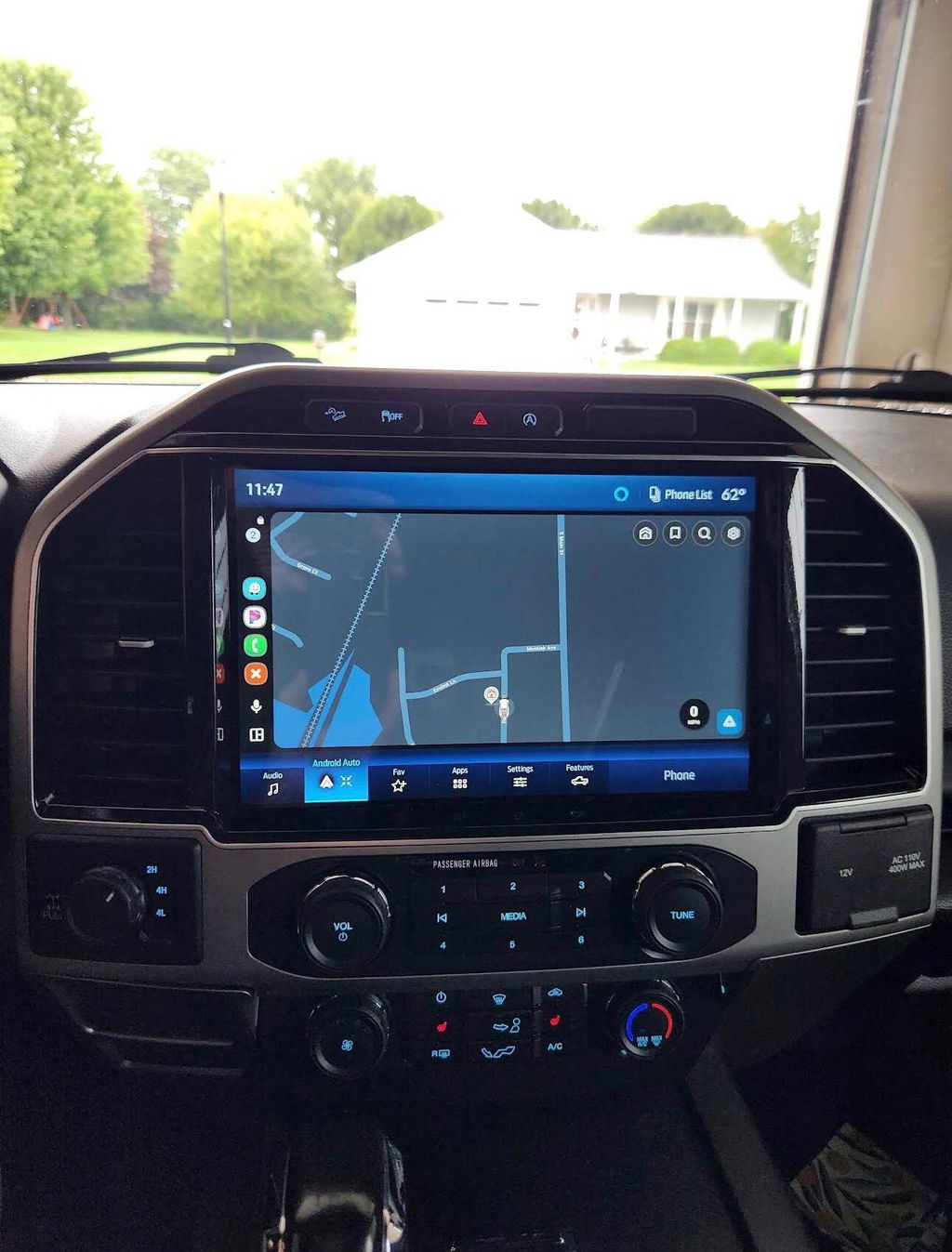
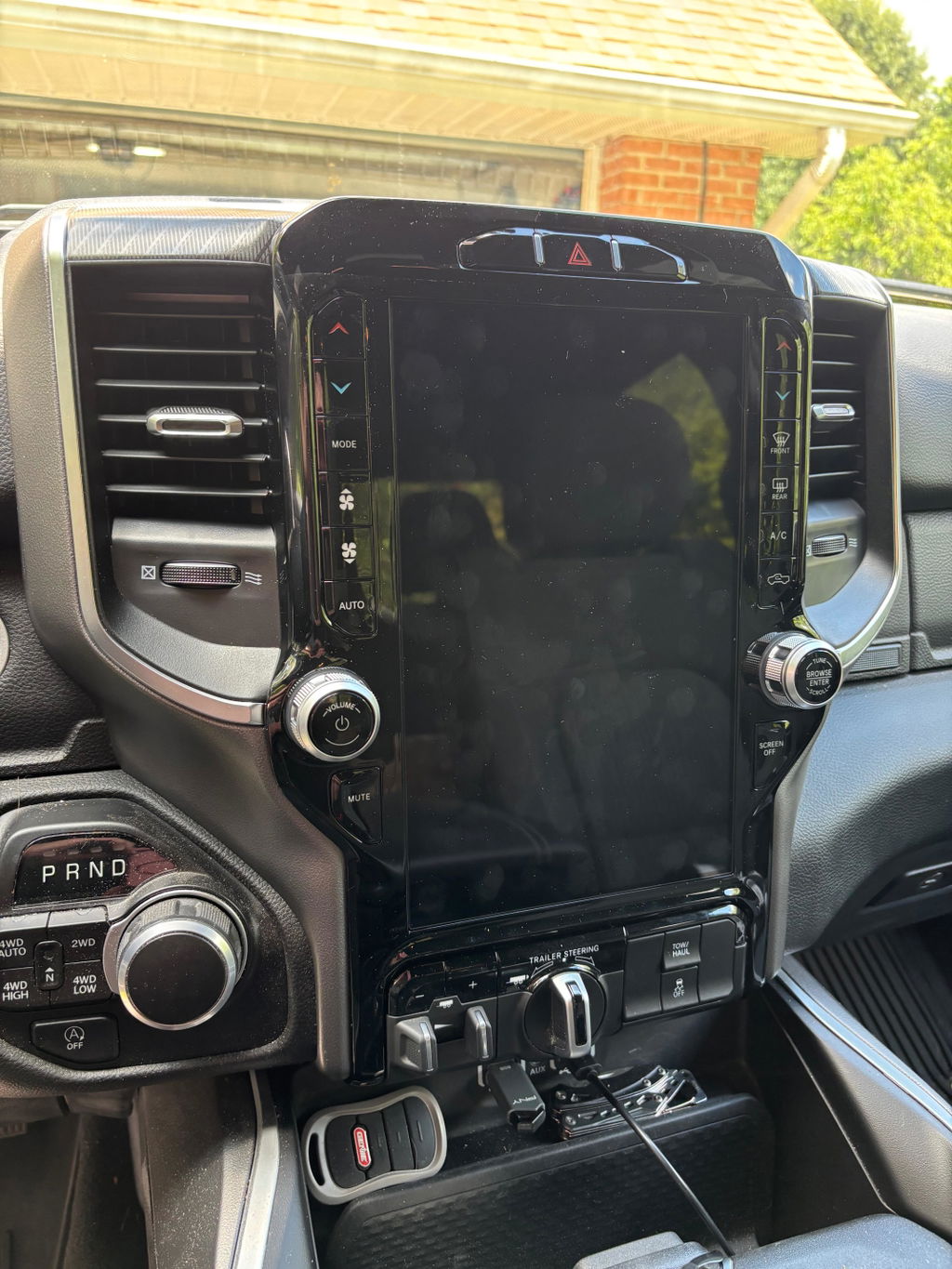
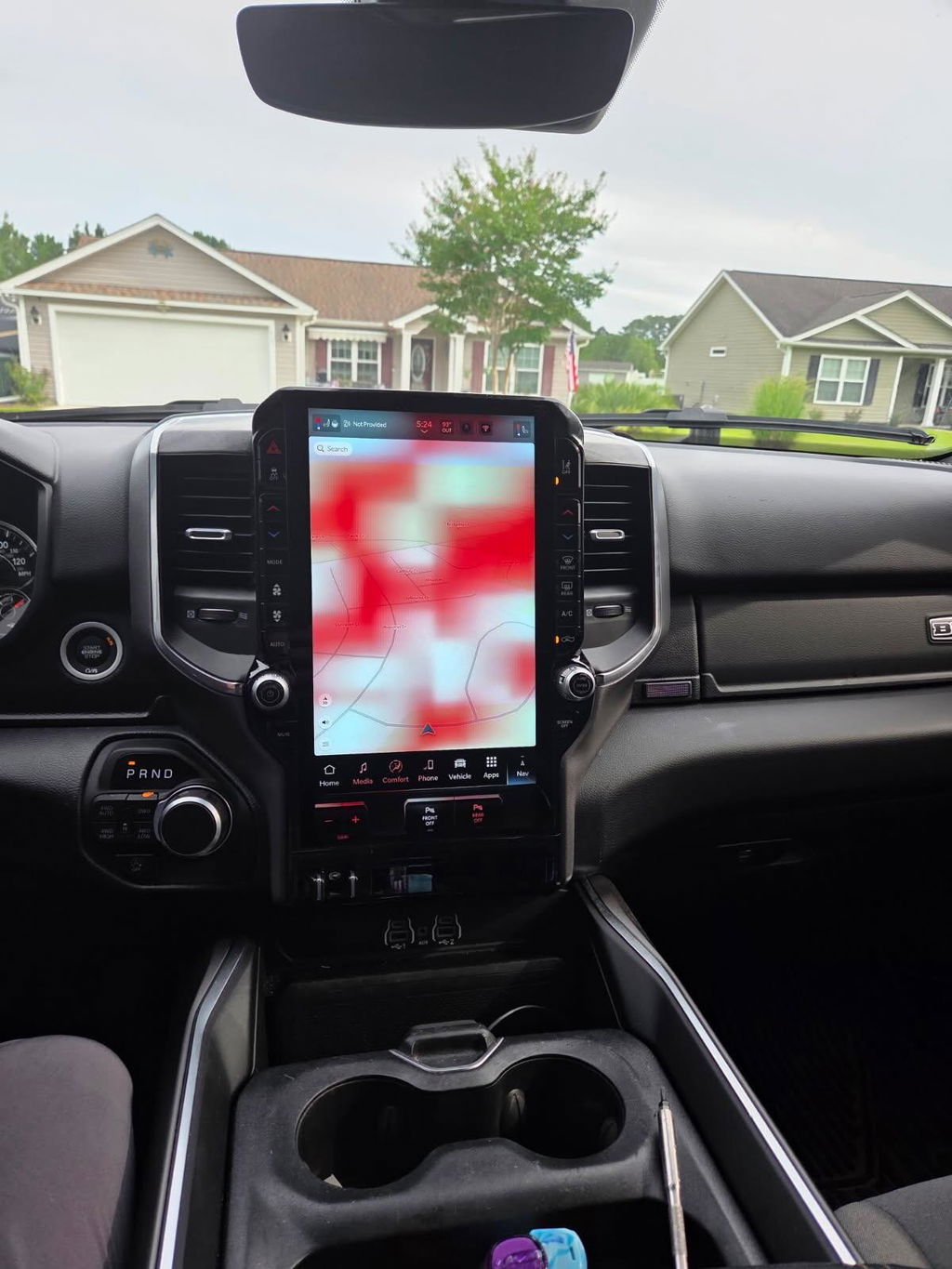
If your truck came with a smaller screen, basic radio, or no built-in maps, figuring out how to add factory navigation usually comes down to one question: do you want it to work like the vehicle was built that way, or do you just want a screen that kind of fits? For most Ram and Ford owners, that answer is easy. You want OEM-style function, clean integration, and no guessing on compatibility.
How to add factory navigation without creating new problems
The cleanest way to add navigation is to upgrade with factory-based components that match your truck’s platform, trim-level electronics, and screen configuration. That matters because modern infotainment systems are tied into much more than audio. Depending on the vehicle, the radio can interact with HVAC controls, backup camera functions, vehicle settings, steering wheel controls, microphones, USB hubs, and even performance pages.
That is why universal aftermarket head units often create more work than expected. You may gain a navigation app, but lose factory menus, deal with harness adapters, or end up with a dash kit that never looks right. If the goal is factory navigation, the better route is usually a model-specific OEM upgrade kit with the right screen, module, harnessing, and programming support.
What factory navigation actually means
A lot of buyers use the phrase loosely, but there are two very different upgrade paths.
The first is true factory navigation. That means using OEM components from the same vehicle family, paired with the correct software configuration so the truck recognizes the hardware and the interface behaves like a factory-equipped setup. This is the closest match to what you would have gotten from the dealership if the vehicle had been ordered with the premium radio package.
The second is an aftermarket replacement that adds navigation as a feature. That can work for some builds, but it is not the same thing. You may get mapping, Bluetooth, and phone mirroring, but you are relying on third-party hardware, extra adapters, and a different user experience. Some owners are fine with that trade-off. Others are not, especially if they want to preserve factory integration and resale appeal.
Start with fitment, not features
If you are researching how to add factory navigation, do not begin with screen size or map graphics. Begin with exact vehicle fitment. Year range, trim level, current radio type, and whether the truck already has a factory touchscreen all affect what is possible.
On Ram platforms, for example, the path from a base radio to a larger Uconnect screen is not always the same as moving from one factory touchscreen to another. The same goes for Ford trucks, where infotainment generations, screen sizes, and APIM configurations can change by model year. A setup that works on one F-150 may not be correct for a Super Duty from the same general era.
This is also where buyers get tripped up by used marketplace parts. A screen pulled from another truck may physically fit the dash, but that does not mean it will communicate correctly with the vehicle. Missing modules, lockouts, incorrect programming, or partial functionality are common when the upgrade is pieced together one part at a time.
The parts you usually need
In most factory-style navigation upgrades, the screen is only one piece of the system. Depending on the platform, you may need the display, the radio or interface module, vehicle-specific harnessing, a GPS antenna, a compatible media hub, trim components, and programming tied to your VIN or current option set.
That is the difference between buying a screen and buying a real solution. The screen gets the attention because it is visible. The supporting parts determine whether the upgrade works properly.
A good plug-and-play kit takes that complexity off your plate. It is built around your specific truck so you are not trying to sort out connectors, pinouts, or software versions on your own. That approach usually costs more than gambling on random parts, but it saves time and reduces the chance of ending up with a half-working system.
How to add factory navigation on Ram and Ford trucks
The process is similar on most late-model trucks, even though the hardware differs by platform. First, confirm what infotainment system the vehicle has now. A base radio, mid-level touchscreen, or premium system all create different starting points.
Next, choose a kit designed for the exact year and model. This is where OEM-based, plug-and-play packages make the most sense. They are built around known compatibility, and they typically include the pieces needed to retain factory functions instead of forcing workarounds.
Then comes installation. On many trucks, this means removing dash trim, swapping the screen or module, connecting the new harnesses, installing any supporting components, and loading the proper programming. Some upgrades are straightforward for a capable DIY owner. Others are better handled by an installer, especially if the truck has multiple integrated features tied into the radio.
The final step is verification. Before buttoning the dash back up, check navigation, audio, climate controls, steering wheel buttons, backup camera, Bluetooth, USB functions, and any vehicle settings pages. If one of those systems is not communicating correctly, it is usually easier to address before everything is reassembled.
Programming is the part most people underestimate
Physical installation gets most of the attention, but software configuration is often what makes or breaks a factory navigation upgrade. Modern OEM radios are not simple plug swaps. They are networked components that need to identify properly on the vehicle.
That can include VIN initialization, feature activation, module pairing, or calibration changes so the truck knows what equipment is now installed. Without that step, you may have a nice screen in the dash with missing menus, disabled navigation, or functions that do not respond the way they should.
This is one reason factory-based kits from specialists are different from junkyard builds. The right hardware matters, but correct programming is what makes the upgrade feel factory.
When factory navigation is worth it - and when it may not be
There are good reasons to add factory navigation, but there are also cases where another upgrade path makes more sense.
If you want a larger screen, OEM appearance, retained factory controls, and better long-term reliability, factory-style navigation is usually the better choice. It is especially strong for truck owners who use their vehicles hard, keep them for years, or care about preserving an integrated interior. If wireless Apple CarPlay or Android Auto is part of the upgrade, you also get modern phone-based mapping alongside built-in navigation, which gives you flexibility.
On the other hand, if your only goal is seeing maps on a screen and you do not care about factory menus or OEM appearance, a simpler aftermarket unit may cost less upfront. The trade-off is that fit, finish, and integration are often not on the same level. Some owners accept that. Many truck buyers do not.
Avoid the common mistakes
The biggest mistake is buying by price instead of compatibility. Cheap used parts can turn into an expensive project once you add missing modules, replacement trim, programming, and your own time.
Another common issue is assuming all factory screens with the same size are interchangeable. They are not. Connector styles, software generations, and vehicle communication protocols can differ even when the display looks nearly identical.
It is also smart to think beyond navigation itself. If you are already opening the dash, that may be the right time to upgrade to a larger factory screen, a newer infotainment generation, or a setup that supports wireless smartphone integration. Doing it once is usually better than doing it twice.
For buyers who want the shortest path to a clean result, DD Offroad’s approach is the one that makes the most sense - genuine OEM-based components, vehicle-specific fitment, and plug-and-play solutions built around actual platform compatibility.
What a good upgrade should feel like
After the install, you should not have to explain the radio to anyone. The screen should fit correctly, the menus should look native to the truck, and the features should respond the way a factory-equipped system would. That is the benchmark.
If the system feels patched together, requires extra adapters hanging behind the dash, or gives up functions you used before, it is not really a factory navigation upgrade. It is a compromise.
The right setup gives you more than maps. It updates the cabin, keeps the dash looking correct, and adds value every time you get behind the wheel. If you are going to spend the money, spend it on compatibility first. That is what turns a navigation upgrade into a factory-grade improvement you can actually live with.