Ford Module Review for F-150 and Super Duty
Share
A Ford module review should start with one question: what problem are you trying to fix or upgrade? On a late-model F-150, Super Duty, Maverick, or Expedition, a module can mean anything from an infotainment control unit to a remote-start interface, digital cluster component, camera-related control module, or a programmed OEM upgrade package. The right part can add factory-style functionality. The wrong one can leave you with warning lights, missing features, or a screen that powers up but does not communicate with the truck.
For truck owners, the best module is rarely the cheapest universal electronic box. It is the one built around your exact Ford platform, factory options, and intended feature set. That is why fitment and programming matter as much as the hardware itself.
Ford Module Review: What Actually Matters
Ford trucks use networked electronics. Modules do not operate in isolation - they communicate across the vehicle’s CAN bus and rely on configuration data tied to the truck’s VIN, trim level, screen size, audio system, camera setup, and available options. A component may physically fit in the dash and still be the wrong choice for the vehicle.
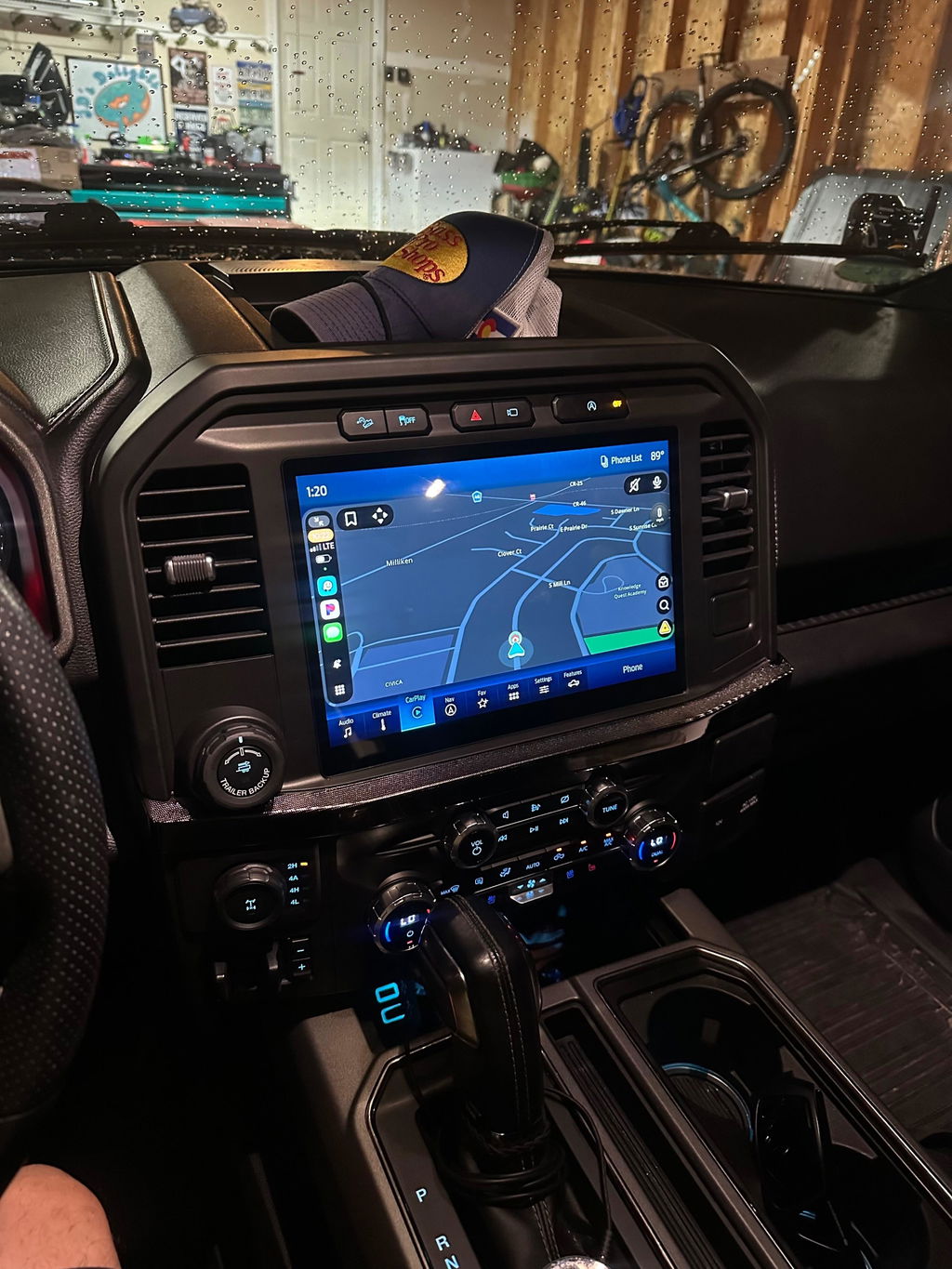
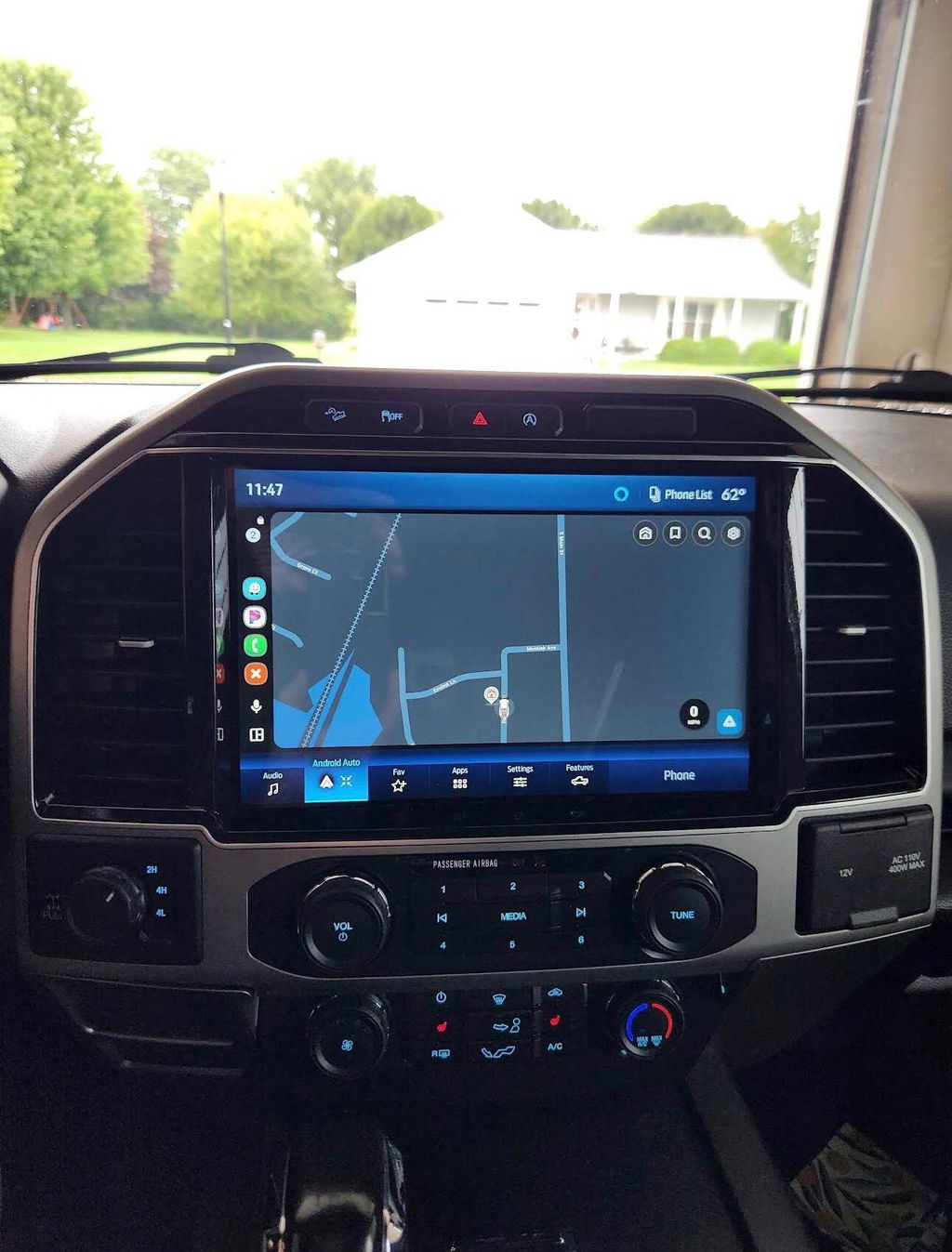
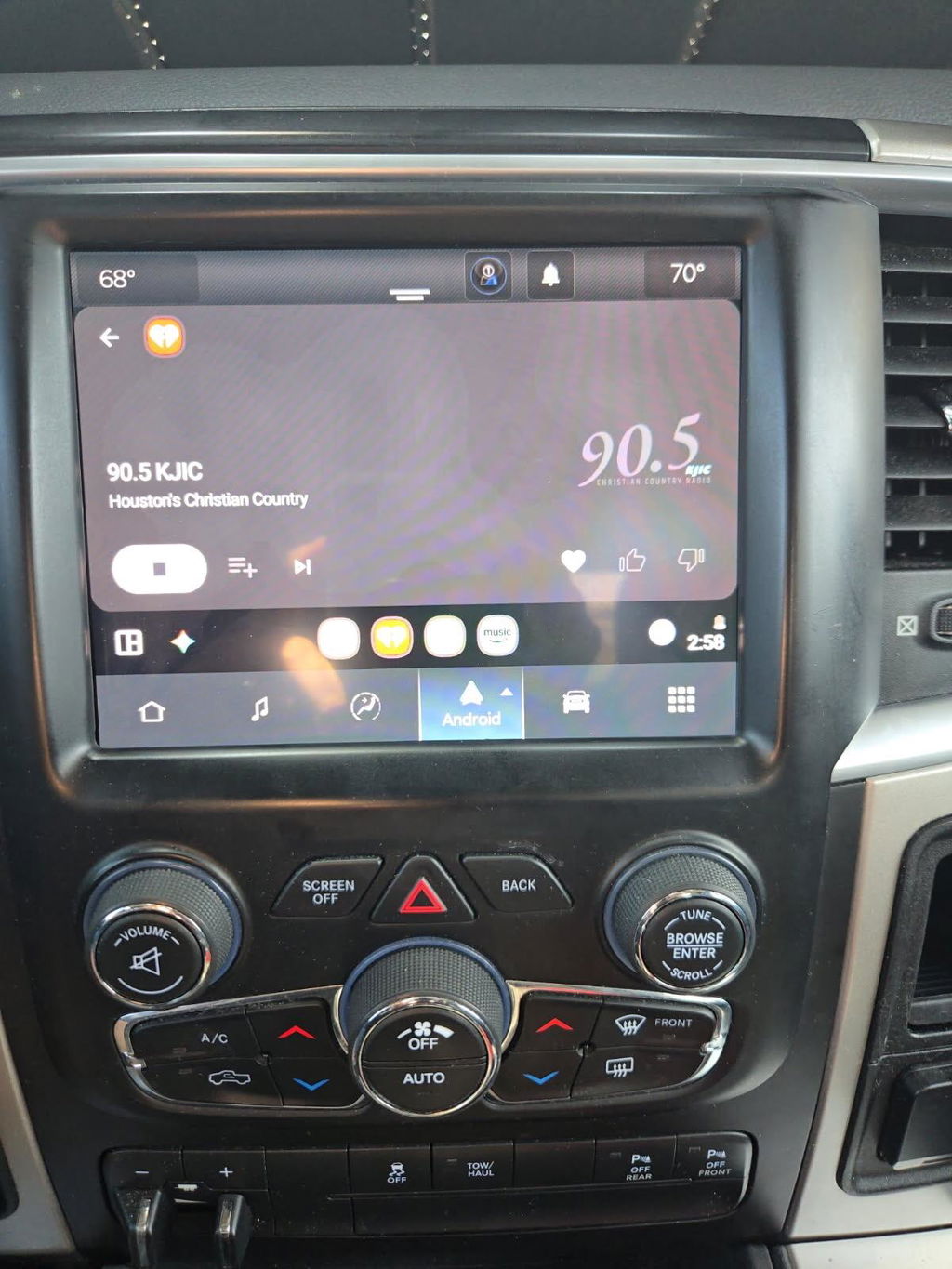
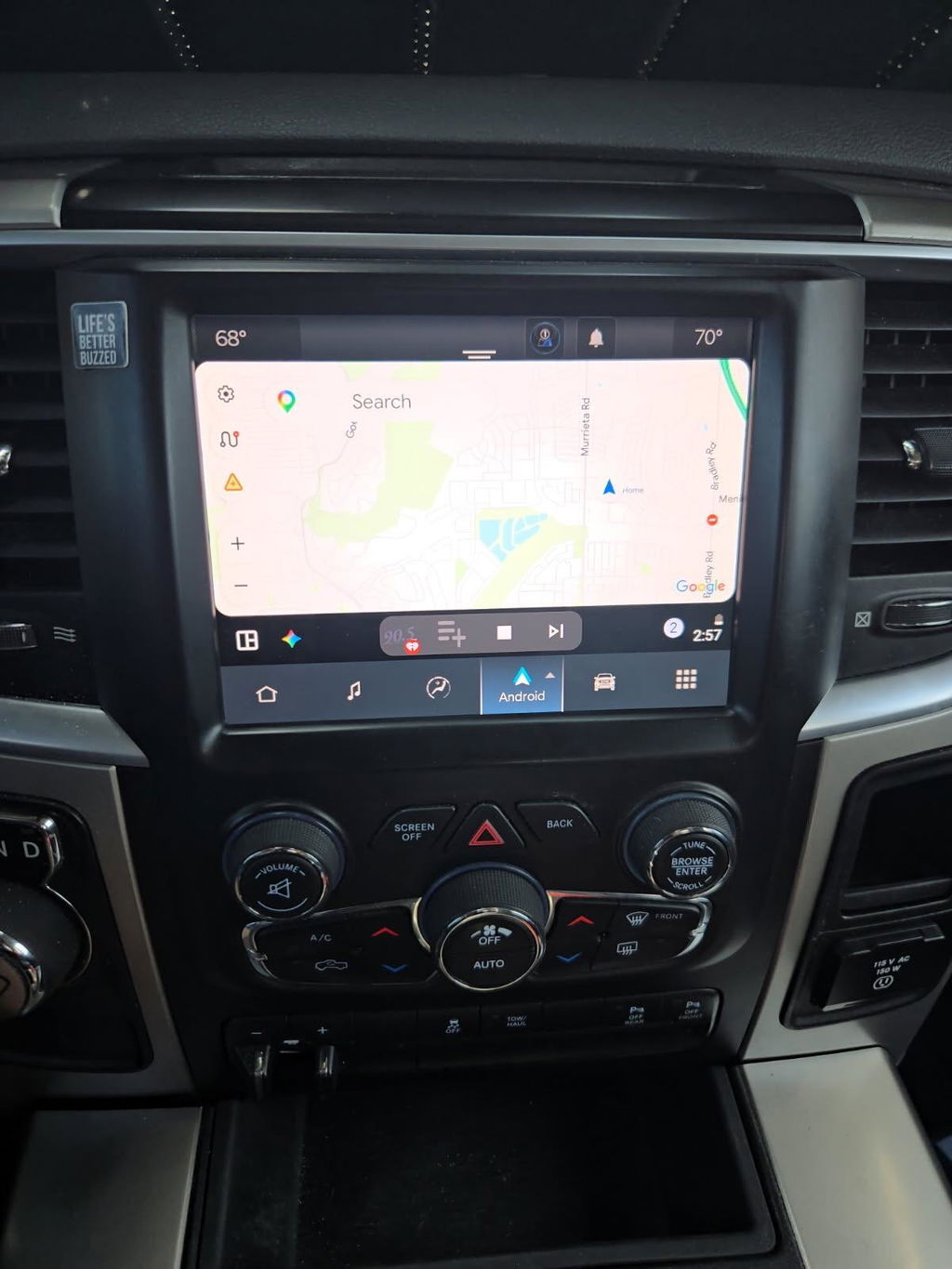
This is especially relevant when upgrading older infotainment systems. An OEM-style touchscreen conversion may involve more than the display. Depending on the model year and existing equipment, the kit can require a compatible APIM, screen, USB hub, bezel, wiring, antenna components, and correct programming. Skipping one piece to save money often turns a plug-and-play project into a troubleshooting project.
A useful Ford module review does not simply ask whether a part turns on. It should answer whether the module preserves factory functions. Steering-wheel controls, backup camera operation, parking sensors, factory microphones, climate-control display, satellite radio, USB charging, and audio controls all need to be considered. If the upgrade adds wireless Apple CarPlay or Android Auto but removes useful factory integration, it is not a clean upgrade.
OEM-Based Modules vs. Universal Aftermarket Electronics
Universal aftermarket electronics can look appealing because they promise a long feature list at a low price. The trade-off is integration. Many universal screens and interface modules require splicing, custom harness work, external microphones, added control boxes, or workarounds for factory camera and audio systems. They can be a reasonable option for a custom build, but they are not always the best fit for an owner who wants the truck to retain an OEM appearance and predictable operation.
OEM-based Ford upgrade modules are typically the better route when factory fit, factory-style operation, and clean installation are priorities. Genuine OEM components are designed for Ford electrical architecture, dash dimensions, and native vehicle functions. That does not mean every OEM component is automatically compatible with every truck. Ford frequently changes connectors, software versions, screen configurations, and option packages within the same generation.
The practical advantage of a vehicle-specific kit is that the compatibility work is handled before the parts arrive. Instead of sourcing a module from one seller, a screen from another, and an unknown harness from a third, you receive components selected around the vehicle application. DD Offroad focuses on that approach because it reduces the most common failure point in modern vehicle upgrades: mixing parts that were never intended to work together.
Fitment Is More Than Model Year
“Fits 2015-2020 F-150” is not enough information for a serious purchase decision. Model year is the starting point, not the final answer. Before ordering a Ford module, verify the trim, current screen size, factory infotainment version, audio package, camera equipment, and whether the truck already has features such as navigation or remote start.
A base-model F-150 with a small display may need a different conversion path than a Lariat with an existing larger touchscreen. A Super Duty with a factory camera package may have different needs than a work truck with no camera system. The same principle applies to Maverick and Expedition owners. The more factory options involved, the more important it is to match the exact module and configuration.
There are four fitment details worth confirming before you buy:
- Your exact model year, model, and trim level
- The factory screen size and infotainment system currently installed
- Features that must continue working, including cameras, steering-wheel controls, and premium audio
- Whether the module or kit requires VIN-based programming or configuration
Programming Is Part of the Product
Programming is where many Ford module installs succeed or fail. Modern modules often need to be configured to recognize the vehicle and its equipment. In some cases, that means loading correct vehicle data into an OEM module. In others, it means enabling features, correcting screen settings, or ensuring the truck does not report a configuration mismatch.
A pre-programmed solution can save significant time because it removes the need to find a dealer, buy specialty diagnostic equipment, or guess at software settings. It also reduces the chance of ending up with a module that works partially but produces fault codes or loses vehicle functions.
That said, programming does not eliminate basic installation requirements. Battery voltage matters. Connectors must be fully seated. Any vehicle-specific instructions need to be followed in order. If a kit includes a programmer, use it exactly as directed and avoid disconnecting power midway through the process. A rushed install can create problems that look like module failure but are really connection or configuration issues.
For remote-start upgrades, programming is equally important. A proper OEM-style remote-start kit should communicate with factory security systems and use the correct vehicle logic. The goal is not merely to start the engine from a distance. The goal is reliable operation without bypassing factory safeguards or creating unpredictable behavior with the key fob, alarm, or climate settings.
Features Worth Paying For
The best Ford module upgrade is one you will use every time you drive. For many owners, that means replacing an outdated infotainment setup with a larger OEM-style screen and modern smartphone integration. Wireless Apple CarPlay and Android Auto can make an older truck feel substantially newer without changing the truck’s factory character.
For work trucks and tow rigs, screen clarity, camera retention, stable Bluetooth operation, and simple access to navigation matter more than flashy add-ons. For off-road and weekend-use trucks, camera support, phone integration, and a clean dash installation tend to be the priorities. Super Duty owners may also place extra value on retaining every factory function because the truck often serves as both a daily driver and a towing platform.
Digital cluster upgrades can be worthwhile when they provide a factory-grade display and are matched correctly to the vehicle. But this category demands extra caution. The instrument cluster is tied to critical vehicle information, and odometer or anti-theft considerations may apply. Buy a properly matched, correctly programmed solution rather than treating the cluster as a cosmetic accessory.
When a Module Upgrade May Not Be the Right Move
Not every issue points to a failed or outdated module. A blank screen, intermittent camera, charging problem, or Bluetooth fault can come from wiring, a weak battery, damaged connectors, software glitches, or another component in the system. Replacing a module without diagnosis can waste money and leave the original problem unresolved.
If your factory system only needs a software update, a replacement module may be unnecessary. If the truck has water damage, collision damage, or ongoing electrical faults, repair those conditions first. Adding an upgrade to an unstable electrical system is a poor investment.
The same applies to owners who want every possible feature but do not need OEM appearance or factory integration. A custom audio or off-road build may benefit from a different aftermarket solution. There is no single answer for every Ford truck. The right choice depends on whether your priority is factory-style operation, maximum customization, budget, or a specific capability.
The Bottom Line for Ford Truck Owners
A quality Ford module should fit the vehicle, retain the functions you already use, and add features without creating a wiring or programming headache. That is the standard to use whether you are considering an infotainment conversion, remote-start kit, digital cluster, or other electronic upgrade.
Before you order, identify what is currently in the truck, decide which factory features must remain, and choose a vehicle-specific OEM-based solution with clear programming requirements. A properly matched module does more than add a feature - it keeps your Ford feeling like a better-equipped version of the truck you already trust.